

Description
A keyword research report shows you which words your customers type into Google and which page on your site should answer each one. For $79 we research up to 30 keywords for one website, group them by search intent, match each one to an existing or new page and mark the easy quick wins.
Guessing keywords is one of the most common reasons good websites get little traffic. A keyword research report replaces guesses with a short, checked list, so every page you write or improve has a clear target.
On this page
What the keyword research report includes
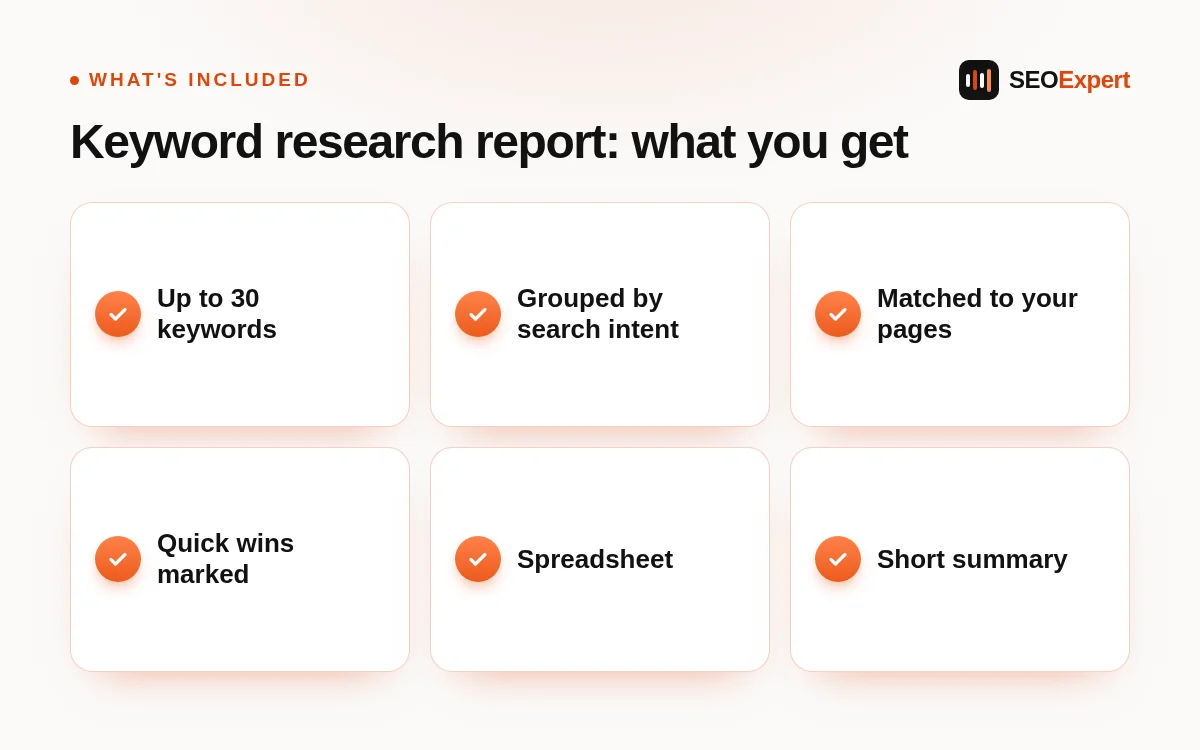
- Up to 30 keywords for one website. Focused on your services, products and the places you work.
- Grouped by search intent. People who want to buy, people comparing options and people looking for information need different pages.
- Matched to existing or new pages. Each keyword is assigned to one page, so your pages don’t compete with each other.
- Easy quick wins marked. Keywords where a small change to an existing page could help soon.
- Spreadsheet plus short summary. The data in a sheet, and a written summary of what to do first.
Who this keyword research report is for
It suits business owners who are planning new pages, rewriting old ones or starting a blog, and anyone who has never checked which searches their site should target. It is also useful before you hire a writer, because a writer with a clear keyword brief produces better pages.
How it works
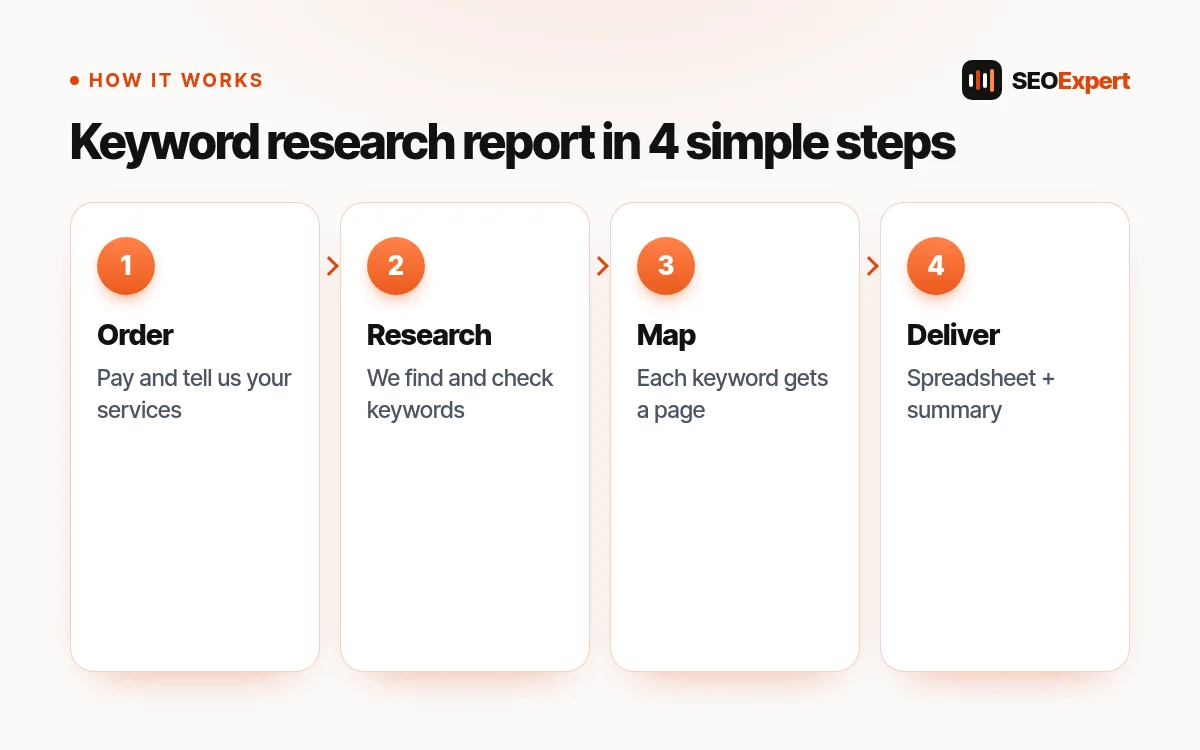
- Order and pay. Add the report to your cart and pay by Remitly at checkout.
- Tell us about the business. After we confirm payment, we email you a few short questions: your main services, your area and your best customers.
- We research. We collect keyword ideas from search data, Google suggestions and the pages that already rank, then remove the ones that don’t fit.
- We map. Each keyword is matched to the page that should rank for it, or marked as a new page to create.
- You receive the keyword research report as a spreadsheet with a short summary.
What you receive
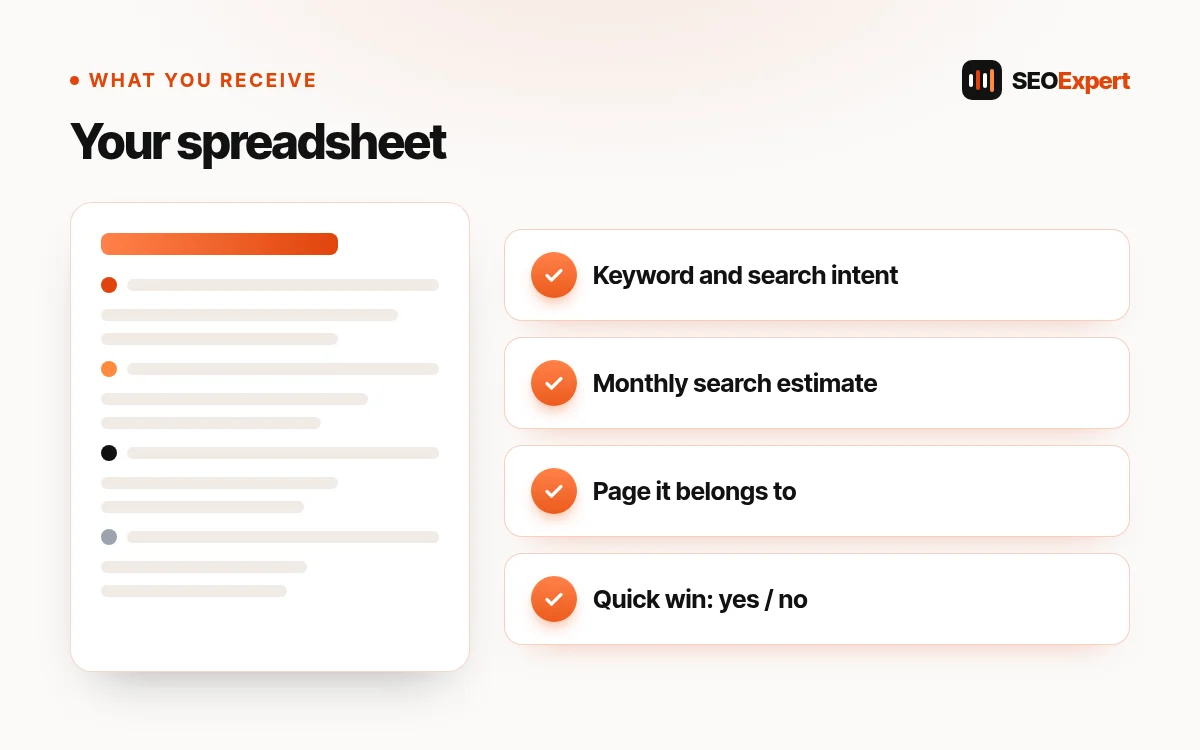
The spreadsheet lists each keyword with its search intent, an estimate of monthly searches, the page it belongs to and whether it is a quick win. The summary explains the plan in a few paragraphs: which pages to improve first, which new pages to create and which keywords to leave for later.
How we choose keywords
Search intent comes first
A keyword with lots of searches is useless if the people searching it would never buy from you. We check what Google already shows for each keyword and keep the ones whose intent matches your business.
Realistic over popular
New and small websites rarely win the biggest keywords quickly. Our keyword research report favors specific phrases you can realistically compete for, such as a service plus a city, or a clear question your customers ask.
One keyword, one page
When two pages target the same search, both usually rank lower. Mapping every keyword to a single page avoids that problem from the start.
What the report does not include
The keyword research report is research and planning; it does not include writing or editing pages. When you are ready to write, our SEO Page Writing service turns each mapped keyword into a page. Search numbers are estimates from keyword tools, not exact counts, and no keyword list can promise a ranking. Google’s advice on helpful, people-first content explains why the page itself still matters most.
Signs you need a keyword research report
- Your pages get visits, but from searches that don’t lead to sales.
- You write blog posts without knowing which searches they target.
- Two or more of your pages seem to target the same topic.
- You are adding a new service or a new city and don’t know what people call it.
Each of these is a keyword problem, and a keyword research report solves it with a clear list and a page for every search.
How to use your keyword research report
Start with the quick wins: they are keywords where you already have a page that only needs a better title, a clearer heading or a missing section. Next, improve the pages mapped to your most valuable buying keywords. Then plan the new pages, one at a time, in the order the summary suggests. Keep the keyword research report next to you whenever you or a writer edit a page, and check the target keyword before you change anything.
Most businesses get several months of work out of one keyword research report. When your services or areas change, update it, or order a new one.
What makes a good keyword
A good keyword has three things: people really search it, it matches what you sell, and you have a realistic chance to rank for it. Our keyword research report checks all three for every keyword, instead of only looking at search volume.
Is the keyword research report a one-time purchase?
Yes. You pay once and keep the spreadsheet; there is no subscription.
Will you explain the keyword research report?
Yes. If anything in the keyword research report is unclear, send us your question and we explain it.
Example: rows from a keyword research report
This is an illustrative example for a plumber in Austin, not real client data. The search numbers are made up for the example:
- “emergency plumber austin” · intent: buy · estimate: medium · page: Emergency Plumbing (existing) · quick win: yes, add “Austin” to the title and first heading.
- “water heater replacement cost” · intent: compare · estimate: medium · page: new guide · quick win: no.
- “why is my water heater leaking” · intent: learn · estimate: low · page: new blog post · quick win: no.
Each row in a real keyword research report has the same parts, so you can sort the sheet by intent, by page or by quick wins.
Common keyword research mistakes
Chasing the biggest keywords
“Plumber” or “lawyer” on their own are searched a lot, but they are very competitive and often too vague. Specific phrases usually bring better customers sooner.
Ignoring what Google already shows
If Google shows only shops for a keyword, a service page will struggle to rank there, and the other way round. We check the current results for every keyword in the keyword research report.
Using industry words customers don’t use
Businesses often describe their work with trade terms, while customers search in everyday language. The report uses the words your customers actually type.
One page for everything
Putting every keyword on the homepage dilutes it. Mapping keywords to separate pages lets each page focus on one job.
Never updating the list
Searches change with seasons, new services and new competitors. Review your keyword research report at least once a year.
Keyword research report or full keyword project?
The keyword research report covers up to 30 keywords for one website, which is enough for most small businesses to plan their main pages. Larger sites, online shops with many categories and businesses in many cities need a bigger keyword project; our keyword research services cover that. If you are not sure which one fits, ask us before you order.
Price and payment
The price is fixed and paid once, in US dollars. There is no contract and nothing renews. You pay at checkout by Remitly (bank deposit or Orange Money); the checkout shows each step and asks for your Remitly reference and a screenshot. We start as soon as we confirm your payment, and we email you to confirm the scope and the delivery date. If something is unclear before you buy, send us a message first. Refunds follow our refund policy.
Keyword research report FAQ
Can I get more than 30 keywords?
Yes. Larger sites or several locations need a bigger project; send us a message and we quote it first. Our keyword research services page explains the full service.
Which country do you research?
The country or city you sell in: the USA, the UK, Canada or Australia, or a mix.
Do I need special software to open the report?
No. The spreadsheet opens in Google Sheets, Excel or Numbers.
Can I do keyword research myself?
Yes, with free tools and some time. The keyword research report saves you that time and gives you a checked list, with every keyword already matched to a page.
See every fixed-price job on our SEO price list.


Reviews
There are no reviews yet.