

Our technical SEO services fix the behind-the-scenes problems that stop Google from finding, crawling, indexing and loading your pages. They're built for small businesses, local service companies and WordPress websites in the USA, UK, Canada and Australia. You get a plain-English explanation of what's wrong, fixes in priority order and a clear note on which jobs need a developer.
SEO Expert Marketing is a recently founded agency. We work remotely, and WordPress is our main platform. Want to know what's broken on your site first? Get a free website review.
How Google reaches your pages
Great content can't help if Google can't reach it. Each page must be discovered, crawled, rendered and indexed before it can appear in search; one stray noindex tag can keep it out. Google's crawling and indexing documentation covers each control, from sitemaps and robots.txt to canonical URLs, redirects and JavaScript.

The 10 areas our technical SEO services cover
A small business site usually needs work in some or all of these areas.
1. Crawling and indexing controls
We check robots.txt, XML sitemaps, noindex and canonical tags: the settings that tell Google what to crawl, what to index and which version of a page you prefer. Google's robots.txt guide says robots.txt isn't a way to keep a page out of Google; it recommends noindex or password protection instead.
2. Search Console page indexing
Search Console's Page indexing report shows which pages Google has indexed and why others aren't. Some unindexed pages are normal; what matters is that every important page is indexed. We explain confusing statuses such as “Crawled - currently not indexed” and which ones need action.
3. Site speed and Core Web Vitals
Core Web Vitals measure how real visitors experience loading, responsiveness and visual stability. Google's Core Web Vitals guide suggests main content loading within 2.5 seconds (LCP), responses to taps or clicks in under 200 milliseconds (INP) and very little layout shift (CLS). Common culprits: oversized images, heavy page builders, too many plugins and slow hosting.
4. Mobile usability
Google uses the mobile version of your content for indexing and ranking. We check that text is readable, buttons are easy to tap and mobile pages carry the same content as desktop.
5. HTTPS and redirects
Your site should load at one address. If the http, https, www and non-www versions all load separately, Google can treat them as duplicate copies of each page and has to choose which one to show. We permanently redirect the extras to one version, remove redirect chains and fix insecure images or scripts.
6. Structured data
Structured data (schema markup) labels facts such as your business name, address and opening hours so search engines read them reliably. We check what your theme and plugins output, remove duplicates and fix errors. It can make pages eligible for rich results; Google decides whether to show them.
7. Internal links and orphan pages
An orphan page has no links from the rest of your site, so Google may only find it through your sitemap. Pages that matter should be linked from menus, related pages and posts.
8. Broken links
Deleted pages and changed permalinks leave links to “page not found” errors. We update internal links and redirect old URLs that still get visits or links to the closest match. A 404 for a page that's truly gone is fine.
9. JavaScript rendering basics
Google can run JavaScript, but may render a page some time after crawling it, and generally follows only standard HTML links. We check that key text appears in the rendered page and menus use normal links; sites built mostly in JavaScript frameworks usually need a developer.
10. WordPress technical SEO issues
WordPress is our focus, and it has its own habits:
- “Discourage search engines from indexing this site” left checked after launch.
- Two SEO plugins printing duplicate titles, canonicals and schema.
- An SEO plugin left on default settings: it only does what it's configured to do.
- Near-empty tag, author, date and image-attachment pages showing up in Google.
- A staging copy left open to search engines.
- Spam pages added through a hacked plugin (Search Console's Security issues report can flag these).
What we can fix, and what needs a developer
As a rule of thumb:
| Usually fixable in WordPress settings or plugins | Usually needs a developer or your host |
|---|---|
| Indexing settings, noindex rules and sitemaps | Slow server response and hosting upgrades |
| robots.txt edits and simple redirects | Custom theme or template code |
| Image compression, caching and plugin cleanup | JavaScript rendering in custom builds |
| Broken internal links and orphan pages | Server-level rules and complex migrations |
Our technical SEO services include website repairs on every plan, starting with SEO Starter. Where a fix needs a developer, we describe it clearly enough for yours to act on. Have a developer and only want direction? See our SEO consulting. Not on WordPress? Mention your platform when you request your free review.
Technical SEO services for a redesign or site move
A new website or domain can break the old page addresses Google already knows. Before launch, map each old URL to its new address with a permanent (301) redirect and check the new site isn't blocking search engines.
Who technical SEO services suit, and who they don't
They're a good fit if:
- Important pages are missing from Google, or Search Console shows errors you don't understand.
- After an HTTPS or domain move, old URLs return errors or bounce through redirect chains.
- Your pages are slow to load on phones.
They're probably not what you need if your site is new, small and working fine: local SEO or better content will usually do more. Running an online store? Product filters and out-of-stock pages bring their own issues; see ecommerce SEO. And be wary of anyone who promises rankings from technical fixes alone.
Not sure? Try these four quick checks:
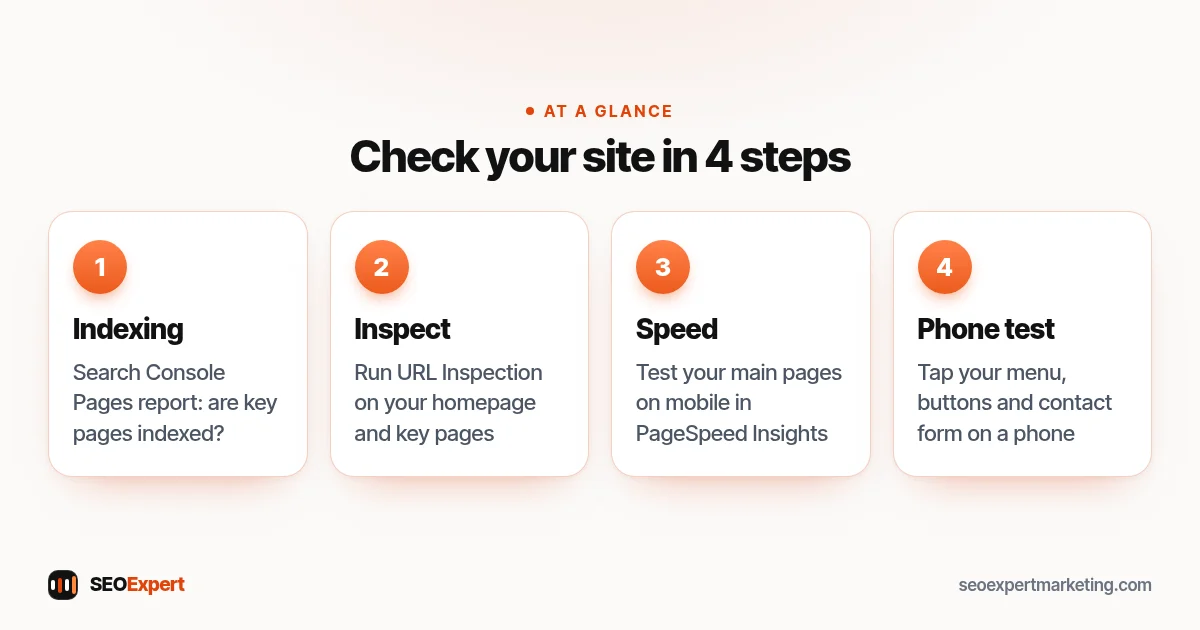
Spotted a problem? Send us your site for a free review. Our SEO audit services page explains the initial audit included in every plan.
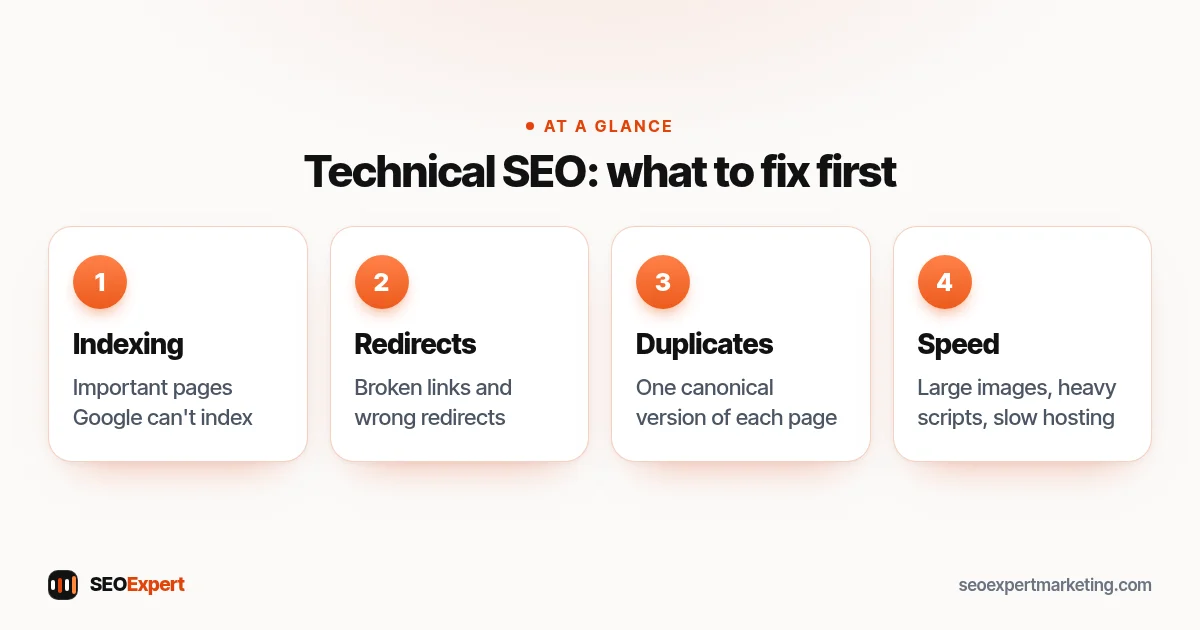
Which plan covers technical SEO fixes
Repairs start on SEO Starter ($395/month), the usual fit for a small WordPress site. It covers website repairs, the initial SEO audit, Search Console and GA4 integration, and on-demand updates.
Internal-linking and orphan-page work comes with SEO Growth ($795/month). SEO Authority ($1,495/month) is usually more than technical fixes alone need. All prices are in USD; see every SEO services plan.
Before work starts, your proposal lists which fixes we make, which go to your developer, and the USD price.
How long technical SEO services take to show results
Some fixes are quick, such as unchecking a WordPress setting, but results take longer because Google has to recrawl and reprocess your pages. You can ask Google to recrawl a fixed page with Search Console's URL Inspection tool, but Google's recrawl guide notes a quota on these requests, and asking again for the same URL won't get it crawled any faster. For many URLs at once, Google suggests submitting a sitemap.
Speed work takes longer to confirm. Search Console's Core Web Vitals report uses real visitor data from the last 28 days, and sites without enough of that data show none, so lab tests such as PageSpeed Insights fill the gap.
Every fix follows Google's rules; see our guide to white hat SEO.
Not sure what's broken? Ask for a free website review
Include any Search Console errors or recent changes (redesign, new theme, HTTPS or domain move) in your free website review request. Our email reply covers the biggest problems we see and the first fix we'd make. There's no obligation. Prefer to ask something first? Get in touch.