

Our WordPress SEO services are for small businesses whose website runs on WordPress and who want the right people to find it on Google. We work where WordPress problems usually start: the SEO plugin, theme and page builder, permalinks, categories and tags and, if you sell online, WooCommerce.
Need a new site first? See our small business web design service, built on WordPress or Shopify with SEO from day one.
WordPress is the platform SEO Expert Marketing focuses on. We're a new agency working remotely with small businesses in the USA, UK, Canada and Australia, and this site runs on WordPress too, set up with the Rank Math SEO plugin. To see what we'd look at first, ask for a free website analysis.
Why WordPress SEO is a job of its own
WordPress gives you editable titles, readable URLs and, since version 5.5, a built-in XML sitemap. But a real site adds a theme, often a page builder, and a stack of plugins, each with settings that change what Google sees. Most problems come from how those parts fit together, such as a setting switched during a redesign and never switched back.
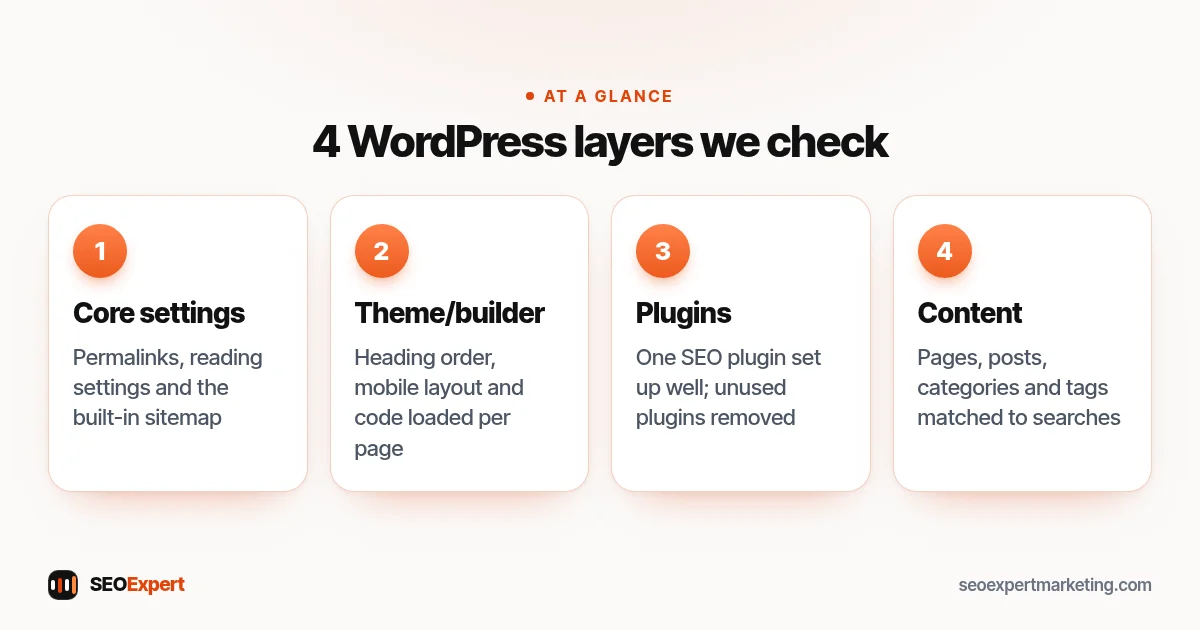
What our WordPress SEO services cover
These are the nine areas our WordPress SEO services look at. Your written proposal spells out which of these we handle and which go to your developer or host.
1. Your SEO plugin: Yoast, Rank Math or another
Most WordPress SEO settings live in an SEO plugin. Yoast SEO and Rank Math are two widely used examples, not recommendations. The plugin controls title and description templates, which page types Google may index, the sitemap and much of your schema markup.
We check that only one is active, that its templates produce sensible titles, and that the sitemap in Search Console is the live one, since a plugin may replace WordPress's built-in sitemap with its own (Yoast SEO does). Our WordPress SEO services also check that each key page ends up with one title, one meta description and a canonical tag that points to the right address. Two SEO plugins running at once, or a theme with its own SEO settings, can print these twice or send Google to the wrong page.
2. Themes and page builders
Your theme decides how headings are marked up, how pages look on a phone and how much code loads. WordPress's performance guide says your theme will have a huge impact on the performance of your site.
Page builders such as Elementor make design easy but are easy to misuse: a styled text box where an H2 belongs, or the logo marked up as the main heading on every page. We check heading order, mobile layout and template weight, and list fixes that don't need a rebuild.
3. Speed: plugins, images and caching
The same guide says the number of plugins, and how well they perform, has a huge impact too, and that deactivating and deleting the ones you don't need is a significant way to improve performance. We flag overlapping and leftover plugins, oversized images and missing caching. For Google's speed metrics, see our Core Web Vitals guide and our technical SEO page.
Google measures page experience with Core Web Vitals: a page counts as good when its largest content shows within 2.5 seconds, it reacts to taps within 200 milliseconds and the layout moves very little while it loads (a shift score under 0.1), measured on real visits over 28 days. On WordPress the usual causes of slow results are oversized images, render-blocking theme and plugin files, and a page builder loading code on every page. Our WordPress SEO services list the fixes in the order that helps most, and say which ones need your host or developer.
4. Permalinks, HTTPS and old URLs
Permalinks are your page and post addresses, set under Settings > Permalinks. WordPress's permalinks guide says the Plain setting (example.com/?p=123) is not optimized for search engines, and that permalinks should never be changed. For most small business sites, Post name gives short, readable URLs.
If your site still uses Plain or long date-based addresses, switching can still be worth it, but only with a 301 redirect from every old URL to its new one. Often, leaving a working URL alone is the right call.
The same goes for the address of the whole site, which WordPress SEO services should check early. It should open at one version only, on https and either with or without www, and the other versions should redirect to it with a 301. Otherwise Google can find two copies of every page.
5. Categories, tags and attachment pages
Each category and tag gets an archive page Google can index. Trouble starts when tags multiply, each used once and listing a single post, or when posts sit in the default Uncategorized category. We aim for a short list of categories that match what customers search for, each with a brief intro, and far fewer tags.
Attachment pages are a quieter version of the same problem. WordPress can give every uploaded image its own page, often with little more on it than the picture. Since WordPress 6.4, new installs turn these pages off and redirect them to the file itself, but sites upgraded from older versions keep them switched on. If yours still has them, our WordPress SEO services check whether Google indexes them and suggest a fix. Our guide to duplicate content explains why thin copies like these matter.
6. Security updates
An outdated plugin or theme can leave a known hole open, and a hacked site can start showing spam pages; Google may even label it "This site may be hacked" in results. WordPress's update guide says to always update to the latest version and to back up first. Most sites install minor and security releases automatically, but major releases still need a click.
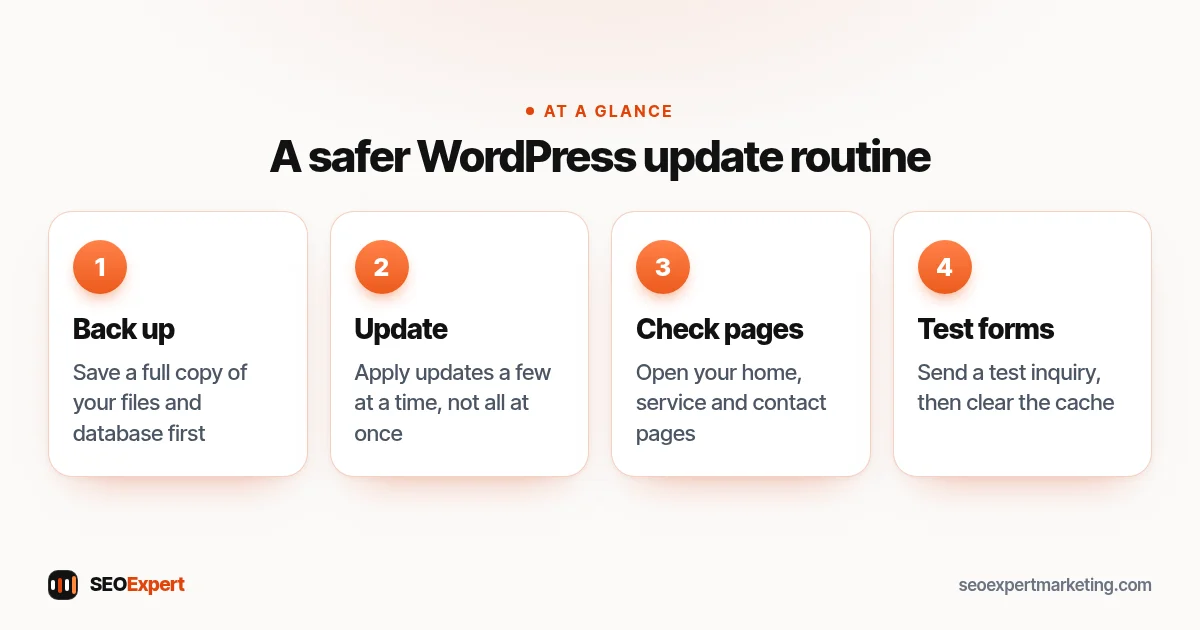
We check versions, flag plugins that are no longer maintained and note which updates need testing first. Your proposal says who runs updates and backups.
7. WooCommerce basics
On most WooCommerce stores, product URLs include /product/ and category URLs /product-category/; changing those bases on a live store changes every product URL, so it needs redirects. We check product titles, descriptions written for buyers rather than copied from suppliers, and image alt text. Bigger catalogs are covered on our ecommerce SEO page.
8. Schema markup and AI answers
Schema markup is structured data that tells Google what a page is about: your business, a service, an article, a product or a list of questions. On WordPress it usually comes from the SEO plugin, sometimes doubled by the theme or a second plugin. As part of our WordPress SEO services, we check that each page type gets the right schema once, with your real business name, address and opening hours.
The same clarity helps with AI answers, which is why our WordPress SEO services now cover them. Google's AI Overviews, ChatGPT, Gemini and Perplexity read your pages and summarise them, so a page that answers a question in plain words near the top, with honest facts and clear headings, is easier to quote. We also check that your robots settings don't block the crawlers you want, and we can add an llms.txt file, a short plain-text guide to your most important pages for AI tools. Nobody can promise that an assistant will mention you; these changes make your pages easier to read and to cite.
9. Redesigns, launches and moves to WordPress
Many WordPress SEO problems start on the day a new design or a new site goes live, which is why our WordPress SEO services look closely at launches. A common one is a single box under Settings > Reading: "Discourage search engines from indexing this site". It is often ticked while a site is being built. WordPress's Reading settings guide says that since version 5.3 the box adds a noindex, nofollow robots tag to your pages, and that it is up to search engines to honor it. Left ticked after launch, it asks Google to keep the whole site out of its results.
A move to WordPress from another platform, or a new theme, often changes URLs as well. Google's site move guide recommends permanent redirects, such as 301 or 308, from every old URL. It says to keep them for as long as possible, generally at least a year, and that most pages of a small or medium site can take a few weeks to move.
Rankings may also go up and down while Google recrawls the site. Before a launch, our WordPress SEO services can list your old URLs and match each one to its new page. After it, we check the redirects, the titles and that visibility box. Building a new site? See our guide to SEO for a new website.
WordPress SEO services pricing: fixed jobs and monthly plans
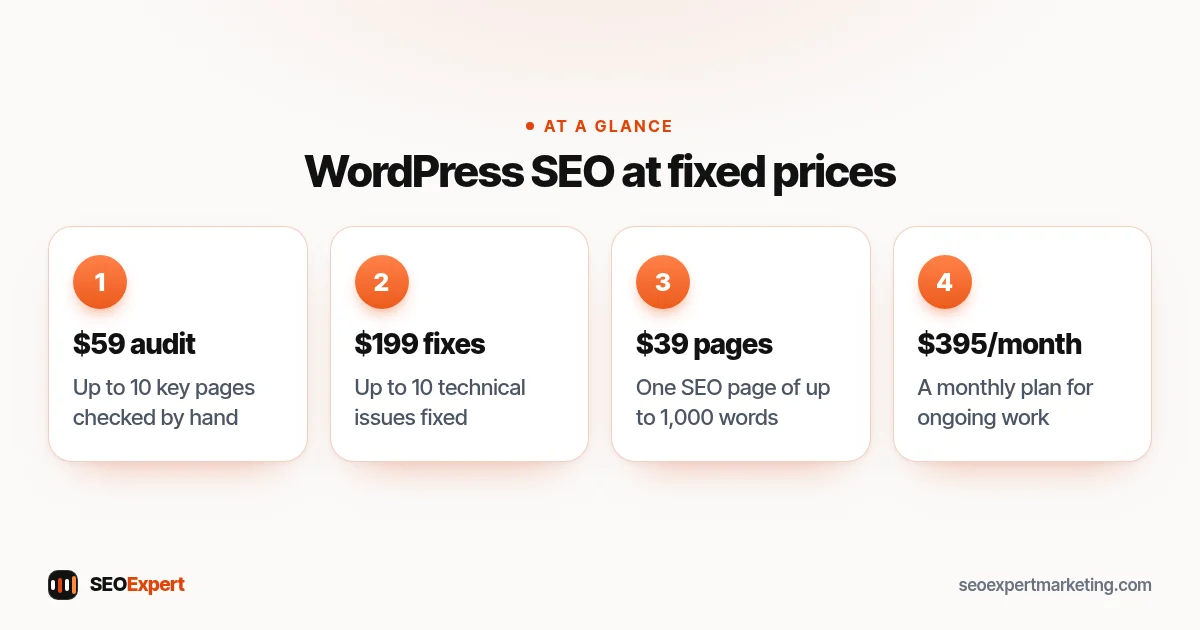
You can start our WordPress SEO services with one fixed-price job or choose a plan, paid monthly or yearly. Fixed jobs are paid once at checkout, with no contract; every price is on our SEO price list. These are the ones WordPress owners use most:
| Job | Price (USD) | What you get on a WordPress site |
|---|---|---|
| Full SEO Audit | $59 | Homepage and up to 10 key pages checked by hand, with a fix list by priority, as a PDF within 2 days |
| Technical SEO Fix Pack | $199 | Up to 10 technical issues fixed on your WordPress site, such as SEO plugin settings, sitemap errors, redirects or canonical problems, with a summary |
| Keyword Research Report | $79 | Up to 30 keywords grouped by search intent and matched to your pages and posts |
| SEO Page Writing | $39 a page, or 5 for $179 | Pages of up to 1,000 words around one main keyword, written for your WordPress site |
| Google Business Profile Setup | $99 | A new profile or a cleanup: categories, services, areas, description and hours |
| Link Building Outreach | $149 for 3 links, or $249 for 5 | Links earned by outreach from real, relevant websites, with no paid links, usually in 2 to 4 weeks. If fewer than 3 (or 5) are live after 4 weeks, outreach continues at no extra cost until they are |
The audit is the usual first step. If you start a monthly or yearly plan within 30 days of buying it, the $59 is credited to your first payment.
For ongoing work, our WordPress SEO services run under three plans (USD). Pay monthly, or pay yearly at 25% or more off, billed once a year. Every plan also includes an AI visibility check: what ChatGPT, Gemini and Perplexity say about you. Monthly plans have no long contract, and you can cancel any time.
| Plan | What it covers on a WordPress site |
|---|---|
| SEO Starter, $395/month, or $295/month paid yearly | A full SEO audit of your WordPress setup to start, website repairs such as plugin, theme and settings fixes (your proposal says how far they go), Search Console and GA4, local SEO, SEO content (up to 2 new or improved pages a month), 5 search phrases tracked, a monthly report, updates on request and website tracking |
| SEO Growth, $795/month, or $595/month paid yearly | Adds keyword research and mapping across pages, posts and categories, internal linking, competitor analysis, 15 search phrases tracked |
| SEO Authority, $1,495/month, or $1,095/month paid yearly | Adds backlink and content-gap analysis, automation solutions, 30 search phrases tracked, and a weekly report on top of the monthly one |
For a small or local business site, SEO Starter is the natural plan to begin with. Growth suits growing businesses with a blog or many service pages, where categories and internal links start to matter. Your written proposal confirms the tasks, the price and who does what before you commit. The table shows highlights; to compare every item line by line, see SEO packages.
When WordPress SEO services make sense, and when they don't
A good fit if:
- You're not sure your SEO plugin, theme or permalinks are set up right.
- Your site has slowed down as plugins piled up.
- Your blog posts are scattered across tags nobody uses.
- You run a small WooCommerce shop alongside your service pages.
Probably not if your store runs on Shopify (see Shopify SEO) or you want promised rankings. Prefer to make the changes yourself? SEO consulting may suit you better. On Wix, Squarespace or another platform? Say so when you ask for your free analysis.
Questions to ask any WordPress SEO agency or expert
These questions work whether you're hiring a WordPress SEO company or a freelance WordPress SEO consultant. Before you buy WordPress SEO services from anyone, ask:
- Will you have your own login? There's no need to share yours: WordPress lets you add a separate user and delete it later.
- Will you change my SEO plugin or theme? Ask what happens to existing titles, redirects and schema.
- Who runs updates and backups?
- Which technical work is in the monthly fee, and which is a separate project? Get the answer in writing. With our WordPress SEO services, plans include website repairs, and your proposal says how far they go; a one-off batch of fixes can also be bought as the $199 Technical SEO Fix Pack.
- Will you edit theme files? Edits made straight to a theme can be lost when it updates; a child theme avoids that.
Ask us too: the answers belong in a written proposal.
WordPress SEO services: a realistic timeline
Fixing a setting takes minutes, but nothing changes in search until Google recrawls the affected pages, and Search Console often shows the effect before rankings do. Content, categories and internal links build up over months. We can't promise dates or positions; each report shows what we changed.
Free WordPress SEO guides
If you'd rather start on your own, these guides from the team behind our WordPress SEO services cover the most common jobs step by step:
- WordPress SEO checklist: settings, plugin, theme, speed and content, in order.
- WordPress SEO titles: how to change and write titles that get clicked.
- Local SEO for WordPress: service pages, location pages, reviews and your Google profile.
- Wix vs WordPress SEO and Squarespace vs WordPress SEO: what changes for SEO when you pick or switch a platform.
Start with a free WordPress website analysis
Use our contact form to send your site for a free analysis. Useful details: your SEO plugin, page builder, whether you use WooCommerce and any recent redesign. Please don't send passwords. We look at the site and email you the main issues we see and what we'd tackle first, with no obligation. Questions first? Add them to the same form.