This WordPress SEO checklist covers the settings, plugins and habits that help a WordPress website get found on Google. WordPress handles a lot of SEO well out of the box, but a few default settings, theme choices and plugin conflicts regularly hold small business sites back. Work through the checklist from top to bottom: the first sections take minutes and fix the most serious problems, and the later ones are habits that keep the site improving.
Still deciding on a platform? Our comparison of Wix vs WordPress SEO may help.
1. Core settings checklist
The first part of this WordPress SEO checklist takes five minutes and catches the problems that can hide a whole site from Google.
- Search engine visibility: under Settings, Reading, make sure "Discourage search engines from indexing this site" is unticked. The WordPress documentation explains that when this box is checked, WordPress adds a noindex, nofollow robots tag to every page. It's often left on after a site is built.
- Permalinks: under Settings, Permalinks, use the "Post name" structure so addresses read like /emergency-plumber/ instead of /?p=123. Change this before launch; on an established site, changing it needs redirects.
- Site title and tagline: under Settings, General, use your real business name and a plain description of what you do.
- One version of the site: https everywhere, and the www and non-www versions redirecting to one address.
- Time zone and language set correctly, so dates and structured data are accurate.
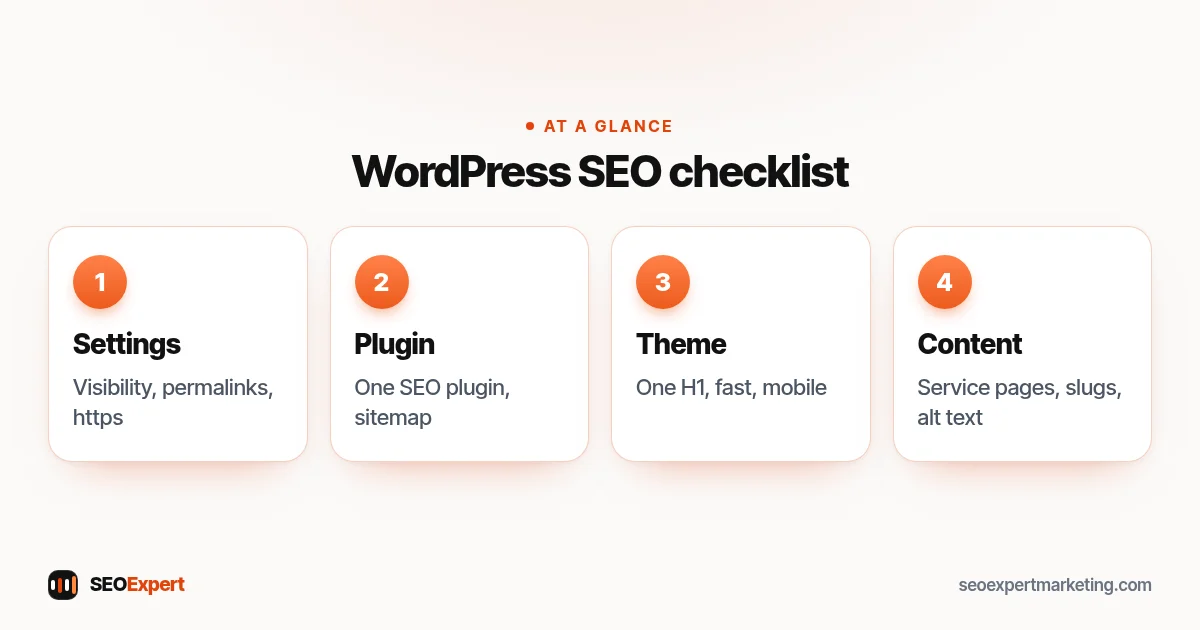
2. SEO plugin checklist
Most of the WordPress SEO checklist runs through your SEO plugin. Install one SEO plugin, such as Rank Math, Yoast SEO or All in One SEO, and only one; running two creates duplicate tags.
- Run its setup wizard and enter your business details.
- Check the XML sitemap it creates and submit it in Google Search Console.
- Set tag archives, author archives (on single-author sites), media attachment pages and other thin pages to noindex, or disable them.
- Write a custom title and meta description for every important page.
- Set a default sharing image so links look good when shared.
3. Theme and page builder checklist
- Use a well-maintained, lightweight theme that's updated regularly.
- Check that each page has exactly one H1. Some themes add the page title as an H1 and the page builder adds another.
- Remove unused demo pages, sliders, sample posts and placeholder text left from the theme import.
- Test pages on a phone: menus, buttons, forms and pop-ups should all work comfortably.
- If you use a page builder such as Elementor, avoid stacking heavy animations and widgets that slow pages down.
4. Speed checklist
Speed is where a WordPress SEO checklist often finds the biggest gains. The WordPress handbook's guide to optimization covers caching and performance in depth. The essentials for a small site:
- Use a caching plugin or your host's built-in caching.
- Compress images and serve WebP; resize large photos before uploading.
- Deactivate and delete plugins you don't use.
- Keep WordPress, the theme and plugins updated.
- Choose decent hosting; very cheap shared hosting is often the slowest part of the site.
- Test your main templates with PageSpeed Insights.
The set-up part of the WordPress SEO checklist:

How to write SEO titles in WordPress
Your SEO title is the headline Google usually shows in results, and it's separate from the page title visitors see at the top of the page. In most SEO plugins you edit it in a box below the editor or in the sidebar. A good pattern for a small business:
- Service pages: service, area and brand, such as "Emergency Plumber in Austin | Smith Plumbing".
- Posts: the question or topic first, such as "How Much Does a New Boiler Cost? 2026 Prices".
- Home page: what you do and where, plus your name.
Keep titles unique, around 50 to 60 characters, and written for people rather than stuffed with keywords. Check how your plugin's default title template works too: some add the site name to every title, which can make titles too long or repeat your brand.
For step-by-step examples, read our guide to the WordPress SEO title.
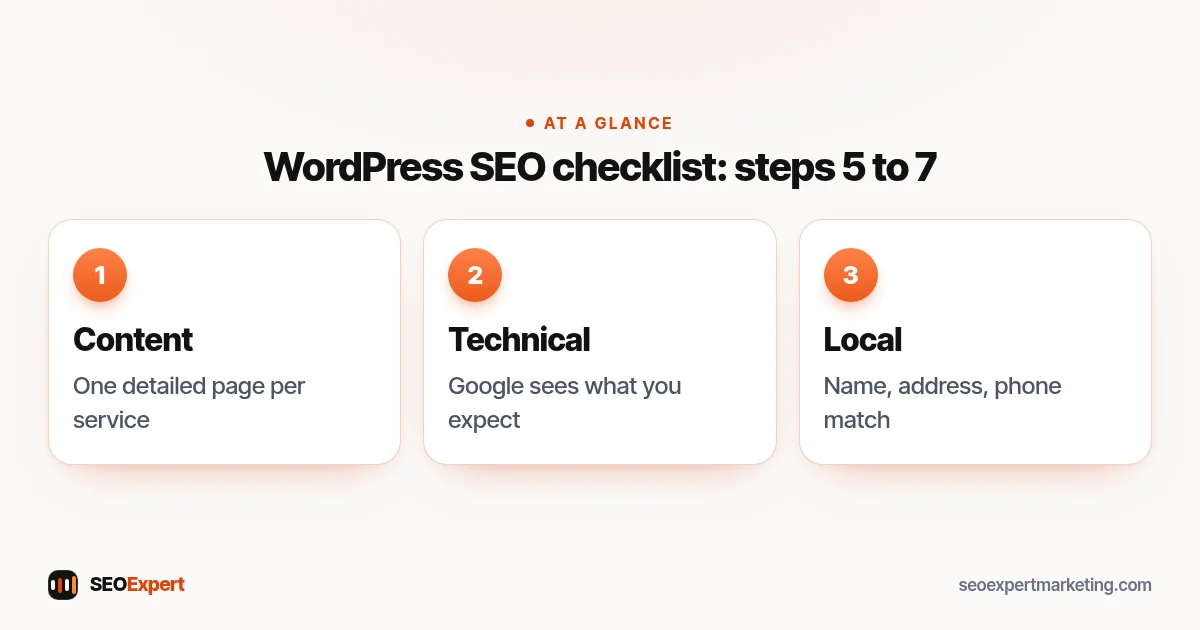
5. Content checklist
- One page per main service, with real detail: what's included, prices or price guidance, the areas you cover and how to get in touch.
- Posts answering real customer questions, each linking to the relevant service page.
- Descriptive slugs: edit the URL of each page and post to a short, readable version before publishing.
- Alt text on every image, describing what it shows.
- Categories used sparingly and meaningfully; avoid dozens of tags with one post each.
6. Technical checklist
The technical part of the WordPress SEO checklist is mostly about checking that Google sees what you expect.
- Check Search Console's Page indexing report for important pages that aren't indexed.
- Fix broken links and redirect deleted pages to their closest replacement. A redirect plugin or your SEO plugin can manage this.
- Make sure structured data from your SEO plugin matches your business: Organization or LocalBusiness, Article for posts and Product for any products.
- Keep backups and a security plugin or firewall in place; a hacked site can be flagged or removed from search.
7. Local SEO checklist for WordPress
For businesses serving an area, the last part of the WordPress SEO checklist connects your site to your local presence.
- Your name, address and phone number in the footer, identical to your Google Business Profile.
- A contact page with a map, opening hours and a simple form.
- LocalBusiness structured data, which most SEO plugins can add.
- Service pages that mention the areas you serve naturally.
Our local SEO checklist covers the profile and review side.
Our full guide to local SEO for WordPress covers each of these steps in detail.
The content part of the WordPress SEO checklist:
Common mistakes this WordPress SEO checklist prevents
- Leaving "Discourage search engines" ticked after launch.
- Two SEO plugins running at the same time.
- Thousands of thin tag and attachment pages in the index.
- Changing permalinks on a live site without redirects.
- Installing a plugin for every small feature until the site slows to a crawl.
- Duplicate H1s from the theme and the page builder.
How to use this WordPress SEO checklist
Do sections 1 to 3 in one sitting; they fix the problems that can stop a site from ranking at all. Work through speed and content over the following weeks, then review the whole WordPress SEO checklist every few months and after any theme change, redesign or major plugin update. If you'd like a second pair of eyes, our $59 SEO audit checks your homepage and up to 10 key pages and gives you a prioritized fix list, and our WordPress SEO services cover ongoing work. For the deeper technical checks, see our technical SEO audit checklist.
WordPress SEO checklist: quick answers
Is WordPress good for SEO?
Yes. WordPress produces clean, crawlable pages, and SEO plugins make titles, sitemaps and structured data easy to manage. Most WordPress SEO problems come from settings, heavy themes and too many plugins rather than WordPress itself.
Which SEO plugin should I use?
Rank Math, Yoast SEO and All in One SEO all cover the essentials. Pick one, set it up carefully and don't run two at once. The plugin matters less than the content and settings you put into it.
Should I noindex tag and category pages?
Tag pages with only one or two posts are usually thin and are often better noindexed. Category pages that group several useful posts can stay indexed, especially if you add a short introduction.
Does changing my WordPress theme affect SEO?
It can. A new theme can change headings, page speed and structured data. Test the new theme on a staging copy, check titles, H1s and speed, and compare Search Console data after switching.