
Category page SEO is about making your store's category pages (called collections on Shopify) rank for the broader searches shoppers make, such as "linen bedding" or "men's trail running shoes". These searches usually have more volume than individual product names, and the people making them want to compare options. A well-built category page gives them a clear choice; a weak one is just a grid of products with a generic title. This guide gives nine practical steps for category page SEO.
Why category pages matter so much
For most online stores, category pages are the main landing pages from search. They sit high in the site structure, receive links from the menu and home page, and match searches with commercial intent. Improving a handful of important categories can often make more difference than rewriting hundreds of product pages.
If you also have a store people can visit, see our guide to retail SEO for the local steps.
1. Build categories around how people search
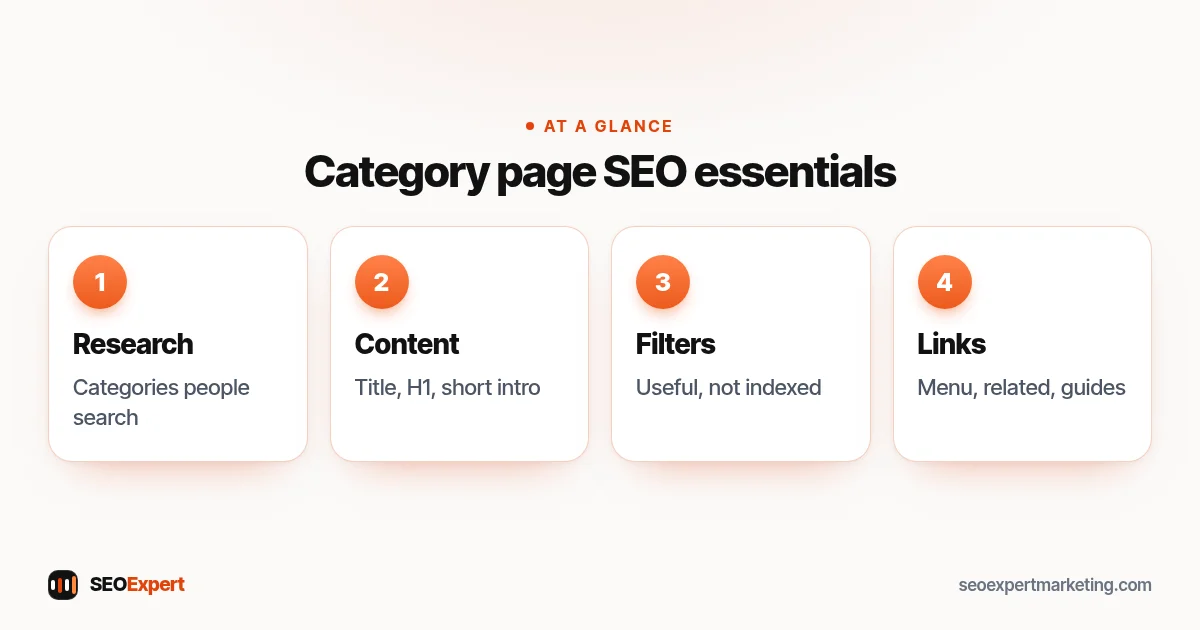
Start with keyword research, not your supplier's catalog structure. If shoppers search for "standing desks" and "desk converters", those are two categories, even if your supplier groups them together. Look at Google's suggestions, the "People also ask" box and Search Console data to see what people actually type.
2. Keep the structure shallow and logical
Important categories should be reachable from the main menu. Subcategories make sense when there are enough products and enough searches, such as "running shoes" then "trail running shoes". Google's guide to helping Google understand your ecommerce site structure explains how links between pages show which pages matter most.
3. Write a unique title and H1
Use the main search phrase in the title and H1, naturally: "Linen Bedding Sets | Brand Name" and "Linen Bedding". Avoid identical titles across categories, which are common when themes use a default pattern.
4. Add a short, useful introduction
A sentence or two above the products should explain what's in the category and help people choose, for example the difference between washed and stonewashed linen. More detailed buying advice can go below the products. The point of this text is to help shoppers, not to repeat keywords; stuffing category text with phrases is a common category page SEO mistake.
5. Make filters useful without creating crawl problems
Filters for size, color and price help shoppers but can create thousands of URL combinations. Google's guide to faceted navigation suggests options such as disallowing filter URLs in robots.txt when you don't need them indexed. If a filtered view matches a real search, such as "blue linen bedding", consider making it a proper subcategory with its own title and introduction instead.
6. Handle pagination properly
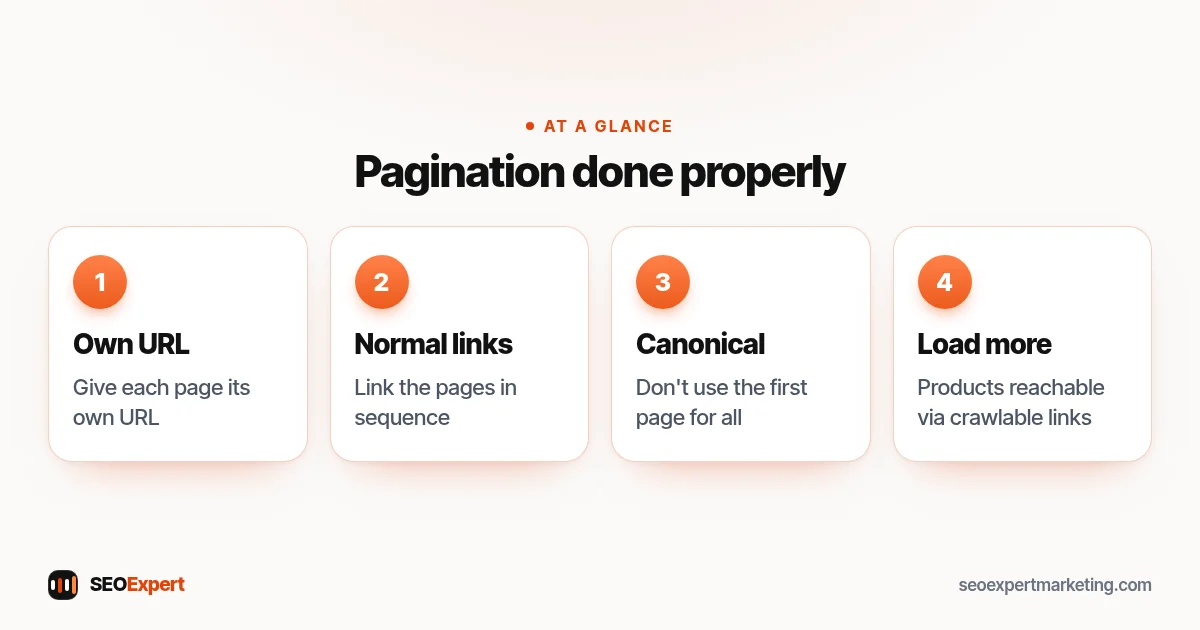
Large categories run across several pages. Google's pagination guidance says to give each page its own URL, link the pages in sequence with normal links and not to use the first page as the canonical for all of them. If you use infinite scroll or a "load more" button, make sure the products are still reachable through crawlable links.
Four pagination rules for category page SEO, at a glance:
7. Show enough products, in a sensible order
A category with two products is thin. Either add products, merge it with a related category or remove it with a redirect. Put best sellers and in-stock items first, and show prices, ratings and key details in the grid so shoppers can compare without opening every product.
8. Link categories together
Link to related categories and subcategories, and link from relevant blog posts and buying guides to the category they support. Breadcrumbs help both shoppers and search engines understand where a category sits.
9. Keep categories stable
Category pages build visibility slowly, through links, history and the searches they've been shown for. That makes them valuable assets, and it's why stability is part of category page SEO.
Changing category URLs or removing categories without redirects throws away the visibility they've built. If you restructure, map old URLs to new ones and set up redirects. Seasonal categories, such as "Christmas gifts", usually work best on a permanent URL that you update each year.
Category page SEO on Shopify and WooCommerce
On Shopify, categories are collections, and the collection description field is where your introduction goes; some themes also support a second text area below the products. On WooCommerce, product categories have a description field, and an SEO plugin lets you set titles and descriptions for each category. On both, check that your theme shows the description and that filter URLs don't flood the index. Our Shopify SEO services and WordPress SEO services pages cover platform-specific work.
Example: improving a category page
Here's an illustrative example, not a client result. A homeware store has a category titled "Bedding" with forty products and no text. Search Console shows impressions for "linen bedding", "linen duvet cover" and "linen sheets" but few clicks. The store creates a "Linen Bedding" subcategory with its own title, a two-sentence introduction, filters for size and color that aren't indexed, and links from a buying guide on choosing linen. The products haven't changed, but the category now matches what people search for.
How to measure category page SEO
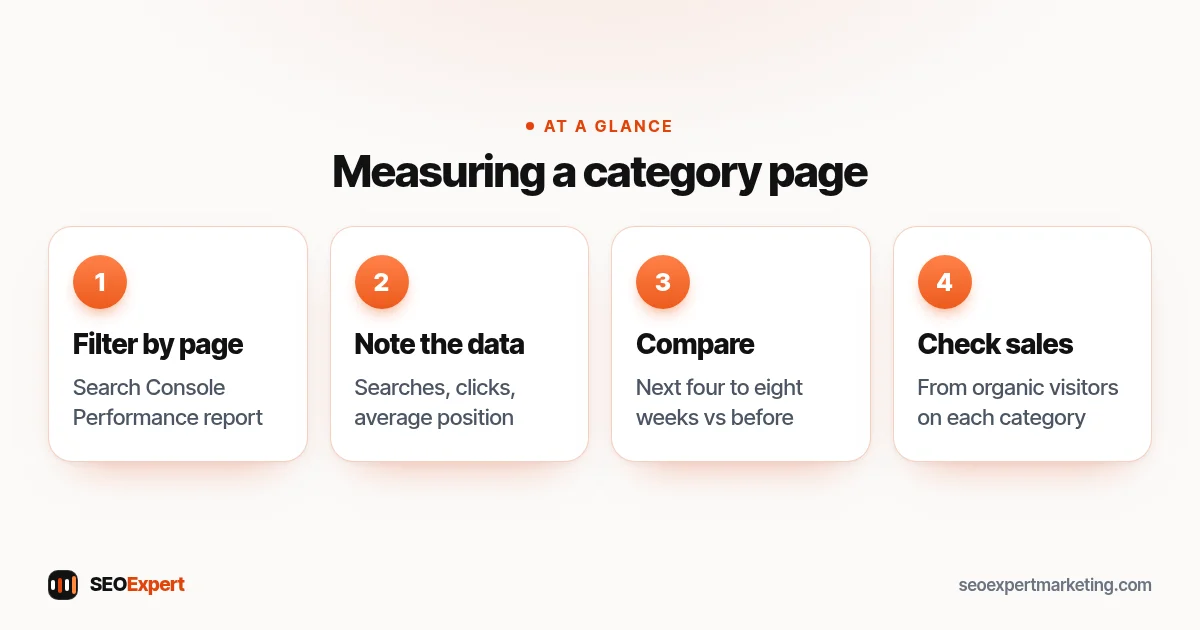
In Search Console, filter the Performance report by page and look at your main categories one at a time. Note the searches each category appears for, its clicks and its average position. After you change a category, compare the following four to eight weeks with the period before. Good category page SEO usually shows first as more impressions for related searches, then as better positions and clicks. Also check sales from organic visitors who land on each category, because a category that ranks but doesn't sell may need better products, prices or filters rather than more text.
How to measure category page SEO in four steps:
Should you add buying guides to categories?
For categories where shoppers need help choosing, such as mattresses, cameras or running shoes, a short buying guide below the product grid can answer the questions that hold people back: which type suits whom, what sizes mean, how to care for the product. Keep the guide genuinely useful and put the products first. If the advice grows long, publish it as a separate guide and link it from the category.
Common category page SEO mistakes
- Identical titles such as "Products" or "Shop" across categories.
- Long blocks of keyword-filled text pushing products off the screen.
- Indexable filter and sort URLs competing with the main category.
- Empty categories left live after products sell out.
Category page SEO checklist
- Category matches a real search.
- Unique title and H1 with the main phrase.
- Short, helpful introduction.
- Filters don't create indexable duplicates.
- Pagination uses separate URLs and normal links.
- Enough products, in-stock items first.
- Links to related categories and from guides.
- Stable URL, with redirects for any changes.
For the whole store, see our ecommerce SEO checklist, and our product page guide covers the pages one level down. If you'd like help, our ecommerce SEO services start with a free store review on WhatsApp.
Category page SEO: quick answers
Should category pages have text?
Yes, a short, helpful introduction usually helps shoppers and search engines understand the category. Keep it useful rather than stuffing in keywords.
Should filtered pages be indexed?
Usually not. Most filter combinations create near-duplicate pages. If a filtered view matches a real search, make it a proper subcategory with its own title and text.
Category pages or product pages: which matters more for SEO?
Both, but category pages usually target broader, higher-volume searches, so improving the main categories often has the biggest impact.
How many products should a category have?
There's no fixed number, but a category with only one or two products is thin. Merge it or add products before expecting it to rank.