
Duplicate content means the same or very similar content appearing at more than one web address. It sounds alarming, but on most small business sites it's an ordinary housekeeping issue rather than a disaster. It usually happens by accident: the same page reachable with and without www, product pages under several categories, tracking codes in links or copied text across town pages. This guide explains the common causes of duplicate content, how Google deals with it and six simple fixes.
What is duplicate content?
Duplicate content is content that's identical or very similar across two or more pages, on your site or across different sites. When Google finds a group of duplicate or near-duplicate pages, it chooses one as the canonical version to show in search results and treats the others as duplicates. Google's guide on specifying a canonical URL explains how you can tell it which version you prefer.
Is duplicate content bad for SEO?
For accidental duplicates, the main problems are practical: Google may pick a different version from the one you want, links and signals get split between versions, and Google spends time crawling copies instead of your important pages. Copying other sites' content, or creating many near-identical pages to rank for every town or keyword, is a different matter: Google's spam policies cover scraped content and doorway pages.
Common causes of duplicate content
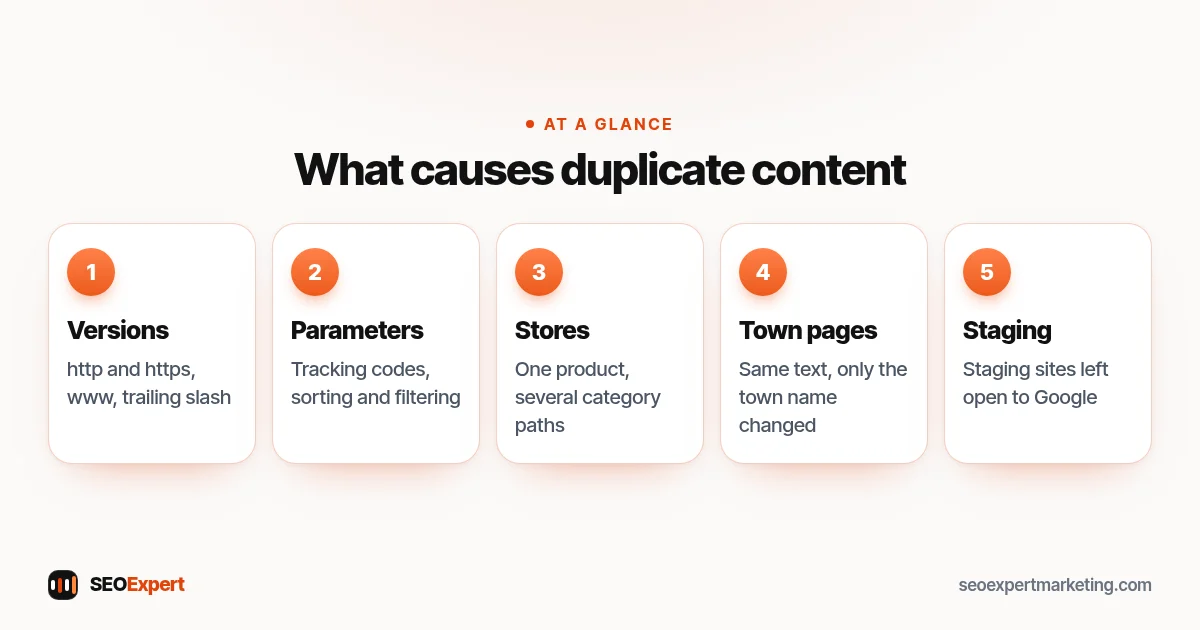
- Several versions of the site: http and https, with and without www, with and without a trailing slash.
- URL parameters: tracking codes, sorting and filtering options that create new addresses for the same page.
- Online stores: one product reachable under several category paths, or near-identical products that differ only in color.
- Copy-paste town pages: the same service text with only the town name changed.
- Printer-friendly or AMP versions left from older setups.
- Staging sites left open to Google.
- Manufacturer descriptions used word for word by many stores.
Five common causes of duplicate content, at a glance:
How Google chooses a canonical page
Google looks at several signals to decide which version to show. Its guide lists them in order of strength: redirects are a strong signal, rel="canonical" link annotations are a strong signal, and sitemap inclusion is a weak signal. Using two or more methods together increases the chance that your preferred page is chosen. Internal links pointing consistently to one version help too.
How to fix duplicate content: 6 steps
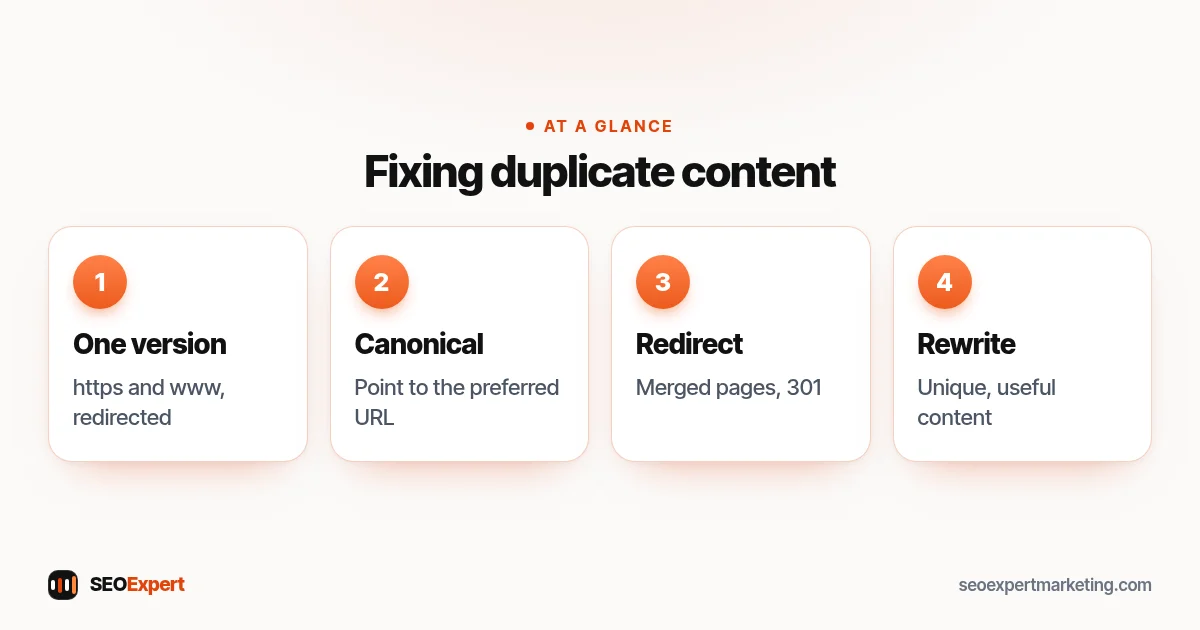
1. Choose one version of your site
Decide on https and either www or non-www, and redirect every other version to it with permanent 301 redirects. Most hosts and CMSs make this simple, and it removes the most common source of duplicate content in one go.
2. Use canonical tags
A canonical tag in the page code points to the preferred version of the page. WordPress SEO plugins and Shopify add self-referencing canonical tags automatically. Check that they point where you expect, especially on filtered and paginated pages.
3. Redirect pages you've merged or replaced
When you combine two similar pages into one stronger page, redirect the old address to the new one. Don't leave both live with similar text.
4. Rewrite thin, near-identical pages
Town pages and similar service pages need genuinely different, useful content: local jobs, prices, travel times, rules or photos. If you can't make a page genuinely different, merge it into a stronger page instead. Our guide to service area business SEO explains when area pages make sense.
5. Write your own product descriptions
Rewrite manufacturer descriptions for your most important products, adding your own details, photos and answers to common questions. Start with the products that sell best. Our guide to product page SEO shows what to include.
6. Keep staging and test sites private
Password-protect staging sites so Google can't index them. A staging copy in search results competes with your real site and can confuse customers.
How to find duplicate content on your site
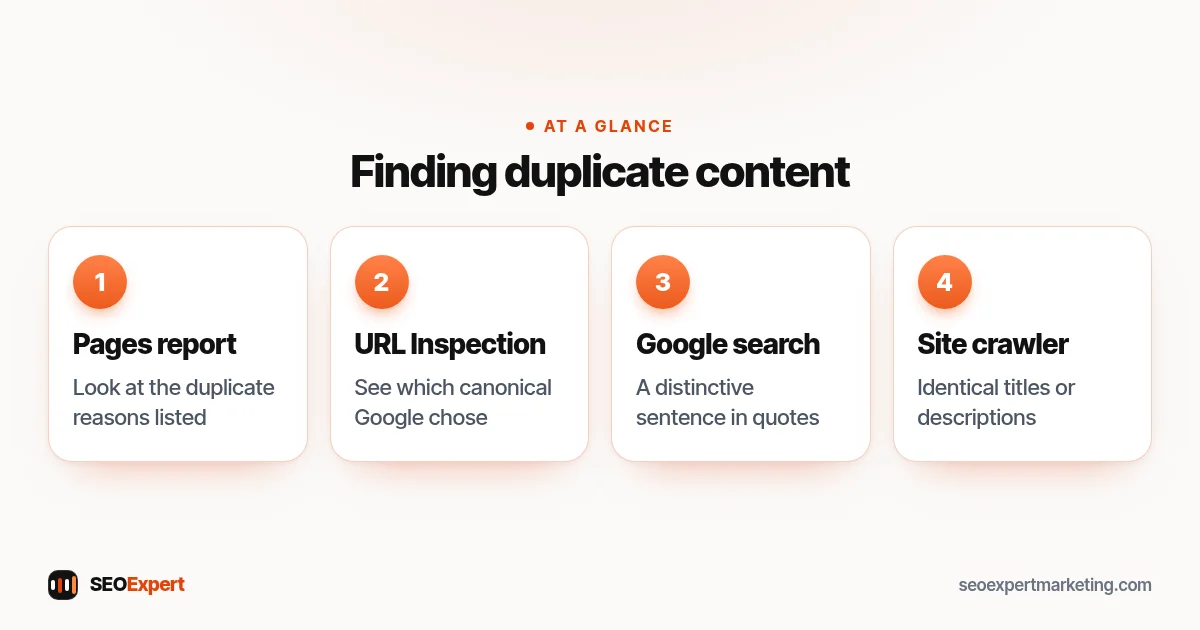
- In Search Console's Pages report, look at reasons such as "Duplicate without user-selected canonical" and "Duplicate, Google chose different canonical than user".
- Inspect important pages with the URL Inspection tool to see which canonical Google has chosen.
- Search Google for a distinctive sentence from your page in quotes to find copies.
- Run a site crawler to list pages with identical titles or descriptions, a common sign of duplicates.
Four ways to find duplicate content on your site:
Duplicates in online stores
Stores create duplicates more easily than any other kind of site. A product listed in three collections may be reachable at three addresses; filters for size, color and price create endless variations of each category page; and the same manufacturer description appears on hundreds of other shops. Shopify and most WordPress store plugins set canonical tags on product pages automatically, which handles the first problem. Filters need more care: decide which filtered views deserve to be proper pages, because people search for them, and keep the rest out of search. Our guide to category page SEO covers filters in more detail.
When similar pages are fine
Not every similarity is a problem. Service pages that share a paragraph about your booking process or payment terms, legal pages that repeat standard wording and product variants with the same care instructions are all normal. The question is whether each page has a clear, distinct purpose and enough unique, useful content to serve it. If it does, small repeated sections don't matter.
A worked example
Imagine a cleaning company whose site loads at four addresses: with and without www, and on http and https. It also has eight town pages that differ only in the town name, and its booking page adds a tracking code to every link from emails. The fix is straightforward: redirect all versions to one https address, rewrite the town pages that matter with real local details and merge the rest into a single areas page, and make sure the booking page has a self-referencing canonical tag. After a few weeks, Search Console usually shows fewer duplicate warnings and a clearer picture of which pages rank.
Duplicate content myths
- Myth: quoting a source will get you penalised. Quoting with a link and adding your own explanation is normal.
- Myth: every duplicate needs a fix. Some duplicates, such as the same terms page in a footer link, cause no real problem.
- Myth: noindex is always the answer. Redirects or canonical tags usually suit duplicates better, because they consolidate signals.
Duplicate content when someone copies your site
If another website copies your content, Google usually recognizes the original, especially when your site is established and the page was published there first. If a copy outranks you or misuses your work, you can contact the site owner or, where appropriate, file a copyright removal request with Google.
Need help?
Finding and fixing duplicate content is part of our technical SEO services and our technical SEO audit checklist. Send your website on WhatsApp for a free review.
Duplicate content: quick answers
Will duplicate content get my site penalised?
Accidental duplicates usually just mean Google picks one version to show. Copying other sites or mass-producing near-identical pages to manipulate rankings can break Google's spam policies.
What is a canonical tag?
A line in a page's code that tells Google which address is the preferred version of a page when several versions exist.
Should I use a redirect or a canonical tag?
Use a 301 redirect when the duplicate page doesn't need to exist for visitors. Use a canonical tag when both versions need to stay, such as filtered views.
Is it a problem if my town pages are similar?
It can be. Pages that only swap the town name are thin and may be treated as doorway pages. Add genuinely local content or merge them.