
Local business schema is a small piece of code that tells search engines the key facts about your business in a format they can read reliably: your name, address, phone number, opening hours and more. Google calls it LocalBusiness structured data. It doesn't replace a Google Business Profile or good content, but it helps Google understand your website and can make your business eligible for richer results. This guide explains what local business schema is, which properties matter, a JSON-LD example and how to add and test it.
What is local business schema?
Schema is a shared vocabulary from Schema.org that websites use to label information. Local business schema uses the LocalBusiness type, or a more specific type such as Dentist, Plumber or Restaurant, to describe a business. Google's guide to LocalBusiness structured data explains which properties it uses and gives examples in JSON-LD, the format Google recommends.
Does local business schema help rankings?
Be careful with claims here. Structured data helps Google understand a page and can make it eligible for certain search features, but adding the markup won't lift rankings on its own. Think of it as making your facts clear and consistent. Your Google Business Profile, reviews, content and links have a much bigger effect on local visibility. Our local SEO checklist shows where schema fits.
Which properties does local business schema need?
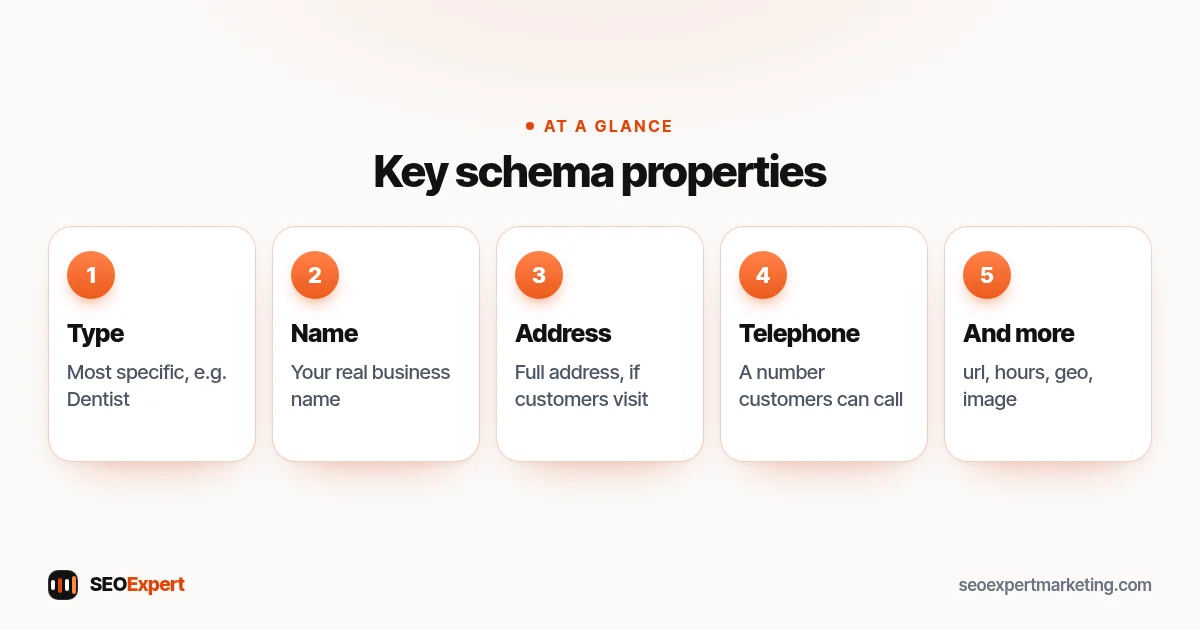
Google's documentation lists required and recommended properties. The most important for a small business are:
- @type: LocalBusiness or the most specific type that fits, such as Dentist or HVACBusiness.
- name: your real business name, exactly as customers see it.
- address: your full postal address, if customers visit you.
- telephone: a number customers can call.
- url: your website address.
- openingHoursSpecification: your opening hours.
- geo: latitude and longitude of your location.
- image: a photo of your business.
Check Google's page for the current required list, because it can change. Only mark up information that's visible to visitors and true.
The main local business schema properties at a glance:
Local business schema example (JSON-LD)
Here's what the code describes for an illustrative plumbing business. Replace every value with your own details:
| Property | Example value |
|---|---|
| @context | https://schema.org |
| @type | Plumber |
| name | Example Plumbing Co |
| url | https://www.example.com/ |
| telephone | +1-555-010-0000 |
| address | PostalAddress: 1 Example Street, Springfield, IL 62701, US |
| openingHoursSpecification | Monday to Friday, opens 08:00, closes 18:00 |
In JSON-LD these become key and value pairs, with the address and opening hours as nested objects, exactly as in the examples on Google's page. The code goes inside a script tag of type application/ld+json, usually on your home page or contact page. Most WordPress SEO plugins write it for you from a settings form, so you rarely need to type it by hand.
How to add local business schema: 6 steps
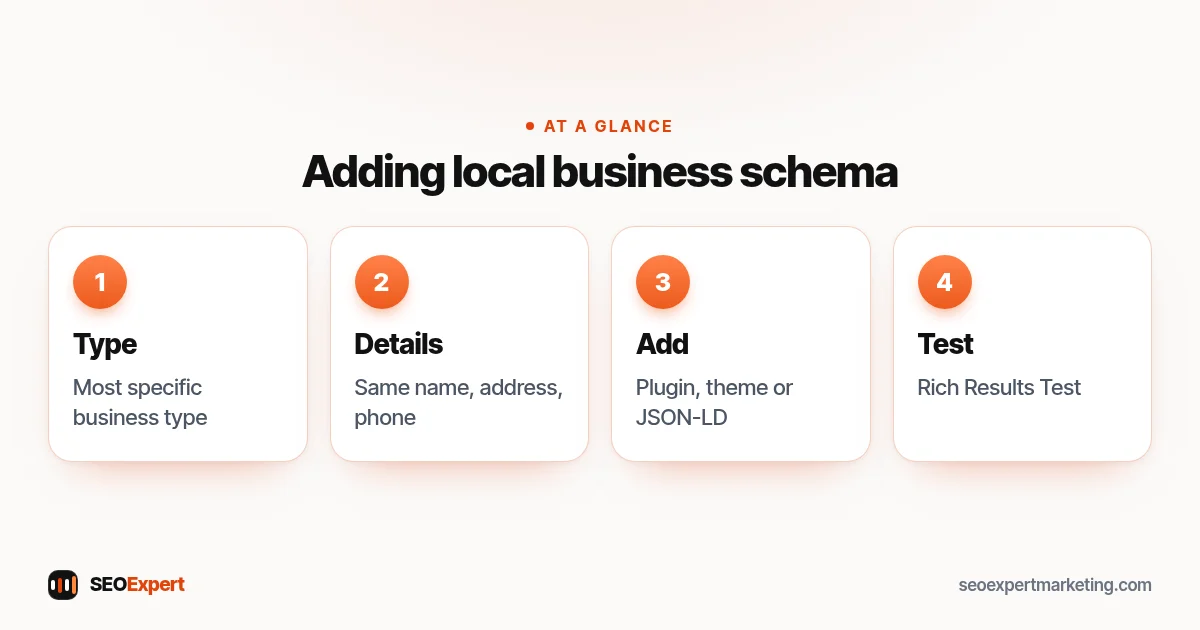
1. Choose the most specific type
Schema.org has many subtypes of LocalBusiness. A dentist should use Dentist, a law firm LegalService or Attorney, a restaurant Restaurant. The more specific type describes your business better.
2. Collect accurate details
Use exactly the same name, address and phone number as on your Google Business Profile and your website footer. Consistency across your listings matters more than the code itself. Our guide to local SEO citations explains why.
3. Add it with your SEO plugin or theme
On WordPress, plugins such as Rank Math and Yoast include settings for local business details and output schema for you. On Shopify, many themes and apps add organization schema, and you can add a JSON-LD snippet to your theme if needed. Our guide to local SEO for WordPress covers the WordPress side.
4. Test it
Paste your page address into Google's Rich Results Test to check for errors and see which features the page may be eligible for. Fix any critical errors first.
5. Check it in Search Console
After Google recrawls the page, Search Console may show enhancement reports for some types of structured data. Use the URL Inspection tool to confirm Google can see the code on the live page.
6. Keep it up to date
When your hours, phone number or address change, update the markup at the same time as your Business Profile and website. Out-of-date markup is worse than none.
Local business schema for service-area businesses
If you visit customers and don't serve them at your address, you may hide your address on your Business Profile. On your website, only mark up information you're happy to show publicly. You can describe the areas you serve with the areaServed property. Our guide to service area business SEO explains the wider setup.
Local business schema for several locations
If you have more than one location, each one needs its own details: name, address, phone number and opening hours. The usual approach is a separate page on your website for each location, with its own markup describing only that location. Don't put several addresses into one block of code on the home page. Keep each location's details identical to its Google Business Profile.
Other structured data worth knowing
LocalBusiness markup is often the first structured data a small business adds, but it's not the only kind. Organization markup describes your company, logo and contact details. BreadcrumbList helps Google show your site's structure in results. Product markup suits online stores and can show price and availability. Article markup suits blog posts. Your SEO plugin usually handles several of these automatically, so check what's already there before adding more by hand, to avoid duplicates.
How we check structured data in an audit
In a website review we look at the code on the live page, not just the plugin settings. We check that there's one clear description of the business, that the details match the Business Profile and the footer, that nothing marked up is hidden from visitors and that the Rich Results Test shows no critical errors. Small mismatches, such as an old phone number or a missing suite number, are common and easy to fix.
Common local business schema mistakes
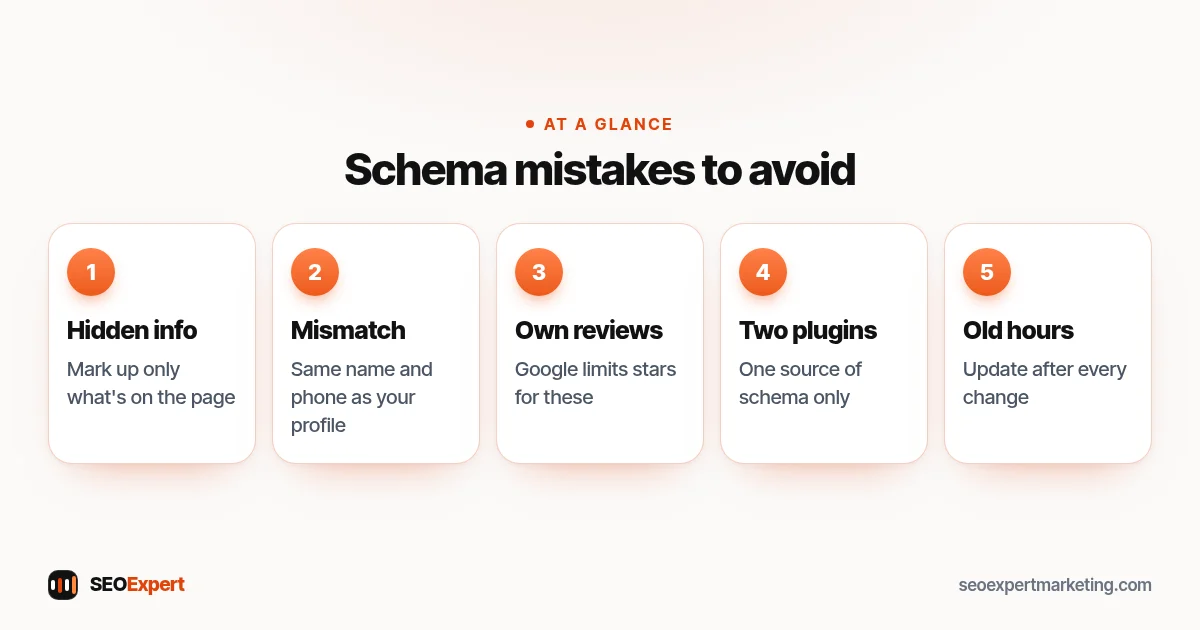
- Marking up information that isn't visible on the page.
- Using a different name or phone number from your Business Profile.
- Adding review stars for reviews you collected yourself on your own site; Google has limits on this.
- Two plugins outputting conflicting schema for the same business.
- Forgetting to update hours after a change.
Five local business schema mistakes to avoid:
Need a hand?
Checking and fixing structured data is part of our technical SEO services. If you're not sure whether your structured data is set up correctly, send your website address on WhatsApp for a free review.
Local business schema: quick answers
Is local business schema required?
No, but it helps Google read your key business details reliably and can make pages eligible for some search features. A complete Google Business Profile matters more.
Where should I put local business schema?
Usually on your home page or contact page, in JSON-LD format. Many WordPress SEO plugins add it for you from their settings.
How do I test my schema?
Use Google's Rich Results Test for errors, then check the live page with the URL Inspection tool in Search Console.
Will schema improve my rankings?
Not on its own. It makes your facts clear and consistent. Reviews, your profile, content and links have a bigger effect on local visibility.