
A service area business visits or delivers to customers instead of welcoming them at its own address. Plumbers, electricians, cleaners, roofers, mobile mechanics and many home service businesses work this way. Local SEO for a service area business works a little differently from a shop or office: you may hide your address, you choose the areas you serve, and your website has to show clearly where you work. This guide explains how to set up and grow a service area business in local search, step by step.
Listed on Bing too? Our guide to syncing Bing Places with Google covers hiding your address there as well.
For a worked example in home renovation, see our guide to SEO for remodelers.
What counts as a service area business?
Google's help page on managing service areas defines a service-area business as one that visits or delivers to customers directly but doesn't serve customers at its business address. A hybrid business serves customers at its address and also visits them, such as a restaurant that delivers. If you don't serve customers at your address, Google asks you to remove the address from your Business Profile.
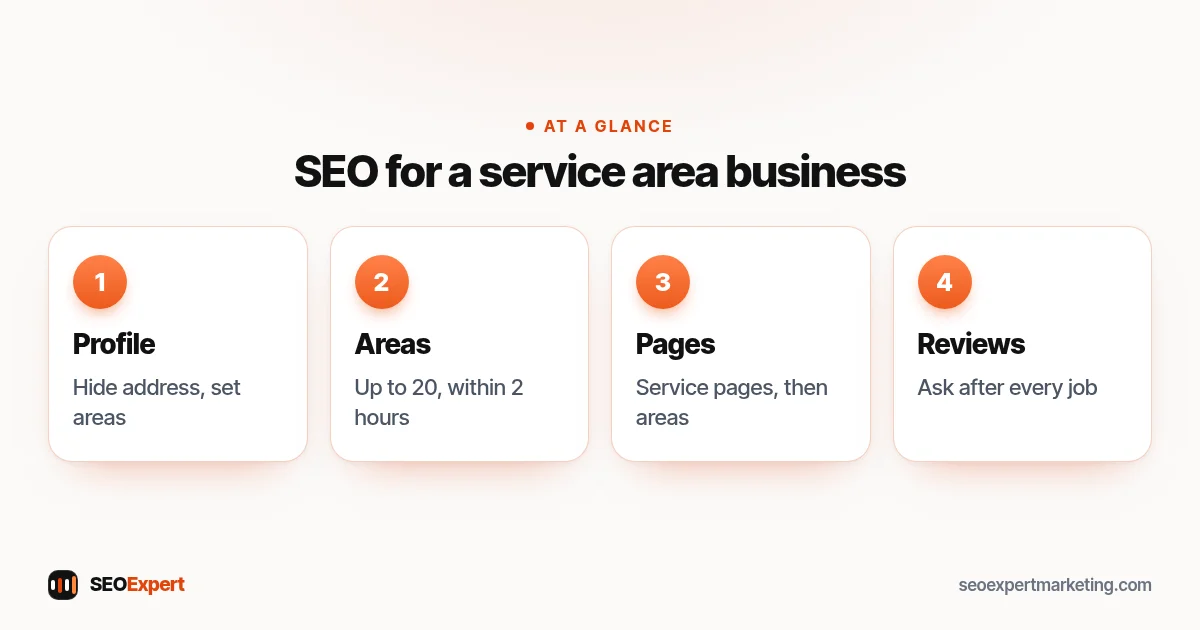
Step 1: Set up your Business Profile correctly
Create or claim your Google Business Profile with your real business name, the most accurate primary category and your phone number. As a service area business without a shopfront, hide your address and add service areas instead. Google's guidelines for representing your business also allow one profile per location only where you have separate service areas and separate staff at each location.
Step 2: Choose realistic service areas
Google lets you set up to 20 service areas based on cities, postal codes or other areas, and says the overall area shouldn't extend beyond about 2 hours of driving time from where your business is based. Choose the places you genuinely cover and want work from. Listing far more than you serve doesn't help and can confuse customers.
Step 3: Build service pages first
Your website needs one strong page for each main service, such as boiler repair, drain unblocking or roof repair. Each page should say what you do, the areas you cover, typical prices or how pricing works, and how to contact you. These pages carry most of the weight in local search for a service area business. Our local SEO keywords guide helps you pick the phrases for each page.
Step 4: Add area pages only where they're genuinely useful
Area pages can help a service area business show up in nearby towns, but only when each page has real, local content: jobs you've done there, local details, travel times, prices or rules that differ. Copying one page and swapping the town name creates thin, near-identical pages that rarely help and can count as doorway pages under Google's spam policies. A few strong area pages beat dozens of weak ones.
Step 5: Show where you work, everywhere
Mention your main areas on your home page, service pages, contact page and in your footer. Keep your business name and phone number consistent across your website, Business Profile and directories. Our guide to local SEO citations covers the main listings to check.
Step 6: Earn reviews that mention real jobs
Reviews help people choose a service area business they can't visit in person. Ask every customer for an honest review once the job is done, never offer incentives, and reply to each review. Our guide on how to get more Google reviews explains a simple routine.
Step 7: Post and add photos of real work
Photos of real jobs, before-and-after shots and short updates show that your business is active. They also give people a feel for your work before they call. Use your own photos, with customers' permission where they appear.
What to put on each service page
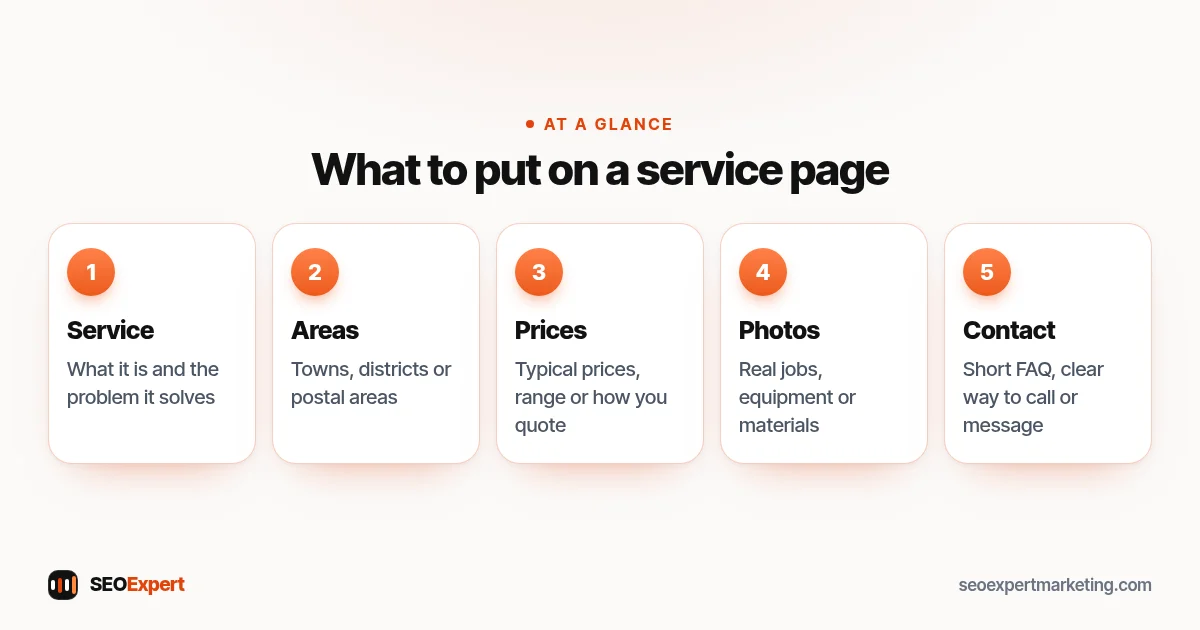
A service page for a service area business should answer the questions a customer asks on the phone. Use this checklist:
- What the service is, in plain words, with the main problem it solves.
- The towns, districts or postal areas you cover for this service.
- Typical prices, a price range or how you work out a quote.
- Response times, such as same-day or emergency call-outs, if you offer them.
- Photos of real jobs and the equipment or materials you use.
- Licenses, insurance or memberships, where they're real and current.
- A short FAQ and a clear way to call or message you.
What each service page of a service area business should show:
Track calls, not just rankings
For a service area business, success is the phone ringing. Your Business Profile shows calls, direction requests and website clicks. Search Console shows which searches bring visitors to your site. Ask new customers how they found you, and note it. Together these tell you which services and areas are working and where to focus next.
How Google ranks a service area business
Google says local results are mainly based on relevance, distance and popularity. For a service area business, distance is measured from the business location Google holds for you, even if it's hidden, so you'll naturally find it easier to appear near your base than at the edge of your area. Relevance comes from your categories, services and website content. Popularity reflects reviews, links, mentions and how well known the business is. You can't change your base, but you can improve the other two.
Common mistakes
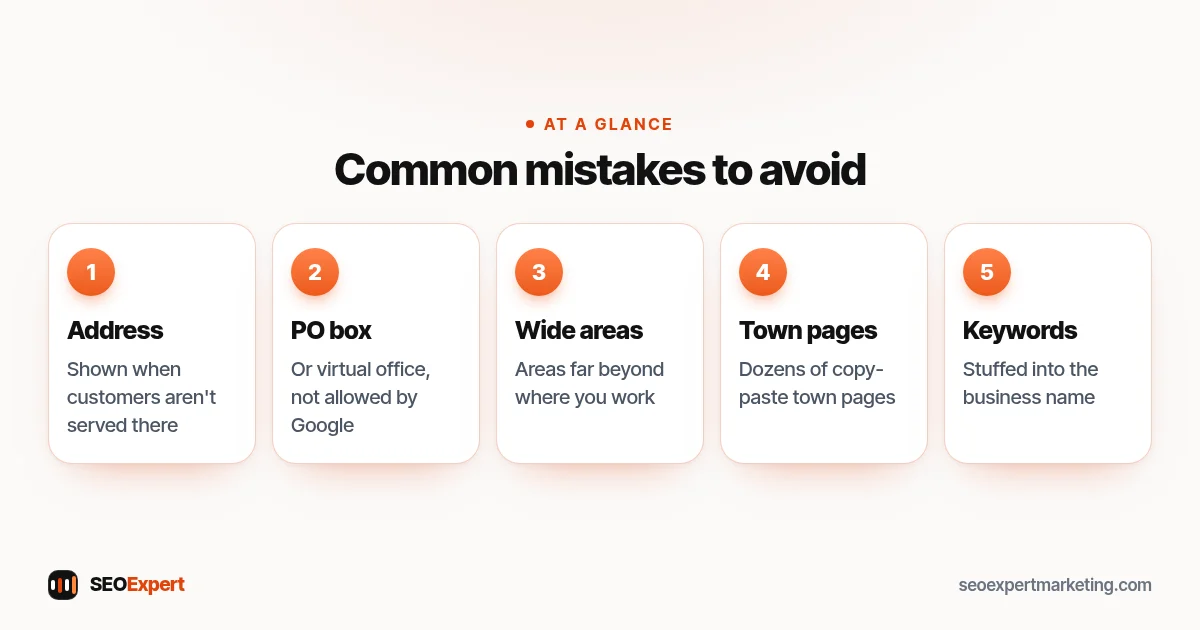
- Showing a home address when you don't serve customers there.
- Using a virtual office or PO box as an address, which Google's guidelines don't allow.
- Listing service areas far beyond where you work.
- Dozens of copy-paste town pages.
- Keywords stuffed into the business name.
- Different phone numbers on different listings.
Five common service area business mistakes to avoid:
An illustrative example
Picture a one-van electrician based in a small town who covers the surrounding area. A sensible setup would be a Business Profile with the address hidden and eight service areas covering the towns they actually drive to, a home page that names those towns, one page each for rewiring, fuse box upgrades, EV charger installation and emergency call-outs, and two area pages for the larger towns with real local detail. Add reviews after every job and photos of finished work, and the business has a clear, honest local presence to build on.
Service area business SEO for multiple bases
If you have more than one base, each with its own staff and service area, each can have its own profile and its own page on your website with genuine local details. If you have one base and travel widely, keep one profile and focus on service pages and a few helpful area pages instead.
How we help
Our local SEO services work with service area businesses in the USA, UK, Canada and Australia on WordPress and Shopify websites. We check your profile setup, service areas, pages and listings, then build the pages that bring calls. Send us your business name and website on WhatsApp for a free review.
Service area business SEO: quick answers
Should a service area business show its address on Google?
Not if customers don't visit you there. Google asks service-area businesses to remove the address and set service areas instead.
How many service areas can I add?
Google allows up to 20 service areas, and says the overall area shouldn't extend beyond about 2 hours of driving time from your base.
Do I need a page for every town?
No. Build strong service pages first, then add area pages only where you can include genuinely local, useful content.
Why do I rank near my base but not further away?
Distance is one of Google's main local factors and is measured from your business location. Strong relevance and popularity help you reach further.
