
Google Business Profile posts (still often called GMB posts, from the old name Google My Business) are short updates you publish on your business listing. They appear on your profile in Google Search and Maps, and they let you show customers what's new: offers, events, seasonal services, recent work and announcements. They take a few minutes to create, cost nothing and keep your profile looking active and useful. This guide explains the types of Google Business Profile posts, how to create them, what to write and the rules that get posts rejected.
What Google Business Profile posts are for
Google's help page on how to create and manage posts on your Business Profile says posts let you share announcements, offers, updates and event details directly with customers on Search and Maps, and help customers decide to visit. Customers find them in the Updates or Overview tabs of your profile on mobile and in the "From the owner" section on a computer.
Posts aren't a ranking shortcut. Think of them as free space on the page many customers see before they call you: a place to answer "are they open, are they good, what do they offer right now?"
The three types of GMB post
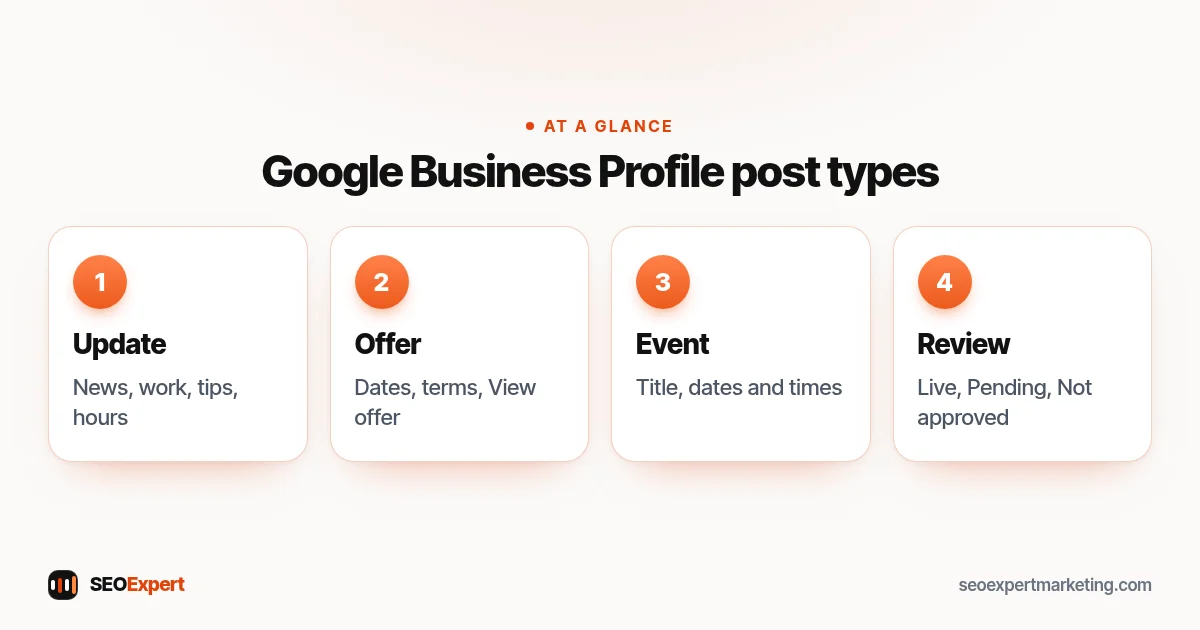
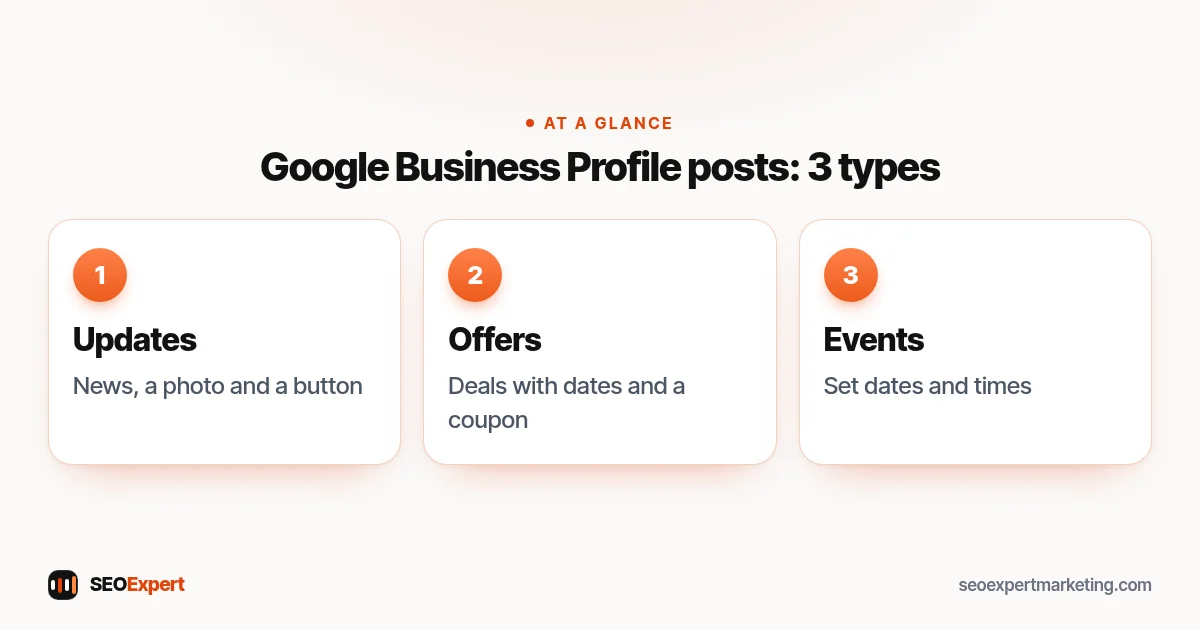
- Updates: general news about your business, with a description, photo or video and an optional button such as "Book" or "Learn more".
- Offers: promotions and deals. They need a title and start and end dates, and automatically get a "View offer" button; you can add a coupon code, link and terms.
- Events: something happening at a set time, such as a workshop, open day or tasting, with a title and start and end dates and times.
According to Google, posts older than six months are archived unless a date range is set, so regular posting keeps your profile current.
The three types of Google Business Profile posts at a glance:
How to create Google Business Profile posts
- Open your Business Profile (search your business name on Google while signed in, or use the Business Profile manager).
- Select Posts, then Add post.
- Choose the type: Update, Offer or Event.
- Add a photo or video, your text and, if useful, a button linking to the right page on your website.
- Publish now, or schedule the post for later. Google also lets you set posts to repeat, such as weekly or monthly.
After you publish, Google reviews each post against its content policy. A post can be Live, Pending (still processing, or your profile isn't verified) or Not approved.
12 ideas for Google Business Profile posts
- A recent job or project, with a before-and-after photo and the area it was in.
- A seasonal service: "Book your boiler service before winter".
- A limited-time offer, with clear dates and terms.
- Holiday opening hours, a week before the holiday.
- A new service or product, linking to its page on your website.
- A common customer question and a short answer.
- A tip customers can use, such as how to prevent frozen pipes.
- An event: an open day, class, tasting or workshop.
- A team introduction, with a real photo.
- Local involvement: a team or charity you support.
- A new article on your website, with a one-line summary.
- A thank-you to customers after a milestone, without inventing numbers.
How to write a GMB post that works
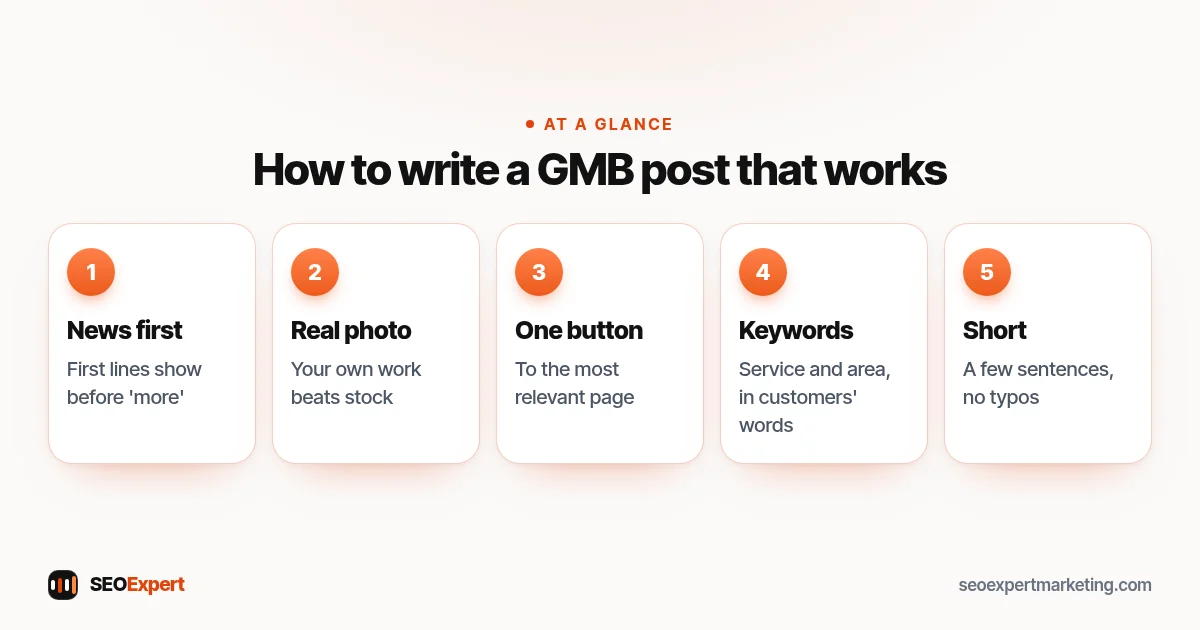
- Lead with the useful part. Only the first lines show before "more", so start with the news or offer.
- Use a real photo. Your own work and premises beat stock images.
- Add one clear button to the most relevant page, not just your homepage.
- Mention your service and area naturally, the way a customer would say it.
- Keep it short. A few sentences are enough.
- Check spelling and facts. Google's tips ask for professional posts without misspellings or extra characters.
Google Business Profile posts that work, in five points:
Example: a month of Google Business Profile posts for a café
Here's what a simple month could look like for a small café. It's an illustration, not a client result.
- Week 1, update: a photo of the new autumn menu with a "View menu" button linking to the menu page.
- Week 2, event: a Saturday coffee-tasting morning with start and end times.
- Week 3, offer: a weekday lunch deal with clear dates and terms.
- Week 4, update: holiday opening hours, posted a week ahead, plus a reminder to book tables for groups.
Four short posts, scheduled in one sitting, keep the profile current for the whole month. Food and drink businesses have extra profile features, which our page on SEO for restaurants explains.
Rules that get posts rejected
Google reviews posts against its posts content policy. Common reasons posts aren't approved:
- Phone numbers in the post text: Google says posts with a phone number in the description might be rejected if the number can't be verified as connected to the business. Use the button or your profile's phone field instead.
- Content unrelated to the business, or offensive, misleading or spammy content.
- Links to unrelated or harmful sites.
- Offers without real dates, terms or a genuine discount.
The same post ideas work on Facebook too. Our guide on how to make a business Facebook page shows how to set one up.
How often should you post?
There's no official number. A realistic routine for a small business is one or two Google Business Profile posts a month, plus extra ones for offers, events and holiday hours. Consistency matters more than volume; a profile with a recent post looks cared for. Scheduling a month of posts in one sitting makes it easy to keep up.
Do Google Business Profile posts help rankings?
Google's help page describes posts as a way to inform customers and help them decide to visit, not as a ranking factor. Its guide to improving your local ranking focuses on relevance, distance and prominence, and on keeping your profile complete and active. Posts support that by keeping information fresh and giving customers reasons to click, call or visit. Treat them as customer communication first.
Measuring your posts
Check your profile's performance each month: calls, website clicks and direction requests. If you link post buttons to specific pages on your site, Search Console and Analytics show how many visitors they bring. Note which kinds of posts lead to enquiries and do more of those. After a few months you'll have a clear picture of what your customers respond to.
Posts are one part of a well-run profile. Our Google Business Profile optimization page covers the rest, our local SEO checklist includes posting in a monthly routine, and our local SEO services can handle profile updates for you.
Google Business Profile posts: quick answers
Do Google Business Profile posts expire?
Google says posts older than six months are archived unless a date range is set. Offers and events end on the dates you choose.
Can I schedule GMB posts in advance?
Yes. When creating a post you can schedule it for a later date and time, and set it to repeat, for example weekly or monthly.
Why was my post not approved?
Usually because it breaks Google's posts content policy: for example, a phone number in the text that can't be verified, unrelated or misleading content, or a problem link. Edit the post and try again.
Should I post the same thing on Facebook and my Business Profile?
You can share the same news, but keep each post short and relevant to people searching for your business on Google, with a button to the matching page on your website.
