
Description
A complete Google Business Profile setup helps your business appear in Google Maps and in the local results people see when they search for a service near them. For $99 we create a new profile for you, or clean up the one you already have, with the right categories, services, service areas, description, hours and attributes.
Many profiles are left half finished: the wrong main category, no services listed, an empty description or old opening hours. Google uses this information to decide when to show your business, so a careful Google Business Profile setup is one of the simplest local SEO jobs with a real effect.
On this page
What the Google Business Profile setup includes
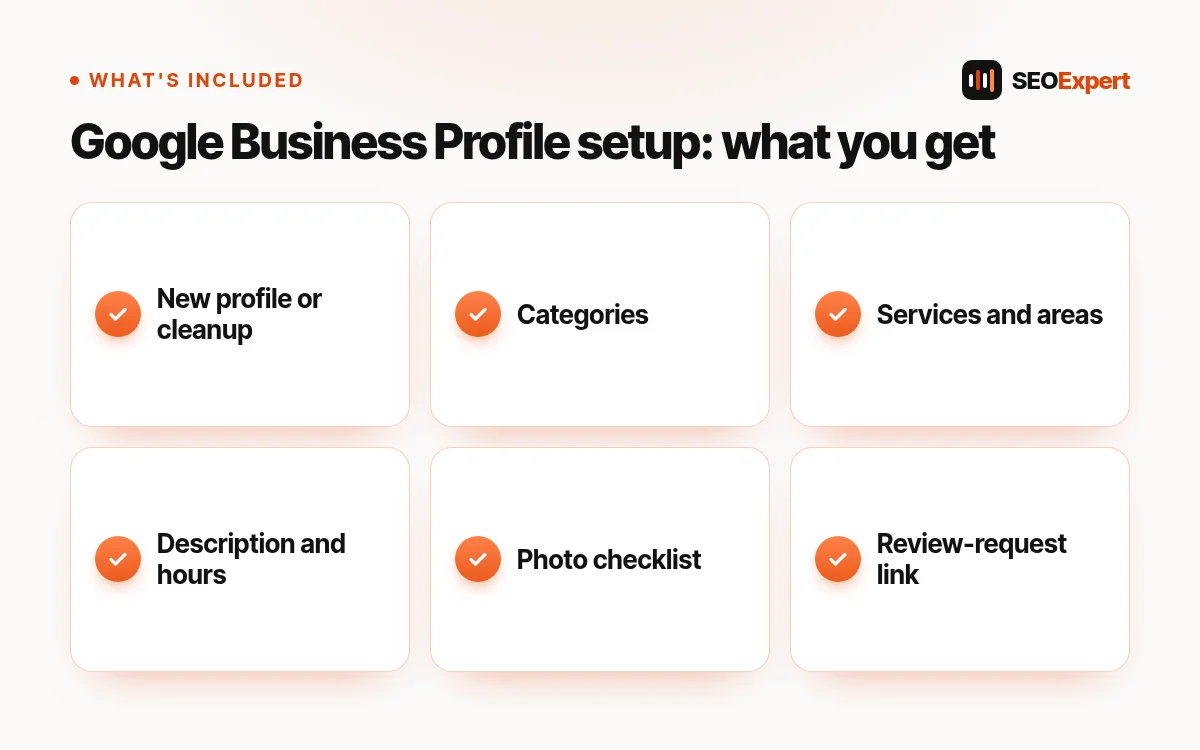
- New profile or cleanup of yours. We start a new profile or fix an existing one.
- Categories. The main category that best describes your business, plus relevant extra categories.
- Services and areas. Your services listed clearly, and the towns or regions you cover.
- Description, hours and attributes. A clear business description within Google’s rules, correct hours and the attributes that apply to you.
- Photo checklist. A list of the photos worth adding. We use your own photos only, never stock images.
- Review-request link. A short link you can send to happy customers so they can leave a review easily.
Who this Google Business Profile setup is for
It suits local businesses that serve customers in person or in an area: trades, clinics, salons, restaurants, law and accounting offices, and home services. It is especially useful if you have never claimed your profile, if your details changed, or if competitors show in Maps and you don’t.
How it works
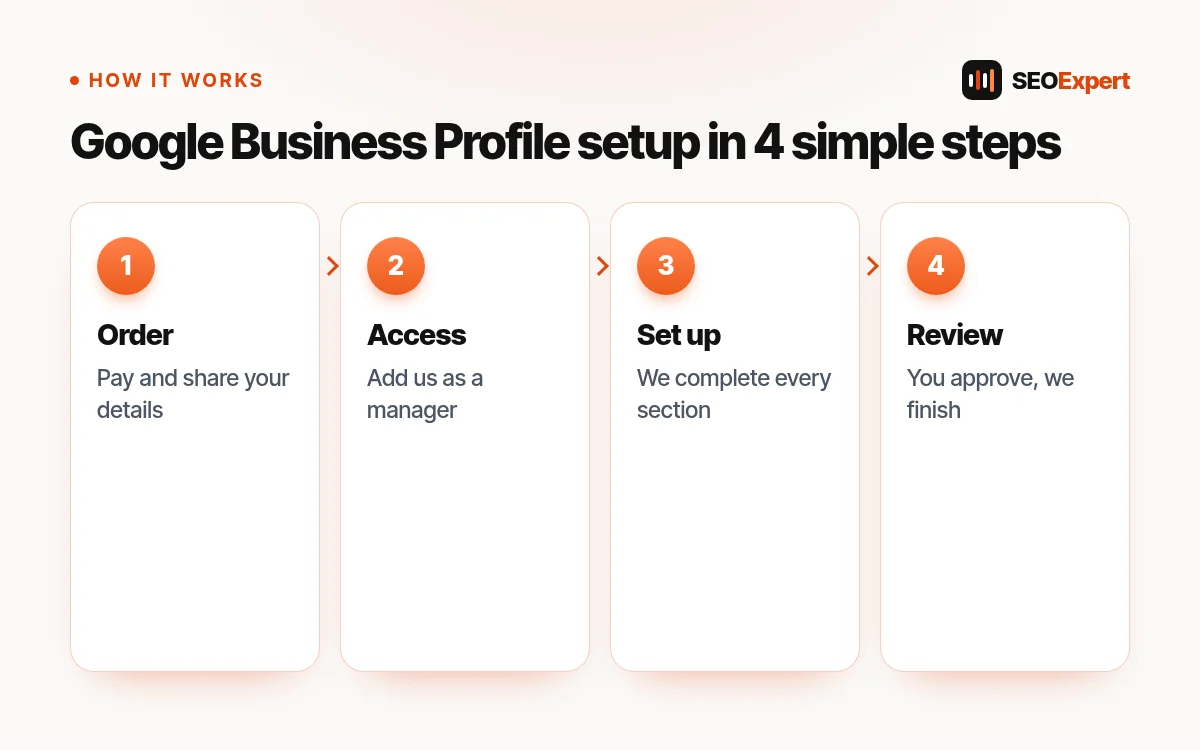
- Order and pay. Add the setup to your cart and pay by Remitly at checkout.
- Share your details. After we confirm payment, we email you a short form: business name, address or service area, phone, website, hours and services.
- Give access. For an existing profile you add us as a manager. For a new one, we guide you through creating it so you stay the owner.
- We complete the profile. We fill in every relevant section and check it against Google’s guidelines.
- You review. You see the result, ask for changes and we finish the Google Business Profile setup.
What you receive
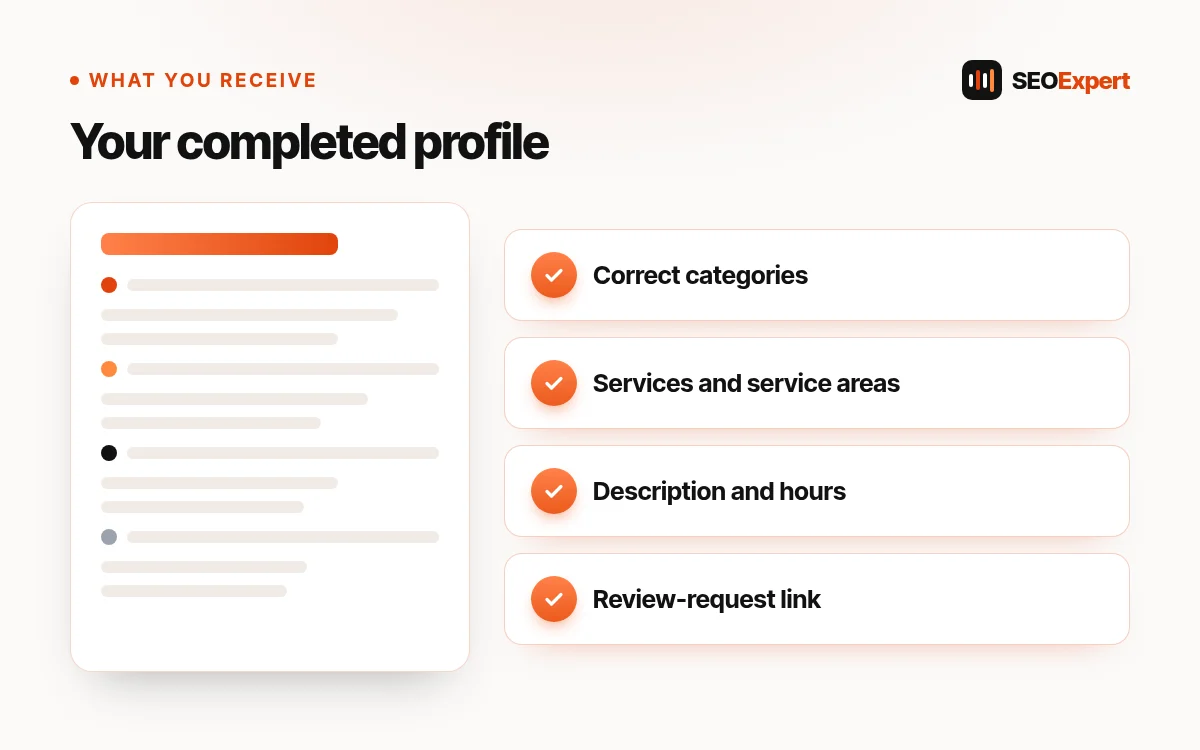
You receive a finished profile and a short note of what we changed and why, the photo checklist and your review-request link. You keep full ownership of the profile; we only work as a manager and you can remove our access at any time.
Why each part of the setup matters
The main category
Your main category is one of the strongest signals for which searches your profile appears in. Choosing it carefully is often the biggest single improvement in a Google Business Profile setup.
Accurate details everywhere
Your name, address and phone should match your website and other listings. Mixed details confuse both customers and Google.
Reviews and photos
Real reviews and real photos help people choose you. We never write or buy reviews; the review-request link simply makes it easy for real customers to leave one.
What the setup does not include
Verification is done by Google and sometimes needs a video, a postcard or a phone check from you; we explain the steps but cannot do them for you. The setup is a one-time job and does not include weekly posts or ongoing management. Google decides local rankings, and its own page on how to improve your local ranking explains the main factors.
Signs you need a Google Business Profile setup
- Your business does not appear in Google Maps when you search your own service and town.
- Your profile shows old hours, an old phone number or the wrong address.
- Your main category is too general, for example “Contractor” instead of “Roofing contractor”.
- Your services and description are empty.
- You moved, renamed the business or opened a second location.
Each of these can be fixed with a careful Google Business Profile setup, and most take only one visit to the profile to correct.
How to prepare for your Google Business Profile setup
Have these ready before we start: your exact business name as customers see it on signs and invoices, your phone number, your website address, your opening hours, the list of services you offer and the towns you cover. If you already have a profile, check which Google account owns it, because that account will need to add us as a manager.
Collect a few real photos too: the outside of your premises, your team at work and finished jobs. Our photo checklist tells you which ones help most, and you can add them after the Google Business Profile setup is finished.
After the setup
A profile works best when it stays up to date. Send the review-request link to happy customers after each job, answer reviews politely and update your hours for holidays. These small habits keep the profile accurate after the Google Business Profile setup.
Is the Google Business Profile setup free with Google?
Creating a profile is free. You pay us only for doing the Google Business Profile setup carefully and checking every section.
Example: a profile before and after
This is an illustrative example of a Google Business Profile setup for a roofing company, not a real client:
- Before: main category “Contractor”, no services, no description, hours missing, phone number different from the website.
- After: main category “Roofing contractor”, extra categories “Gutter cleaning service” and “Siding contractor”, eight services listed, service areas set to the towns covered, a clear description, correct hours and the same phone number as the website.
Small changes like these are the core of a good Google Business Profile setup: they help Google match your business to the right searches.
Common profile mistakes to avoid
Keywords in the business name
Adding words like “Best Plumber Austin” to your business name breaks Google’s guidelines and can get the profile suspended. Use your real business name only.
A virtual office or a fake address
Profiles must use a real location where you meet customers, or a hidden address with service areas. We set this up correctly during the Google Business Profile setup.
Duplicate profiles
Two profiles for the same business split your reviews and confuse customers. We check for duplicates and explain how to remove them.
Buying or swapping reviews
Fake reviews break Google’s rules and damage trust. The review-request link helps you collect real ones instead.
Stock photos
Customers want to see your real work, team and premises. Stock images do not help, which is why we use your own photos only.
Google Business Profile setup or ongoing local SEO?
The Google Business Profile setup is a one-time job that gets your profile right. Ongoing local SEO adds regular posts, review replies, local pages on your website and local links. Many businesses start with the setup, then add monthly help later. You can compare options on our local SEO packages page, or see what our local SEO services include.
Price and payment
The price is fixed and paid once, in US dollars. There is no contract and nothing renews. You pay at checkout by Remitly (bank deposit or Orange Money); the checkout shows each step and asks for your Remitly reference and a screenshot. We start as soon as we confirm your payment, and we email you to confirm the scope and the delivery date. If something is unclear before you buy, send us a message first. Refunds follow our refund policy.
Google Business Profile setup FAQ
Do I keep ownership of my profile?
Yes. You stay the owner, and we only need manager access during the work.
Can you set up a profile for a business with no shop front?
Yes. Service-area businesses can hide their address and show the areas they serve instead.
How long does verification take?
It depends on Google and the method it chooses, such as a video, a phone or text code, or a postcard. We explain the steps for the method Google offers you.
Do you also manage profiles every month?
Yes, as part of our Google Business Profile optimization work and our local SEO plans.
See every fixed-price job on our SEO price list.
What if my profile is suspended?
A suspended profile needs a reinstatement request to Google, and the reason must be fixed first, for example a business name with extra keywords or an address that breaks the rules. Tell us before you order; we check the cause and explain whether the Google Business Profile setup can include the request or whether it needs a separate quote.
Can you set up profiles for several locations?
Yes. Each location needs its own profile and its own Google Business Profile setup. For three or more locations, ask us for a combined price before you order.
Do I need a website for the Google Business Profile setup?
No, but a website helps. A profile that links to a clear page about your services and area gives customers more confidence and gives Google more information.




Reviews
There are no reviews yet.