Google Business Profile optimization means making your profile complete, accurate and within Google's rules. It matters because the profile is often what people see in Google Maps and the local results before they reach your website. This page explains what our Google Business Profile optimization service covers, what Google's own help pages say matters, and how to avoid the shortcuts that get profiles suspended.
Not on Google yet? Start with our guide on how to add a business to Google Maps. If you only need a one-time job, our Google Business Profile setup creates a new profile or cleans up yours for a fixed $99.
What Google says drives local results
Google's help page on improving your local ranking says local results mainly depend on relevance, distance and prominence. Relevance is how well your profile matches the search. Distance is how far you are from the searcher, which you can't change. Prominence is how well-known you are, based on things like how many websites link to you and how many reviews you have.
Google adds that businesses with complete and accurate information are more likely to show up. Its tips: verify your business, keep your details up to date, respond to reviews, add photos and videos, and, for eligible retailers, add in-store products. It also says: "There's no way to request or pay for a better local ranking on Google." Google Business Profile optimization works on the parts you control.
Our Google Business Profile optimization checklist
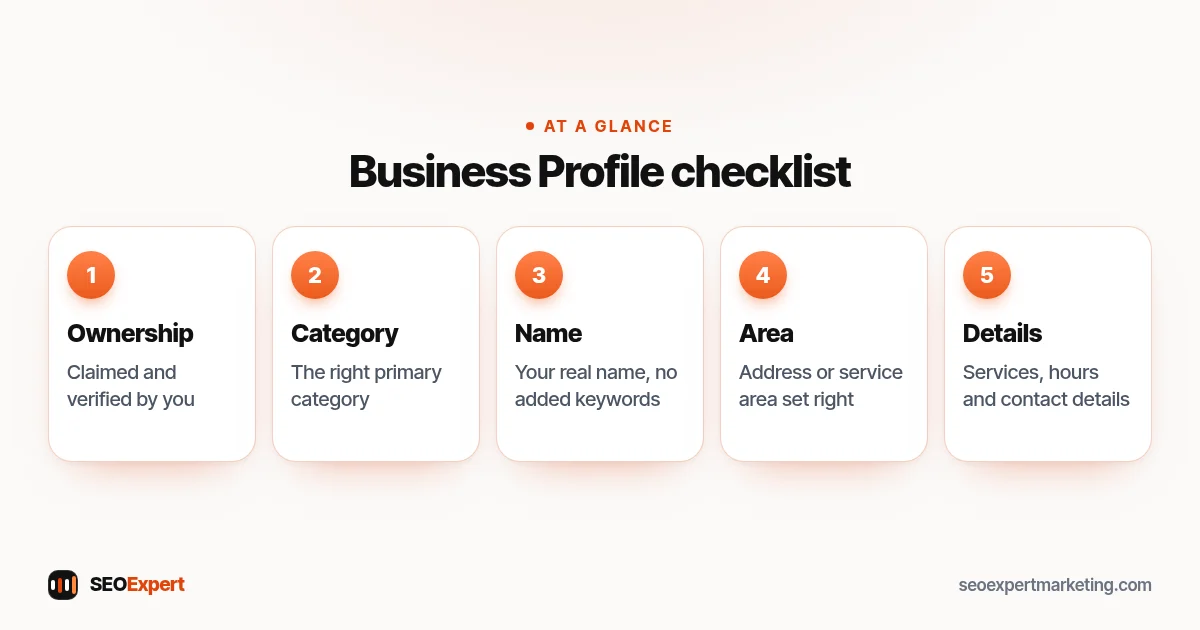
- Ownership and verification: claimed and verified by you, not a former agency or employee.
- The right primary category: a key setting, plus only the extra categories that are true.
- Business name exactly as it is: no added keywords or city names, which Google's guidelines don't allow.
- Address or service area: a storefront address if customers visit you, or service areas with no address shown if you visit them.
- Services, products and description: every service you offer, in plain words, with an honest description.
- Hours and contact details: accurate regular and holiday hours, phone, website, chat and booking links.
- Photos, posts and reviews: real photos, posts about offers or recent work, and an honest routine for asking for and replying to reviews.
Ownership and verification come first
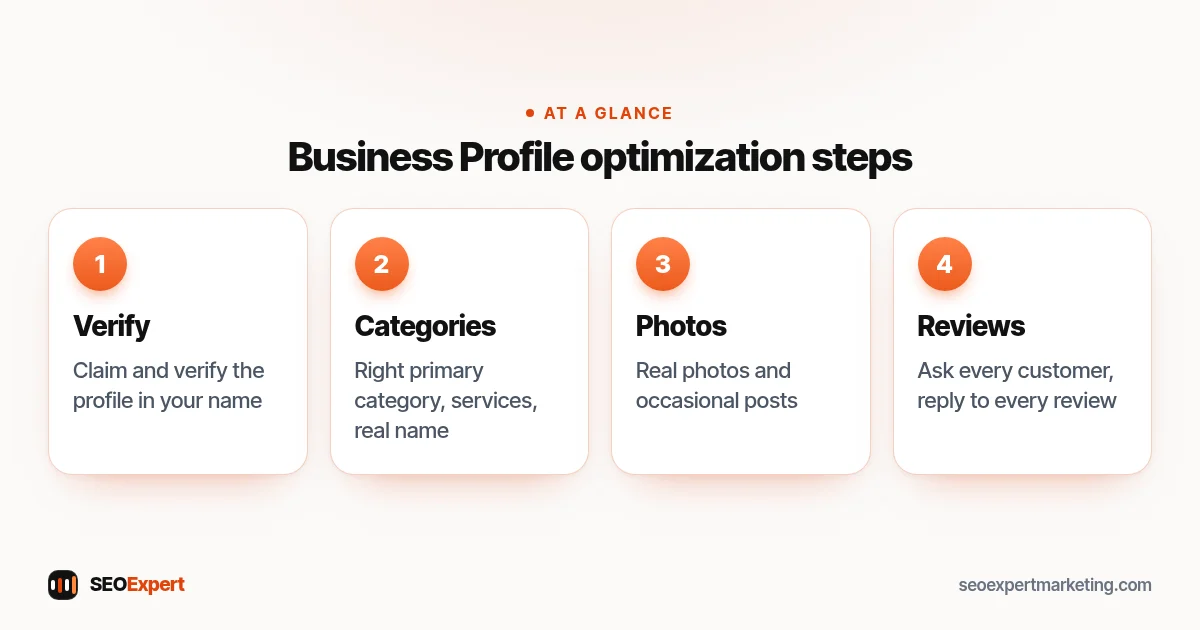
Google Business Profile optimization starts with access. If a past employee or an old agency set up your profile, Google's page on requesting ownership of a Business Profile explains the fix: go to business.google.com/add, find your business and select Request Access. The current owner has 3 days to reply. If they don't, you may be able to claim the profile, though that option isn't always available. For a service-area business with no shop or office, Google asks you to contact its support team instead.
When we work on your profile, you stay the owner. We only ask for manager access, and you can remove it at any time.
How verification works
You need a verified profile to edit your details. Google's verification help page says Google picks the method, based on things like your business type and region, and you can't change it. Options include phone or text, email, video and a postcard. Verification reviews take up to 5 business days, and on rare occasions longer.
Waiting for a postcard? Don't edit your name, address or category, and don't ask for a new code, or the one in the mail stops working. If you move later, you must verify again.
Categories, name and description
Choose categories the way Google describes
You get one primary category and up to 9 more, says Google's page on editing your Business Profile. Google's guidelines ask you to use the fewest categories you need, be as specific as you can, and not use categories just as keywords.
The test: a category should complete "This business IS a…", not "This business HAS a…". A café is a café; it has outdoor seating. So "Café" is a category, and outdoor seating is an attribute. Our guide to Google My Business keywords shows where search terms do belong.
Use your real business name
Use the name on your signs and website. Google's guidelines rule out extras such as taglines, store codes, phone numbers, web addresses, hours, service descriptions and location details. "Smith Plumbing" is fine. "Smith Plumbing 24/7 Emergency Plumber Leeds" is not.
Keep the description within the limits
The business description can be up to 750 characters, with no URLs or HTML code. Google asks that it focus on your business, not promotions, prices or sales. Say what you do, who you serve and where, in plain words.
Address, service area and hours
If customers come to you, show your address. If you only visit or deliver to them, Google's page on managing service areas says to remove it. A hybrid business, which also serves customers at its address, can keep it and add service areas. You can set up to 20, such as cities or postal codes, within about 2 hours' drive of your base. Our guide to service area business SEO covers the website side.
The address must be real: P.O. boxes and rented mailing addresses you don't operate from aren't eligible. For hours, set regular times, then special hours for holidays and other temporary changes. Off-season, a seasonal business can mark itself as temporarily closed.
Phone, website, chat and social links
Google's guidelines ask for a phone number that connects to your location and that you control. Use a local number rather than a central call center line where you can, and never a premium-rate number. You can add up to 2 more numbers. Your website link should represent this location. Don't use numbers or links that send people to pages or numbers that aren't the business's own, including pages made on social media sites.
Verified profiles can add a WhatsApp or text chat option. You can also add one social link each for Facebook, Instagram, LinkedIn, Pinterest, TikTok, X and YouTube. Google says both features are only available in some regions. Some categories can add order, booking or appointment links.
Services, products and attributes
Google's page on managing services says that, in categories that offer it, you can pick suggested services or add your own, group them, and add a description and price to each. Custom services that break policy are rejected automatically, so keep prices and phone numbers out of service names.
Retailers in eligible countries, which Google lists as the US, Canada, the UK and Ireland, can show in-store products. Attributes are either factual, which you can edit, such as outdoor seating, or subjective, based on what visitors think.
Industry details that help
Some categories unlock extra fields, such as menus for restaurants or booking links for salons. Part of Google Business Profile optimization is filling in every field your category offers. Under Google's guidelines, practitioners who serve the public, such as doctors and lawyers, may have their own profile, but support staff may not. Our guides to SEO for plumbers, dentists, lawyers and restaurants show how this differs by business.
If reviews go missing from your profile, our guide on how to see deleted Google reviews explains the next steps.
Photos that meet Google's specs
Photos show only once your business is verified. Google's photo tips ask for JPG or PNG files between 10 KB and 5 MB, ideally 720 by 720 pixels and at least 250 by 250. They should be in focus and well lit, with no significant alterations and no heavy use of filters or AI.
Google suggests at least three photos of each type: outside, inside, products, your services in action and your team. We give you a shot list and use your own photos only, never stock images.
Posts that keep the profile current
Google's page on creating posts lists three types: updates, offers and events. You can schedule posts or set them to repeat. Posts older than 6 months are archived unless you set a date range. If posts are part of your plan, your written proposal says how often we post. Our guide to Google Business Profile posts has 12 ideas and the rules that get posts rejected.
Reviews the right way
Google's tips for getting more reviews start simply: share a Google link or a QR code. Customers must be signed into a Google Account to leave one. Offering free or discounted goods or services for reviews is strictly prohibited, and so are incentives to change or remove reviews. We never buy or write reviews, and we don't reward customers for them.
When you reply, Google's tips say be polite and brief, answer the reviewer's point, apologize when it's right to, leave deals out and never share private details. You can flag reviews that break its policies. We set up a review link, a request message and reply templates; our guide on how to get Google reviews has the full routine.
Staying within Google's guidelines
Google's guidelines for representing your business set clear rules: use your real business name, don't list a virtual office or a rented mailbox you don't operate from, and keep one profile per location. Breaking them can get a profile suspended. We do Google Business Profile optimization inside those rules, and we tell you when a request would break them.
If your profile is suspended
Google's page on fixing suspended or disabled profiles points to its appeals tool. Evidence such as a business registration, license or utility bill can help. Don't create a new profile for the same business, and prepare carefully: an appeal can only be submitted once.
Keep it active after the setup
A profile isn't a one-off job. Hours change, services are added, and new photos and reviews keep it current. Check for edits suggested by the public, and review who has access now and then.
How the profile and your website work together
Your profile links to your website, so the two should tell the same story. For a plumber, that means the same name, address and phone number on both, and a website that clearly explains the services listed on the profile. That's why we combine Google Business Profile optimization with local SEO services on your site. Accurate details across directories matter too: see our guides to local SEO citations, local business schema and the local SEO checklist.
Google Business Profile optimization pricing
Local SEO for Google Maps and local results is part of all three of our monthly plans: SEO Starter at $395, SEO Growth at $795 and SEO Authority at $1,495 a month (USD). Paid yearly, they cost $295, $595 and $1,095 a month, billed once a year, which is 25% or more off. Monthly plans have no long contract; you can cancel any time.
SEO Starter, our plan for local businesses, also includes a full SEO audit and up to 2 new or improved pages a month. Your written proposal lists the profile tasks and price before you commit. You can compare the packages line by line.
Need a one-time job instead of ongoing Google Business Profile optimization? The Google Business Profile setup costs $99, paid once. It covers a new profile or a cleanup of yours, with categories, services, areas, description, hours, a photo checklist and a review-request link. It doesn't include weekly posts or ongoing management. Every fixed-price job is on our SEO price list.
Who Google Business Profile optimization suits
It suits local businesses with a real address customers visit, or a real service area they travel to, who want more calls and direction requests from Google. It doesn't suit businesses without an eligible location, such as virtual offices, or anyone wanting keyword-stuffed names or bought reviews.
How quickly profile changes show
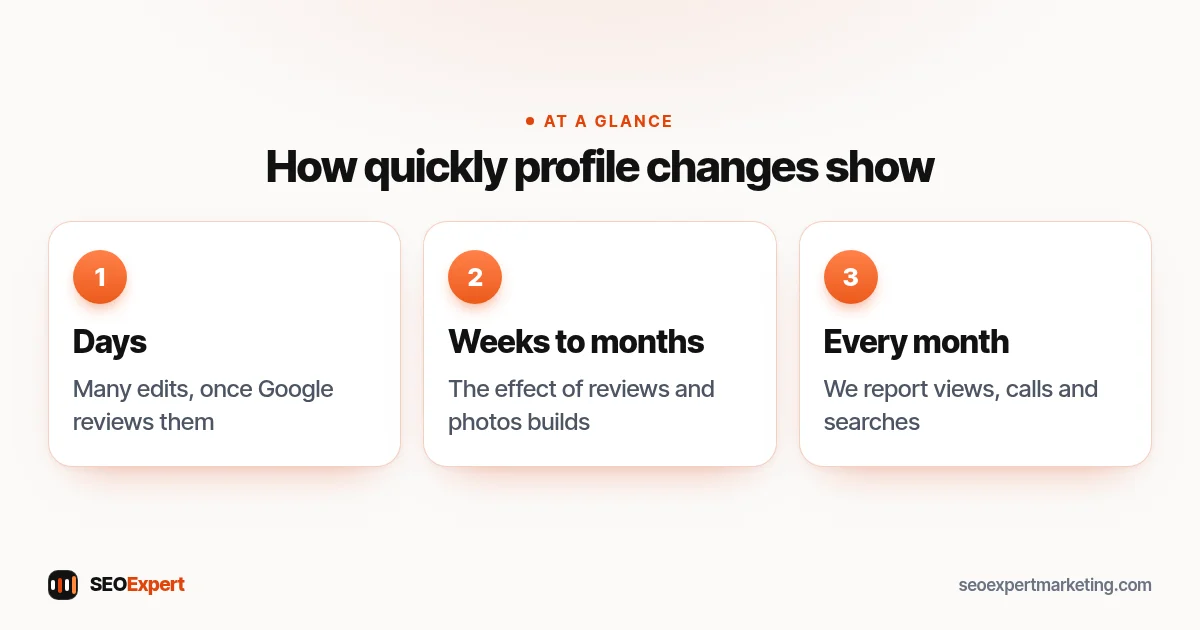
Google reviews changes before they go live, so an edit may not show straight away. For example, Google says approved service-area edits may take up to 48 hours to show, and verification reviews take up to 5 business days. Reviews and photos add up over time, so we judge Google Business Profile optimization month by month, with reports on profile views, calls and searches.
Not showing at all? Search for your exact business name, then check that the profile is verified, not suspended, and complete. Our local SEO audit guide walks through the checks. Want a second pair of eyes? Ask for a free review.