A business Facebook page is a free public page for your business on Facebook, separate from your personal profile. It lets customers find your opening hours, message you, see photos of your work and follow your updates, and it can appear when people search Google for your business name. This guide shows how to make a business Facebook page step by step, using Meta's current instructions, then how to set it up properly and connect it with your website and Google Business Profile so it helps your local SEO too.
What you need before you start
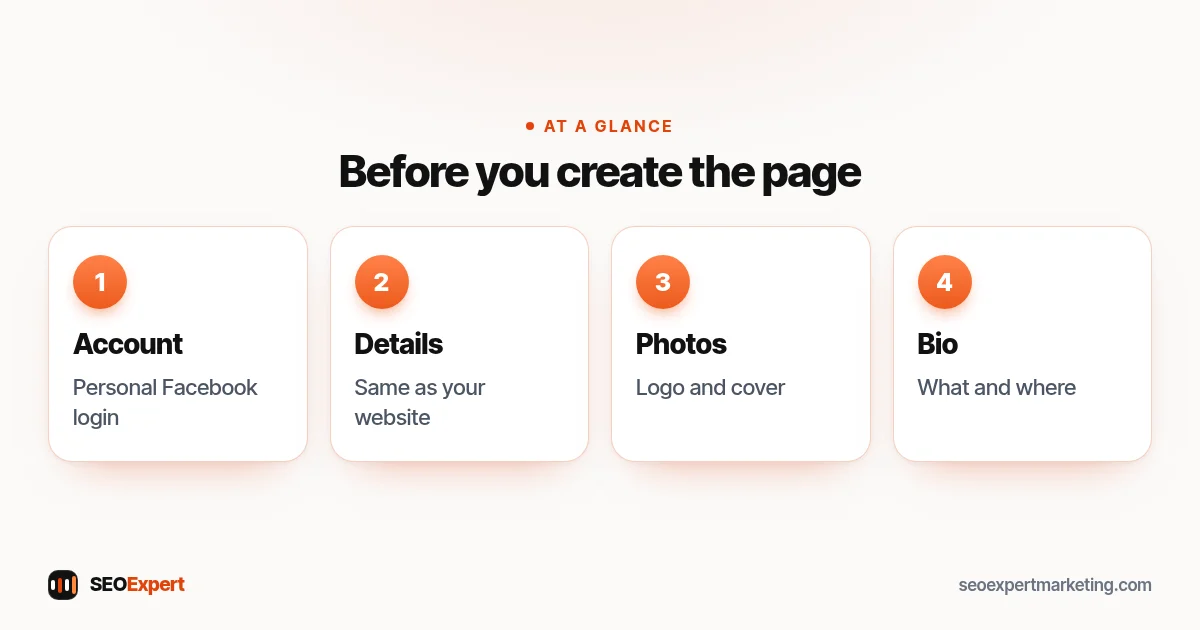
- A personal Facebook account. Meta's help page says anyone with a Facebook account can create a Page. You manage the page from your personal account, but the page itself is separate from your profile. Use your own real account, not a new profile made in the business name: Facebook's terms ask people to use the name they use in everyday life, and if a fake profile is disabled you can lose access to your page.
- Your exact business details. Name, address (or service area), phone number, website and opening hours, written exactly as on your website and Google Business Profile.
- A logo or photo for the profile picture and a wider image for the cover photo.
- A short description of what you do and where, in plain words.
Page, profile or group: which do you need?
| Page | Personal profile | Group | |
|---|---|---|---|
| What it's for | A business, brand or organisation | You as a person | A community talking together |
| Who can see it | Public | Depends on your privacy settings | Public or private |
| Business tools | Hours, contact button, insights, ads | Limited | Limited |
For a business, the answer is almost always a Page. Meta's help article notes that a Page is different from the professional mode setting for a profile and from Groups. You can still create a group later, for example for regular customers, and link it to your business Facebook page.
How to make a business Facebook page: 11 steps
These are the steps in Meta's help article Create a Facebook Page, for a computer:
- Log in to Facebook, then click Pages on the left.
- Click Create Page.
- Select Public Page, then click Next.
- Click Get started.
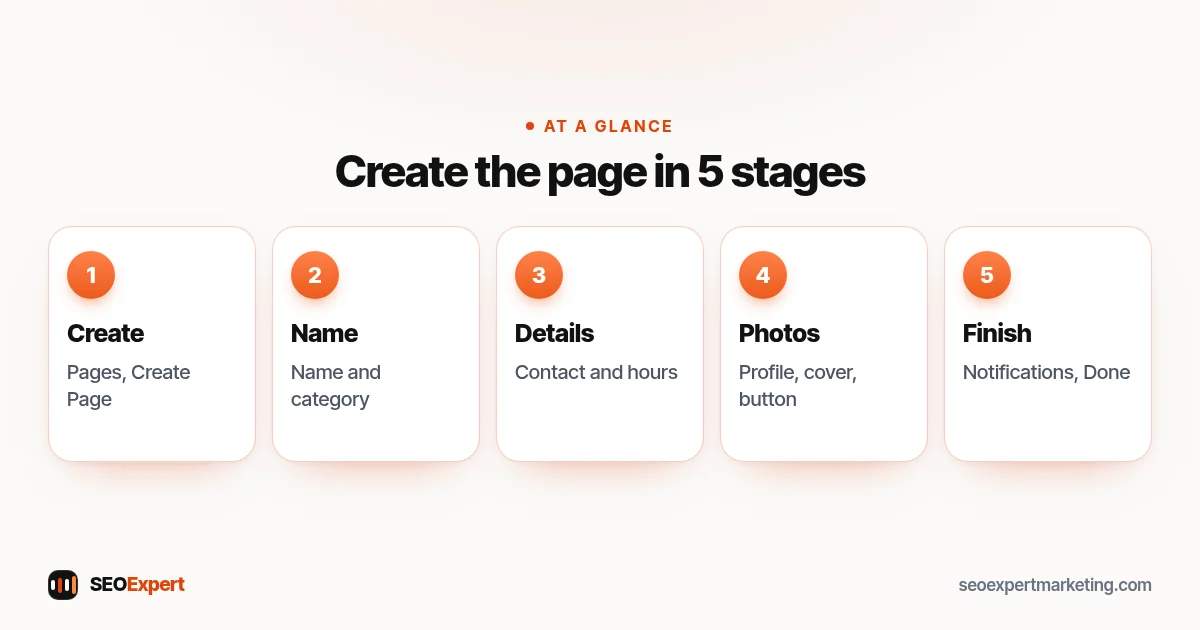
- Add your Page name and category.
- Add an optional bio and click Create Page.
- Add information such as contact info, location and hours, then click Next.
- Add profile and cover photos, edit the action button and click Next.
- Connect your WhatsApp to your Page, or click Skip.
- Invite friends to connect with your Page, then click Next.
- Select your notification settings and click Done.
Facebook changes its menus from time to time, so if a button looks different, the help article above has the latest version.
Choosing your page name and category
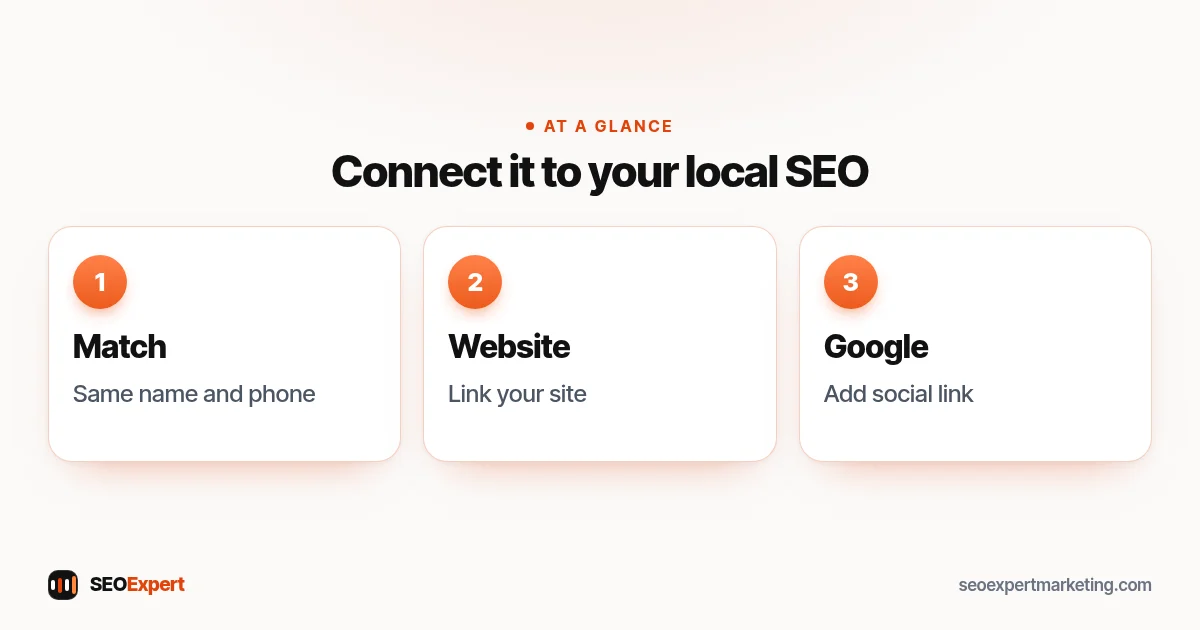
Use your real business name, exactly as customers know it and as it appears on your signs, website and Google Business Profile. Don't add keywords or a town name unless they're part of your actual business name: a business Facebook page called "Smith Plumbing" is better than "Smith Plumbing Best Cheap Plumber Leeds". Consistent names across the web help customers and search engines recognise you. Our guide to local SEO citations explains why consistency matters.
For the category, pick the most specific one that describes what you are, such as "Plumbing Service" rather than "Local Business". You can usually add more than one category, but start with the main one.
Profile picture and cover photo sizes
Good images make a business Facebook page look trustworthy at a glance. Meta's page on profile picture and cover photo dimensions gives these sizes:
| Image | Meta's guidance |
|---|---|
| Profile picture | 320 x 320 pixels for best quality; cropped to a circle; shows at 176 x 176 on computers and 196 x 196 on smartphones |
| Cover photo (minimum) | At least 400 pixels wide and 150 pixels tall |
| Cover photo (fastest loading) | An sRGB JPG, 851 x 315 pixels and under 100 kilobytes |
| Images with a logo or text | A PNG file may give a better result |
Keep important text and faces in the middle of the cover photo, because computers and phones crop it differently. A real photo of your team, shop or work usually says more than a stock image.
Set up the details that matter
- Bio and description: one or two sentences on what you do, for whom and where. "Family-run plumbers covering Leeds and Wakefield. Leaks, boilers and bathroom fitting."
- Contact details: the same phone number, email and address as your website.
- Website link: add your website address so people can find your full services, prices and booking options.
- Hours: keep them accurate, including holidays.
- Service area: if you visit customers rather than having them visit you, list the areas you serve and leave your home address off the page, just as you would hide it on your Google Business Profile.
- Action button: choose the one that matches how customers contact you: Call, Send message, Book or WhatsApp.
Does a business Facebook page help SEO?
Indirectly, yes. A business Facebook page doesn't move your website up Google's results on its own, but it helps in several practical ways:
- Branded searches. When people search your business name, your page can appear in the results, giving them another trusted place to check you out.
- Consistent business details. Another accurate listing of your name, address and phone number supports the picture search engines and customers have of your business.
- Visitors to your website. Posts that link to useful pages on your site can send real visitors.
- Your Google Business Profile. Google lets businesses add one link per social platform, including Facebook, to their profile in select regions (see below).
What a business Facebook page won't do is replace your website. You don't own your Facebook page in the way you own your site, and Facebook decides how many people see each post. Think of the page as a helpful extra that points people to your website, where your full services, prices and contact options live. Our local SEO checklist shows where it fits with everything else.
Connect your Facebook page to your Google Business Profile
Google's help page on social media links explains that you can add one link from each supported platform, including Facebook, to your Business Profile, through Edit profile, then Contact, then Social profiles. Google notes that this feature is currently available in select regions, so you may not see it yet, and that some profiles show social links automatically. If you can add it, use the exact web address of your business Facebook page. Our guide to Google Business Profile optimization covers the rest of your profile.
What to post on a business Facebook page
- Before and after photos of real jobs, with the customer's permission.
- Answers to common questions, linking to the full answer on your website.
- Offers and seasonal reminders, such as boiler servicing before winter.
- Behind the scenes: your team, new equipment, community events.
- Opening hours changes for holidays.
A short, regular rhythm, such as one or two useful posts a week, is easier to keep up than a burst of posts followed by months of silence.
Your first-week checklist
- Check the page on your phone and on a computer: name, photos, button and hours.
- Click the website link and the action button to make sure they work.
- Add the page link to your website footer and your email signature.
- Add it to your Google Business Profile's social links if the option is available.
- Publish two or three useful posts so new visitors don't see an empty business Facebook page.
- Tell existing customers about it in person or on your receipts, without offering rewards for likes or reviews.
- Give one other person you trust completely Facebook access with full control (see Keep control of your page below).
What to expect from a new page
A new business Facebook page starts with no followers, and that's normal. Growth usually comes from existing customers, local word of mouth and useful posts, not overnight. Measure what matters to the business: messages, calls and website visits from the page, which you can see in the page's insights and in your website analytics. If the page brings a few genuine enquiries a month and keeps your details accurate everywhere, it's doing its job.
Managing messages and reviews
Customers will message your business Facebook page and may leave recommendations. Reply politely and quickly, even to complaints, and move detailed or personal conversations to private messages or the phone. Never post a customer's private details. If you connect WhatsApp or use automated replies, check that they give correct information and a way to reach a person.
Example: a dog groomer's first page
A mobile dog groomer creates a business Facebook page called "Paws on Wheels Grooming", chooses the "Pet Groomer" category and adds the bio "Mobile dog grooming in Bristol and Bath. We come to you." The contact details match the website and Google Business Profile exactly, the action button is set to Book, and the cover photo shows the van with a freshly groomed dog. The first posts show before and after photos from real appointments, shared with the owners' permission, each linking to the booking page on the website. The groomer then adds the page to the Google Business Profile's social links.
Common mistakes with a business Facebook page
- Using a personal profile as a business instead of creating a Page.
- A different phone number or address from your website and Google.
- Keyword-stuffed page names.
- No website link, or a link to an old address.
- Out-of-date hours, especially over holidays.
- Leaving messages unanswered for days.
- Buying likes or followers, which adds nothing real and breaks platform rules.
Working with other businesses? Our guide on how to create a LinkedIn business page covers the same steps for LinkedIn.
Keep control of your page
Give access to staff or an agency through the page's access settings rather than sharing your password, and choose partial access unless they really need everything: Meta says people with full control can remove anyone from the Page, including you, or delete it. Turn on two-factor authentication for your personal account, and keep full control for yourself and one other person you trust completely, so you never get locked out. Review who has access every few months, and remove people who no longer work with you.
Want help with your local presence?
Our local SEO services keep your business details consistent across Google, Facebook and the directories that matter, and connect them to a website that turns visitors into enquiries. To start, ask for a free website analysis.
Business Facebook page: quick answers
How do I make a business Facebook page?
Log in to Facebook, click Pages, then Create Page. Choose Public Page, add your page name and category, an optional bio, contact details and hours, profile and cover photos, and your action button.
Do I need a personal Facebook account to create a business page?
Yes. Meta's steps start with logging in to Facebook, and you create the Page from your own account. The page is separate from your personal profile.
Is a business Facebook page free?
Yes. Creating and running a Facebook Page is free. Advertising on Facebook is optional and paid.
What size should my Facebook cover photo be?
Meta says the cover photo must be at least 400 x 150 pixels and loads fastest as an sRGB JPG of 851 x 315 pixels under 100 KB. The profile picture should be 320 x 320 pixels.
Does a Facebook page help SEO?
Indirectly. It can appear in searches for your business name, adds another consistent listing of your details and can send visitors to your website, but it doesn't replace your website.
Can I link my Facebook page to my Google Business Profile?
In select regions, yes. Google lets you add one link per social platform, including Facebook, under Edit profile, Contact, Social profiles. The feature isn't available everywhere yet.
