
If reviews have vanished from your Google Business Profile, you're not alone, and the short answer may be frustrating: Google doesn't keep a public list of deleted Google reviews, and reviews removed for breaking its policies aren't restored. But you can usually find out what happened, see a copy of what was written, and in some cases get help. This guide explains how to see deleted Google reviews where possible, the reasons reviews disappear according to Google's own help pages, and the steps to take next.
Can you see deleted Google reviews?
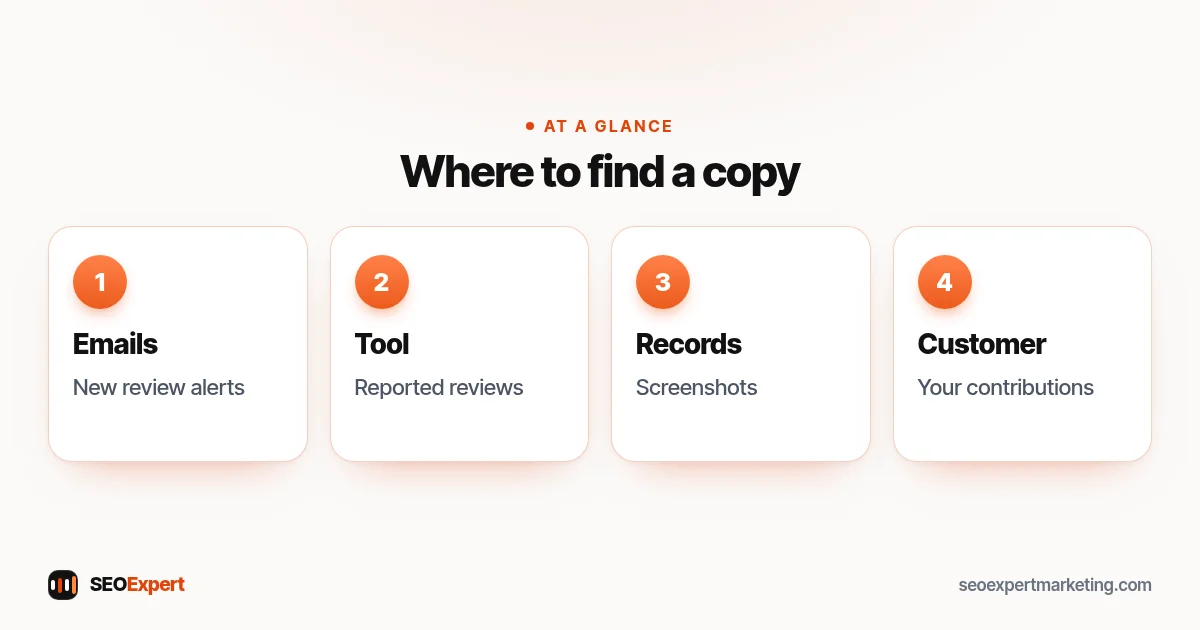
Not on your profile or on Google Maps. Once a review is removed, it no longer shows to anyone, including you. There is no "deleted" folder in Google Business Profile. What you can usually see is:
- The notification email. Google Business Profile can send alerts when customers leave new reviews. If those alerts were on, the email may include the reviewer's name and their review. You can switch alerts on under More, then Notifications, on your Business Profile.
- The status of reviews you reported. Google's Reviews Management Tool shows reviews you flagged and the status of each report; if you appeal, Google emails you the final decision.
- Your own records. Screenshots, exported lists or a review monitoring tool that saved reviews when they appeared.
- The customer's view. The person who wrote the review can check whether it's listed in Google Maps under "Your contributions", then "Reviews".
Why Google reviews disappear
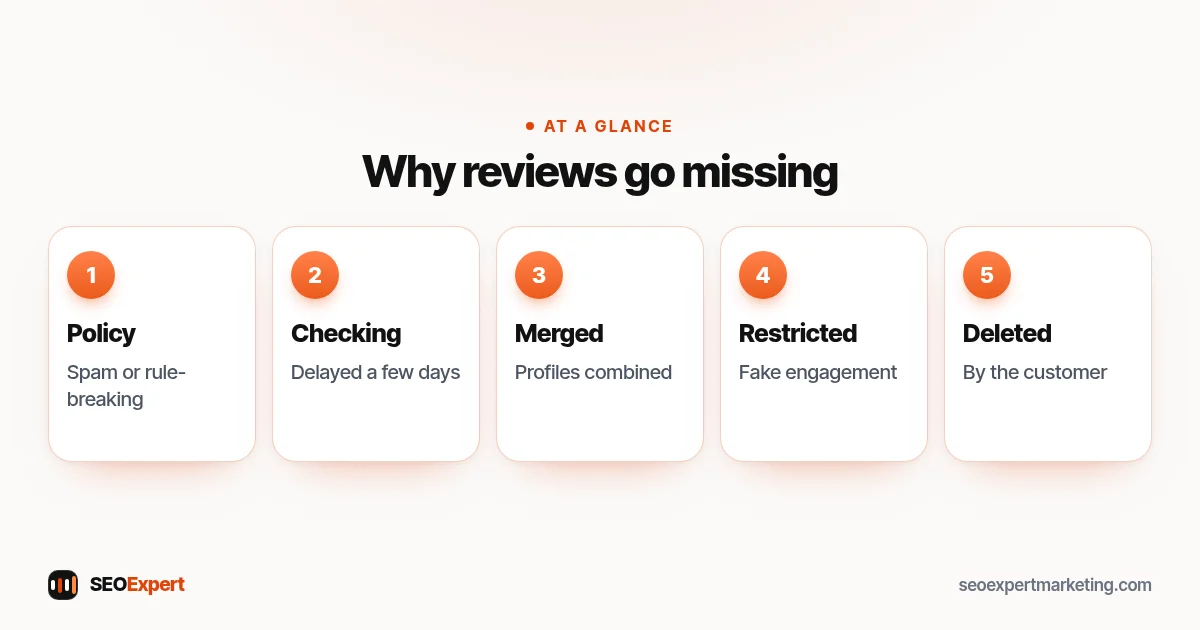
Google's help page About missing or delayed reviews says reviews are usually removed for policy violations like spam or inappropriate content. It lists these possible reasons:
- Policy checks. Reviews are checked against Google's policies, which can take a few days, so a new review may simply be delayed.
- Merged profiles. After two Business Profiles are merged, it can take a few days for reviews from both to show.
- Old apps. Customers on older phones or software may have trouble leaving reviews, and Google suggests updating Google Maps.
- Policy removals. Reviews removed for policy violations won't be restored.
- Temporary disabling. In some situations Google may temporarily disable reviews for certain profiles or business categories.
- After a reinstatement. Reviews are sometimes removed after a suspended profile is reinstated; Google says to contact support if this happens.
- Schools. Google removes and switches off reviews for profiles mainly categorized as schools for students aged 6 to 18. Universities, day care centers and swim schools aren't affected. If that category doesn't really describe your business, Google says you can change it.
Google also explains that it uses automated spam detection to remove spam reviews and admits that the system may occasionally remove legitimate reviews by mistake. And of course, a customer can edit or delete their own review at any time, or delete their Google account.
Deleted Google reviews vs reviews that never appeared
It helps to separate two situations. Deleted Google reviews were live on your profile and then vanished. Reviews that never appeared were written by a customer but never showed up, often because they were still being checked or were blocked straight away. In the first case, look for the alert email and check whether the count dropped on a particular date. In the second, ask the customer to check Google Maps under Your contributions, then Reviews, to see whether the review is listed there. The steps below cover both.
Deleted Google reviews and your rating
Your review count and average rating are worked out from the reviews that are currently live. When reviews are removed, both can change overnight, sometimes up and sometimes down, depending on which reviews went. That can be a shock, but it doesn't mean your profile is broken. Work through the checks below before taking any action, and focus on earning new genuine reviews rather than chasing the old ones.
Deleted Google reviews and fake engagement restrictions
If Google decides a business has broken its Fake Engagement policy, for example by buying reviews or offering rewards for them, it may do more than remove the reviews. Google's page on Business Profile restrictions lists examples: the profile may be blocked from receiving new reviews for a set period, existing reviews may be unpublished for a set period, and the profile may show a warning that fake reviews were removed. Google says it notifies owners by email before applying a restriction, and businesses can appeal.
If many reviews vanished at once, check your email (including spam folders) for a restriction notice from Google.
How to check what happened to deleted Google reviews: 5 steps
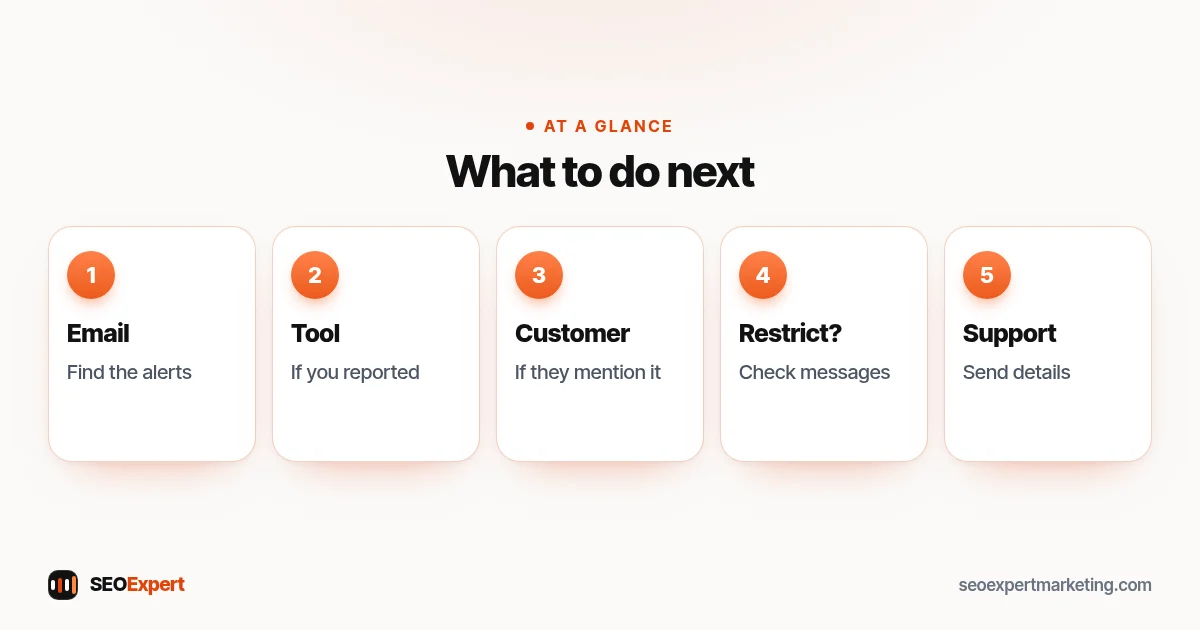
- Search your email. Look for Google's new review alerts for the dates when the missing reviews appeared. They may include the reviewer's name and what they wrote, which helps with the next steps.
- Check the Reviews Management Tool if you reported reviews yourself. According to Google's guide to reporting inappropriate reviews, the tool shows the status of reviews you've reported: "Decision pending", "Report reviewed - no policy violation" or "Escalated - check your email for updates". It won't list reviews that Google removed on its own or that customers deleted.
- If a customer mentions it, ask them to check. If a customer says they left a review that you can't see, ask them to look in Google Maps under Your contributions, then Reviews. If it's listed there but not on your profile, it may still be under review, which Google says can take a few days.
- Check for restriction emails. A sudden loss of many reviews may mean a restriction, which Google says it emails about.
- Contact Google Business Profile support if you believe genuine reviews were removed by mistake, with the dates, the reviewers' names and copies of the reviews from your emails or screenshots.
Can deleted Google reviews be restored?
| Situation | Can it come back? | What to do |
|---|---|---|
| Removed for a policy violation | No, Google says these won't be restored | Learn from it and follow the rules from now on |
| Removed by the spam filter by mistake | Possibly | Contact support with details |
| Still being checked | Appears if it passes Google's checks, which can take a few days | Wait, then check again |
| Missing after merging profiles | Usually, after a few days | Wait; contact support if it doesn't |
| Missing after a reinstatement | Possibly | Contact support |
| Deleted by the customer | Only if they post it again | Respect their choice and keep asking every customer as usual |
| Hidden by a restriction | After the set period, or after a successful appeal | Read the email and appeal if you believe it's wrong |
What about reviews you want removed?
The same tools work the other way. If a review on your profile breaks Google's policies, such as spam, off-topic content or profanity, you can report it from your Business Profile or the Reviews Management Tool. Google says review evaluation typically takes several days. If Google finds no violation and you disagree, you can submit a one-time appeal, selecting up to 10 reviews at once, and you'll get an email with the final decision. Google is clear that you shouldn't report a review just because you disagree with it: genuine negative reviews stay. A calm, helpful reply is usually the best response, and our guide on how to get Google reviews includes example replies.
How to protect your reviews from being removed
- Never offer rewards for reviews. Discounts, prizes or free items in exchange for reviews break Google's rules.
- Don't ask staff, family or friends to review you. Reviews must come from real customer experiences.
- Don't filter who you ask. Asking only happy customers through a "review gate" is against the rules.
- Ask steadily. A natural flow of reviews after each job looks normal; dozens in one day then nothing for months can look suspicious.
- Use Google's own review link so customers land in the right place on their own phones.
- Keep your profile accurate. A well-kept profile is less likely to run into suspensions. Our guide to Google Business Profile optimization covers the basics.
Keep your own record of reviews
The simplest protection against losing track of deleted Google reviews is your own record. Leave Google's review alerts switched on and file them in an email folder. Every few months, save a screenshot or a simple spreadsheet of your reviews: date, name, rating and text. Some local SEO tools save new reviews automatically. A record won't bring deleted Google reviews back, but it gives you the facts if you need to contact support, and it shows you which customers to thank.
What to tell a customer whose review disappeared
Customers sometimes say "I left you a review but it's gone". Thank them first. Then suggest they check Google Maps under Your contributions, then Reviews. If it was removed, they can read Google's rules on prohibited and restricted content and, if they wish, write a new review that describes their own experience, without links, phone numbers or anything off-topic. Never write the review for them, offer anything in return or suggest what rating to give.
Example: a café loses three reviews
A café owner notices the review count has dropped from 41 to 38. Searching the inbox for Google's review alerts brings back the three missing reviews. Two were written on the same evening by friends of a staff member who had never visited as customers, and one was a short, genuine review from a regular. There's no restriction email. The owner accepts that the first two broke the rules and won't return, explains the rules to staff, and contacts support about the regular's review with the date and a copy of the alert. Whatever Google decides, the café now keeps review alerts on and saves a screenshot of its reviews each quarter.
Common mistakes after reviews disappear
- Asking the same customers to post again and again.
- Replacing lost reviews with reviews from friends or staff.
- Buying reviews to "make up the numbers", which risks a restriction.
- Reporting every negative review in frustration.
- Paying a company that claims it can recover deleted Google reviews or remove any review.
Missing reviews and local rankings
Google says local results are based mainly on relevance, distance and prominence (how well known a business is), and that review count and score are part of prominence. Losing a few reviews rarely changes everything overnight. The best response is steady, honest review requests and a complete, active profile. Our local SEO checklist covers the other parts.
Want help with your Google Business Profile?
Our local SEO services include a review routine that follows Google's rules, plus profile checks so problems are spotted early. We never write, buy or reward reviews. To start, ask for a free website analysis.
Deleted Google reviews: quick answers
Can I see deleted Google reviews?
Not on your profile or on Google Maps. You may find a copy in Google's new review alerts, if they were switched on, check reported reviews in the Reviews Management Tool, or ask the customer to look in Google Maps under Your contributions.
Why did my Google reviews disappear?
Google says reviews are usually removed for policy violations like spam. Other reasons include reviews still being checked, merged profiles, temporary disabling, a customer deleting their review, or a restriction for fake engagement.
Can deleted Google reviews be restored?
Reviews removed for policy violations won't be restored, according to Google. If you believe genuine reviews were removed by the spam filter by mistake, contact Google Business Profile support with details.
What is the Google Reviews Management Tool?
It's Google's tool for reporting reviews that break its policies, checking the status of your reports and submitting a one-time appeal for up to 10 reviews.
How long does Google take to check a reported review?
Google says review evaluation typically takes several days. You can follow the status in the Reviews Management Tool.
Can a company recover my deleted Google reviews?
Be wary. Policy removals aren't restored, and the official route for mistakes is Google Business Profile support. Nobody can force Google to bring reviews back.
