
A local SEO audit is a structured check of everything that decides whether nearby customers find your business on Google: your Google Business Profile, your website, your reviews, your listings on other sites and how you compare with the competitors who appear above you. The goal isn't a long report. It's a short, ranked list of problems to fix, starting with the ones costing you the most calls. This guide shows you how to run a local SEO audit yourself in about two hours, what to record and how to turn the results into a plan.
When you need a local SEO audit
- Your business doesn't appear in the map results for your main service in your own town.
- Calls or website enquiries from Google have dropped.
- You've moved, rebranded, changed phone number or launched a new website.
- You're about to hire an SEO provider and want to know what actually needs doing.
- You've never checked, which is the most common reason of all.
What Google looks at in local results
Google's help page on improving your local ranking names three main factors: relevance (how well your profile matches the search), distance (how far you are from the searcher) and prominence (how well known your business is, including reviews and links). A local SEO audit checks each thing you can influence under relevance and prominence. Distance you can't change, so the audit doesn't waste time on it.
Before you start: set up a simple audit sheet
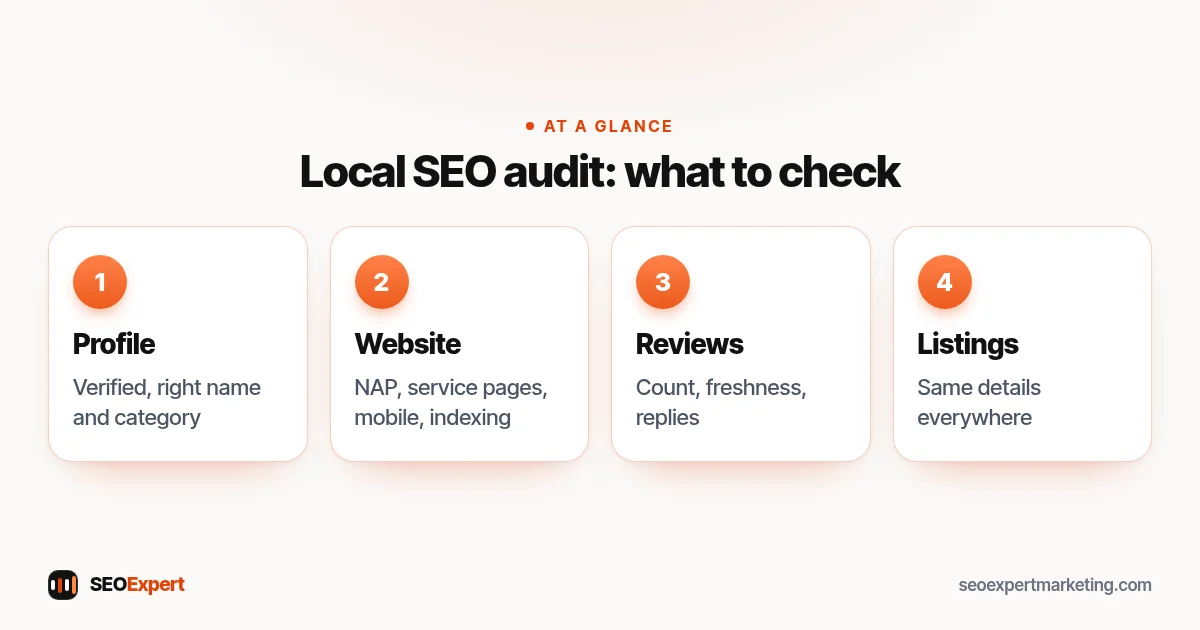
Open a spreadsheet with four columns: item, status (OK, needs work, missing), impact (high, medium, low) and notes. Write down your exact business name, address, phone number and website address as they should appear everywhere. This becomes the reference you compare every listing against.
Then search for your top three services plus your town on your phone, for example "emergency plumber Leeds", and note who appears in the map results. Those businesses are the competitors you'll benchmark against in step 5.
How to get ready for a local SEO audit in four steps:
Step 1: Audit your Google Business Profile
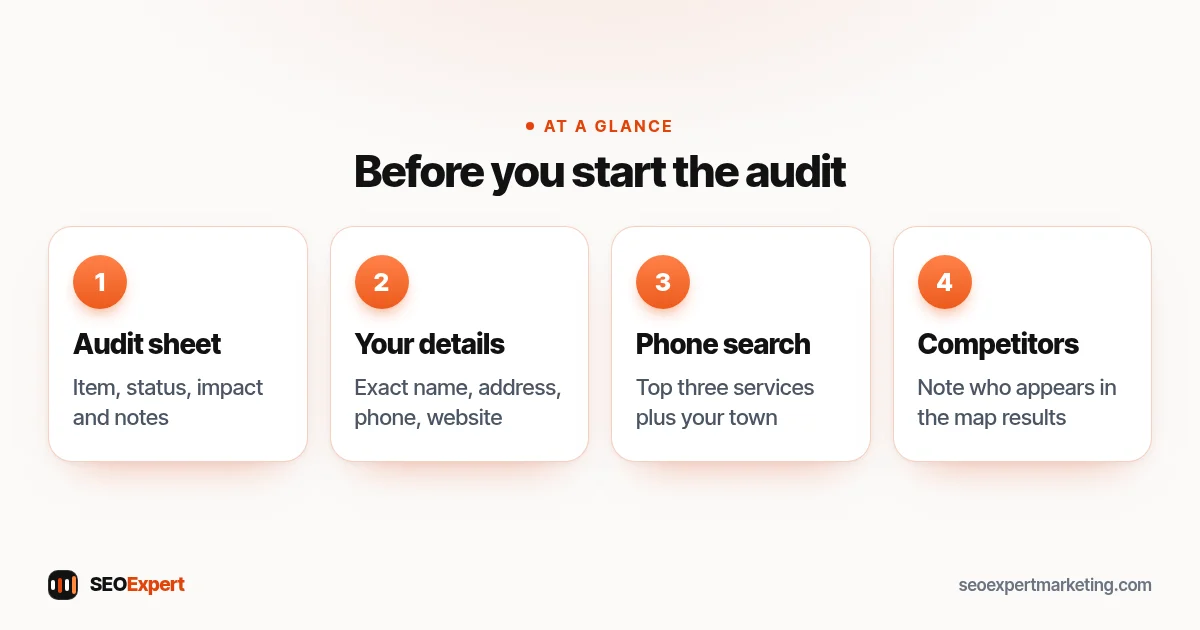
Search for your business name on Google and Maps and check the profile against this list:
- Ownership and verification: can you sign in and edit it? If not, use Google's help pages to add or claim your Business Profile. An unverified profile is the first thing to fix.
- Business name: does it match your real-world name, with no added keywords or towns? Google's guidelines for representing your business don't allow extras, and keyword-stuffed names can lead to suspension.
- Primary category: is it the most specific one for your main service? This is often the single biggest relevance problem.
- Address or service area: correct, and set the right way for a storefront or a service-area business.
- Hours: accurate, including holiday hours.
- Services, products and description: filled in, in the words customers use.
- Photos: real, recent photos of your premises, team and work. Note the date of the newest one.
- Website link: pointing to the right page, and working.
- Duplicates: search Maps for your phone number and old addresses to spot duplicate or outdated profiles.
Step 2: Audit your website for local signals
- NAP on every page: name, address and phone number in the footer, identical to the profile.
- Service pages: is there a page for each main service, with the areas you cover, prices or price guidance and a clear way to get in touch?
- Title tags: do your main pages mention the service and the town? Look at how your pages appear in search results.
- Mobile: open the site on your phone. Can someone call you in one tap? Is it fast? Google's free PageSpeed Insights tool shows loading problems.
- Indexing: in Search Console, the Page indexing report shows pages Google can't or won't index.
- Structured data: run your home page through the Rich Results Test to see whether your LocalBusiness markup is found and valid.
- Thin location pages: look for near-identical pages that only swap the town name. They can count as doorway pages and are worth merging or rewriting.
If this step turns up several technical problems, our technical SEO services page explains how they're usually fixed.
For a deeper check of the website itself, use our technical SEO audit checklist.
Step 3: Audit your reviews
Record four numbers for your profile and for each competitor you noted: total reviews, average rating, the date of the most recent review and the share of reviews with a reply from the owner.
- Are new reviews arriving every month, or did they stop a year ago?
- Do you reply to reviews, especially negative ones? Google's Business Profile help explains how to reply to and report reviews.
- Do you have an easy way to ask customers for a review, such as a short link or QR code?
A big gap in review count or freshness compared with competitors is usually a high-impact item. Never fix it with bought or fake reviews; they break Google's policies and consumer law in many countries.
Step 4: Audit your citations and listings
Citations are mentions of your name, address and phone number on other websites. Search Google for your business name, your phone number and any old phone numbers or addresses. For each listing you find, such as Bing Places, Apple Business Connect, Facebook, Yelp, industry directories and your chamber of commerce, record whether the details match your reference exactly.
Old addresses and phone numbers are the most common problem, especially after a move. Fixing the main platforms matters far more than adding dozens of new low-quality directories.
Step 5: Compare yourself with local competitors
For the three businesses that appear above you in the map results, compare:
| What to compare | Where to look |
|---|---|
| Primary category | Shown under the business name on Maps |
| Review count, rating, newest review | Their Business Profile |
| Photos and posts | Their Business Profile |
| Service pages for your search | Their website |
| Local mentions and links | Search their business name on Google |
You're looking for the gap that explains why they rank and you don't: a better category, many more recent reviews, a dedicated page for the service or mentions from local organizations.
Step 6: Turn the local SEO audit into a plan
Sort your audit sheet by impact, then by effort. A typical order:
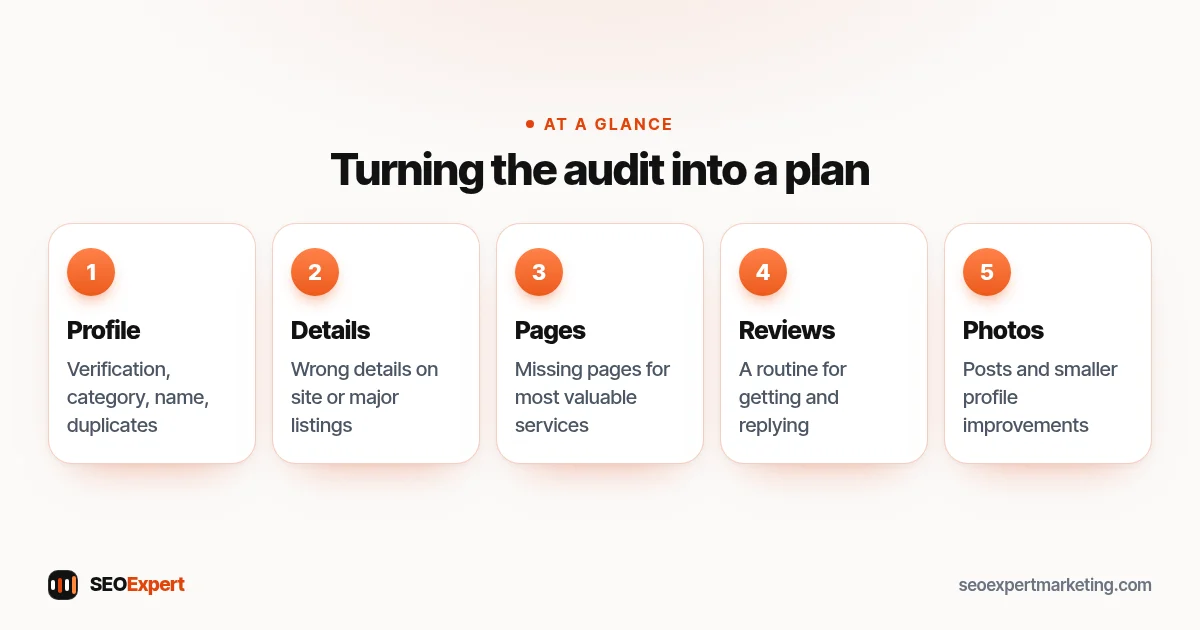
- Verification, wrong category, wrong name or duplicate profiles.
- Wrong details on the website or major listings.
- Missing service pages for your most valuable services.
- A simple routine for getting and replying to reviews.
- Photos, posts and smaller profile improvements.
- Local content and mentions, as an ongoing monthly task.
Fix the top items first, then re-run the local SEO audit in three months and compare. Our local SEO checklist gives you a monthly routine to keep things in good shape between audits.
A typical order for fixing what a local SEO audit finds:
Common findings in a local SEO audit
- A secondary category set as the primary one.
- A second, forgotten profile from a previous address.
- No reviews in the last six months.
- One "services" page trying to rank for every service.
- A website phone number that differs from the profile.
- Location pages copied for dozens of towns with no real local content.
DIY or professional local SEO audit?
Everything above can be done by a business owner with a free afternoon. A professional audit adds speed, tools that check hundreds of listings at once and experience of what usually matters in your industry. If you'd like someone else to do it, our $59 SEO audit checks your website and the basics of your Google presence, with a fix list in order of priority as a PDF within two days. For the full local SEO audit in this guide, including listings and competitors, plus the fixes, see our local SEO services.
Local SEO audit: quick answers
How often should I do a local SEO audit?
A full audit once or twice a year is enough for most small businesses, plus a quick check after any move, rebrand, phone number change or new website. Between audits, a short monthly routine keeps your profile and reviews in shape.
How long does a local SEO audit take?
For a single-location business, about two hours if you follow the steps in this guide. Businesses with several locations or many listings need longer, roughly an hour or two per location.
What's the most common problem a local SEO audit finds?
Three issues come up again and again: an imprecise primary category, inconsistent phone numbers or addresses across listings, and reviews that stopped arriving months ago. All three are fixable without spending money.
Do I need paid tools for a local SEO audit?
No. Google Search, Google Maps, your Business Profile, Search Console, PageSpeed Insights and the Rich Results Test are free and cover the essentials. Paid tools mainly save time when you have many locations or listings.
