A local SEO report shows how a local business is doing in Google's local results: how often its Business Profile is seen, how often people tap to call, ask for directions or click through to the website, how its reviews and listings are developing, and which searches bring visitors to its site. A good local SEO report is short, honest and tied to enquiries, not a wall of rankings. This guide explains the eight things a local SEO report should show, where each number comes from, how to read them without being misled, and a simple template you can use every month.
Local SEO report vs a general SEO report
A general SEO report focuses on the website: organic traffic, rankings and technical health. Our guide to SEO reports covers that. A local SEO report adds the local layer: your Google Business Profile, map visibility in your service area, reviews and the consistency of your business details across the web. For most local businesses, the local layer is where many calls start.
The 8 things a local SEO report should show
1. Business Profile interactions
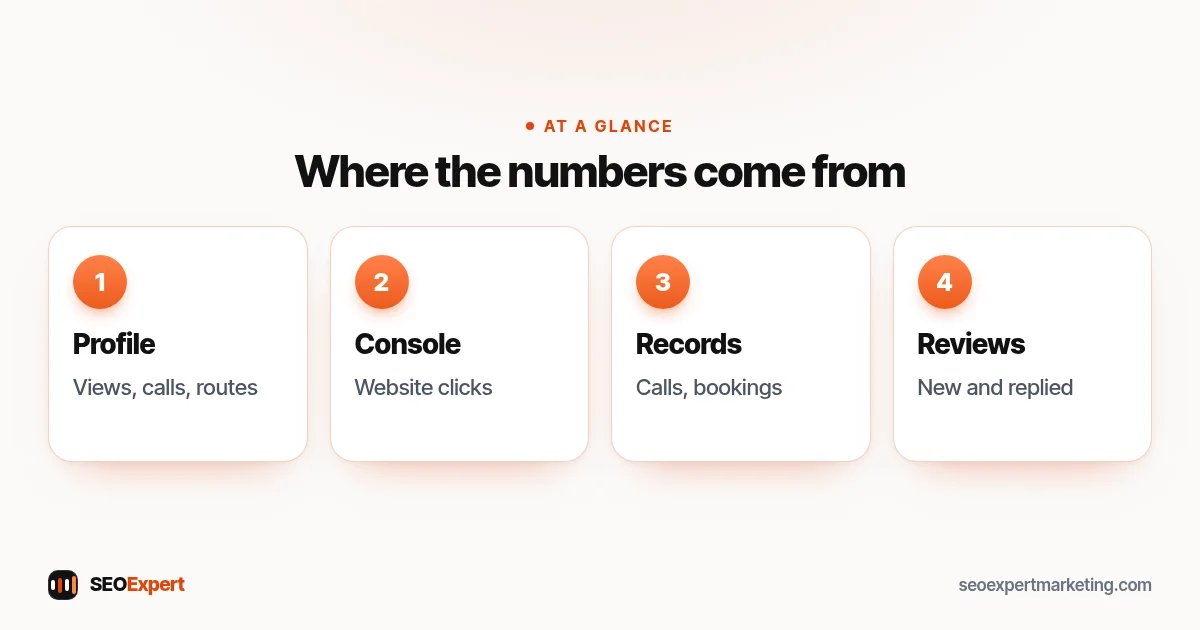
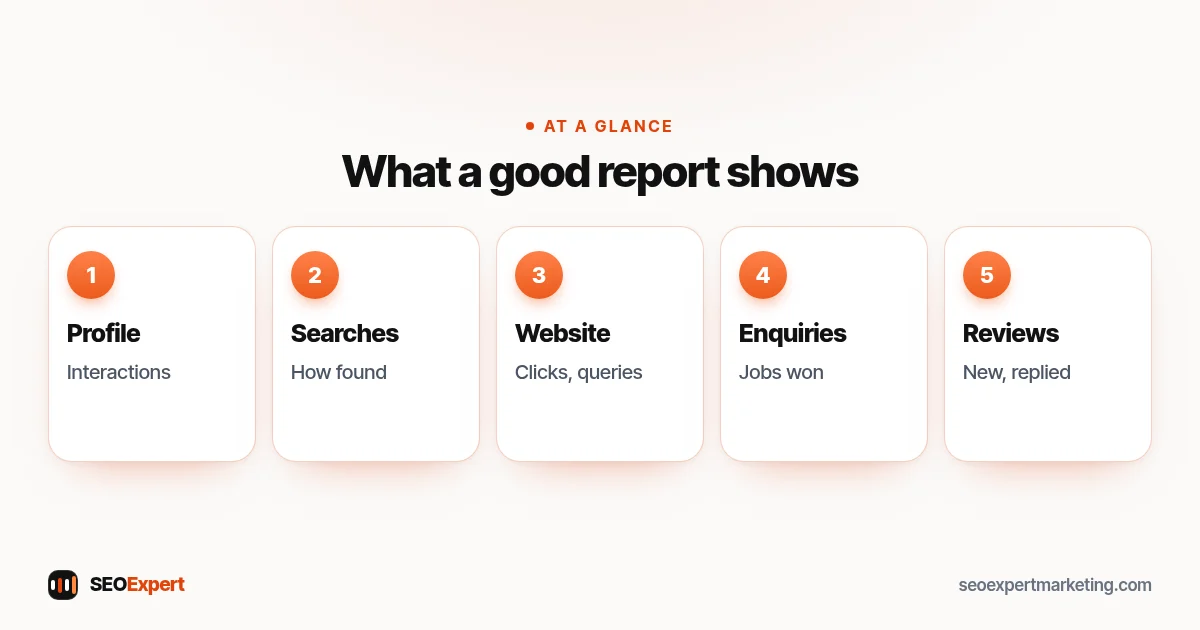
Google's help on Business Profile performance lists the metrics owners and managers can see, including views, the search terms people used, direction requests, calls (clicks on the call button), website clicks and, where they apply, bookings, products and menu clicks. Your report should show the ones that matter for your business, month by month.
2. The searches that found your profile
The Searches metric shows the search terms people used to find your business. Google says it's updated at the start of each month and can take up to 5 days to appear. It tells you whether people find you by your name, which is a sign of awareness, or by your services, which is a sign of discovery.
3. Website results from Search Console
Search Console's performance report shows clicks, impressions, click-through rate and average position for your website's pages and the queries that triggered them. Here, focus on service and location pages and on searches that include your services or towns. Our Google Search Console guide explains each report.
4. Enquiries and jobs
The most important line in any local SEO report: calls, forms, bookings and, ideally, jobs won or revenue from local search. Profile calls and website clicks are signs of interest; booked jobs are results.
5. Reviews
New reviews this month, the average rating, and how many have replies. Google's help on local ranking says local results are mainly based on relevance, distance and popularity. In its section on prominence (how well known a business is), it says the number of reviews you have plays a part, and that more reviews and positive ratings can help local ranking. Our guide on how to get Google reviews covers the rules.
6. Local visibility in your area
Map rankings change with where the searcher is, because Google lists distance from the searcher as a main local ranking factor, so a single position number can mislead. If your report tracks rankings, it should say which searches, from which locations, and treat them as a guide rather than a target. Local rank tracking tools can check positions from several points across your service area.
7. Listings and citations
Any changes to your business details on the main directories and platforms, duplicates found and fixed, and new relevant listings. Our guide to local SEO citations explains which ones matter.
8. Work done and next steps
A short list of what was done this month, such as pages improved, photos added, posts published and listings fixed, and what's planned next. Numbers without actions don't help anyone decide anything.
Not sure which tools to use for this data? See our guide to local SEO tools.
How to read a local SEO report without being misled
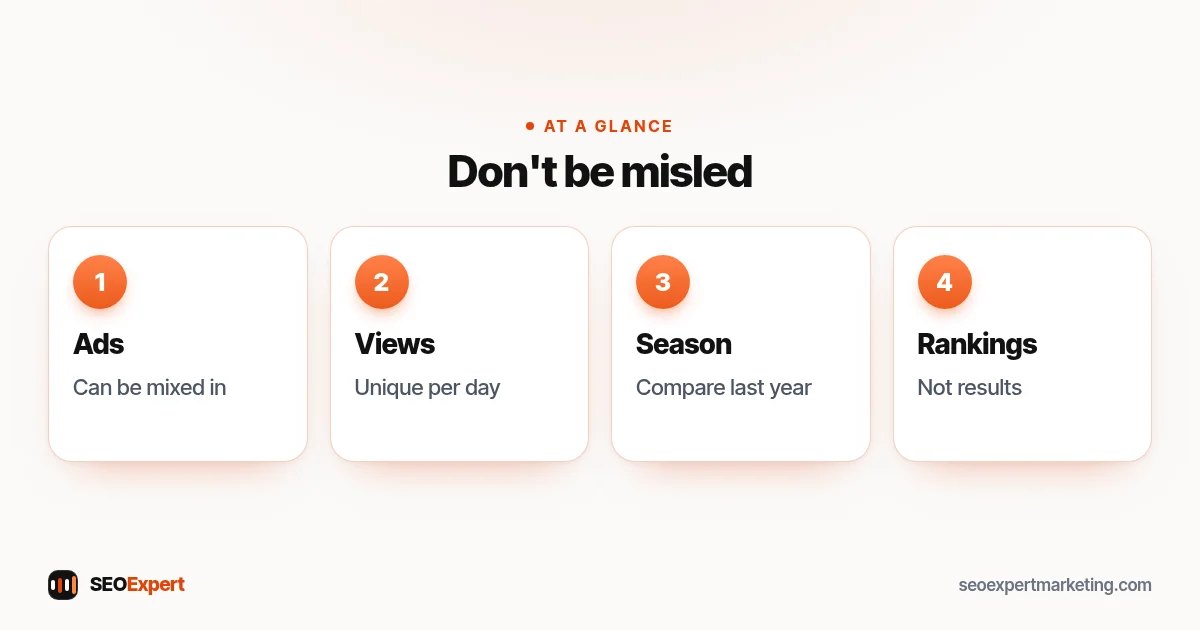
- Ads can be mixed in. Google says Business Profile performance data includes views, searches and actions from both organic search results and Google Ads. If you run ads, profile numbers aren't purely free results. See our guide to local PPC vs local SEO.
- Views are daily visitors, not page loads. Google says the views metric counts unique visitors: a person is counted once a day, though someone using more than one device, or both Search and Maps, can be counted a few times.
- Compare like with like. Many local businesses are seasonal, so compare with the same month last year as well as last month.
- Rankings are not results. A ranking for a phrase nobody searches, or that brings no calls, isn't worth celebrating.
- Look for the cause. A big change usually has a reason: a new review, a page update, a holiday, a competitor or a change in your hours.
A simple monthly local SEO report template
| Section | What to include |
|---|---|
| Summary | Three lines: what went up, what went down, what we'll do next |
| Enquiries | Calls, forms, bookings and jobs from local search, with last month and last year |
| Business Profile | Views, searches, calls, directions, website clicks |
| Website | Clicks and top queries for service and location pages |
| Reviews | New reviews, average rating, replies |
| Listings | Fixes and new listings |
| Work done | Pages, photos, posts, fixes |
| Next month | Planned actions |
One or two pages is enough for most small businesses. If yours runs to twenty pages of charts, ask for the summary first.
Set up tracking before the first month
Reports are only as good as the data behind them, so set these up first:
- Calls: decide how you'll count calls from your profile and website. The profile's Calls figure only counts taps on the call button, and call history has not been available in Business Profile since 31 July 2024, so use your own phone records or a call tracking service. If your call tracking records calls, check the law where you work: some places require you to tell callers the call is recorded. If you put a tracking number on your profile, it must ring your business, and keep your main number listed as an additional phone so it still matches your other listings.
- Forms and bookings: make sure each enquiry form and booking tool sends a notification you can count, or records a conversion in your analytics.
- Profile website link: you can add a tracking (UTM) tag to the website link on your Business Profile, such as ?utm_source=google&utm_medium=organic&utm_campaign=gbp at the end of the address. Without one, analytics usually counts profile visits as ordinary Google search visits. Keep the link pointing to your own page, and don't expect analytics visits to match the profile's website clicks exactly.
- A baseline: note this month's numbers before any work starts, so later months have something to compare with. Then save each month's figures in a simple spreadsheet: Search Console only keeps 16 months of data, and you'll want last year's numbers to compare seasons.
Several locations
A business with several branches needs each location reported separately, because one busy branch can hide a struggling one. Keep the same sections for every location, then add a short overview page that compares them: calls, reviews and website clicks side by side. Make sure each location's profile, phone number and landing page are tracked on their own, otherwise the figures blur together.
What good progress usually looks like
Progress in local search is rarely a straight line, but some patterns are healthy signs: more people finding your profile through service searches rather than only your business name, a steady flow of genuine reviews with replies, more calls and direction requests in your busy season than the same period last year, and service pages slowly gaining clicks. If numbers fall, look for a reason before changing everything: holidays, changed opening hours, a new competitor nearby or a profile edit that didn't go through.
Doing it yourself vs getting one from an agency
A small business can produce a useful monthly summary in under an hour using free tools: Business Profile performance, Search Console and its own call and booking records. An agency report should save you that time and add explanation, not just more charts. Whoever produces it, ask that every figure comes with a short note on what it means and what will happen next.
A short glossary of report terms
- Impressions: how often your pages appeared in Google results, whether or not anyone clicked.
- Clicks: the number of times people clicked through to your website from Google Search results.
- CTR (click-through rate): clicks divided by impressions.
- Average position: the average position of your site's topmost result in Google Search results; it's an average, so read it as a rough guide.
- Branded searches: searches that include your business name.
- Non-branded searches: searches for your services or category, which show new people discovering you.
- Direction requests: people asking Google Maps for a route to your premises.
- Interactions: Google's total of actions taken on your Business Profile.
How often should you get a local SEO report?
Monthly works for most local businesses. Business Profile search terms update monthly anyway, and local changes take time to show. A quick weekly check of calls and reviews is useful, but judging progress week by week tends to cause overreaction.
Questions to ask about your report
- Which of these numbers turned into calls, bookings or jobs?
- Are these rankings from my area, and do people actually search these phrases?
- Do the profile numbers include any ads?
- What changed this month, and why?
- What will you do next month, and how will we know if it worked?
Example: a dentist's monthly report
Imagine a dental practice's report. The summary says: profile calls rose after Saturday hours were added; website clicks to the emergency page grew; two new reviews arrived and both were answered; next month, the implants page will be improved. The enquiries table shows calls and online bookings from local search compared with the same month last year. Rankings appear only as a small table of six key searches checked from three points in town. The whole local SEO report fits on two pages.
Want clear local reporting every month?
Our local SEO services include a plain-English monthly local SEO report that leads with enquiries, not vanity numbers. To start, ask for a free website analysis.
Local SEO report: quick answers
What is a local SEO report?
A local SEO report shows how a local business is doing in Google's local results: Business Profile views and actions, the searches that found it, website clicks, reviews, listings, enquiries and the work done.
What should a local SEO report include?
Business Profile interactions, the searches that found your profile, website results from Search Console, enquiries and jobs, reviews, local visibility, listings and the work done and planned.
Where does local SEO report data come from?
Mainly from Google Business Profile performance, Google Search Console, your call and booking records, your reviews and any local rank tracking tool you use.
Do Business Profile numbers include ads?
They can. Google says performance data includes views, searches and actions from both organic search results and Google Ads, so if you run ads, profile numbers aren't purely free results.
How often should I get a local SEO report?
Monthly suits most local businesses, with a quick weekly check of calls and reviews.
Are rankings the most important part of a local SEO report?
No. Enquiries, calls and jobs matter most. Map rankings vary with the searcher's location, so treat them as a guide.
