Local SEO tools help a local business manage how it appears on maps and in local search results: business listings, map rankings, citations, reviews and the calls and enquiries that follow. You don't need many, and the most important ones come straight from Google, Microsoft and Apple; Google's and Microsoft's listing tools are free. This guide groups local SEO tools into seven practical types, explains what each does and doesn't do, which free tools to start with, and when a paid tool is worth it. We don't sell any tools and aren't paid to mention them.
Start with the official platform tools
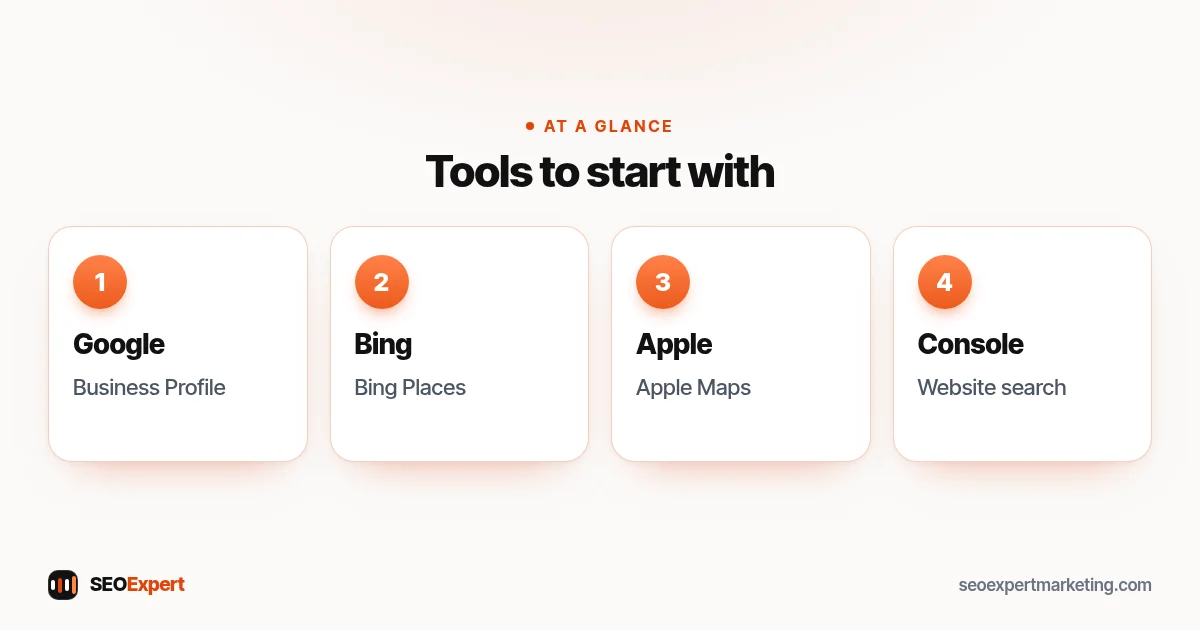
The most important local SEO tools are the ones that control your listings directly:
- Google Business Profile: your listing on Google Search and Maps. Its performance reports show views, the searches that found you, calls, direction requests and website clicks. Our guide to Google Business Profile optimization covers every field.
- Bing Places for Business: Microsoft's free service for business listings on Bing, described in its help pages. Our guide on syncing Bing Places with Google explains the import option and its risks.
- Apple Business: Apple's Apple Business site lets businesses put their business on Apple Maps and get insights to help more people discover them.
- Google Search Console: shows the searches and pages that bring visitors to your website. See our Google Search Console guide.
The 7 types of local SEO tools
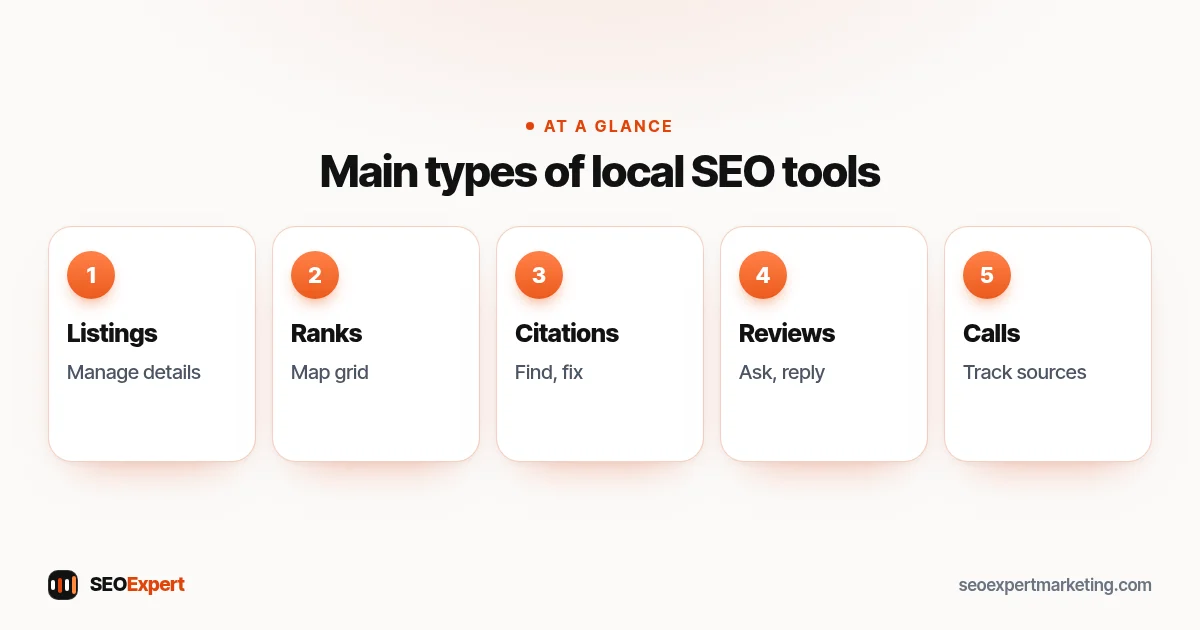
1. Listing management tools
Beyond the official platforms, some services push your business details to many directories and data aggregators at once and keep them in sync. They suit businesses with several locations or lots of listings to manage. Before you sign, ask what happens if you stop paying: with some services, listings stay up but are no longer kept in sync, so old or wrong details can come back. Make sure your business owns every account.
2. Local rank trackers
Map results change with where the searcher is, so local rank trackers check your position for chosen searches from several points across your area, often shown as a grid. They're useful for spotting gaps, such as strong near your office but weak across town. Treat the results as a guide: they're snapshots, not what every customer sees.
3. Citation finders and audit tools
These local SEO tools find where your business is listed, spot wrong or duplicate details and suggest relevant directories for your trade and area. Our guide to local SEO citations explains which listings are worth the effort.
4. Review tools
Review tools send review request links, collect feedback and gather reviews from several sites into one inbox so you can reply quickly. Make sure any tool you use follows Google's rules: no rewards for reviews and no filtering out unhappy customers before they can leave one. Our guide on how to get Google reviews covers those rules.
5. Local keyword research tools
Google's Keyword Planner, inside a Google Ads account (you need to add billing details to use it), shows estimates of how many searches a keyword gets each month. Paid keyword tools add difficulty scores and competitor data. Our guide to local SEO keywords shows how to use them for place-based searches.
6. Call and form tracking
Call tracking shows which source brought each call, using separate phone numbers for your website, profile and ads. Use it carefully: if you put a tracking number on your Google profile, keep your main number there as an additional phone number and on all your other listings. Make sure you can keep the tracking number if you cancel, because Google says the number must be under the business's direct control. Check whether a tool records calls and tell callers where the law requires it. Form tracking in your website analytics shows which pages bring enquiries.
7. Reporting tools
Reporting tools pull data from your profile, Search Console and analytics into one monthly summary. Free options can be enough for a single location. Our guide to the local SEO report explains what a good report should show.
Platform tools vs paid local SEO tools
| Need | Where to start | When paid tools help |
|---|---|---|
| Listings | Google, Bing and Apple's own business tools | Many locations or directories to manage |
| Map rankings | Searching yourself from different places (signed out) | Regular checks across a wide service area |
| Citations | Searching your business name and phone number | Finding and fixing many old listings |
| Reviews | Your Business Profile review link | High review volume across several sites |
| Keywords | Keyword Planner and Search Console | Competitor research and difficulty scores |
| Calls | Asking callers how they found you | Knowing which source brings which call |
How to choose local SEO tools
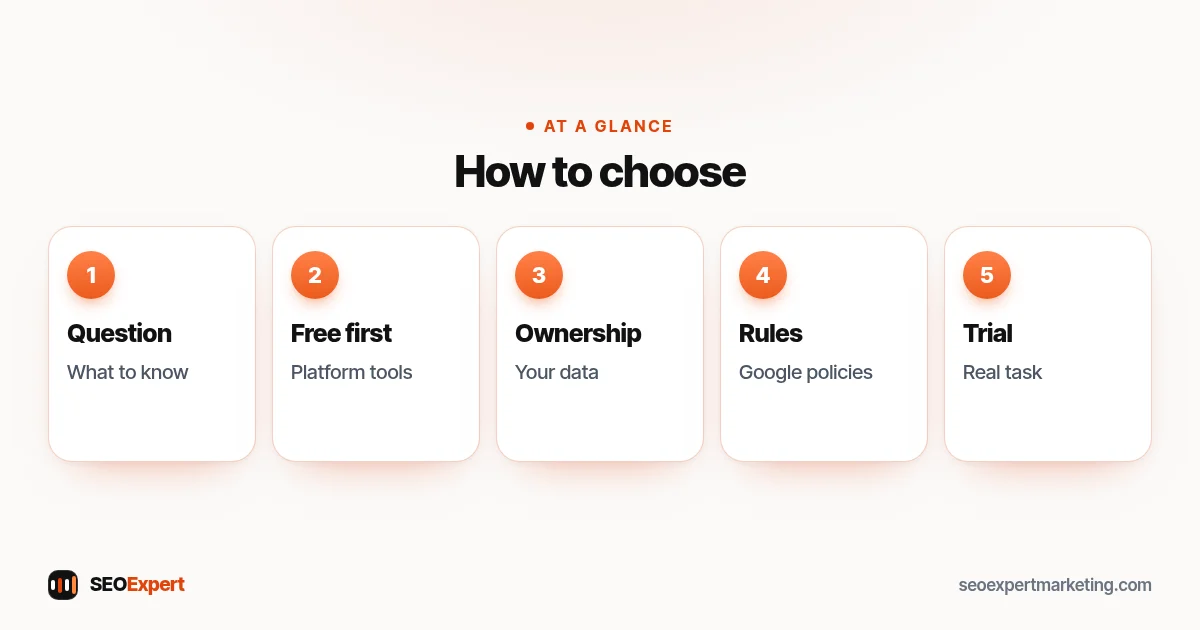
- Start with the question, not the tool. "Which searches find us?" or "Where are we weak on the map?" decides what you need.
- Use the official platform tools first. Many small businesses never need more than these.
- Check data ownership. Can you export your data? What happens to listings if you cancel?
- Check the rules. Review and listing tools must work within Google's policies.
- Try before committing. If a paid tool offers a trial or a monthly plan, test it with a real task first.
- Count your time. A tool you never open is wasted money.
Questions to ask before you pay for a tool
- Which of my questions will this answer that the free tools can't?
- Can I export my data, and what happens to my listings or reviews if I cancel?
- Does it work within Google's rules for reviews and business information?
- How does it count rankings or calls, and from which locations?
- Is the price monthly, and can I start with one location?
Signs a tool isn't worth keeping
Cancel or downgrade if nobody has logged in for a month, if its reports never lead to an action, if it duplicates what your free tools already show, or if it pushes you towards tactics that break platform rules, such as review gating or keyword-stuffed listings. A short list of tools you actually use beats a long list you pay for.
What local SEO tools can't do
- They can't buy you a better local ranking; Google says there's no way to request or pay for one.
- They can't replace genuine reviews, real local pages or accurate business details.
- Rank trackers can't show exactly what each customer sees.
- Automated listing tools can't fix a wrong Google profile on their own.
A simple local SEO tool kit for a small business
For a single-location business, a sensible kit is: Google Business Profile, Bing Places, Apple's business tools, Search Console, Keyword Planner and a spreadsheet for listings and monthly numbers. Add a review request tool if you get many customers each week, a local rank tracker if you serve a wide area, and call tracking if you advertise in several places. Our local SEO checklist shows what to do with them.
Set up the core tools in an afternoon
- Claim and verify your Google Business Profile, then check every field: name, category, hours, phone, website and service area.
- Claim or create your Bing listing, either by hand or by importing from Google after you've checked it.
- Check how your business appears on Apple Maps and correct anything out of date.
- Verify your website in Search Console and submit your sitemap.
- Write your exact business name, address, phone and website in a spreadsheet, and use that wording everywhere.
- Note this month's numbers from your profile and Search Console as a starting point.
Tools for businesses with several locations
Once you have several branches, managing each profile by hand gets harder. Google lets you manage multiple Business Profiles and download their performance data together in one spreadsheet, and bulk tools or listing services can help keep hours and details consistent across dozens of places. Keep one person responsible for each location's details, set a monthly check for every branch, and make sure the business, not an individual or an agency, owns every account.
Privacy and access
Several of these tools touch customer data or control your public listings, so treat access carefully. Give each person their own login rather than sharing passwords, turn on two-step verification, and remove access when staff or agencies leave. In Google Business Profile, keep the primary owner role with someone in your business and add staff or agencies as managers: managers can edit the profile but can't add or remove users or delete the profile. If you upload customer phone numbers or emails to a review request tool, make sure you have permission to contact them and that the tool's data handling fits the privacy rules where you work.
How much time to spend
For a single location, an hour or two a month is usually enough once everything is set up: reply to reviews, add a few photos, check your details and look at the month's numbers. The aim is steady, accurate upkeep, not hours of chasing rankings in a dashboard.
Example: a plumbing company choosing tools
Imagine a three-van plumbing company. It starts with the Google, Bing and Apple listing tools and Search Console, then notices calls coming mainly from one side of town. A local rank tracker shows strong positions near the office but weak ones across the river, so the company adds photos and job pages for those areas and asks customers there for reviews. It skips a listings service because it only has one location and twenty listings, which it manages from a spreadsheet.
Common mistakes
- Paying for several overlapping local SEO tools and using none of them fully.
- Letting an agency's tool account own your listings.
- Using review tools that filter out unhappy customers.
- Putting tracking numbers on listings without keeping your main number consistent.
- Judging success by a rank tracker instead of calls and jobs.
Want help choosing and using local SEO tools?
Our local SEO services use the right tools for your size and budget, and the data stays yours. To start, ask for a free website analysis.
Local SEO tools: quick answers
What are local SEO tools?
Local SEO tools help a business manage how it appears on maps and in local search: listings, local rank tracking, citations, reviews, local keyword research, call tracking and reporting.
Which local SEO tools are free?
Google Business Profile, Bing Places for Business and Google Search Console are free to use. Also check your Apple Maps listing through Apple Business, and consider Google Keyword Planner (inside a Google Ads account, with billing details added).
Do I need paid local SEO tools?
Many single-location businesses don't. Paid tools help when you have many locations or listings, a wide service area to track, or lots of reviews to manage.
What does a local rank tracker do?
It checks your map and local positions for chosen searches from several points across your area, because results change with where the searcher is.
Can local SEO tools improve my ranking on their own?
No. They help you manage and measure. Google says there's no way to pay for a better local ranking; results are mainly based on relevance, distance and popularity.
Should I use call tracking numbers on my listings?
Carefully. Keep your main number consistent, check whether the tool records calls and tell callers where the law requires it.
