
Your Google Business Profile categories are among the most important settings on your profile. They tell Google what your business is and which searches it's relevant for, and they unlock features that suit your type of business. Choosing the wrong primary category, or adding categories for things you don't really do, can keep you out of the results you want. This guide explains how Google Business Profile categories work, six simple rules for choosing them and examples for common local businesses.
How Google Business Profile categories work
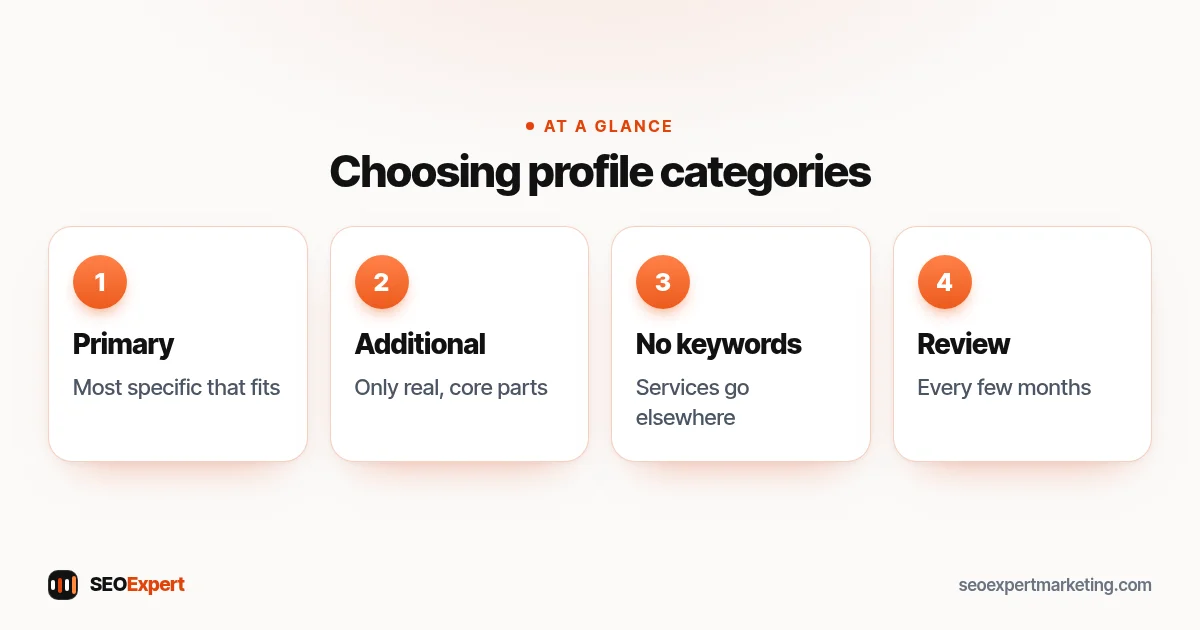
Every profile has one primary category and can have additional categories. Google's help page on managing your business category says to select a primary category that best describes your business, and gives an example: a grocery store with a bakery and deli should choose "Grocery store" as its primary category and add "Bakery" and "Deli" as additional categories. It also explains that a primary category such as "Pizza restaurant" can help a business appear for broader searches such as "Restaurants" or "Italian restaurants".
Why Google Business Profile categories matter
Google says local results are mainly based on relevance, distance and popularity. Categories are a core part of relevance: they help Google match your profile to what people search. They also shape which features appear on your profile, such as menus, bookings or services lists, depending on the category.
6 rules for choosing Google Business Profile categories
1. Choose the most specific primary category that fits
Pick the category that describes your core business, as specifically as possible. A dentist focused on braces might fit "Orthodontist"; a general practice fits "Dentist". If you're unsure, think about the one phrase most customers would use to describe you.
2. Describe what you are, not what you sell
Categories should describe the business itself. A hardware shop that sells paint is still a "Hardware store", not a "Paint store", unless paint is genuinely the core of the business.
3. Use as few categories as possible
Google's guidelines for representing your business say to use as few categories as possible to describe your overall core business. Add additional categories only for real, significant parts of the business, not for every service you offer.
4. Don't use categories as keywords
Adding categories just to appear for more searches goes against the guidelines and can confuse customers. List individual services in the services section and on your website instead.
5. Check competitors, but don't copy blindly
Look at the categories of businesses that rank well for your main searches. Free browser tools can show them, or you can see the primary category under the business name on Maps. Use this to spot options you missed, then choose only those that genuinely fit you.
6. Review your categories occasionally
Google adds and changes categories over time, and your business may change too. Review them every few months, and whenever you add or drop a major service.
Examples of Google Business Profile categories
| Business | Primary category | Possible additional categories |
|---|---|---|
| Plumber who also fits boilers | Plumber | Heating contractor (if a real part of the business) |
| General dental practice with implants | Dentist | Periodontist (only if a specialist works there) |
| Family law firm | Family law attorney / Family law solicitor | Divorce lawyer (if offered as a core service) |
| Cafe with a small bakery | Cafe | Bakery |
These are illustrative examples; available category names vary by country and change over time.
How to find the right category
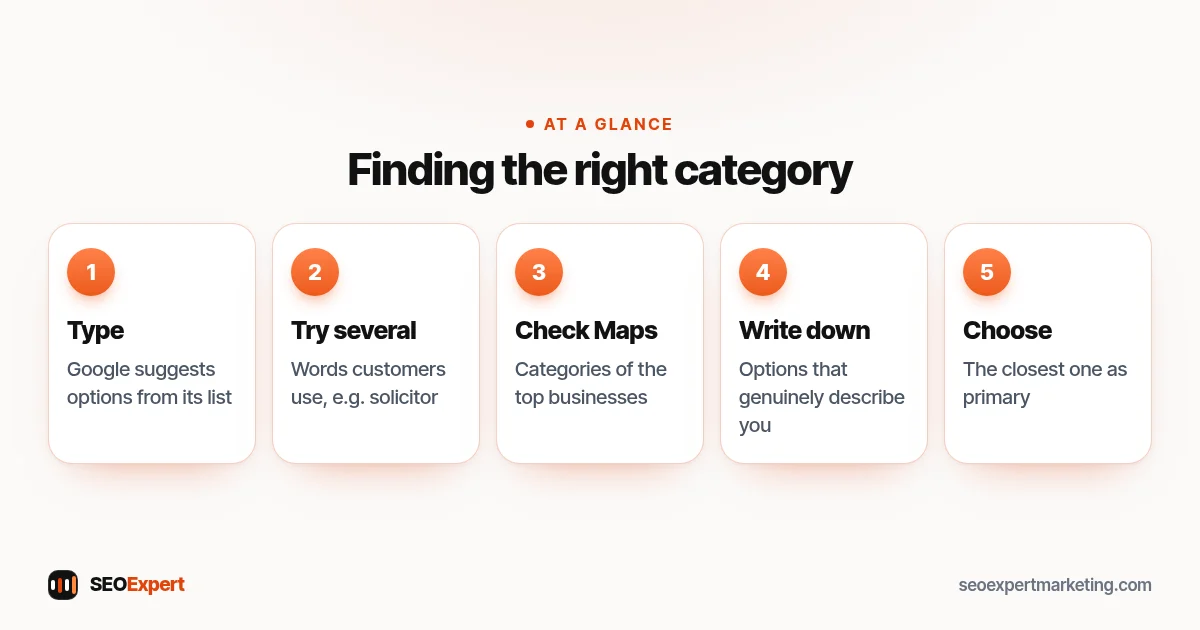
Start typing in the category field of your profile and Google suggests matching options from its list; you can only choose from that list. Try several words customers use for your business, such as "lawyer", "attorney", "solicitor" or "law firm", because the available Google Business Profile categories differ by country and wording. Then search your main service on Google Maps and look at the categories shown under the names of the top businesses. Write down the options that genuinely describe you, and choose the closest one as primary. If two options seem equally good, pick the one that matches the service most of your enquiries are about, and revisit the choice after a few months of data.
How to find the right Google Business Profile categories in five steps:
Categories, services and attributes
Google Business Profile categories describe what the business is. Services describe what you do within those categories, such as "boiler repair" or "drain unblocking", and you can add them in the services section. Attributes describe features such as wheelchair access or online appointments. Using all three correctly paints a full, honest picture without stretching your categories. Reviews add the final layer: our guide on how to get more Google reviews shows how to build them within the rules.
Categories for practitioners and departments
Google has special rules for individual practitioners, such as doctors, dentists or lawyers within a practice, and for departments, such as a car dealer's service department. These can sometimes have their own profiles, each with Google Business Profile categories that suit that practitioner or department. Check the guidelines carefully before creating extra profiles, because duplicates can be removed.
When your business does several things
Many small businesses offer more than one type of service. A heating firm might install boilers, service them and fit air-source heat pumps. The primary category should reflect what most of your customers come to you for and what you'd call the business if you had to choose one word. Other substantial parts of the business can become additional categories, while smaller services go into the services list and onto your website as their own pages.
Categories and your website
Your categories and your website should tell the same story. If your primary category is "Roofing contractor", your home page and main service pages should clearly be about roofing. Link your profile to the page that best matches your primary category. Our local SEO checklist covers how the profile and site work together.
What happens when you change categories?
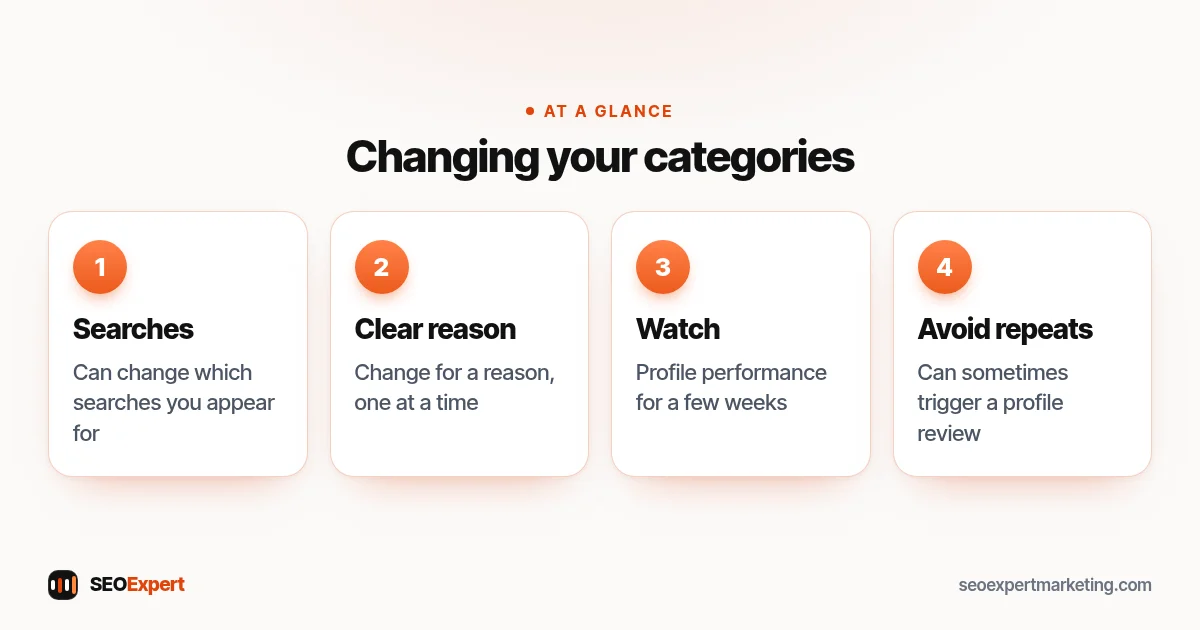
Changing your primary category can change which searches you appear for, sometimes quickly. Make changes for a clear reason, one at a time, and watch your profile's performance for a few weeks. Big changes to key details can sometimes trigger a review of your profile, so avoid changing categories repeatedly.
Four points to remember before changing Google Business Profile categories:
Common category mistakes
- Choosing a broad primary category when a specific one exists.
- Adding a dozen additional categories for minor services.
- Choosing categories for services you don't actually provide.
- Copying a competitor's categories without checking they fit.
- Forgetting to update categories after the business changes.
Need help with your profile?
Choosing categories is part of our Google Business Profile optimization and our one-time Google Business Profile setup for $99. Our guide on Google My Business keywords explains where keywords do belong. Send us your business name on WhatsApp for a free review.
Profile categories: quick answers
How many Google Business Profile categories should I add?
As few as it takes to describe your core business. One accurate primary category plus a few genuine additional categories is typical.
Which category matters most?
The primary category. Choose the most specific one that describes your core business.
Can I add categories for every service?
No. Google's guidelines say not to use categories as keywords. List services in the services section and on your website.
Will changing my category affect my ranking?
It can change which searches you appear for. Change categories for a clear reason, one at a time, and monitor the results.
