
Google My Business keywords are the words and phrases customers type when they look for a business like yours, used in the right places on your Google Business Profile (the new name for Google My Business). Used well, they help Google understand what you do and match you to more searches. Used badly, for example stuffed into your business name, they can get your profile suspended. This guide shows how to find Google My Business keywords and the seven places to use them safely.
Do Google My Business keywords affect rankings?
Google says local results are mainly based on relevance, distance and popularity, and that businesses with complete and accurate information are more likely to show up in local results. Relevance is where keywords come in: your categories, services and the words in your profile tell Google what you offer. But there's no special keyword field, and repeating phrases won't help. The aim is to describe your business clearly in the words your customers use.
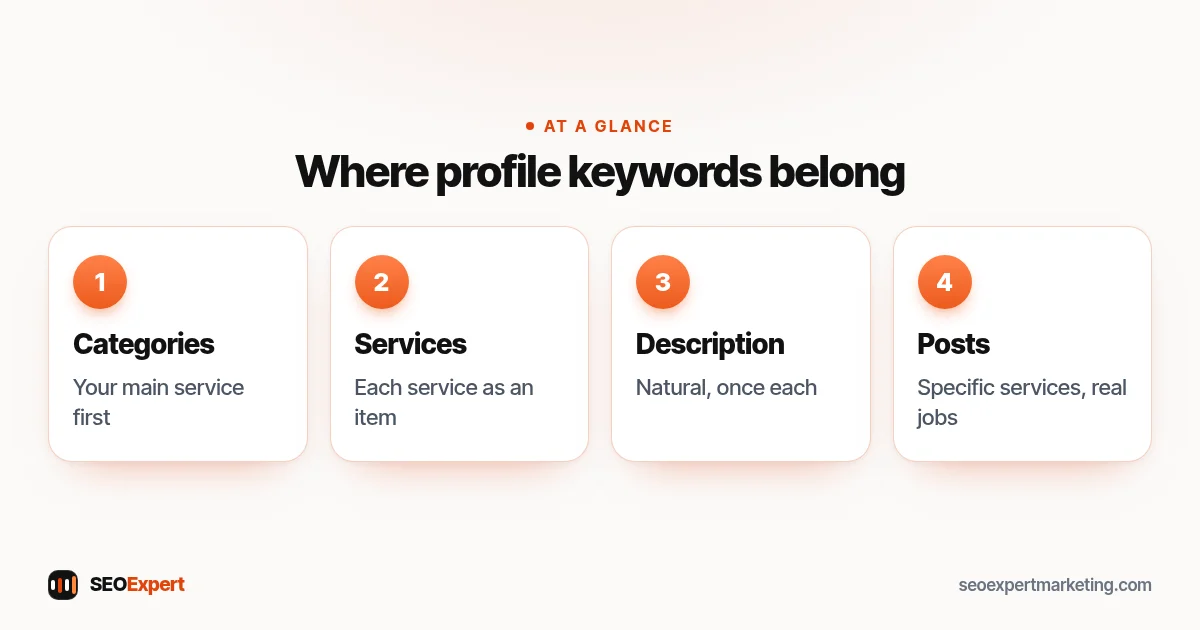
How to find your Google My Business keywords
- List your services in customers' words. "Boiler repair" rather than "heating system remediation". Ask your team what callers actually say.
- Check Google's suggestions. Start typing your service and town into Google and note the suggestions and the "People also ask" questions.
- Look at your profile's search terms. The performance section of your Business Profile shows the searches people used to find you.
- Check Search Console. If you have a website, the Performance report shows which searches bring impressions and clicks.
- Look at competitors. Note the categories and services listed by businesses that appear in the local pack for your main searches.
Our guide to local SEO keywords goes deeper into finding and choosing the right phrases.
Five ways to find your Google My Business keywords:
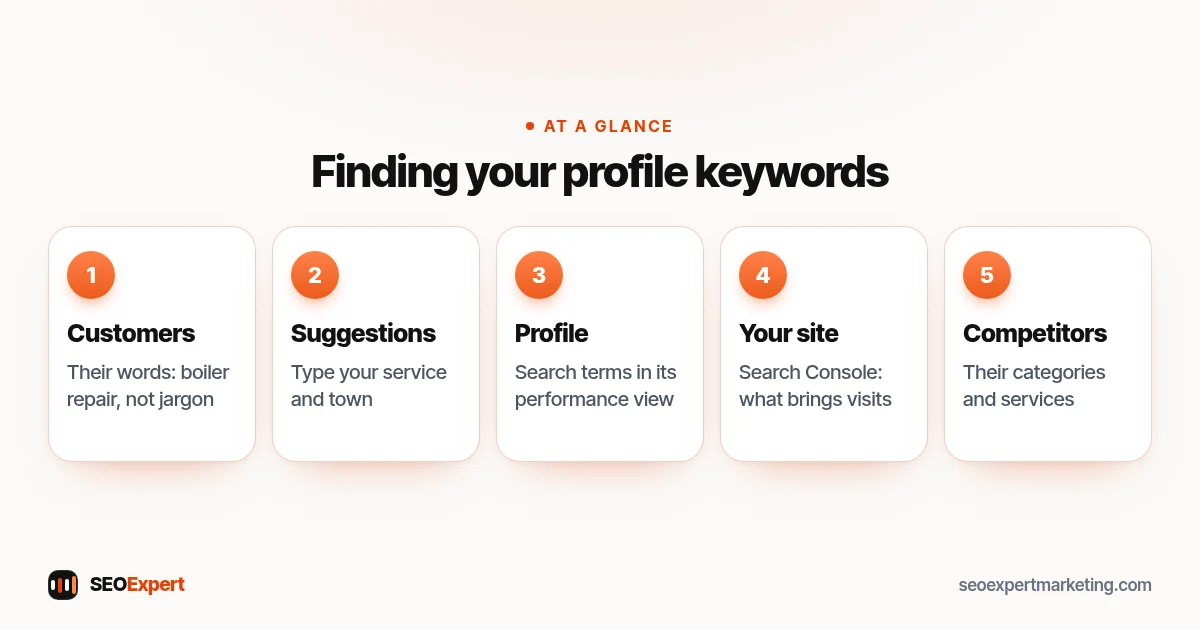
7 places to add Google My Business keywords
1. Primary and secondary categories
Categories are the most important place for keywords on your profile. Choose the primary category that best matches your main service, then add secondary categories for other core services. Google's guidelines for representing your business say not to use categories solely as keywords, so only pick categories that genuinely describe what you do.
2. Services
Add each service you offer as its own item, with a short description. This is a natural home for Google My Business keywords such as "emergency boiler repair" or "teeth whitening". Use the predefined services Google suggests for your category where they fit, and add custom ones for the rest.
3. Products
If you sell products, or want to show packages, list them with names, descriptions and prices. Product names are often the exact phrases people search.
4. Business description
Write a plain description of what you do, who you serve and where. Mention your main services naturally once each. Don't paste a list of keywords or towns; it reads badly and doesn't help.
5. Posts
Updates and offers are a chance to talk about specific services, seasonal jobs and projects in natural language. Our guide to Google Business Profile posts includes ideas and examples.
6. Photos
Upload photos of your work, team and premises. Give the files descriptive names before uploading, such as "kitchen-tiling-leeds.jpg", which costs nothing, but focus on photos that show customers what to expect.
7. Review replies
When you reply to a review, mention the service naturally: "Thanks for choosing us for your bathroom refit." You can also ask customers to mention what you did for them in their reviews, but don't script their words or ask for specific keywords.
Where Google My Business keywords break the rules
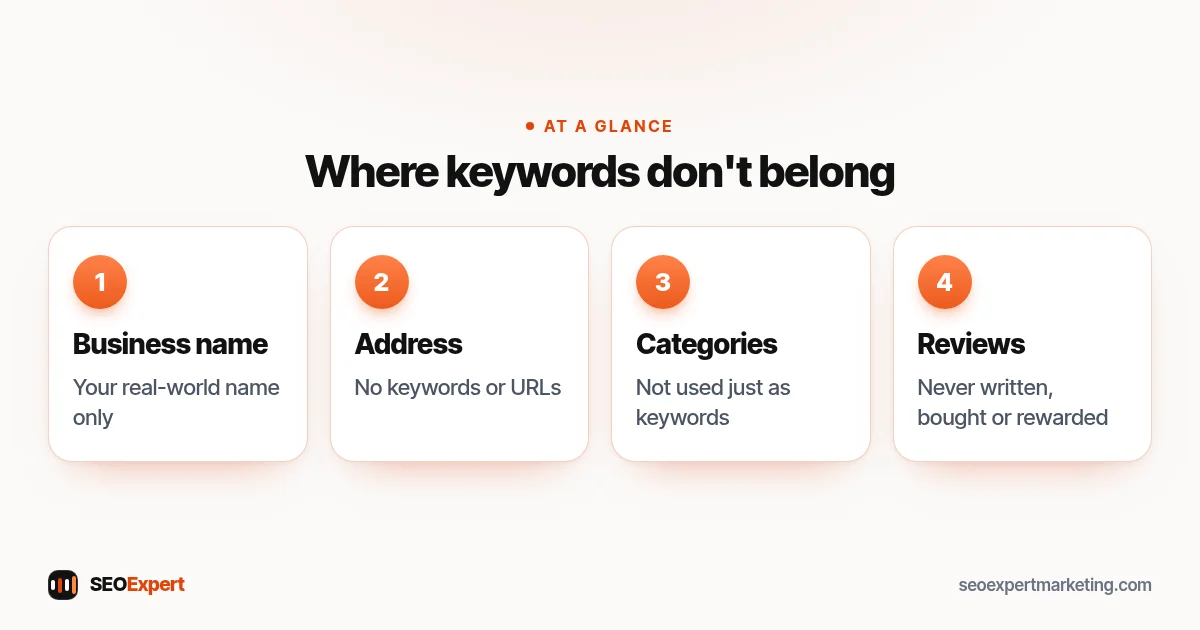
- Business name: Google's guidelines say your name should reflect your real-world name, as used on your storefront, website and stationery. "Smith Plumbing" is fine; "Smith Plumbing Emergency Plumber Leeds Cheap" isn't.
- Address: the guidelines say not to include keywords or URLs in address lines.
- Categories: not to be used solely as keywords.
- Reviews: you can't write, buy or incentivize reviews, with or without keywords.
Breaking these rules can lead to your profile being suspended or your edits being removed. Competitors sometimes report keyword-stuffed names, too.
Where Google My Business keywords break Google's guidelines:
Example: a dental practice
Here's an illustrative example, not a client result. A dental practice called "Riverside Dental" offers check-ups, implants, Invisalign and emergency appointments. Its Google My Business keywords plan looks like this:
| Profile area | What they add |
|---|---|
| Name | Riverside Dental (no change) |
| Primary category | Dentist |
| Secondary categories | Cosmetic dentist, Emergency dental service |
| Services | Dental check-up, Dental implants, Invisalign, Emergency dental appointment, Teeth whitening |
| Description | Two sentences on who they treat, main services and the area they serve |
| Posts | One post a month about a service, with a photo |
Common mistakes with Google My Business keywords
- Choosing a category for a side service. If most of your work is roofing, "Roofing contractor" should be primary, even if gutter cleaning is a popular search.
- Listing every town you've ever visited. Set a realistic service area; a long list of places in your description doesn't widen it.
- Copying a competitor's description. It's obvious to customers, and it misses what makes you different.
- Forgetting to update. If you add a new service, add it to your profile and website at the same time.
- Using jargon. Trade terms customers never search for won't help them find you.
How often to review your Google My Business keywords
Review them every three months, or whenever your services change. Look at the search terms report, check whether new categories have appeared for your type of business and update your services list. Seasonal businesses should also refresh their posts before each busy period, so the profile matches what people are looking for at that time of year.
Keywords on your website matter too
Your profile links to your website, and Google uses what it finds there. Make sure each main service has its own page using the same words as your profile, and that your name, address and phone number match exactly. Our local SEO checklist covers the website side step by step.
How to check it's working
After a month or two, look at the search terms in your profile's performance section. If more of them match the services you added, your Google My Business keywords are doing their job. Also watch calls, direction requests and website clicks, which matter more than any single ranking.
Want us to set this up for you? Our Google Business Profile optimization service covers categories, services, description and a posting plan. Or send us your profile link on WhatsApp for a free review.
Google My Business keywords: quick answers
Can I add keywords to my Google business name?
No. Google's guidelines say your name should reflect your real-world business name. Adding keywords can lead to suspension; put keywords in categories, services and your description instead.
Is there a keyword field in Google Business Profile?
No. Google matches your profile to searches using your categories, services, description and other information, so describe your business clearly in customers' words.
How many keywords should I use in my description?
There's no set number. Mention your main services naturally once each and write for customers; repeating phrases doesn't help and reads badly.
Do keywords in reviews help?
Reviews that describe the service naturally can help customers and may help relevance, but you can't script reviews or ask for specific keywords.
