
Google reviews matter for local businesses. They help people choose between you and a competitor, and Google's help pages say reviews can help your business stand out and give potential customers helpful information. But getting more Google reviews has rules, and breaking them can get reviews removed. This guide explains a simple system for asking real customers for Google reviews, what to say, how to reply and what Google prohibits.
Why Google reviews matter
For a local business, Google reviews appear on your Business Profile in Search and Maps, often before someone visits your website. Recent, detailed reviews help people trust you, and replies show that you care about customers. Reviews are one part of a well-kept profile; our Google Business Profile optimization page covers the rest.
What Google's rules allow, and what they don't
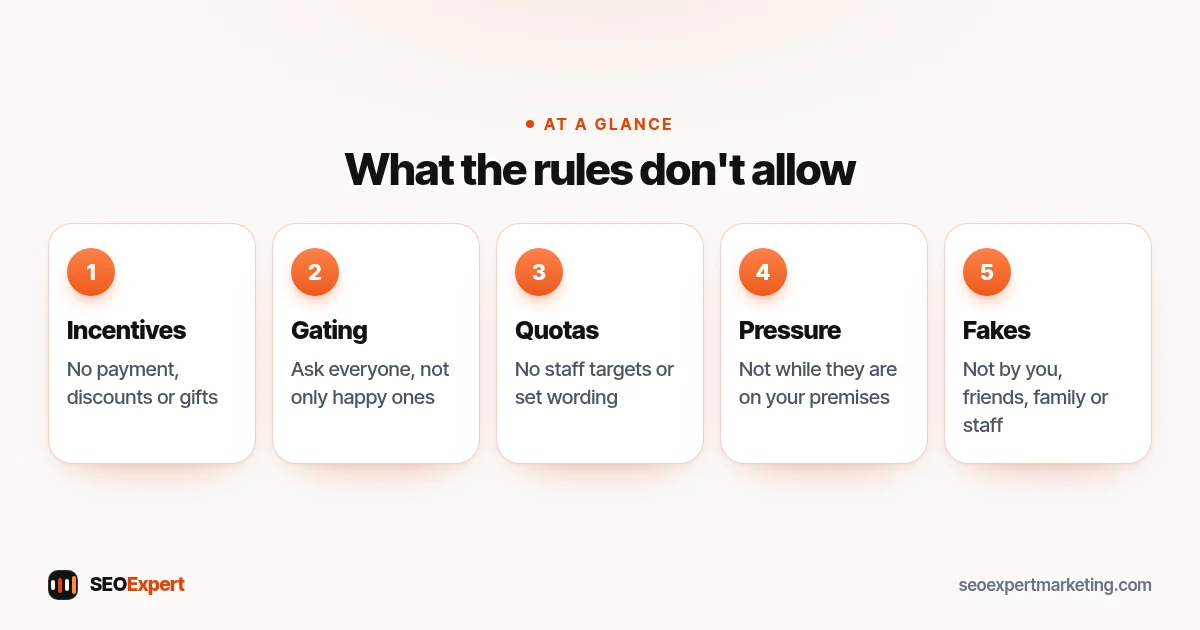
Google's prohibited and restricted content policy allows businesses to ask customers to post reviews that reflect a genuine experience, without offering incentives or trying to influence the rating or content. It does not allow:
- Offering payment, discounts, free goods or services in exchange for reviews.
- Discouraging negative reviews or only asking customers you expect to be happy.
- Asking staff to collect a set number of reviews or reviews with specific content.
- Pressuring customers to review while they're still on your premises.
- Writing reviews yourself, or asking friends, family or staff to post them.
Google's page of tips to get more reviews is clear that incentives count as fake and misleading content and are strictly prohibited.
What Google's rules don't allow when you ask for Google reviews:
How to get more Google reviews: 8 steps
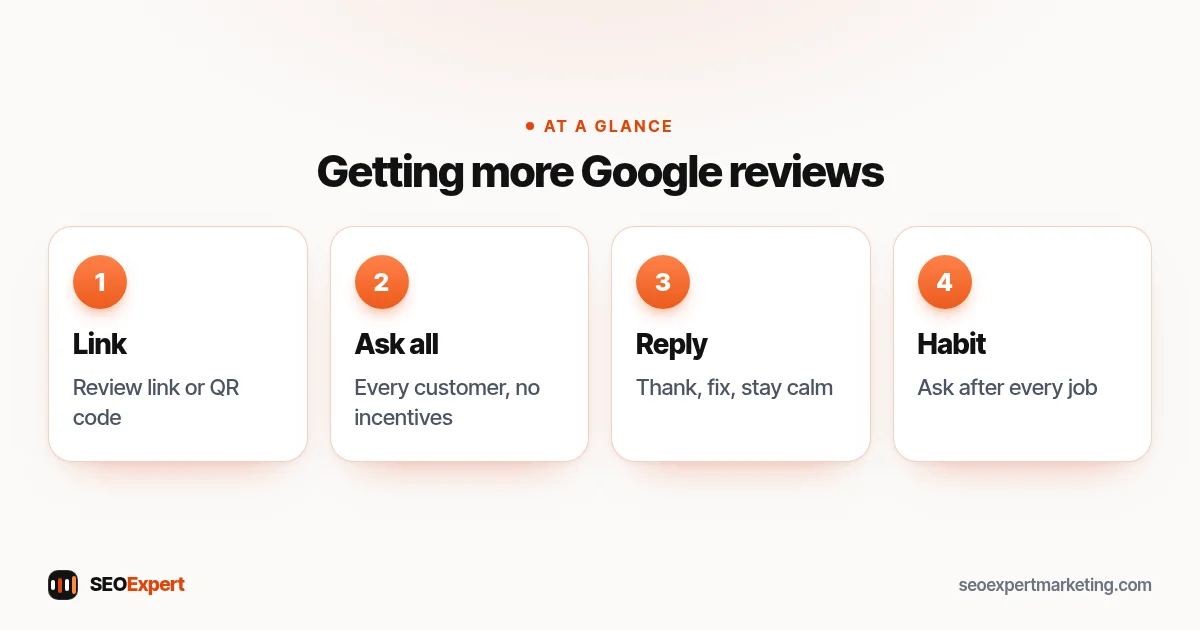
1. Get your review link
In your Business Profile, find the option to ask for reviews and copy the short link, or create a QR code. Google's tips page explains that customers can leave a review by visiting a Google link or scanning a QR code. Keep the link somewhere you and your team can find it quickly.
2. Ask every customer, not just the happy ones
Ask everyone who has used your service. Choosing only customers you expect to leave five stars is selective soliciting, which Google's policy doesn't allow. Asking everyone also gives you honest feedback.
3. Ask at the right moment
The best time is soon after the job is finished and the customer has seen the result: when a repair is done, a treatment is complete or an order has arrived. Don't pressure people on the spot; send the link so they can review when it suits them.
4. Make it personal and short
A short, friendly message works better than a template. For example: "Thanks for choosing us today. If you have a minute, we'd appreciate an honest review on Google. It helps other people find us: [link]." Don't suggest what to write or what rating to give.
5. Use the channels your customers use
Text, WhatsApp, email, a card with a QR code, or a line on your invoice all work. Use one or two that fit how you already talk to customers rather than chasing people on every channel.
6. Reply to every review
Thank people for positive Google reviews, mentioning something specific. For negative reviews, reply calmly, acknowledge the problem, avoid sharing private details and offer to sort it out offline. Your reply is for future customers as much as the reviewer.
7. Make it a habit
A steady flow of new Google reviews looks more natural and helpful than a burst followed by silence. Build the request into your routine, such as the same message sent after every completed job.
8. Learn from what customers say
Read your Google reviews for patterns: services people praise, problems that come up more than once, words customers use. Fix recurring problems, and use customers' words on your service pages where they fit.
Example messages you can adapt
Keep requests short, friendly and neutral. Here are a few examples to adapt to your own voice:
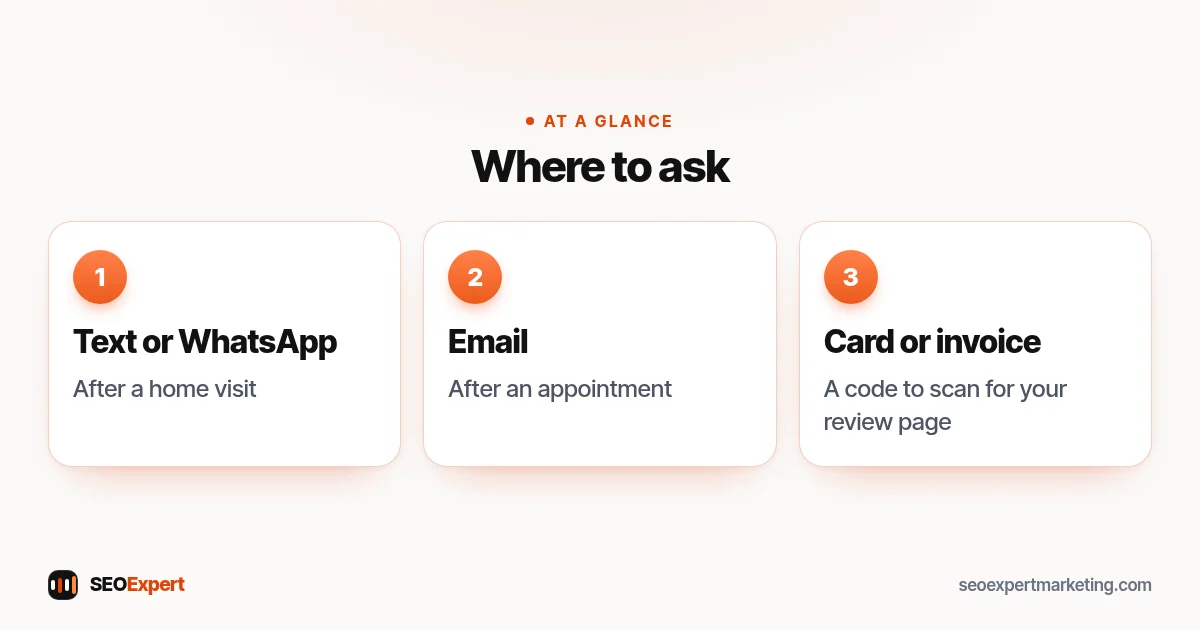
- After a home visit (text or WhatsApp): "Hi Sam, thanks for having us out today. If you have a minute, an honest review helps other people decide whether to call us: [link]. Thanks either way."
- After an appointment (email): "Thank you for visiting us this week. We read every review and use the feedback to improve. If you'd like to share your experience, here's the link: [link]."
- On a card or invoice: "Tell us how we did. Scan the code to leave a review on Google."
Notice what these don't do: they don't ask for five stars, suggest wording or offer anything in return.
Three ways to ask for Google reviews, based on the messages above:
Example replies to reviews
Positive: "Thanks, Priya. Glad the new tap is working well, and thanks for mentioning Dan. See you for the boiler service in the spring."
Negative: "Sorry to hear the engineer arrived late, Mark. That's not the service we aim for. I've sent you a message so we can put it right."
Keep replies short, specific and polite. Never argue in public or share a customer's private details.
Reviews on other websites
Google isn't the only place customers leave reviews. Depending on your trade and country, industry directories, Facebook, Trustpilot, Yelp or trade associations may matter too. Focus on Google first, then the one or two other sites your customers actually use. Each site has its own rules, so check them before asking for reviews there.
If reviews vanish from your profile, our guide on how to see deleted Google reviews explains why and what to do.
Handling fake or unfair Google reviews
If a review breaks Google's policies, for example it's spam, off-topic or from someone who was never a customer, you can report it from your Business Profile. Google decides whether to remove it, and genuine negative reviews usually stay. In that case, a calm, helpful reply is the best response.
Mistakes that can cost you reviews
- Offering a discount or prize for a review.
- Using a "review gate" that sends unhappy customers somewhere else.
- Buying reviews or swapping reviews with other businesses.
- Asking staff or family to post reviews.
- Getting dozens of reviews in a day, then none for months.
Google reviews and local rankings
Google's tips for improving local ranking say local results are mainly based on relevance, distance and popularity, and they recommend replying to reviews. Reviews help, but they work alongside a complete profile, the right categories, a good website and accurate listings elsewhere. Our local SEO checklist covers the full picture, and our guide to Google Business Profile posts shows another way to keep your profile active.
Need help with your profile?
We help small businesses set up and look after their Google Business Profile, including a simple, rule-following review request routine. We never write, buy or incentivize reviews. Our one-time Google Business Profile setup is $99, or send us your business name on WhatsApp for a free review.
Google reviews: common questions
Can I offer a discount for a Google review?
No. Google's policy treats incentives such as payment, discounts or free goods in exchange for reviews as prohibited fake engagement.
How do I send customers a Google review link?
Copy the review link or QR code from your Business Profile and share it by text, WhatsApp, email, a card or your invoice.
Should I reply to negative Google reviews?
Yes. Reply calmly, acknowledge the issue, keep private details out and offer to resolve it offline. Future customers read your replies.
Can I get bad Google reviews removed?
Only reviews that break Google's policies can be reported for removal. Genuine negative reviews usually stay, so a helpful reply is the best response.
