
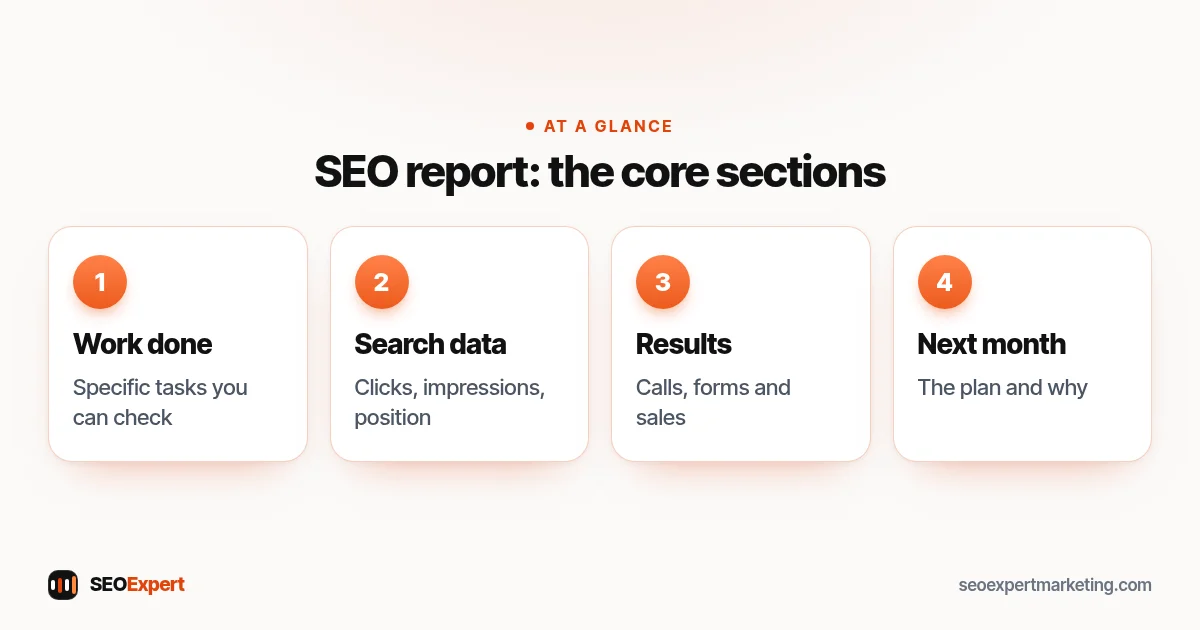
An SEO report should answer three simple questions: what was done, what changed in search, and what happens next. Many reports answer none of them. They arrive as twenty pages of charts and scores, and the business owner closes the file no wiser than before. A useful SEO report is shorter, written in plain language and tied to the things you actually care about, such as calls, enquiries and sales.
This guide explains what a monthly SEO report should show, which numbers matter, how to read them without being misled, and the warning signs that a report is hiding a lack of work. It's written for small business owners who pay for SEO, or are about to, and want to judge whether it's working.
What is an SEO report?
An SEO report is a regular summary, usually monthly, of the search engine optimization work done on your website and the results it's producing. It combines a list of completed work with data from tools such as Google Search Console and Google Analytics, and it should end with a short plan for the next period. Think of it as the receipt for your SEO budget: it shows what you paid for and whether it's moving in the right direction.
The 8 things every SEO report should show
1. A list of the work done
Before any chart, the report should list what was actually done that month: pages written or improved, technical issues fixed, profiles updated, links earned. Each item should be specific enough to check, for example "rewrote the title and intro of the boiler repair page" rather than "on-page optimization". If the work list is empty or vague, no amount of graphs makes up for it.
2. Clicks and impressions from Google Search Console
Google Search Console is the most direct source of search data because it comes from Google itself. Its Performance report shows clicks (visits from Google search), impressions (how often your pages appeared in results) and click-through rate. A good SEO report shows these for the month, compared with the previous month and, once you have the history, the same month last year, so seasonal swings don't look like progress or failure.
3. Average position, explained properly
Average position is the most misunderstood number in any SEO report. Google's definition of position is the topmost position your link held in results, averaged across all the searches where you appeared. That means the number can go down (worse) simply because you started appearing for many new searches at lower positions, which is usually good news. A report should explain movements like this rather than present the average as a score.
4. Tracked keywords that matter to your business
Alongside overall data, most SEO reports track a short list of important search phrases, for example "emergency plumber Leeds" or "Shopify SEO agency". Keep this list focused on phrases that bring customers, not vanity terms. Rankings vary by location and device, so treat tracked positions as a trend line, not an exact truth. Our keyword research services page explains how we choose phrases worth tracking.
5. Leads and sales from organic search
Traffic only matters if it turns into business. In Google Analytics 4, the actions that matter, such as a contact form sent, a WhatsApp click or a purchase, can be marked as key events. An SEO report should show how many of these came from organic search, so you can connect the work to enquiries. If tracking isn't set up yet, fixing that should be one of the first jobs.
6. Top pages and what's changing on them
Which pages bring the most search traffic, and which are rising or falling? A page-level view shows where the work is paying off and where attention is needed. It also highlights quick wins: pages already appearing on page 2 for useful searches often move up with a better title, clearer content or more internal links.
7. Technical health and local visibility
A short section should confirm that the site is still healthy: important pages indexed, no new crawl errors, and no manual actions in Search Console. For local businesses it's also worth including Google Business Profile activity, such as calls, direction requests and website clicks, plus new reviews. Our Google Business Profile optimization page covers what to look after there.
8. The plan for next month
Every SEO report should end with what happens next, and why. "Next month we'll improve the three pages sitting on page 2 and publish one guide on a question customers keep asking" is a plan. "Continue optimization" isn't. The plan is also what you should hold the next report against.
How often should you get an SEO report?
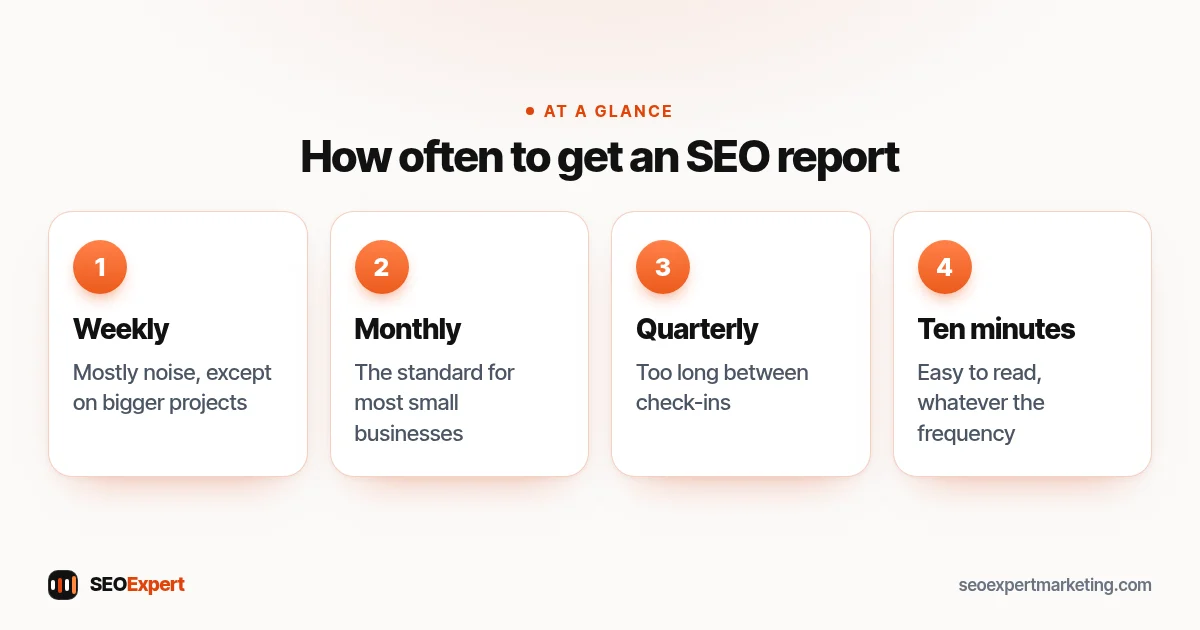
Monthly is the standard for most small businesses. SEO changes slowly, so weekly data mostly shows noise, and a quarterly report leaves too long between check-ins. Weekly updates can make sense on bigger projects with lots of activity, such as a site migration or a busy content program, where you want to catch problems early. Whatever the frequency, the SEO report should be easy to read in ten minutes.
How often to get one, at a glance:
How to read an SEO report without being misled
- Compare like with like. Month-on-month changes can be seasonal. A heating company will always see more searches in winter, with or without SEO.
- Look at trends, not single months. One bad month is rarely a crisis; three in a row deserve a conversation.
- Separate branded and non-branded searches. People searching for your business name would find you anyway. Growth in searches for your services is the better sign that SEO is working.
- Check impressions before clicks. On a newer site, impressions usually grow first, then clicks follow as positions improve. Our guide to how long SEO takes explains this order.
- Ask what caused each change. A good provider can link most movements to work done, a Google update, seasonality or a competitor.
Reports sometimes lead with Moz scores. Our guide to what page authority is explains why they matter less than enquiries.
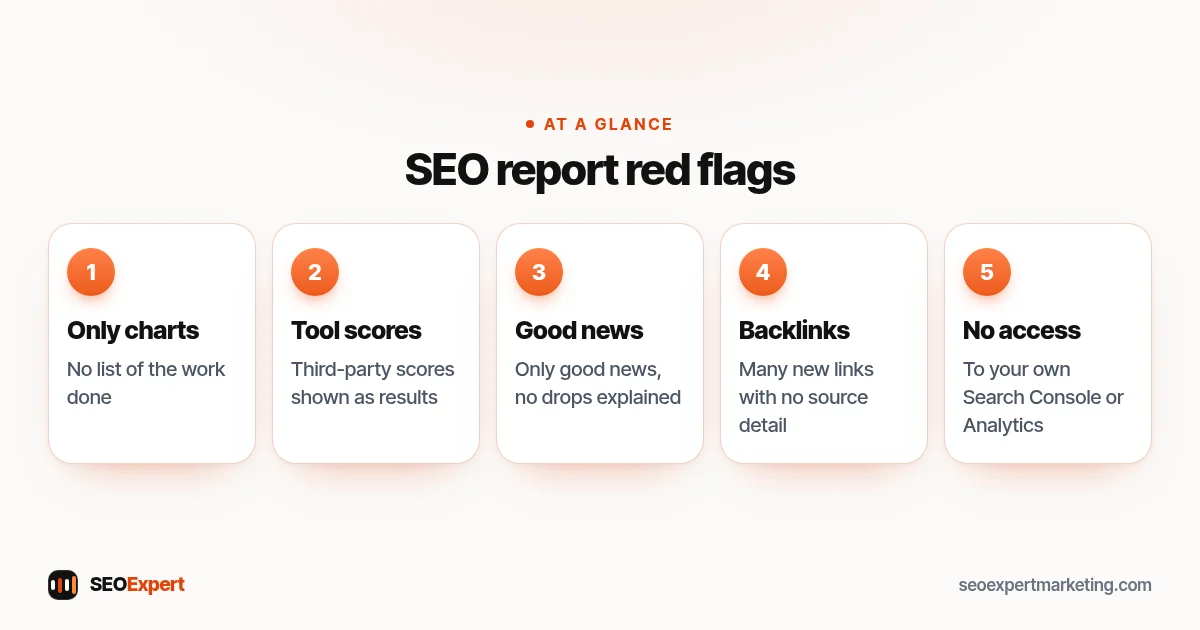
SEO report red flags
- No list of work done, only charts.
- Third-party "authority" scores presented as results. They're estimates made by tool companies, not Google measurements.
- Rankings for phrases nobody searches for, or that don't bring customers.
- Only good news, every month, with no explanation of drops.
- Large numbers of new backlinks with no detail of where they came from. That can point to bought links, which Google treats as spam.
- No access to your own Search Console or Analytics. The data belongs to your business, and you should be able to see it yourself.
Five red flags to watch for:
A simple SEO report template
If you run SEO yourself, or want to compare reports from different providers, this one-page structure covers the essentials:
| Section | What to include |
|---|---|
| Summary | Three sentences: what was done, what changed, what's next |
| Work done | A specific list of tasks completed this month |
| Search Console | Clicks, impressions, CTR, average position vs last month |
| Keywords | Your tracked phrases and their trend |
| Results | Calls, forms, sales or other key events from organic search |
| Pages | Top pages, risers and fallers |
| Health | Indexing, errors, manual actions, Google Business Profile |
| Next month | The plan and the reason for it |
What our SEO reports include
Every one of our SEO packages includes a monthly SEO report, and SEO Authority adds a weekly one. Each plan tracks a set number of search phrases: 5 on SEO Starter, 15 on SEO Growth and 30 on SEO Authority. We'd rather show you a short report with real work and honest numbers than a long one designed to impress. If you're comparing ongoing contracts, our guide to the SEO retainer lists the questions to ask before you sign, including asking for a sample report.
Not sure whether your current SEO is doing anything? Our SEO audit services start with a free website review: send us your address on WhatsApp and we'll reply with the main issues we see and a sensible first step.
SEO report: common questions
What should be in a monthly SEO report?
A list of work done, Search Console clicks and impressions, tracked keyword trends, leads or sales from organic search, top pages, a short technical health check and a plan for next month. Anything beyond that should earn its place.
Which SEO report tools are free?
Google Search Console and Google Analytics 4 are free and cover most of what a small business needs. Paid tools add keyword tracking and backlink data, but the core numbers in any SEO report should come from Google's own tools.
Why did my average position get worse when traffic went up?
Usually because your site started appearing for more searches, many of them at lower positions at first. Average position is averaged across all those searches, so it can fall while clicks and impressions grow.
Should I have access to my own Search Console and Analytics?
Yes. The accounts and data belong to your business. A provider can be added as a user, but you should keep ownership so the history stays with you if you ever change agency.
