A LinkedIn business page (LinkedIn calls it a LinkedIn Page) is a free public page for your company on LinkedIn, separate from your personal profile. It lets clients, partners and future staff see what you do, follow your updates and find your website, and it can appear when people search for your business name. This guide shows how to create a LinkedIn business page using LinkedIn's current steps, what to fill in, the right image sizes and how the page fits with your website and local SEO.
Who needs a LinkedIn business page?
Almost any business can benefit, but it matters most if you sell to other businesses, hire staff, or want to look established to larger clients. Accountants, consultants, IT support firms, commercial cleaners, builders working for developers, marketing agencies and recruitment firms all win work through LinkedIn. Even a local trade can use a simple page to show it's a real, active company when a property manager or office looks it up.
LinkedIn business page vs personal profile
| LinkedIn business page | Personal profile | |
|---|---|---|
| Represents | Your company | You as a person |
| Who manages it | One or more admins | Only you |
| People can | Follow it | Connect with you or follow you |
| Best for | Company news, services, jobs | Your own expertise and network |
The two work together. Your personal profile is often where conversations start; your LinkedIn business page is where people check that the company is real and see what it offers. Staff who pick the company from LinkedIn's list when they add it to their profiles link straight to the page.
What you need before you start
- A LinkedIn account. LinkedIn's help article Create a LinkedIn Page says you must have a LinkedIn account to create a Page. Use your own real profile.
- The right to act for the business. During setup you tick a box to confirm you have the right to act on behalf of the company.
- Your exact business details: name, website, industry, company size, company type (for example sole proprietorship or partnership) and location, written the same way as on your website and Google Business Profile.
- A logo and a cover image in the right sizes (see below).
- A short description of what you do, for whom and where.
- A check for an existing page. Search LinkedIn for your business name first. If a former employee or an agency already made a page, request admin access to it instead of creating a second one, so followers and staff links stay in one place.
How to create a LinkedIn business page: 7 steps
These are LinkedIn's desktop steps from the help article above:
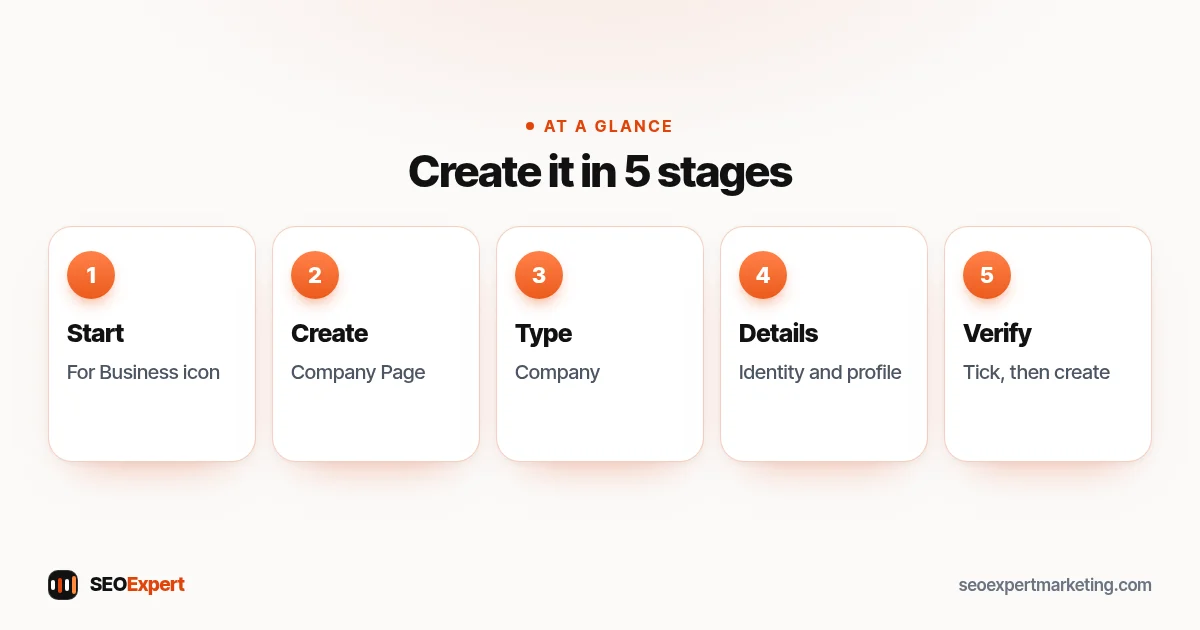
- Click the For Business icon in the upper-right corner of your LinkedIn homepage.
- Scroll down and click Create a Company Page.
- Select the Page type: Company, Showcase page or Educational institution.
- Enter your Page identity, company details and profile details.
- Tick the verification box to confirm that you have the right to act on behalf of the company.
- Click Create page. If you see an error, LinkedIn's help has troubleshooting tips.
- Click Start building your page! to complete it.
You can also create a Page in LinkedIn's iPhone app (Company or Educational institution only), but LinkedIn says creating a Page isn't supported on Android, so Android users should use a computer. Creating a Page is free, and the person who creates it becomes its super admin, who can add other admins. Menus change from time to time, so check the help article if a button looks different.
Which page type should you choose?
| Page type | Use it for |
|---|---|
| Company | Your main business page. This is what almost every small business needs. |
| Showcase page | A separate page for a brand or service line that has its own audience, linked to your main Company page. Most small businesses don't need one at first. |
| Educational institution | Schools, colleges and universities. |
Filling in your page details
The details you enter decide how clearly your LinkedIn business page explains your company at a glance:
- Name: your real business name, exactly as customers know it. Don't add keywords that aren't part of the name.
- Public URL: a clean version of your full business name rather than an unclear acronym, such as linkedin.com/company/smith-accountants. URLs depend on availability and can only be changed once every 30 days, so choose carefully.
- Website: your main website address, so visitors can find your services and contact details.
- Industry and company size: choose the closest match; this helps the right people find you.
- Location: your office address, or the town you operate from if you work from home and don't want your address public.
- Tagline and About section: say plainly what you do, for whom and where, then add your main services. Use the words your clients use.
Consistent names and details across LinkedIn, Facebook, Google and directories help people and search engines recognise your business. Our guide to local SEO citations explains why.
Writing an About section that works
After the name and tagline, the About section is where visitors go to understand what your company does. Keep it short and specific. Start with one sentence on what you do and who for, then list your main services, the areas or industries you serve, and how to get in touch. For example: "We provide bookkeeping, VAT returns and payroll for small businesses in Leicester and the East Midlands. Most of our clients are trades, shops and family firms. Call or book a free first meeting through our website." Avoid claims you can't back up, and use the same service names as on your website so people recognise them.
LinkedIn business page image sizes
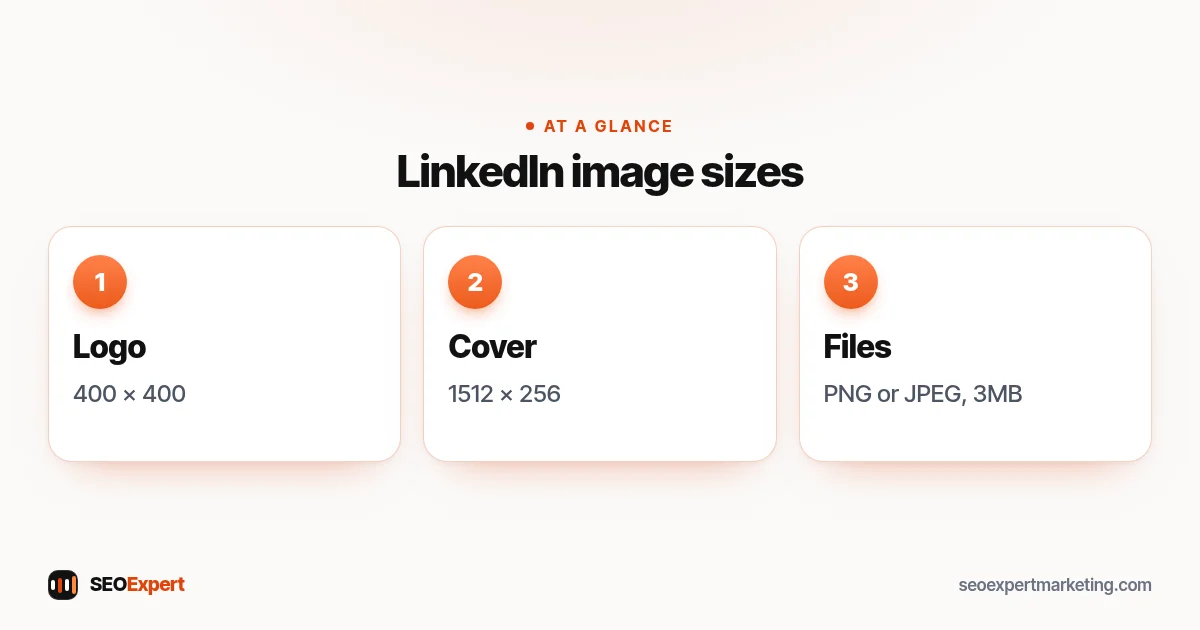
LinkedIn's page on image specifications for LinkedIn Pages says all images must be PNG or JPEG files with a maximum size of 3MB, and gives these sizes:
| Image | Minimum | Recommended |
|---|---|---|
| Logo | 268 x 268 pixels | 400 x 400 pixels |
| Cover image | 1512 x 256 pixels | 1512 x 256 pixels |
Keep the logo simple so it's readable when small; if it has a transparent background, LinkedIn shows it on white. Keep key details away from the edges of the cover image, especially the lower-right corner, because LinkedIn may trim it to fit different screens. A real photo of your team or work, or a clean banner with your main service and website, works well.
Does a LinkedIn business page help SEO?
Indirectly. A LinkedIn business page won't push your website up Google's results by itself, but it helps in practical ways:
- Branded searches: your page can appear when people search for your business name, giving them another place to check you're genuine.
- Consistent details: another accurate listing of your business name, website and location.
- Visitors: posts that link to useful articles or service pages on your website can send interested people there.
- Your Google Business Profile: Google's help page on social media links lists LinkedIn among the platforms you can add, one link per platform, though the feature is currently available only in select regions.
Treat the page as a helpful extra, not a replacement for your website. You don't control how LinkedIn shows your posts, and your website is where visitors can see all your services and contact you. Our guide on how to make a business Facebook page covers the same idea for Facebook.
What to post on your LinkedIn business page
- Short tips from your expertise: an accountant's reminder about a tax deadline, an IT firm's advice on backups.
- Finished projects, with the client's permission and without confidential details.
- Team news: new hires, training, community work.
- Your own articles, with a short summary and a link to the full post on your website.
- Job openings, if you're hiring.
One or two useful posts a week is plenty for a small business's LinkedIn business page. Ask your team to follow the page and list the company in the Experience section of their own profiles, so the page is linked from real people.
Your first-week checklist
- Check the page on a computer and a phone: logo, cover, tagline and website link.
- Add the page link to your website footer and email signature.
- Add it to your Google Business Profile's social links if the option is available in your region.
- Publish two or three useful posts so the page isn't empty.
- Invite colleagues and existing contacts to follow it, without buying followers.
- Make a second person you trust a super admin, so someone can still manage the page and its admins if you lose access to your account.
Measuring what your page brings
Every LinkedIn business page has built-in analytics for admins, showing visitors, followers and how posts perform. Those numbers are useful, but the ones that matter most are enquiries and website visits. In your website analytics, look at visits that come from LinkedIn, and ask new clients how they found you. If your LinkedIn business page brings a few relevant conversations a month and keeps your company details accurate, it's doing its job.
Example: a small accountancy firm
A three-person accountancy firm creates a LinkedIn business page as a Company page called "Patel & Co Accountants", with the URL linkedin.com/company/patel-co-accountants. The tagline reads "Accounts, tax and payroll for small businesses in Leicester", and the About section lists its main services and the website address. The logo is uploaded at 400 x 400 pixels and the cover image at 1512 x 256. The first posts are a reminder about the self assessment deadline and a short guide linking to the firm's website. Both partners list the firm in their own profiles, and the second partner is added as a super admin.
Common mistakes
- Setting up a personal profile in the business name instead of a LinkedIn Page. LinkedIn's User Agreement says member profiles are only for real people, so such a profile can be restricted.
- Creating a page with someone else's account, then losing access when they leave.
- Different names, websites or locations from your other listings.
- A blurry logo or a cover image with text cut off.
- An empty page with no posts and no About section.
- Posting only sales messages.
- Buying followers or engagement, which adds nothing real.
Keep control of your page
As the creator of the LinkedIn business page, you're the super admin. Make at least one other trusted person, such as a co-owner, a super admin too, because only super admins can add or remove admins. Give staff or an agency a lower role, such as content admin to post or analyst to view analytics, and remove people who leave the business. Turn on two-step verification for your personal account to make it much harder for someone to take over your login, and with it your page.
Want help with your online presence?
Our SEO services keep your business details consistent across Google, LinkedIn, Facebook and the directories that matter, and connect them to a website that turns visitors into enquiries. To start, ask for a free website analysis.
LinkedIn business page: quick answers
How do I create a LinkedIn business page?
On a computer, click the For Business icon, then Create a Company Page. Choose Company, enter your page, company and profile details, tick the verification box and click Create page.
Is a LinkedIn business page free?
Yes. LinkedIn says creating a Page is free. Advertising on LinkedIn is optional and paid.
Do I need a personal LinkedIn account?
Yes. LinkedIn says you must have a LinkedIn account to create a Page, and you must confirm you have the right to act on behalf of the company.
What size should my LinkedIn logo and cover image be?
LinkedIn recommends a 400 x 400 pixel logo (minimum 268 x 268) and a 1512 x 256 pixel cover image. Images must be PNG or JPEG and up to 3MB.
What is the difference between a Company page and a Showcase page?
A Company page is your main business page. A Showcase page is an extra page for a brand or service line with its own audience, linked to the Company page.
Does a LinkedIn page help SEO?
Indirectly. It can appear in searches for your business name, adds another consistent listing and can send visitors to your website, but it doesn't replace your website.
