
Core Web Vitals are three measurements Google uses to describe the real-world experience of a web page: how quickly the main content loads, how quickly the page responds when someone taps or clicks, and how stable the layout is while it loads. They matter for your visitors first and for SEO second. This guide explains the three Core Web Vitals in plain English, Google's targets, how to check your own site and the fixes that usually make the biggest difference.
What are Core Web Vitals?
Google's page on Core Web Vitals and Google search results lists three metrics:
- Largest Contentful Paint (LCP): measures loading performance. Aim for 2.5 seconds or less.
- Interaction to Next Paint (INP): measures responsiveness. Aim for 200 milliseconds or less.
- Cumulative Layout Shift (CLS): measures visual stability. Aim for 0.1 or less.
The three types of Core Web Vitals and their targets
Google rates each metric as good, needs improvement or poor. The web.dev Core Web Vitals guide says to check the 75th percentile of page loads, on mobile and desktop separately, so most of your visitors get a good experience.
| Core Web Vital | What it measures | Good | Needs improvement | Poor |
|---|---|---|---|---|
| LCP (Largest Contentful Paint) | Loading | 2.5 s or less | 2.5–4.0 s | Over 4.0 s |
| INP (Interaction to Next Paint) | Responsiveness | 200 ms or less | 200–500 ms | Over 500 ms |
| CLS (Cumulative Layout Shift) | Visual stability | 0.1 or less | 0.1–0.25 | Over 0.25 |
INP replaced First Input Delay (FID) as a Core Web Vital in 2024. Other speed numbers you may see in reports, such as Time to First Byte (TTFB) and First Contentful Paint (FCP), help explain a slow LCP but aren't Core Web Vitals themselves.
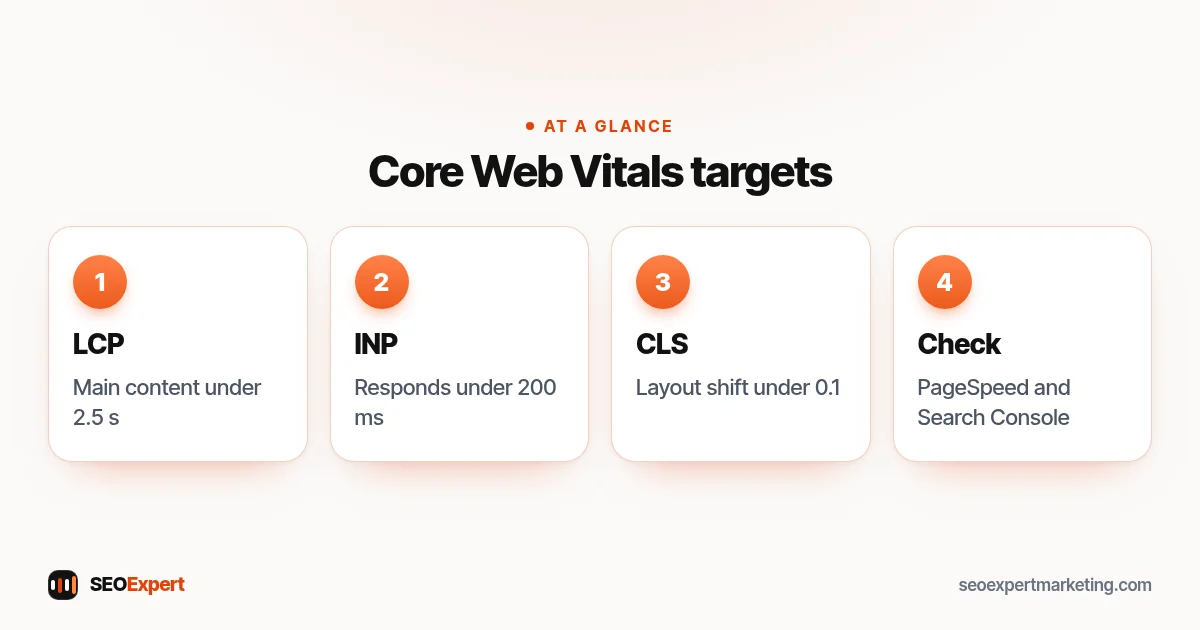
These targets also appear in our one-page SEO cheat sheet, next to the other basics.
Do Core Web Vitals affect rankings?
Google says good Core Web Vitals, along with other page experience aspects, align with what its core ranking systems seek to reward. But relevance and helpful content come first: a fast page that doesn't answer the search won't outrank a slower page that does. Think of these metrics as a way to avoid losing visitors and rankings to a poor experience, not a shortcut to the top. Our guide to SEO ranking factors puts speed in context.
LCP: how fast the main content appears
LCP measures when the largest image or text block in the visible area has loaded. On most small business sites this is the hero image or main heading. Common causes of a slow LCP are a huge hero image, slow hosting, too many scripts loading first and lazy loading applied to the main image.
Common LCP fixes
- Resize and compress the hero image and use WebP or AVIF.
- Don't lazy-load the main image at the top of the page.
- Use caching and, where possible, a content delivery network.
- Remove plugins, sliders and scripts you don't need.
The LCP element is always on the first screen. Our guide to above the fold SEO shows what belongs there.
INP: how quickly the page responds
INP looks at how long the page takes to respond visibly after a visitor taps, clicks or types, across their visit. Slow INP usually comes from heavy JavaScript: chat widgets, tracking tags, sliders, pop-ups and page builders that load many scripts.
Common INP fixes
- Remove tracking tags and widgets you no longer use.
- Delay non-essential scripts until after the page has loaded.
- Replace heavy sliders and animations with simpler sections.
- Keep plugins and themes up to date.
CLS: how stable the layout is
CLS stands for Cumulative Layout Shift. It's the Core Web Vitals metric for visual stability: it measures how much content jumps around unexpectedly as the page loads and while it's being used. Each unexpected shift gets a score based on how much of the screen moved and how far, and CLS reports the largest burst of shifts during the visit. A shift that happens just after the visitor taps or clicks doesn't count, because they expected it. CLS has no unit: 0 means nothing moved. You've seen it when a button moves just as you go to tap it. Common causes are images without width and height, adverts or banners that push content down, and web fonts that swap late.
Common CLS fixes
- Set width and height on images and video embeds.
- Reserve space for cookie banners, chat buttons and adverts.
- Load fonts efficiently and avoid late-loading banners at the top.
The main Core Web Vitals fixes, one line per metric:

How to check your Core Web Vitals
There are two kinds of data. Field data comes from real Chrome users visiting your site; lab data comes from a test run on demand. Google's PageSpeed Insights shows both for any page: field data at the top when there's enough traffic, and a lab test below with suggestions. Search Console's Core Web Vitals report groups your pages using field data. New or small sites often don't have enough field data yet, so use the lab results as a guide.
Core Web Vitals on WordPress and Shopify
On WordPress, the biggest speed wins usually come from good hosting, a caching plugin, fewer plugins and properly sized images. Page builders can add weight, so keep layouts simple. On Shopify, hosting and caching are handled for you, so focus on image sizes, the number of apps (each can add scripts) and theme choice. Our WordPress SEO checklist includes the speed basics, and our guide to mobile SEO covers phone-specific issues.
Field data vs lab data
It's common to see a poor lab score but good field data, or the other way round. Lab tests simulate one visit on a mid-range phone with a slowed connection, so they're stricter than many real visits. Field data reflects what real visitors experienced over the previous 28 days, on their own devices and networks. When the two disagree, trust the field data for judging the experience, and use the lab test to find what to improve. After a fix, lab results change at once, while field data takes a few weeks to catch up.
Why speed matters to customers
Most small business visitors arrive on a phone, often on a mobile connection, and they're usually comparing you with competitors in other tabs. A page that takes several seconds to show anything, or jumps around just as someone goes to tap the call button, loses some of those visitors before they've read a word. That's the real cost of a slow site: fewer calls and enquiries from the same number of visitors. Rankings are only part of the story.
A simple speed check you can do today
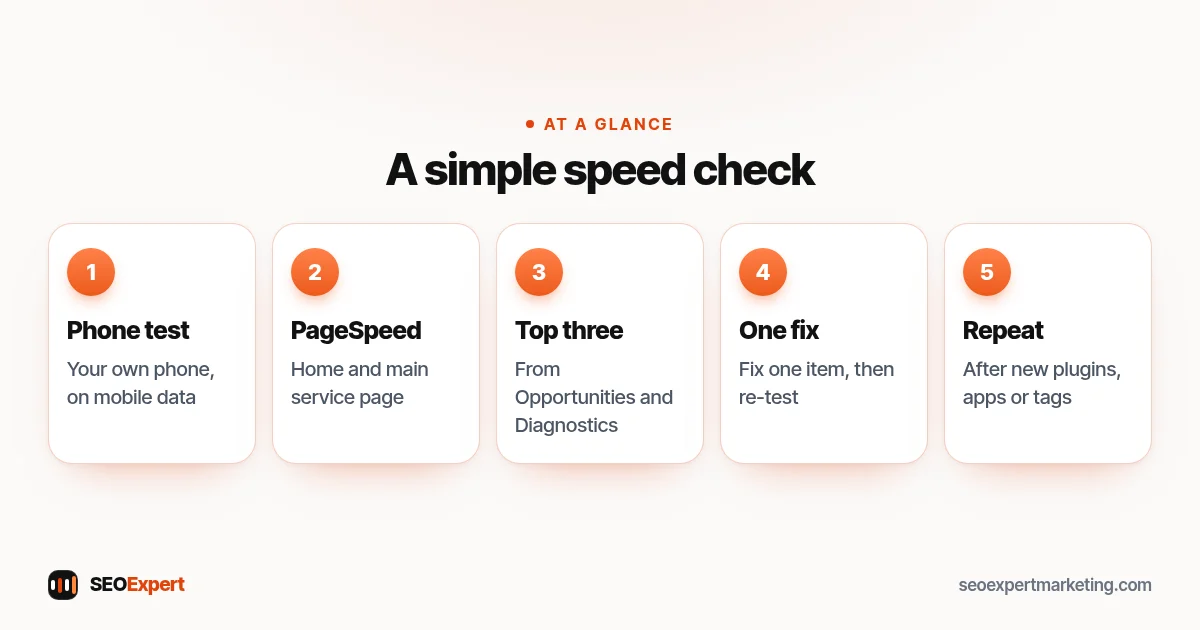
- Open your home page on your own phone using mobile data, not Wi-Fi, and time how long it takes before you can read and tap things.
- Run your home page and your main service page through PageSpeed Insights and note the mobile results.
- Look at the "Opportunities" and "Diagnostics" sections and list the top three suggestions, usually images, unused scripts and render-blocking files.
- Fix one item at a time and re-test, so you know what made the difference.
- Repeat the test after adding new plugins, apps or tracking tags.
Your Core Web Vitals speed check in five steps:
When you need a developer
Some fixes are simple settings: compressing images, switching on caching or removing a plugin. Others need a developer: rewriting a heavy theme, changing how scripts load or moving to better hosting. If your page builder or theme is the main cause, it's often cheaper in the long run to simplify the design than to keep adding speed plugins on top.
What to fix first
Start with the pages that matter most: your home page and main service or product pages, because they bring most visits and enquiries. Fix the biggest problems first, usually image sizes and unnecessary scripts. Re-test after each change, because some fixes interact. Don't chase a perfect lab score; aim for the targets on real-user data and a site that feels fast on a mid-range phone.
Common page speed mistakes
- Testing only on a fast desktop connection.
- Installing several speed plugins that conflict.
- Chasing a score of 100 instead of real-user targets.
- Ignoring third-party scripts, often the biggest cause of slow INP.
- Changing everything at once, so you can't tell what helped.
Need help?
Speed and Core Web Vitals checks are part of our technical SEO services. We'll tell you plainly what we can fix and what needs a developer. Send your website on WhatsApp for a free review.
Core Web Vitals: quick answers
What are good Core Web Vitals scores?
Google's targets are LCP of 2.5 seconds or less, INP of 200 milliseconds or less and CLS of 0.1 or less, measured at the 75th percentile of page loads.
What are the three types of Core Web Vitals?
LCP (Largest Contentful Paint) for loading, INP (Interaction to Next Paint) for responsiveness and CLS (Cumulative Layout Shift) for visual stability.
What is CLS in Core Web Vitals?
CLS (Cumulative Layout Shift) is the Core Web Vitals score for visual stability: how much the page's content moves unexpectedly while it loads or is used. A CLS of 0.1 or less is good; over 0.25 is poor.
Why does Search Console show no Core Web Vitals data?
The report uses real-user data from Chrome. Small or new sites often don't have enough visits yet; use PageSpeed Insights lab tests meanwhile.
Will fixing Core Web Vitals improve my rankings?
It can help, especially if your pages are slow, but relevant, helpful content matters more. Speed mainly stops you losing visitors.
What's the quickest speed fix for most small sites?
Resizing and compressing large images, and removing scripts and plugins you don't use.