
Mobile SEO is the work of making your website easy to find, load and use on phones. It matters more than ever because Google now judges your site by its mobile version. If your site looks fine on a laptop but is slow, cramped or missing content on a phone, that's the version Google sees, and it's the version most of your customers see too. This guide explains how mobile-first indexing works, the Core Web Vitals targets and nine practical mobile SEO fixes for small business websites.
What is mobile-first indexing?
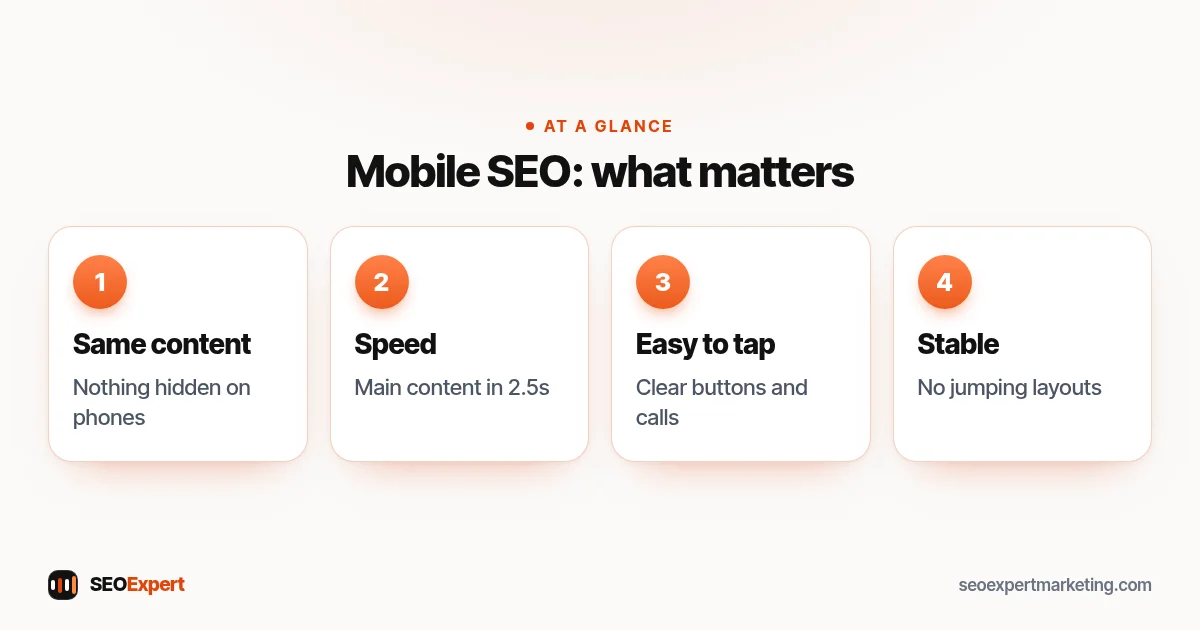
Google's documentation on mobile-first indexing says that Google uses the mobile version of a site's content, crawled with the smartphone agent, for indexing and ranking. In plain terms: whatever is on your mobile pages is what Google uses. Content, links, structured data or images that appear only on the desktop version may as well not exist for ranking purposes.
Google adds that having a mobile version isn't strictly required to be included in results, but it is very strongly recommended. For almost every business, a responsive design, where the same page adapts to any screen size, is the simplest way to meet this.
Core Web Vitals: the mobile speed targets
Google's Core Web Vitals measure loading, responsiveness and visual stability. The targets for a good experience are:
| Metric | Measures | Good |
|---|---|---|
| Largest Contentful Paint (LCP) | How fast the main content loads | Within 2.5 seconds |
| Interaction to Next Paint (INP) | How quickly the page responds to taps | Under 200 milliseconds |
| Cumulative Layout Shift (CLS) | How much the layout jumps around | Under 0.1 |
Search Console's Core Web Vitals report shows how your pages perform for real visitors on phones. Phones are usually slower than desktops, so this is where most sites struggle.
9 mobile SEO fixes for small business sites
1. Use a responsive design
One set of pages that adapts to every screen avoids the problems of separate mobile sites, such as missing content or broken redirects. Most modern themes and builders are responsive; check yours on a real phone, not just a narrow browser window.
2. Show the same content on mobile and desktop
Some themes hide sections on phones to save space. That's a mobile SEO risk, because hidden content may not count. If something is important enough for desktop visitors, find a way to show it on phones, for example in an accordion that's still in the page.
3. Compress and size images
Oversized images are the most common reason pages load slowly on phones. Resize images to the largest size they're actually shown at, use modern formats such as WebP and lazy-load images below the first screen.
4. Cut heavy scripts and plugins
Chat widgets, sliders, tracking scripts and page builder add-ons all add weight. Remove anything you don't use, and load non-essential scripts after the main content.
5. Make text readable without zooming
Use a body font size that's comfortable on a phone, enough line spacing and good contrast. Visitors who have to pinch and zoom leave.
6. Make buttons and links easy to tap
Give buttons enough size and spacing that people don't tap the wrong one. Put your phone number and main call to action where a thumb can reach them, and make phone numbers tappable.
7. Avoid intrusive pop-ups
Full-screen pop-ups that cover the content as soon as someone arrives from Google make the page hard to use on a phone. Keep necessary banners, such as cookie notices, small and easy to dismiss.
8. Stop layouts jumping
Set width and height on images and embeds, and reserve space for ads or banners, so the page doesn't shift as it loads. Layout shift is what makes people tap the wrong thing.
9. Keep structured data and metadata on mobile
Titles, meta descriptions, structured data and image alt text must be on the mobile version. With responsive design this happens automatically; with separate mobile pages, check carefully.
On a phone the first screen is small. Our guide to above the fold SEO shows what to put there first.
How to test your mobile SEO
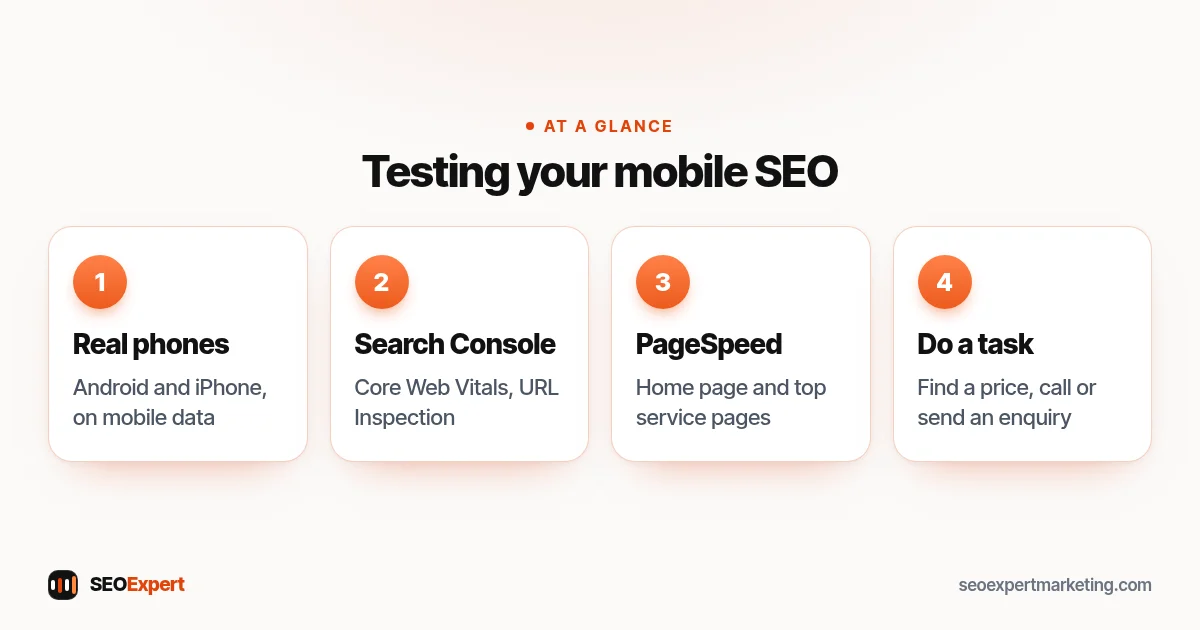
- Use real phones. Open your key pages on an average Android phone and an iPhone, on mobile data, not office Wi-Fi.
- Check Search Console. The Core Web Vitals report shows real-user data; the URL Inspection tool shows how Google renders a page.
- Run PageSpeed Insights on your home page and top service pages for specific suggestions.
- Complete a task. Try to find a price, call you or send an enquiry using only your phone. Anything awkward is worth fixing.
How to test your mobile SEO in four steps:
Mobile SEO for local businesses
Many local searches happen on phones, often when someone needs help soon: a locksmith, a dentist, a restaurant nearby. For local businesses, mobile SEO and conversions are closely linked. Make sure your phone number is tappable, your address opens in maps, opening hours are visible and your Google Business Profile matches your site. Our local SEO checklist covers the profile side.
Example: a mobile SEO fix list
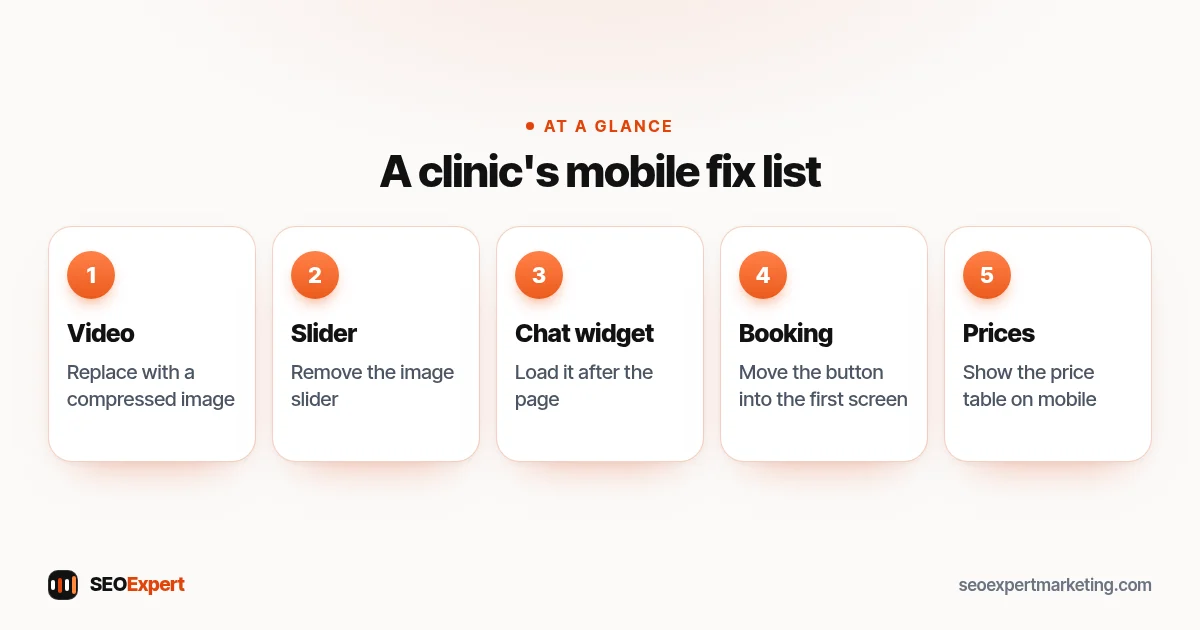
Here's an illustrative example, not a client result. A physiotherapy clinic's site loads in about six seconds on a phone. The home page has a large background video, an image slider and a chat widget that loads immediately. The booking button sits below three screens of scrolling, and the treatment prices are hidden on mobile by the theme. The fix list: replace the video with a compressed image, remove the slider, load the chat widget after the page, move the booking button into the first screen and show the price table on mobile. Each change is simple; together they make the site faster and easier to book from.
The physiotherapy clinic's mobile SEO fix list at a glance:
Mobile SEO and conversions
Good mobile SEO brings visitors; a good mobile experience turns them into customers. The two are measured differently but fixed the same way. Shorten forms to the fields you really need, let people message you on WhatsApp or call with one tap, and show prices or price ranges early. If your site takes bookings, test the whole process on a phone, including payment. Every extra step on a small screen loses people. Our guide to SEO for service businesses covers the trust signals that help people decide once they arrive.
Common mobile SEO mistakes
- Testing only on a fast office connection.
- Hiding content or internal links on phones.
- Blocking CSS or JavaScript files Google needs to render the page.
- Separate mobile URLs without proper redirects and annotations.
- Huge hero images that push everything else down.
Mobile SEO is part of every technical review we do. Our technical SEO audit checklist lists the wider checks, and our technical SEO services can handle the fixes for you. Send us your site on WhatsApp for a free review.
Mobile SEO: quick answers
What is mobile SEO?
Making your website easy to find, load and use on phones. Because Google uses the mobile version of your site for indexing and ranking, it affects your whole site's visibility.
Does Google rank mobile and desktop differently?
Google indexes your site using its mobile version. Rankings can still differ between devices, but the mobile version of your content is what Google uses.
How fast should my site load on mobile?
Google's Core Web Vitals aim for the main content to load within 2.5 seconds, responses to taps under 200 milliseconds and very little layout shift.
Do I need a separate mobile site?
No. A responsive design that adapts to any screen is simpler and avoids the content and redirect problems separate mobile sites often cause.