
An SEO audit template gives you a consistent way to review a website: the same sections, the same checks and the same way of recording what you find. Without one, audits tend to become a long list of tool warnings with no order or priority. With one, you end up with a short, clear plan. This guide gives you a free seven-section SEO audit template you can copy into a spreadsheet or document, the checks to run in each section, a simple scoring method and a sample findings table.
How to set up the SEO audit template
Create a spreadsheet with one tab per section below, or a single sheet with these columns:
| Column | What to record |
|---|---|
| Section | Which of the seven sections the issue belongs to |
| Check | What you looked at |
| Finding | What you found, in one sentence |
| Pages affected | Specific URLs or "site-wide" |
| Impact | High, medium or low |
| Effort | High, medium or low |
| Fix | The specific action needed |
| Owner and date | Who will do it and by when |
You'll need free access to Google Search Console and Google Analytics, a crawler (many have a free version for small sites) and a phone for testing. If you're new to audits, our guide what is an SEO audit explains the purpose of each part.
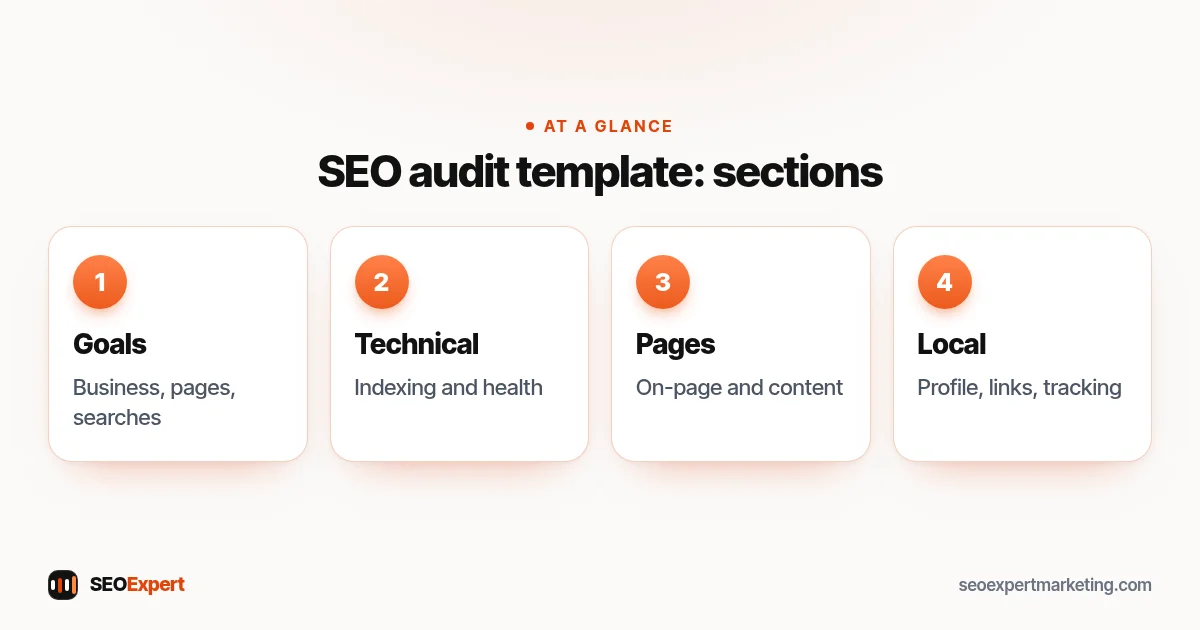
The 7 sections of the SEO audit template
Section 1: Goals and context
- What does the business sell, to whom and where?
- Which pages bring enquiries or sales?
- Which searches matter most? List five to fifteen.
- Any recent changes: redesign, new platform, traffic drop?
This section keeps the rest of the audit focused on what matters to the business.
Section 2: Indexing and crawling
- Are the important pages indexed? (Search Console page indexing report)
- Is a sitemap submitted, and does it list only pages you want found?
- Does robots.txt block anything important?
- Are there noindex tags on pages that should rank?
- Is there one version of the site (https, with or without www)?
Section 3: Technical health
- Core Web Vitals on mobile (Search Console report).
- Broken pages and internal links returning errors.
- Redirect chains and old URLs without redirects.
- Duplicate pages and canonical tags.
- Structured data errors.
Our technical SEO audit checklist expands this section in detail.
Section 4: On-page
- Unique, descriptive title on each key page. Google's guide to title links warns against boilerplate and keyword stuffing.
- One clear H1 and logical headings.
- Meta descriptions that would earn a click.
- Internal links between related pages.
- Images with descriptive alt text.
Section 5: Content
- Does each main service or product group have its own page?
- Does each page answer the search better than the current top results?
- Thin, duplicate or outdated pages to improve, merge or remove.
- Gaps: questions customers ask that no page answers.
Section 6: Local and off-page
- Google Business Profile: categories, services, hours, photos, reviews.
- Name, address and phone consistent across the site and main directories.
- Links from other sites: relevant? Any obvious spam from past link building?
Section 7: Measurement
- Is Search Console verified and receiving data?
- Are enquiries and sales tracked in Analytics?
- Baseline numbers: clicks, impressions, enquiries for the last three months.
How to score and prioritize
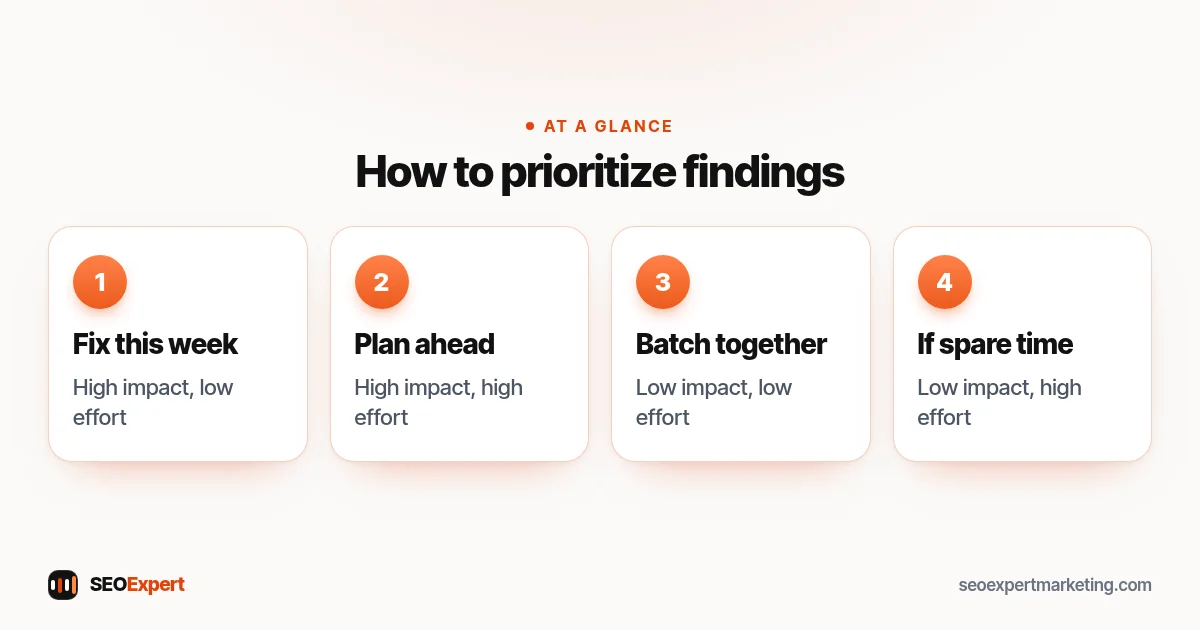
For each finding, rate impact (how much it affects visibility or enquiries) and effort (how hard it is to fix). Then sort:
| Impact / effort | What to do |
|---|---|
| High impact, low effort | Fix this week |
| High impact, high effort | Plan for the next one to three months |
| Low impact, low effort | Batch together when convenient |
| Low impact, high effort | Skip unless there's spare time |
This step turns an SEO audit template into a plan. Without it, teams often fix the easy, unimportant items first and never reach the ones that matter.
How to sort findings in the SEO audit template by impact and effort:
Sample findings from the SEO audit template
| Section | Finding | Impact | Fix |
|---|---|---|---|
| Indexing | Two service pages set to noindex | High | Remove noindex, request indexing |
| On-page | Every page titled "Home" | High | Unique titles on all key pages |
| Technical | Mobile LCP around 5 seconds | Medium | Compress hero images, remove slider |
| Content | No page for the most-asked service | High | Create a dedicated service page |
| Local | Old phone number on three directories | Medium | Update listings |
These rows are an illustrative example, not a real client's audit.
How often to use the template
Run the full SEO audit template once or twice a year, and after any redesign, platform move or unexplained drop in traffic. In between, a short monthly check of Search Console covers indexing, Core Web Vitals and performance. Keep each completed audit, so you can compare and see whether problems keep coming back.
Tips for a better audit
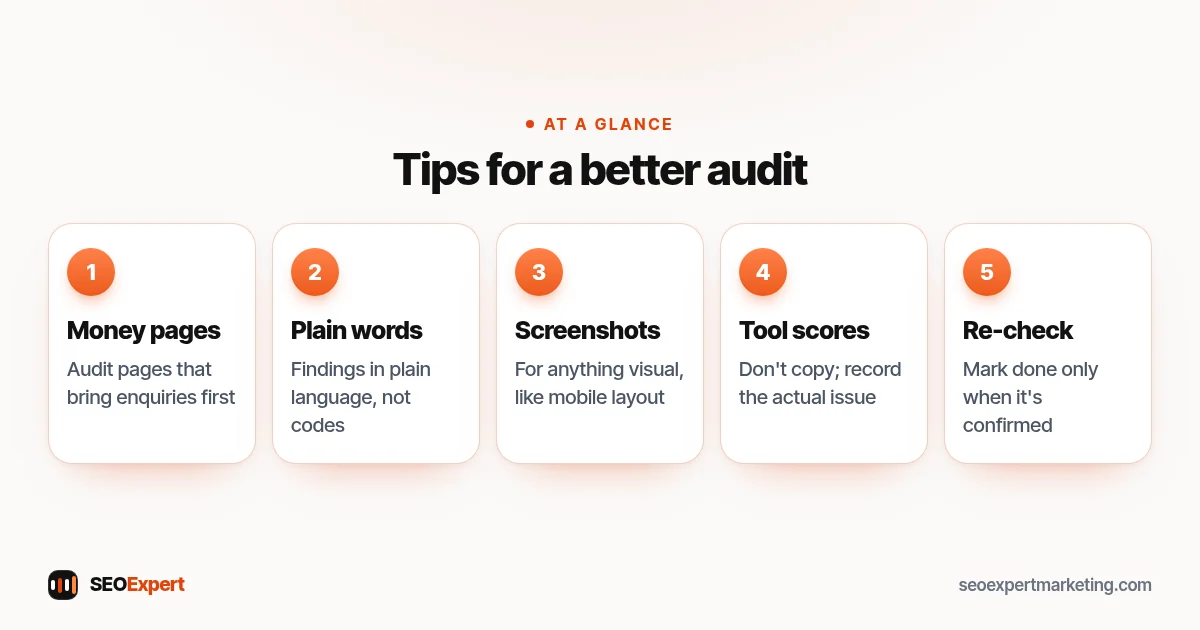
- Start with the money pages. Audit the pages that bring enquiries before anything else.
- Write findings in plain language. "Two service pages are hidden from Google" is clearer than a tool's error code.
- Include screenshots for anything visual, such as mobile layout problems.
- Don't copy tool scores. Third-party scores are estimates; record the actual issue and its effect.
- Re-check after fixes. Mark each item as done only when you've confirmed it worked.
Five tips to keep in mind while you fill in the SEO audit template:
Adapting the SEO audit template
The seven sections suit most small business sites, but adjust them to the type of site. For a local business, give section 6 more weight and add checks for each location: profile categories, reviews, and whether each branch has its own page. Our local SEO audit guide covers that version. For an online store, add product and category checks to sections 4 and 5, and filter and duplicate URL checks to section 3; our ecommerce SEO audit guide lists them. For a brand-new site, focus on sections 1, 2 and 7, because there's little performance data yet.
Presenting the results
End the audit with a one-page summary: the three to five most important findings, what fixing them should achieve and the order to do them in. Most people won't read a long spreadsheet, but they will read a clear page. Attach the full findings table for whoever does the work.
When to get a professional audit
A template helps you run an audit yourself, but experience helps in judging what matters. If your site is large, has had a sudden drop or you simply don't have time, a professional review can save weeks. Our SEO audit services follow this same structure, and our $59 audit covers your home page and up to ten key pages, with a PDF within two days. Prefer to start free? Send your website address on WhatsApp for a quick review.
SEO audit template: quick answers
What should an SEO audit template include?
Goals and context, indexing and crawling, technical health, on-page, content, local and off-page, and measurement, with columns for findings, impact, effort and fixes.
Can I use this SEO audit template for any website?
Yes. It suits most small business sites. Online stores should add checks for filters, product pages and structured data.
How long does an audit with this template take?
For a small site, a few hours to a day. Larger sites take longer, mainly because of the time needed to review crawl data and content.
Is a free tool report the same as an audit?
No. Tools list warnings; an audit decides what matters for the business and turns it into a prioritized plan.
