
Product page SEO is the work of making each product page easy for search engines to understand and convincing enough for shoppers to buy. Product pages target the most specific searches, such as a brand and model number or "waterproof hiking boots for wide feet", and the people making those searches are usually close to buying. Yet most stores leave product pages with a manufacturer's description, a generic title and a couple of photos. This guide sets out ten practical steps for product page SEO that work on any platform.
Why product page SEO matters
Category pages tend to win broader searches; product pages win the specific ones, which is why product page SEO deserves its own plan. Those specific searches add up: a store with 300 products has 300 chances to match exactly what someone is looking for. Product pages also appear in Google's shopping-style results, where price, availability and reviews can be shown directly, which affects whether people click.
Selling in a physical shop as well? Our guide to retail SEO shows how to get in-store products onto Google too.
1. Write a clear, specific title
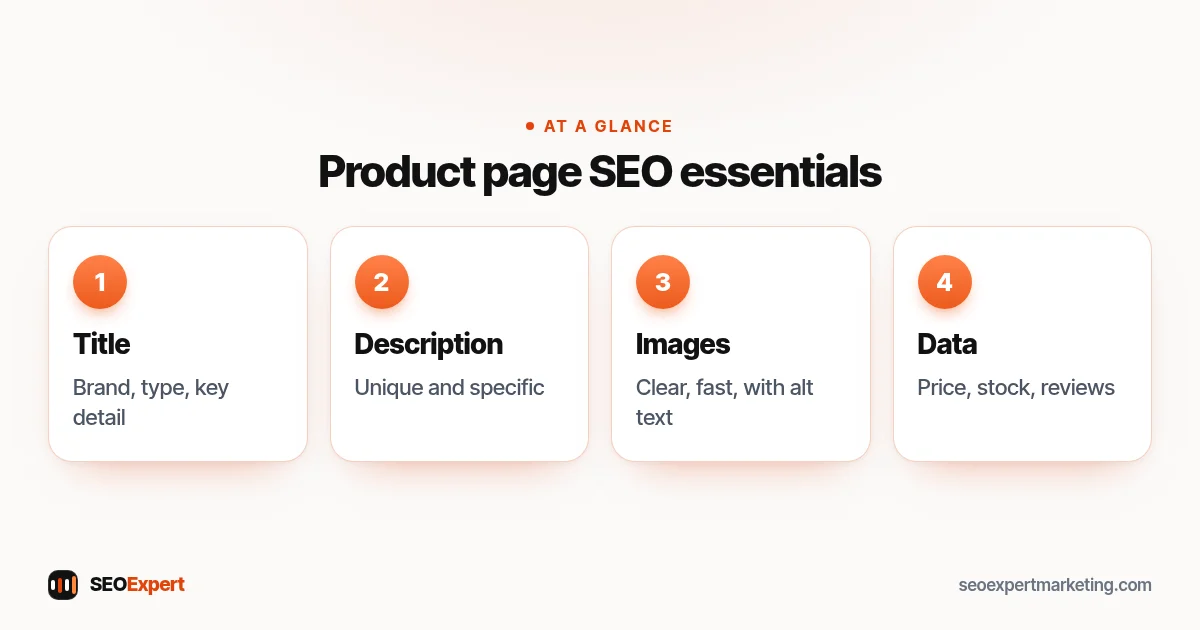
Use the words shoppers search for: brand, product type, model and the key attribute. "Trailmaster Waterproof Hiking Boot, Wide Fit" beats "Trailmaster TM-200". Keep the SEO title under about 60 characters so it isn't cut off, and make the H1 match the product name.
2. Write a unique description
Descriptions copied from the manufacturer appear on every store selling the product, so they give Google no reason to prefer yours. Rewrite descriptions for your best sellers first. Explain who the product is for, the problem it solves, the details that matter (size, materials, compatibility) and anything you know from selling it, such as how the sizing runs. Short paragraphs and bullet points make it easy to scan.
3. Answer pre-purchase questions
Add the information shoppers look for before buying: delivery times and costs, returns, warranty, care instructions and size guides. A short FAQ on popular products can answer common questions and reduce messages to your support team.
4. Use good images with descriptive alt text
Show the product from several angles, in use and at scale. Compress images so the page loads quickly on phones. Give each image a descriptive file name and alt text, such as "wide-fit waterproof hiking boot side view", which helps accessibility and image search.
5. Add product structured data
Structured data helps Google show price, availability and review stars in results. Google's product structured data documentation lists the properties to include, such as name, image, price, currency and availability. Most platforms add basic product markup automatically; check it with the Rich Results Test and fix missing fields.
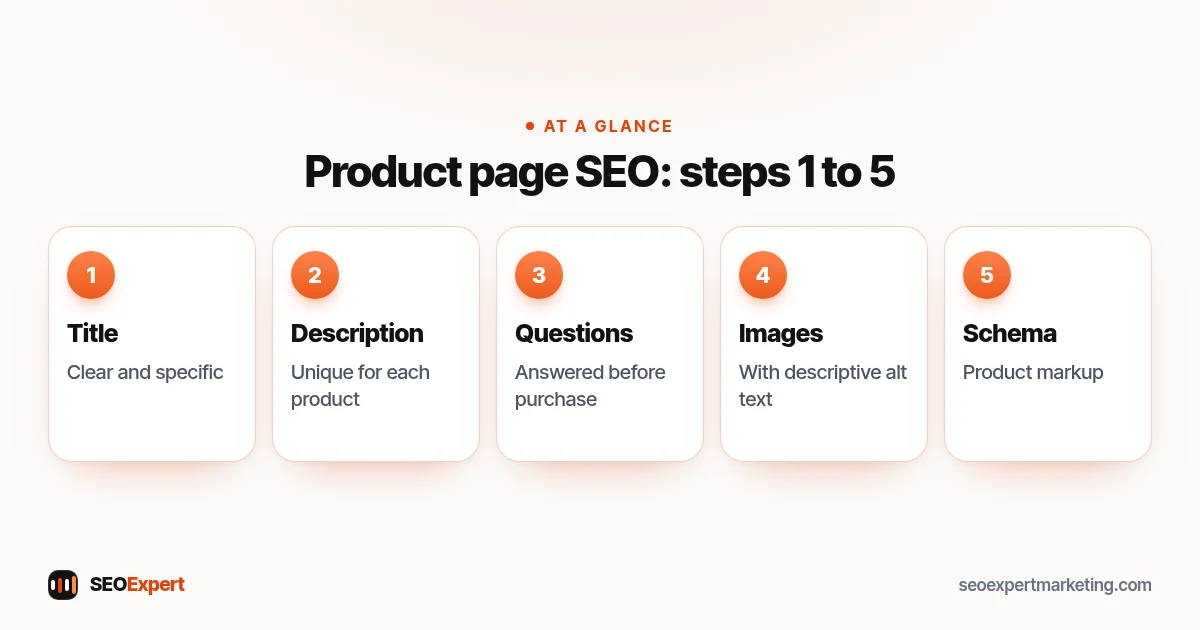
Product page SEO, steps 1 to 5:
6. Show genuine reviews
Reviews help shoppers decide and can add rich information to your listing. Ask customers for reviews after delivery with a simple email. Never write or buy reviews; Google's review snippet guidelines require them to be genuine, and fake reviews damage trust quickly.
7. Handle variants sensibly
Products that come in several colors or sizes can create many near-identical URLs. Usually it's best to have one page with variant options, so all the signals go to one URL. If a variant is searched for in its own right, such as a specific color of a popular trainer, a separate page can make sense, with clear canonical tags.
8. Use clean URLs and one canonical version
Keep product URLs short and descriptive, and make sure each product has one canonical URL, even if it appears in several categories. Google's guidance on ecommerce URL structure explains why simple, consistent URLs help.
9. Link products together
Link each product to its category, to related products and to accessories. These internal links help Google discover products and help shoppers find what else they need. Breadcrumbs are an easy win for both.
10. Plan for out-of-stock and discontinued products
If a product is temporarily out of stock, keep the page live, show when it will be back and offer alternatives or a back-in-stock alert. If it's discontinued for good, redirect the URL to the closest replacement or its category, rather than leaving a page that frustrates visitors or returns an error.
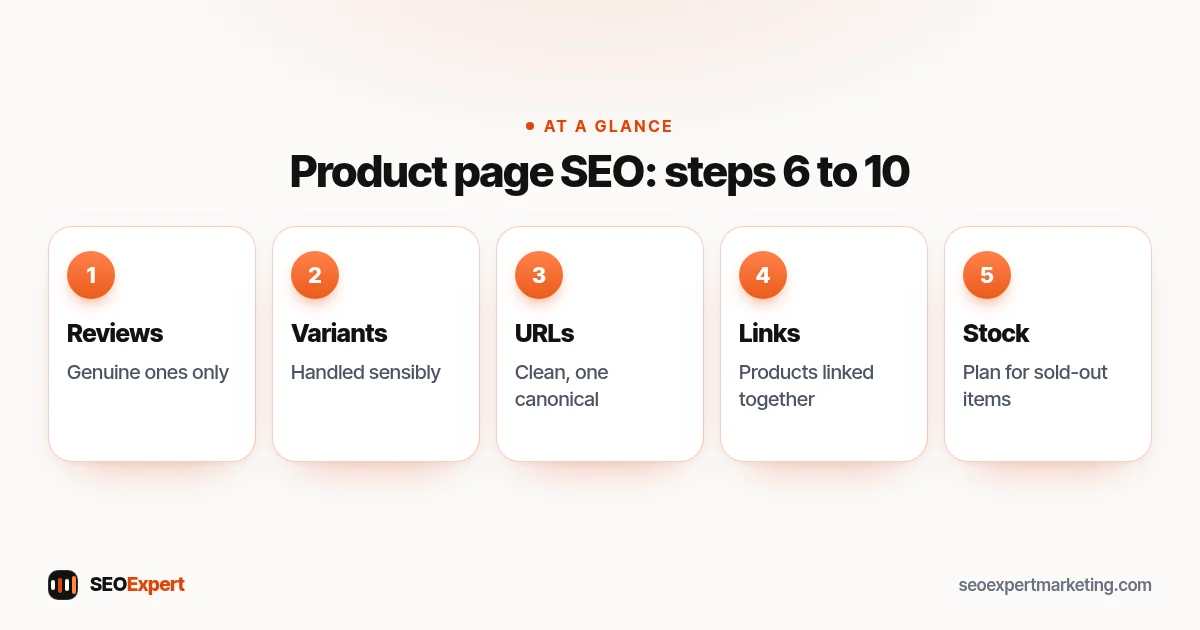
Product page SEO, steps 6 to 10:
Product page SEO checklist
| Element | Good product page SEO |
|---|---|
| Title | Brand, product type, key attribute, under 60 characters |
| Description | Unique, specific, written for buyers |
| Images | Several angles, compressed, descriptive alt text |
| Structured data | Name, image, price, availability, reviews |
| Trust | Delivery, returns, genuine reviews |
| Links | Category, related products, breadcrumbs |
| Stock | Clear status; redirects for discontinued items |
Example: rewriting a product page
Here's an illustrative example, not a client result. A store sells a ceramic coffee dripper with the supplier's two-line description and the title "CD-02 Dripper". The rewrite changes the title to "Ceramic Pour-Over Coffee Dripper for 1 to 2 Cups", adds a description of how it brews compared with a glass dripper, the filter papers it takes and how to clean it, plus photos on a mug and with a scale for size. It adds delivery and returns details and a three-question FAQ. Nothing about the product changed, but the page now matches the searches people actually make and answers what they need to know.
Common product page SEO mistakes
- Empty or one-line descriptions. Shoppers and search engines need more to go on.
- Images too large. Uncompressed photos are one of the most common reasons product pages load slowly on phones.
- Hiding key information in tabs that don't load. Make sure delivery, sizing and specifications are in the page's HTML, not loaded only after a click.
- Deleting sold-out products. This creates errors and throws away the page's history.
- Keyword stuffing. Repeating the product name in every sentence reads badly and doesn't help.
Product page SEO also depends on the pages above it. If the category page linking to a product is weak, the product is harder for Google to find and judge; our guide to category page SEO covers that level. On Shopify, product templates and apps affect speed and structured data, which our Shopify SEO services page explains.
Where to start
Don't try to rewrite every product at once. Start with best sellers and products with high margins, then products that already get impressions in Search Console but few clicks. Our ecommerce SEO checklist covers the rest of the store, and the guide to an ecommerce SEO audit shows how to find the biggest problems.
Want help with product page SEO for your store? Our ecommerce SEO services include product page rewrites, and you can start with a free review of your store on WhatsApp.
Product page SEO: quick answers
How long should a product description be?
Long enough to answer what buyers need to know. For simple products that may be a short paragraph and a few bullet points; for complex or expensive products, more detail usually helps.
Is it bad to use the manufacturer's description?
It isn't a penalty, but it gives Google no reason to choose your page over the many others using the same text. Unique descriptions for your key products work better.
Should out-of-stock products be removed?
Not if they're coming back. Keep the page live with a clear status and alternatives. For products discontinued for good, redirect to the closest replacement or category.
Do product reviews help SEO?
Genuine reviews help shoppers decide, can add rich information to your listing and often contain the words people search for. They must never be fake or paid for.