This ecommerce SEO checklist covers what an online store needs so Google can find, understand and show its products: a clean site structure, strong category and product pages, product structured data, careful handling of filters and duplicates, fast mobile pages and a few sources of genuine links. It's written for small and growing stores on Shopify, WooCommerce and similar platforms. Work through it section by section; tick off what's done, and note what needs a developer.
Why online stores need their own checklist
Stores have problems most service websites don't: hundreds or thousands of similar pages, products that go out of stock, filters that create endless URL combinations and manufacturer descriptions copied across many sites. Google has a dedicated section on ecommerce in Google Search because of this. The ecommerce SEO checklist below turns that guidance into tasks.
Starting with an existing store? Run an ecommerce SEO audit first to see which items matter most for you.
Have a shop people can visit too? Our guide to retail SEO adds the store and local steps.
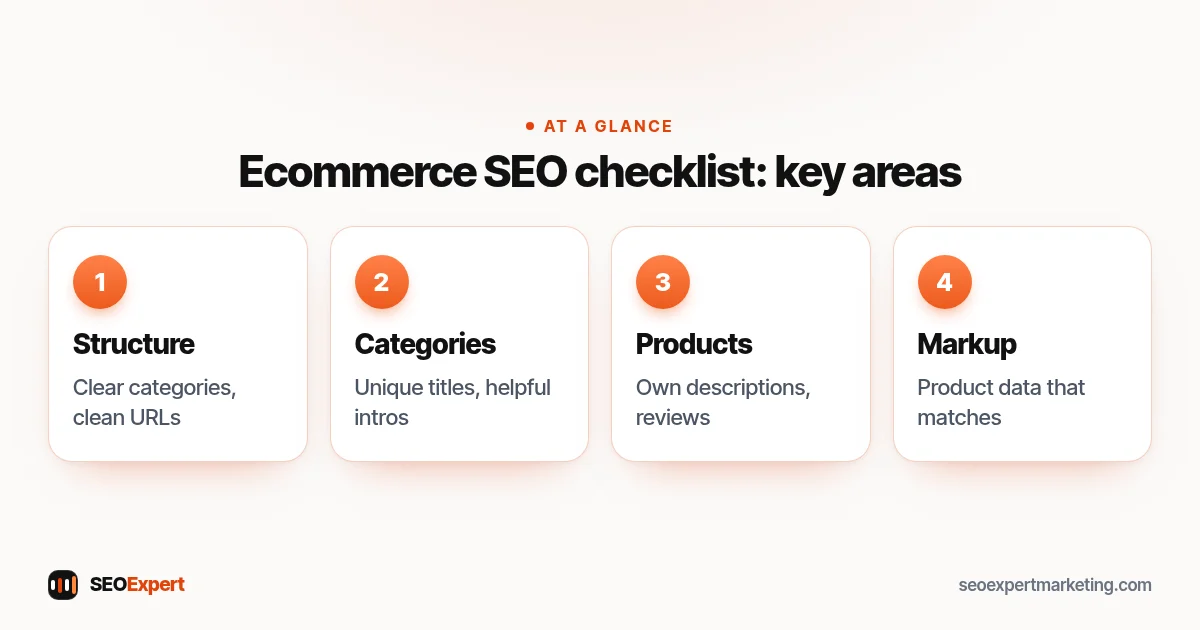
1. Site structure checklist
Structure comes first in any ecommerce SEO checklist, because it decides how easily Google and shoppers reach every product.
- Logical categories: home page, then categories, then subcategories, then products, with every product reachable in a few clicks.
- Readable URLs: short, descriptive and consistent, such as /womens-running-shoes/ rather than /cat?id=4471.
- Breadcrumbs on category and product pages, so visitors and Google see where each page sits.
- Internal links from categories to best-selling products, and from guides and blog posts to relevant categories.
- An XML sitemap listing the category and product pages you want indexed, submitted in Search Console.
2. Category page checklist
Category pages often target the most valuable searches, such as "men's leather boots", so they deserve as much care as product pages.
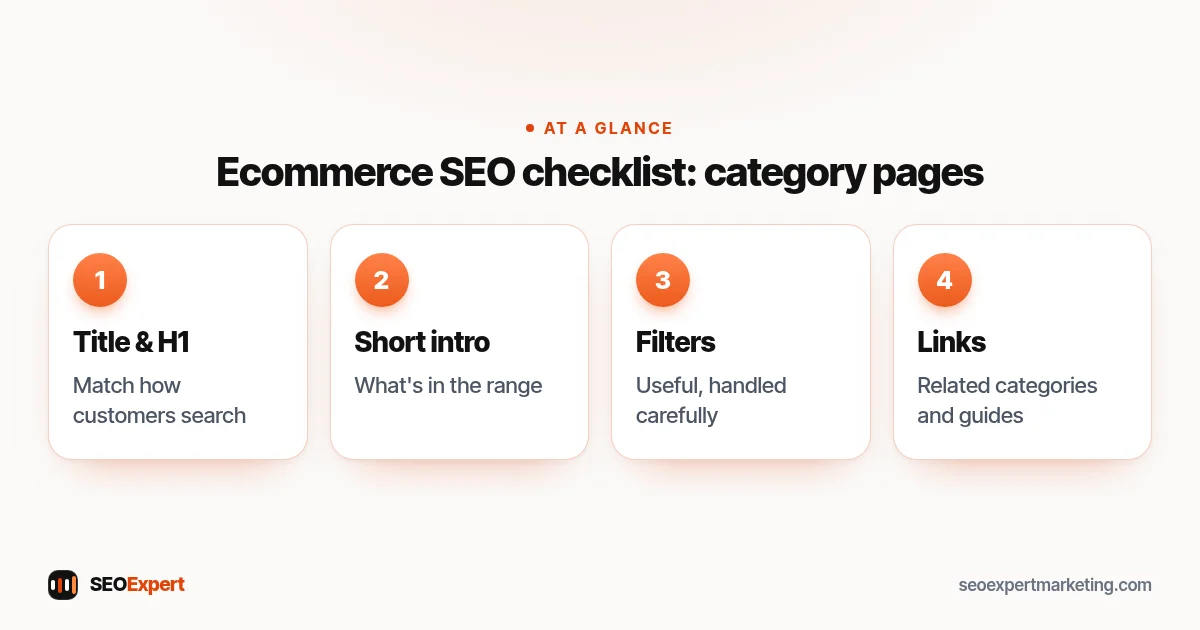
- A unique title and H1 that match how customers search for the category.
- A short, helpful introduction: what's in the range, how to choose, sizing or compatibility notes. Keep the products visible near the top.
- Useful filters for shoppers, handled carefully for search (see section 5).
- Links to related categories and buying guides.
Our guide to category page SEO explains each of these steps with an example.
The category part of the ecommerce SEO checklist:
3. Product page checklist
Product pages are where this ecommerce SEO checklist meets your sales: they need to convince the shopper and inform Google at the same time.
- Your own product descriptions. Copying the manufacturer's text gives Google the same content it has seen on many other stores. Add what you know: who it suits, how it fits, what customers ask.
- A descriptive title with brand, product name and key detail such as size, color or model.
- Several good images with descriptive file names and alt text.
- Price, availability, delivery and returns clearly shown.
- Genuine customer reviews from real buyers.
- Answers to common questions on the page itself.
This ecommerce SEO checklist covers the essentials; our full guide to product page SEO goes through each element with an example rewrite.
4. Product structured data checklist
Structured data tells Google exactly what's on a product page: name, image, price, currency, availability, reviews and more. Google's product structured data documentation explains two kinds of results it can support: product snippets and merchant listings.
- Check that your platform or SEO plugin outputs Product markup on every product page.
- Make sure the price and availability in the markup match what's shown on the page.
- Test a few product pages with the Rich Results Test, then check the reports in Search Console.
- If you use Google Merchant Center, keep the product data there consistent with your site.
5. Filters, duplicates and crawl control checklist
Filters for size, color, price and brand help shoppers, but each combination can create a new URL. Google's guide to managing crawling of faceted navigation URLs explains that these URLs can lead to overcrawling and slower discovery of new pages, and that if you don't need them indexed, you can prevent them from being crawled.
- Decide which filtered pages deserve to rank, such as "red dresses", and which are just combinations.
- Keep unneeded filter combinations out of the crawl, following Google's guidance for your setup.
- Use canonical tags so product variants and sorted or paginated lists point to the right main page.
- Avoid creating separate indexable pages for every tiny variant unless people search for them.
6. Out-of-stock and discontinued products checklist
- Temporarily out of stock: keep the page live, show the status clearly and offer alternatives or a back-in-stock alert.
- Permanently discontinued with a close replacement: redirect to the replacement product.
- Discontinued with no replacement: point visitors to the category, or let the page return a "not found" status if nothing is relevant.
Still choosing where to build? Our guide to the best ecommerce platform for SEO compares the options.
7. Speed and mobile checklist
- Test key templates (home, category, product, cart) with PageSpeed Insights.
- Compress images and serve modern formats such as WebP.
- Remove apps and plugins you no longer use; each can add scripts to every page.
- Make sure filters, images and the add-to-cart button work well on a phone.
8. Content and links checklist
- Write buying guides and comparisons that answer pre-purchase questions and link to the right categories.
- Earn links from suppliers, brands you stock, product reviewers and relevant communities, never from bought link packages.
- Encourage reviews after every order.
9. Tracking checklist
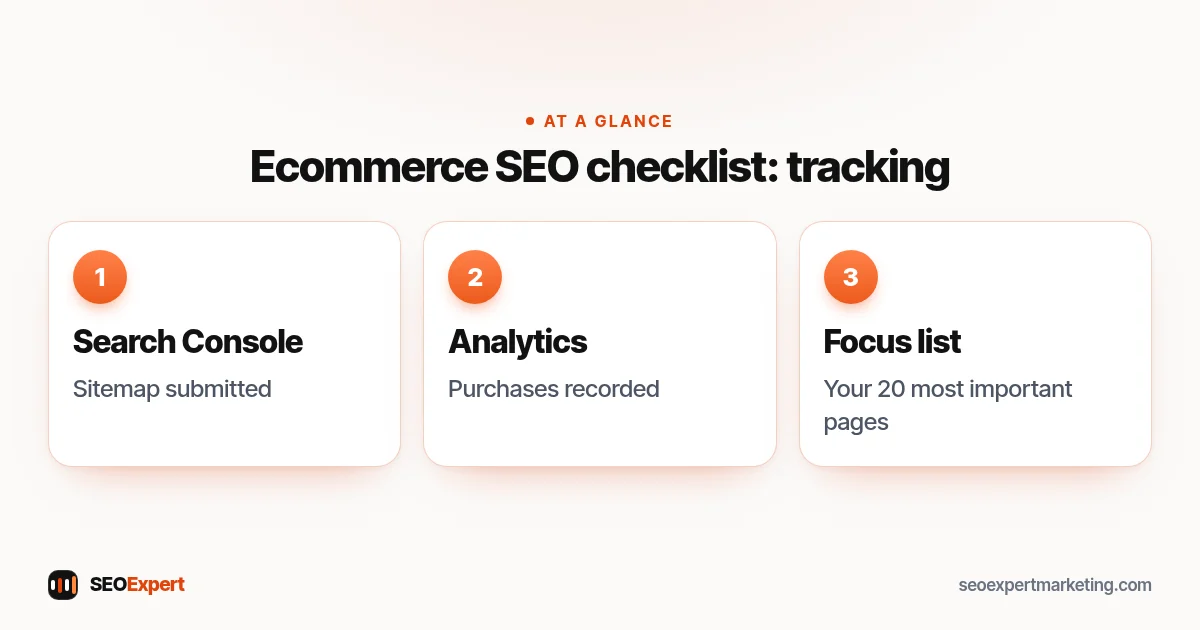
- Search Console set up, with the sitemap submitted and the indexing and product reports checked monthly.
- Analytics recording purchases, so you can see which pages bring revenue, not only visits.
- A list of the 20 categories and products that matter most, checked every month.
The tracking part of the ecommerce SEO checklist:
Common mistakes this ecommerce SEO checklist helps you avoid
- Every product using the manufacturer's description word for word.
- Thousands of filter combinations crawled and indexed while new products wait to be discovered.
- Category pages with no title, no introduction and a generic H1 such as "Products".
- Deleting discontinued products without redirects, so links and bookmarks end on error pages.
- Product markup showing a price or stock status that no longer matches the page.
- A slow mobile store weighed down by apps that were installed once and forgotten.
Each of these is easy to miss in day-to-day running of a store, which is why it helps to go through the ecommerce SEO checklist on a schedule rather than only when sales drop.
Platform notes: Shopify and WooCommerce
Both platforms handle much of this ecommerce SEO checklist well out of the box, but each has quirks. Shopify creates some duplicate product URLs through collection paths and fixes most of them with canonical tags; WooCommerce relies on your theme and SEO plugin for structured data and sitemaps. Our pages on Shopify SEO and WordPress SEO cover the platform details.
Where to start with this ecommerce SEO checklist
If time is short, do these first from the ecommerce SEO checklist: fix anything blocking indexing, rewrite your top 10 product descriptions, improve your top 5 category pages, check product structured data and sort out filter URLs. That covers most of the impact for a small store. If you'd like help, our ecommerce SEO services page explains how we work with online stores, and our technical SEO services cover the developer-side fixes.
Ecommerce SEO checklist: quick answers
Should I write unique descriptions for every product?
Ideally, yes, starting with your best sellers and highest-margin products. Unique descriptions that add real information help both shoppers and search. For very large catalogs, prioritize and improve descriptions in batches.
Do category pages need text?
A short, useful introduction helps: what's in the range and how to choose. Keep it brief and keep products visible near the top. Long blocks of keyword-heavy text don't help shoppers.
How often should I go through an ecommerce SEO checklist?
Do a full pass once or twice a year and after any platform change, theme change or big catalog update. Check Search Console and your top categories monthly between full passes.
Should filter pages be indexed?
Only the combinations people actually search for, such as a popular color or brand within a category. Most combinations add no value in search and are better kept out of the crawl, as Google's faceted navigation guidance explains.
What should I do with out-of-stock products?
Keep temporarily unavailable products live and clearly marked. Redirect permanently discontinued products to a close replacement or the category; if nothing is relevant, let the page return a not-found status.