Retail SEO is the work of getting a shop's stores and products found on Google, whether people want to buy online or walk into a store today. It combines local SEO (your shop on Google Maps), ecommerce SEO (your product and category pages) and a few retail-only tools, such as showing what's in stock in your store directly in Google. This guide explains retail SEO for small and independent retailers in eight practical steps, using Google's own documentation, with an example and the mistakes to avoid.
Retail SEO vs ecommerce SEO
| Retail SEO | Ecommerce SEO | |
|---|---|---|
| Who it's for | Shops with physical stores, often also selling online | Shops selling online, with or without a store |
| Main goals | Store visits, calls, online orders, click and collect | Online orders |
| Key places on Google | Maps, local results, free local product listings, Shopping, normal results | Shopping and normal results |
| Key pages | Store pages, category pages, product pages | Category pages, product pages |
If you only sell online, our ecommerce SEO checklist covers most of what you need. If you have a shop people can visit, retail SEO adds the local layer on top.
How shoppers search for shops and products
- By store type and place: "toy shop near me", "bike shop Leeds", "garden centre open now".
- By product and place: "running shoes near me", "where to buy a dehumidifier today".
- By brand: "[brand] stockist [town]", "[your shop name] opening hours".
- By product, to buy online: "kids wooden train set", "waterproof hiking boots women".
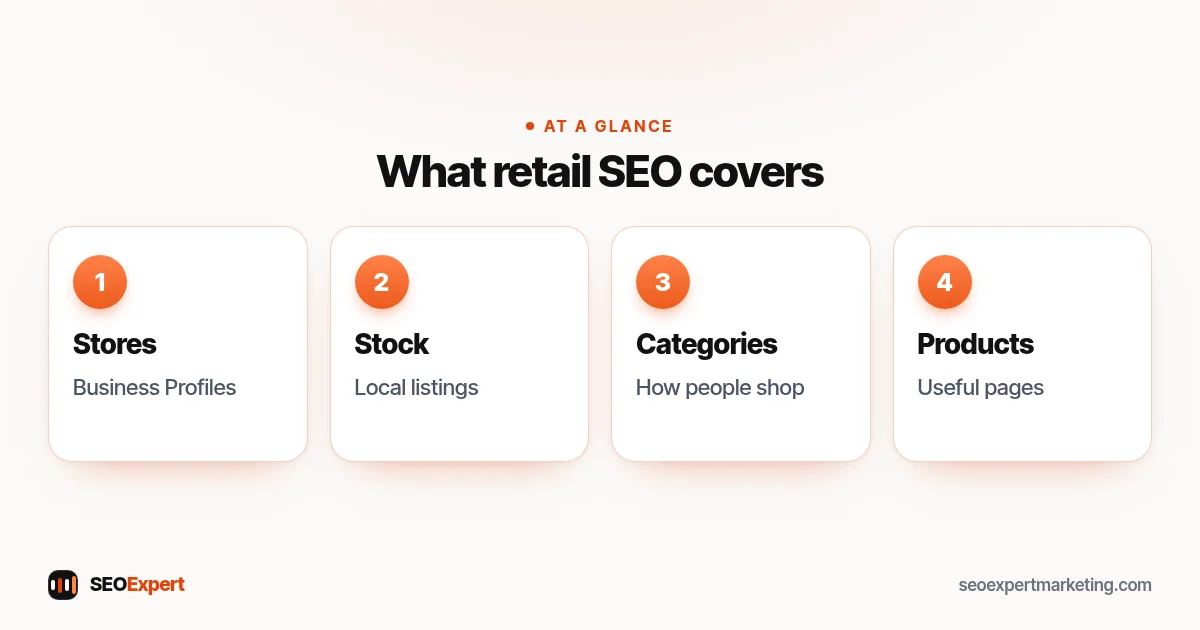
Good retail SEO makes sure you show up for all four: the store, the products in it, your brand and the products you sell online.
Retail SEO in 8 steps
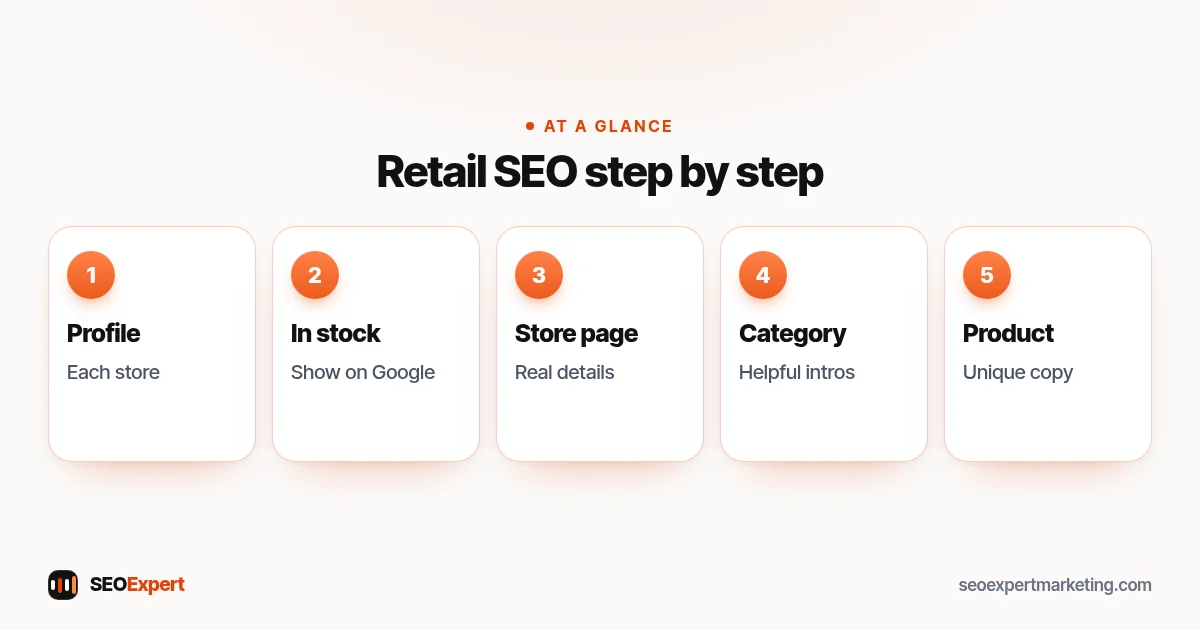
1. Set up a Google Business Profile for each store
Each physical store needs its own verified Business Profile with the right category (for example "Toy store" rather than "Store"), accurate opening hours including holidays, photos of the shop front and inside, and your website link. Use your shop's real name exactly as it appears on your sign: adding extra words such as "Best Toys Leeds" breaks Google's rules and can get the profile suspended. Google's help on improving your local ranking says local results are mainly based on relevance, distance and popularity (which it explains as prominence: how well known a business is), and that complete, accurate business information helps. Our guide to Google Business Profile optimization covers every field.
2. Show what's in stock in your store
Google's local inventory ads and free local listings add-on in Merchant Center lets retailers show their products and store information to nearby shoppers searching on Google. Free local listings are available in many countries, including the US, UK, Canada and Australia. If your website doesn't show in-store stock, Google can host a simple page for your store. Google also says eligible retailers in the UK, Ireland, the US and Canada can use its local inventory app to add in-store products for free.
For a small shop, this can put your products in front of people searching nearby without paying for ads. To set it up, you link Merchant Center to your Business Profile and send Google your in-store stock. Some online shop systems and till (POS) providers can send it automatically, so ask yours. Keep stock levels up to date so nobody arrives for something that isn't on the shelf.
3. Give each store its own page on your website
One page per store, with the address, opening hours, phone number, parking or transport tips, services (such as click and collect, repairs or fitting), photos and a map. Avoid copying the same text for every location. Our guide to SEO for multiple locations explains how to make each page genuinely local.
4. Build category pages around how people shop
Category pages, such as "Wooden toys" or "Women's walking boots", often rank for broader shopping searches. Give each one a short, helpful introduction, clear filters and links to related categories. Our guide to category page SEO goes into detail.
5. Write useful product pages
Unique descriptions (not the manufacturer's copy used by every other shop), real photos, sizes, materials, price, delivery and returns information, and whether the item is in stock online and in store. Our guide to product page SEO covers each part.
6. Add product structured data
Google's guide to product structured data describes two main types: product snippets, for pages where people can't buy the product directly (such as review pages), and merchant listings, for pages where customers can buy from you, with more options such as shipping details and return policy. Google notes that pages with the required merchant listing properties can also be eligible for product snippets. Many shop platforms and themes add basic product markup automatically; check yours with Google's Rich Results Test.
7. Earn reviews for your stores and products
Ask all your customers to review your store on Google, for example with a review link on receipts or a QR code at the till, and, if your shop software supports it, to review products on your site. Follow Google's rules: no discounts or gifts for reviews, don't ask only happy customers, and don't pressure people to write one while they're in the shop. Our guide on how to get Google reviews explains how.
8. Get the technical basics right
Shop sites can create many extra URLs from filters, sorting and tracking links, which can create duplicate pages. Keep one clean URL for each category and make sure filter and sort versions point to it with a canonical tag. Many shop platforms do this for you, so check before changing anything, and keep the site fast on phones and make sure Google can crawl your important pages. Our guide to duplicate content explains the fixes.
Click and collect and local delivery
If you offer click and collect, same-day delivery or reservations, say so clearly on product pages, store pages and your Business Profile. Many shoppers search because they want something today, and "collect in store this afternoon" answers that better than a delivery date next week. Show the cut-off time for same-day collection, where to collect in the shop and what to bring. Keep the information consistent everywhere: a customer who reads "collect in one hour" online and then waits three hours at the counter is unlikely to come back or leave a good review.
Selling well-known brands
If you stock brands people search for by name, use that to your advantage. Create helpful brand pages that show the range you carry, with honest advice on which product suits whom. Ask the brands you stock whether they list stockists on their own websites, and check that your shop's name, address and link are correct there: these are relevant listings that send buyers straight to you. Don't copy the brand's own product text word for word, and only use brand logos and images in the ways the brand allows.
Photos that work in store and online
Real photos do double duty for a shop. On your Business Profile, they show people what the store looks like before they visit: the shop front, the counter, the busiest aisles and any parking. On product pages, your own photos of items in use, at true scale and from several angles answer questions that a manufacturer's white-background image can't. Name image files clearly, add short alt text and compress them so pages stay fast on phones. Our image SEO guide covers the details.
Out-of-stock and discontinued products
- Temporarily out of stock: keep the page live, show the availability clearly, and offer alternatives or a back-in-stock alert.
- Discontinued, with a close replacement: a 301 redirect to the replacement helps visitors and keeps links working. If there's no true replacement, use the approach below rather than sending everyone to a category. See our guide to 301 redirects.
- Discontinued, nothing similar: let the URL return a 404 (or 410) status, and make that page say the product is no longer available, with links to related products. A normal page that only says "not available" can be treated by Google as a soft 404.
Seasonal retail SEO
Retail SEO has busy seasons: back to school, summer, Black Friday, Christmas and local events. Keep one permanent page for each recurring season, such as /christmas-gifts/, and update it every year instead of creating a new URL each time, so it keeps any links and history it has built. Refresh it a few weeks before the season starts, and update your Business Profile hours for holidays.
How to measure retail SEO
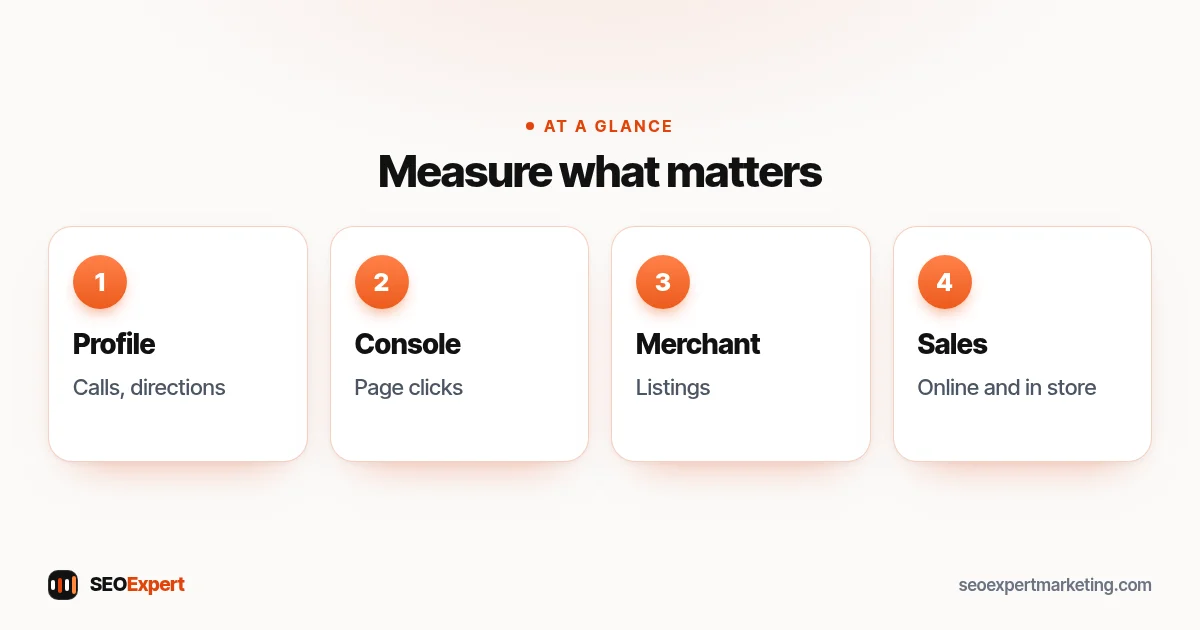
- Google Business Profile performance: calls, direction requests and website clicks for each store.
- Search Console: clicks and positions for category, product and store pages. See our Google Search Console guide.
- Merchant Center: how your free product listings perform.
- Sales: online orders from organic search, click and collect orders, and asking in-store customers how they found you.
Example: an independent toy shop
Imagine an independent toy shop with one store and a small online shop. Its Business Profile uses the general "Store" category and has old Christmas hours. Its product pages use the manufacturers' descriptions, and there's no page about the store itself. The retail SEO plan: switch to the "Toy store" category and fix the hours, add photos of the shop floor, create a store page with parking, opening hours and click and collect details, rewrite descriptions for the 50 best-selling products, add those products through Merchant Center's free local listings, and set up one permanent "Christmas gifts" page to update each year. Progress is tracked through calls, direction requests and online orders.
Common retail SEO mistakes
- One Business Profile for several stores, or none for some stores.
- Manufacturer descriptions copied onto every product page.
- Filter and sort URLs creating thousands of near-duplicate pages.
- Deleting seasonal pages after each season and starting again next year.
- Product pages that don't say whether an item is in stock in the shop.
- Opening hours on the website that don't match Google.
Retail SEO for small shops: where to start
If you only have a few hours, start with the things that help both store visits and online sales: a complete Google Business Profile, a proper store page, and better descriptions for your best-selling products. Then add free local listings so nearby shoppers can see what's on your shelves. These steps cost little and work whether you have one shop or several.
Want help with retail SEO?
Our ecommerce SEO services cover retail SEO for shops that sell in store and online: Business Profiles, store pages, category and product pages, and the technical basics. To start, ask for a free website analysis.
Retail SEO: quick answers
What is retail SEO?
Retail SEO is getting a shop's stores and products found on Google, both by people buying online and by people who want to visit a store. It combines local SEO, ecommerce SEO and tools such as free local product listings.
How is retail SEO different from ecommerce SEO?
Ecommerce SEO focuses on online orders. Retail SEO also covers physical stores: Google Business Profiles, store pages, in-store stock and visits.
Can I show my in-store products on Google for free?
In many countries, yes. Google's free local listings in Merchant Center let retailers show in-store products to nearby shoppers, and eligible retailers in the UK, Ireland, US and Canada can use Google's local inventory app.
Do I need a page for each store?
Yes, if you have several stores. Each should have its own page with real local details, and its own Google Business Profile.
What should I do with out-of-stock products?
If they're coming back, keep the page live and show availability. If they're discontinued, redirect to a close replacement; if there isn't one, let the page return a 404 that links to related products.
How do I measure retail SEO?
Use Google Business Profile performance for calls and directions, Search Console for page clicks, Merchant Center for product listings and your sales data for orders.