
Image SEO means preparing the photos and graphics on your website so that Google understands them and your pages still load quickly. For a small business it matters for two reasons: images can appear in Google Images and other search features, and heavy images are one of the most common causes of slow pages. This guide covers eight practical image SEO steps, based on Google's own image best practices.
Why image SEO matters
Google's image SEO best practices explain that Google uses alt text, computer vision and the content of the page to understand what an image shows. Good image SEO helps Google match your photos to relevant searches, helps people using screen readers, and keeps your pages fast. For trades, restaurants, shops and clinics, real photos of your work often persuade customers more than any text.
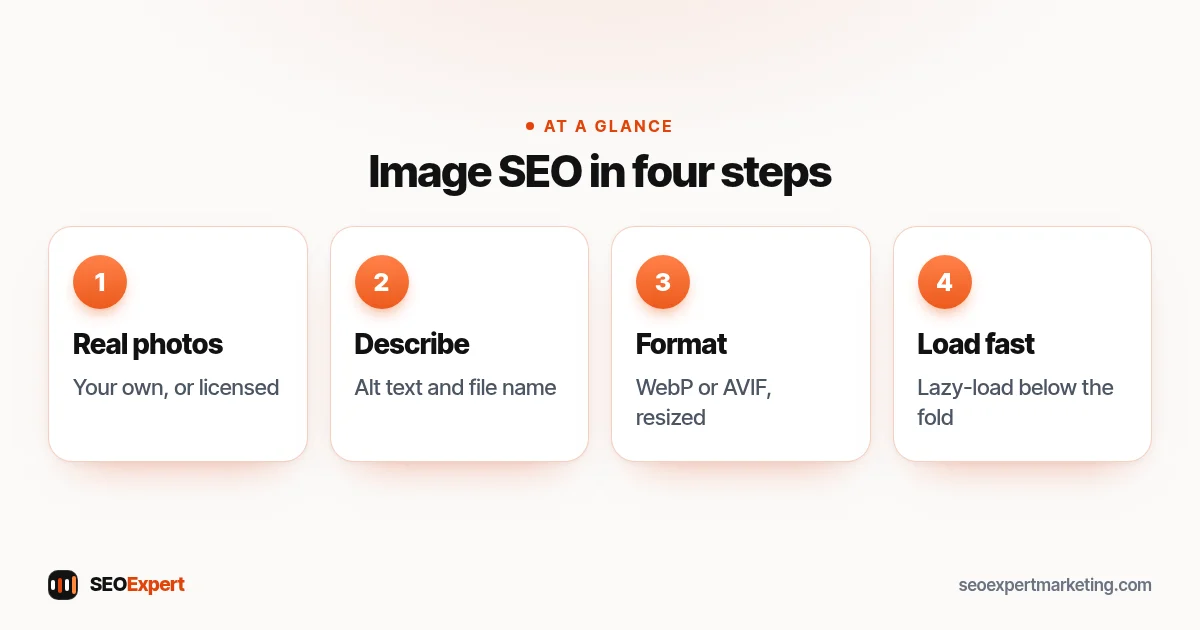
Step 1: Use real, original photos
Photos of your own team, premises, products and finished jobs are more useful to customers than stock images, and they're unique to your site. Only use images you own or have a license for, and ask permission before showing customers or their homes.
Step 2: Write descriptive alt text
Alt text is a short description of the image in the page code. Google says it's the most important attribute for giving more information about an image, and it also improves accessibility. Describe what the image shows in context: "New combi boiler fitted in a kitchen cupboard" is better than "boiler" and far better than a string of keywords. Decorative images, such as background patterns, can have empty alt text.
Alt text is one of the HTML tags that matter most for SEO. Our guide to HTML tags for SEO lists the rest.
Step 3: Use descriptive file names
Google's guide recommends descriptive file names. Rename "IMG_4821.jpg" to "combi-boiler-installation-kitchen.jpg" before uploading. Use hyphens between words and keep names short. Google also suggests that the file extension should match the file type.
Project photos need extra care with privacy. Our guide to SEO for remodelers explains what to keep out of shot.
Step 4: Choose the right format
Google Search supports BMP, GIF, JPEG, PNG, WebP, SVG and AVIF images. For most photos, WebP or AVIF give smaller files than JPEG at similar quality. Use PNG for graphics that need sharp edges or transparency, and SVG for simple logos and icons. Many WordPress and Shopify setups can convert images to WebP automatically.
The main image at the top of a page needs extra care. Our guide to above the fold SEO explains why it should never be lazy-loaded.
Step 5: Resize before uploading
A photo straight from a phone can be 4,000 pixels wide and several megabytes, while your page might display it at 1,200 pixels. Resize images to roughly the largest size they'll be shown at, then compress them. This is one of the quickest ways to speed up a slow page, and it helps your Core Web Vitals, especially Largest Contentful Paint.
Step 6: Use responsive images and lazy loading
Responsive images let the browser download a smaller version on phones. Lazy loading delays images further down the page until the visitor scrolls to them. WordPress adds both to standard images by default, and most modern themes do the same. Don't lazy-load the main image at the top of the page, because it should load first.
Step 7: Place images near relevant text
Google uses the text around an image, including captions and headings, to understand it. Put each image next to the content it illustrates, and add a caption when it helps the reader. An image of a finished patio belongs on your patio page, near the description of that job.
Step 8: Set width and height
When images have their width and height set, the browser reserves space before they load, so the page doesn't jump around. That improves Cumulative Layout Shift, one of the Core Web Vitals. Most CMS editors add these attributes automatically when you insert an image from the media library.
Image SEO for online stores
Product images often decide a sale. Use several clear photos from different angles, a consistent background, descriptive alt text including the product name and key attribute (for example, "oak dining table, six seats, natural finish") and file names that match. Our guide to product page SEO covers the rest of the page.
Image SEO for local businesses
For a local business, photos do double duty. On your website they show visitors real work, real premises and real people, which builds trust. On your Google Business Profile they help people recognize your shopfront, van or office and get a feel for your work before they call. Use the same honest, recent photos in both places, and add new ones regularly. Good examples include the outside of your premises as customers see it, your team at work, before-and-after shots of jobs and close-ups of finished results.
How to write alt text: examples
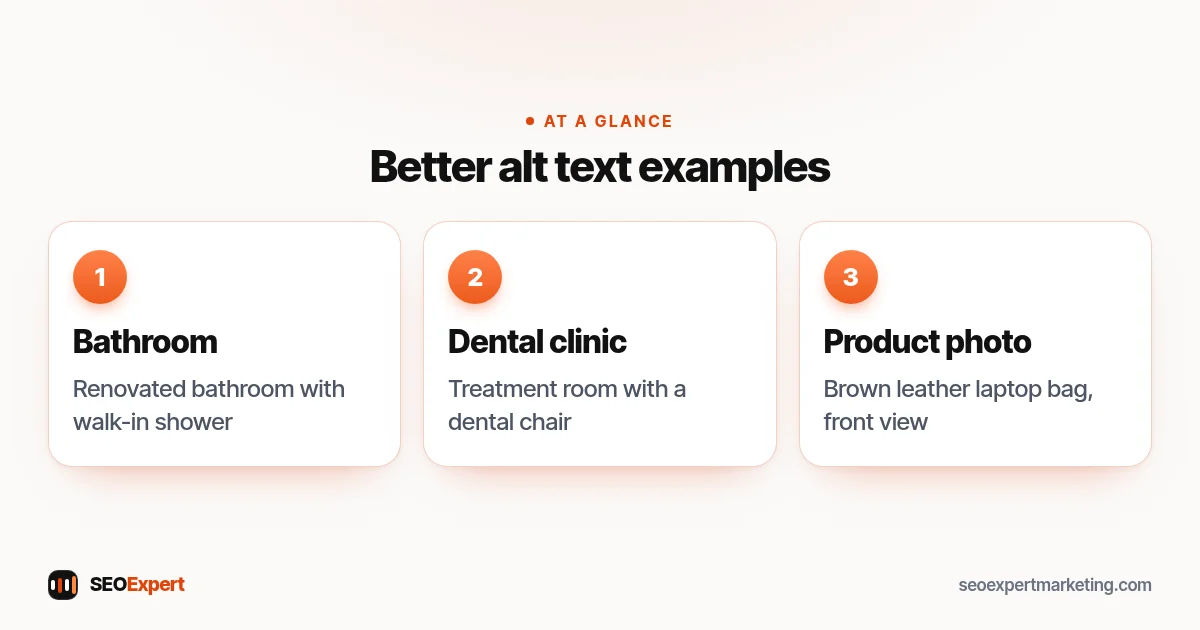
| Image | Weak alt text | Better alt text |
|---|---|---|
| Bathroom renovation | bathroom | Renovated bathroom with walk-in shower and grey tiles |
| Dental clinic | dentist dentist near me best dentist | Treatment room at our clinic with a dental chair by the window |
| Product photo | IMG_2041 | Brown leather laptop bag, front view with buckle straps |
These are illustrative examples. Good alt text describes what's actually in the picture, in a sentence a person would say.
Better alt text for the three image SEO examples above:
A quick image audit
Open your heaviest pages in PageSpeed Insights and look for suggestions about properly sizing or compressing images. In your media library, sort by file size and resize the largest images first. Then check the alt text on your main service and product pages. On most small sites, a couple of hours of image work gives a noticeable speed gain.
Image sitemaps and Google Images
Most small sites don't need a separate image sitemap: if images are in normal img tags on indexable pages, Google can find them. Stores and portfolio sites with many images loaded in unusual ways may benefit from listing images in their sitemap. If you want images to appear in Google Images, make sure the pages they're on are indexable and that you haven't blocked image folders in robots.txt.
Image SEO checklist
- Own or licensed images only.
- Descriptive, natural alt text in context.
- Short, descriptive file names with hyphens.
- WebP or AVIF for photos where possible.
- Resized to display size and compressed.
- Responsive images and lazy loading below the fold.
- Width and height set to prevent layout shifts.
- Placed near relevant text, with captions where useful.
Common image SEO mistakes
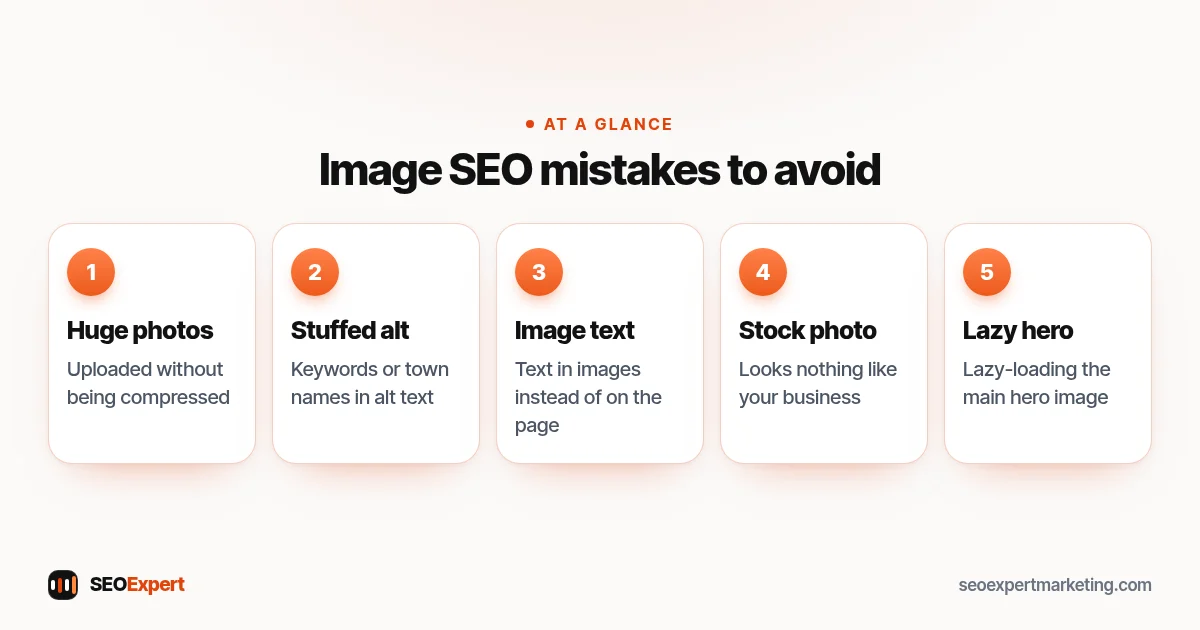
- Uploading huge, uncompressed photos.
- Alt text stuffed with keywords or town names.
- Text inside images instead of on the page, where Google and screen readers can't read it easily.
- Stock photos that look nothing like your business.
- Lazy-loading the main hero image.
Five common image SEO mistakes to avoid:
Need help?
Image SEO is part of our on page SEO services, and image size is one of the first things we check in a technical SEO audit. Send your website on WhatsApp for a free review.
Image SEO: quick answers
What is alt text?
A short description of an image in the page's code. Google uses it to understand the image, and screen readers read it aloud to people who can't see the image.
What's the best image format for SEO?
Google supports several formats. For photos, WebP or AVIF usually give the smallest files at good quality; use PNG or SVG for graphics and logos.
Should every image have alt text?
Every meaningful image should. Purely decorative images can have empty alt text so screen readers skip them.
Do image file names matter?
Yes, a little. Google recommends descriptive file names, so rename camera files before uploading.
