
Keyword research means finding the words and phrases your customers type into Google when they need what you sell. It's the foundation of SEO: it tells you which pages to create, what to call them and what to put on them. For a small business, keyword research doesn't need to be complicated or expensive. This guide shows you how to do it in seven simple steps, using mostly free tools and what you already know about your customers.
Why keyword research comes first
Without keyword research, it's easy to build pages around words customers don't use. A firm might call its service "drainage solutions" while customers search "blocked drain". Good research also shows you which searches bring buyers, which bring researchers, and which are too competitive to win soon. Good research turns guesses about customers' words into a list you can check.
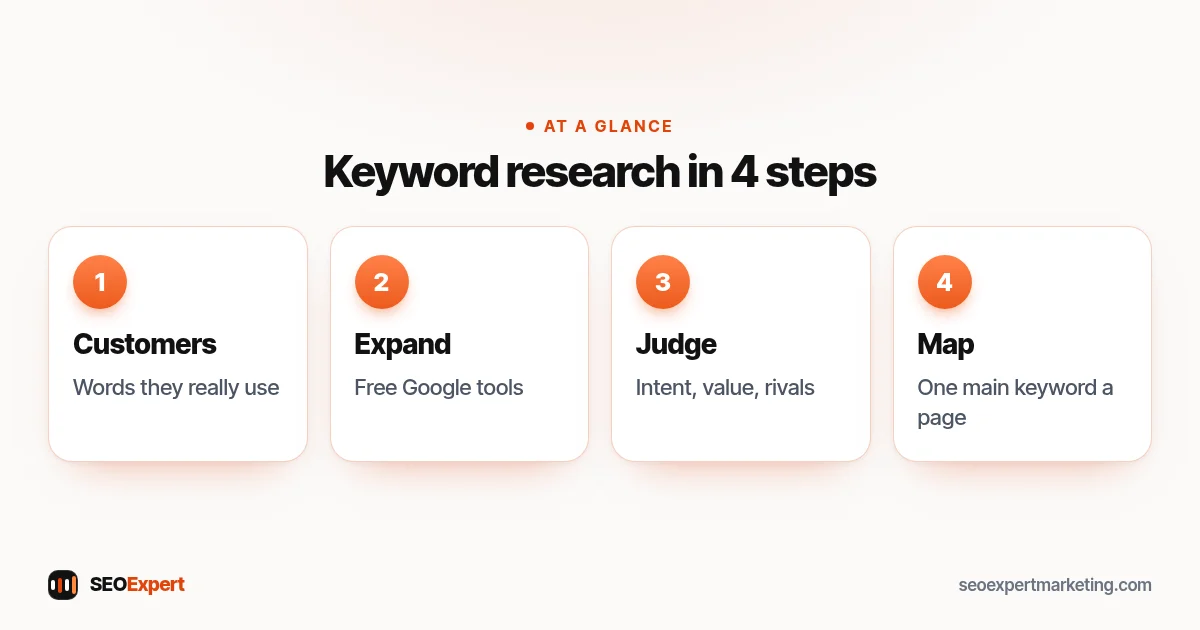
Step 1: Start with your customers
List the services or products you want more of, then write down how customers describe them: words from phone calls, emails, reviews and quote requests. Add the problems that lead people to you, such as "boiler losing pressure" or "tooth pain at night", and the questions they ask before buying, such as price, timing and how to choose. This list is often better than any tool's first suggestions.
Step 2: Expand with free tools
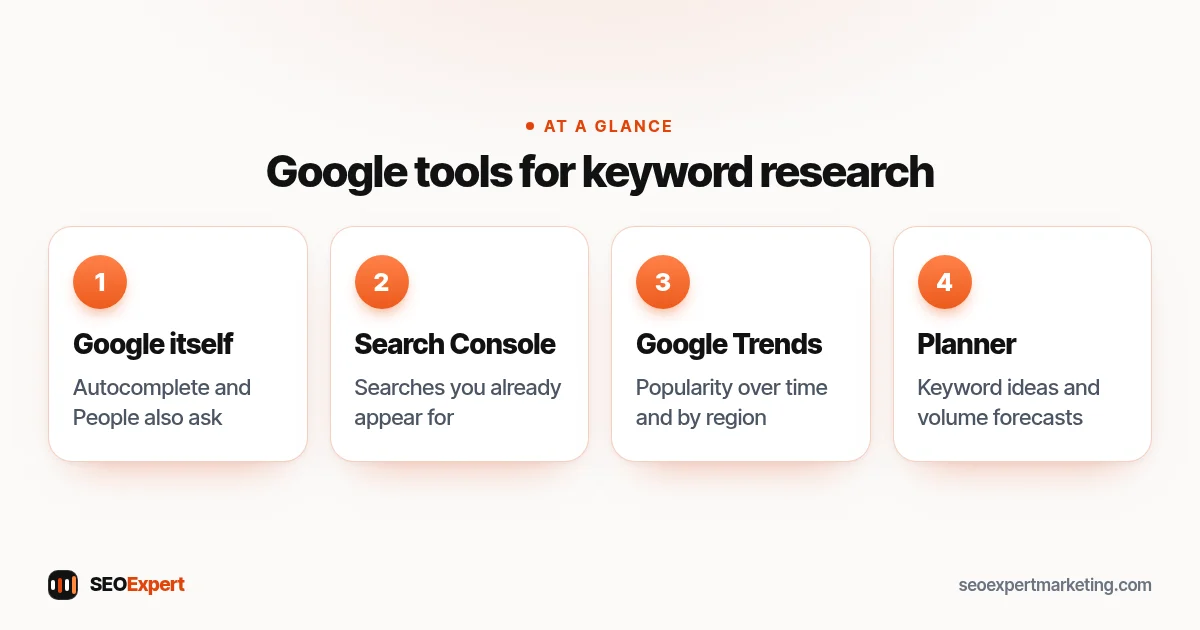
- Google itself: type your main words and note the autocomplete suggestions, the "People also ask" questions and related searches at the bottom.
- Search Console: if your site is live, the Performance report shows searches you already appear for, often including phrases you never targeted.
- Google Trends: Google Trends compares the relative popularity of searches over time and by region, which is handy for seasonal businesses and for choosing between two terms.
- Keyword Planner: Google's Keyword Planner gives keyword ideas and search volume forecasts. It sits inside Google Ads, and you need to complete your account setup, including billing information, to use it.
Four Google tools to expand your keyword research:
Keywords start as real searches. Our guide to search queries shows the difference between the two and where to find the queries your site already gets.
Step 3: Group by intent
Sort your list by what the searcher wants. "Emergency electrician near me" wants someone now. "Rewire house cost" wants prices. "How to reset a tripped fuse" wants instructions. Each group needs a different kind of page: a service page, a cost guide or a how-to article. Grouping by intent stops you building one page that tries to answer everything.
Want the searches most likely to turn into customers? Our guide to high intent keywords shows how to find them and which pages should target them.
Step 4: Judge competition honestly
Search each main phrase and look at who ranks. Our SEO competitor analysis guide shows how to do this properly. If the first page is full of national brands and directories, a new small business site may struggle for months. If you see small local firms with thin pages, there's room. Longer, more specific phrases, such as a service plus your town or a specific problem, are usually easier to win and often bring better enquiries.
Step 5: Weigh value, not just volume
A search with 50 monthly searches from people ready to buy can be worth more than one with 5,000 from people just curious. Ask: if someone searched this and found us, how likely are they to become a customer, and what's a customer worth? Prioritize high-value searches you can realistically win.
Step 6: Map one main keyword to each page
Give each page one main keyword and a few close variations, and make sure no two pages target the same main phrase. Our guide on how many keywords to target explains this rule in more detail. Missing pages become your content plan, which our guide to an SEO content strategy helps you schedule.
For more on picking the one main phrase for each page, see our guide to choosing a target keyword.
Step 7: Use keywords naturally
Put the main phrase in the page title, main heading, first paragraph and URL, then write naturally for the reader. Cover the related questions you found, in headings and FAQs. Don't repeat phrases to hit a target number; Google understands related words and meaning.
Keyword research example
| Search | Intent | Page type | Priority |
|---|---|---|---|
| emergency electrician [town] | Hire now | Service page | High |
| house rewire cost | Research price | Cost guide | High |
| ev charger installation [town] | Hire | Service page | Medium |
| why does my fuse keep tripping | Fix a problem | Article | Medium |
| electrician salary | Not a customer | None | Skip |
This is an illustrative example. Notice the last row: not every popular search is worth targeting.
Wondering about "LSI keywords"? Our guide to LSI keywords explains the label and why covering the topic matters more.
Questions are keywords too
Many valuable searches are full questions: "how much does a new boiler cost", "do I need planning permission for a garden room", "how long do veneers last". They often have modest volumes but show exactly what worries customers before they buy. Answer the most common ones on your service pages or in FAQs, and turn the bigger ones into articles. They also make good material for your Business Profile posts and for the replies you send customers, so the work pays off in more than one place.
Seasonal and trending searches
Some businesses see searches rise and fall with the seasons: heating repairs in autumn, garden services in spring, tax help before deadlines. Use Google Trends to see when interest starts to climb, and publish or update the related pages a month or two before that, so Google has time to find them. Plan the year in a simple calendar so the right pages are ready when demand arrives.
Keyword research for local businesses
Local searches often don't include a town name, because Google uses the searcher's location. Target your main services clearly, show where you work on your site and Business Profile, and add area pages only where you can write genuinely local content. Our local SEO keywords guide covers this in depth.
Keep your list in one place
A simple spreadsheet is enough: one row per search, with columns for intent, the page that targets it, priority and notes. When you write or update a page, check the sheet first. Over time it becomes the map of your whole site and stops two pages chasing the same search.
Common keyword research mistakes
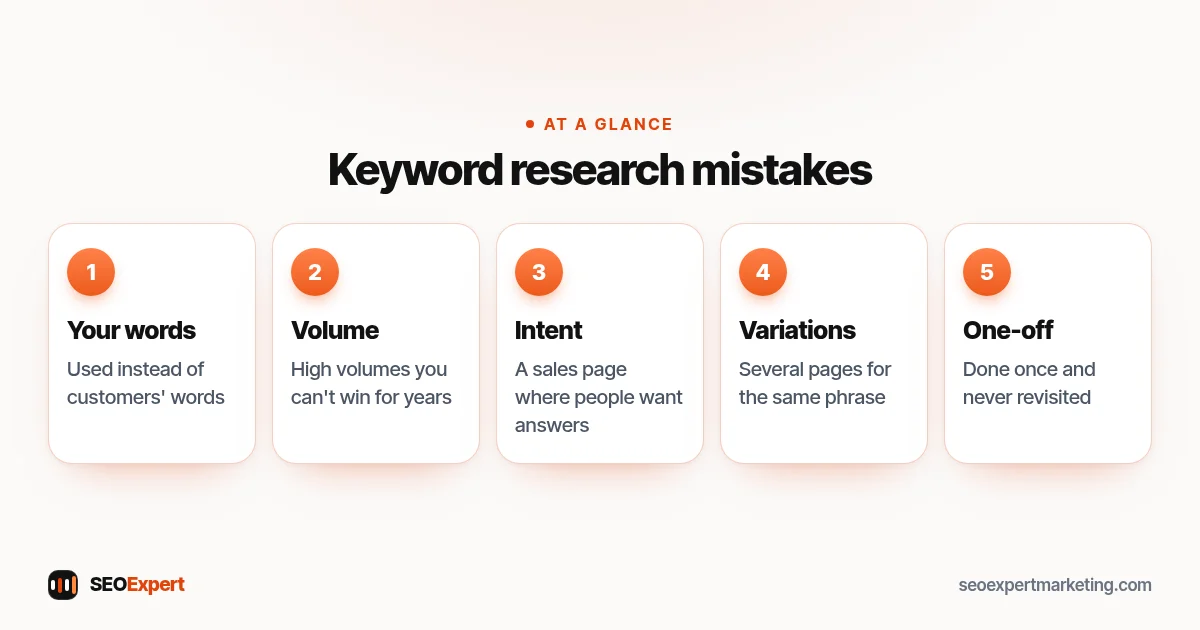
- Choosing words you use internally instead of words customers use.
- Chasing high volumes you can't win for years.
- Ignoring intent and putting a sales page where people want answers.
- Creating several pages for tiny variations of the same phrase.
- Doing the research once and never revisiting it.
Five common keyword research mistakes to avoid:
How often to repeat keyword research
Review your list every three to six months against Search Console. New phrases appear, services change and you'll find searches where you're close to page one. A light, regular review beats a big one-off project.
Need help?
Our keyword research services build this list for you, and our one-time Keyword Research Report costs $79. Send your website on WhatsApp for a free review.
Keyword research: quick answers
Can I do keyword research for free?
Yes, largely. Google autocomplete, People also ask, Search Console and Google Trends are free. Keyword Planner requires a Google Ads account with billing set up.
How many keywords should a small business target?
One main keyword per page, plus close variations. A small local business often needs ten to thirty main keywords across its site.
Should I target keywords with the highest volume?
Not necessarily. Searches with lower volume but clear buying intent, which you can realistically win, are often more valuable.
How long does keyword research take?
A first list for a small business can take a few hours. Revisit it every three to six months.
