HTML tags are the short labels in a web page's code that tell browsers and search engines what each part of the page is: the title, the headings, the images, the links and the hidden information in the page's head. A handful of them matter a lot for SEO, and a few that people still worry about don't matter at all. This guide covers the 12 HTML tags that matter for SEO, what each one does, simple examples and the ones you can safely ignore. You don't need to write code: most website builders and SEO plugins set these for you, but knowing what they do helps you check them.
What are HTML tags?
HTML stands for HyperText Markup Language, the language every web page is written in. Hypertext markup language tags wrap pieces of content to describe them. For example, <h1>Boiler Repair in Leeds</h1> marks the main heading of a page. Some HTML tags appear on the page itself (headings, paragraphs, images, links). Others sit in the page's <head> section, out of sight, and pass information to browsers and search engines (the title, meta tags, canonical links).
Google's own list of meta tags and attributes it supports is the best reference for what search engines actually read. The Google facts below come from Google's own documentation.
The 12 HTML tags that matter for SEO
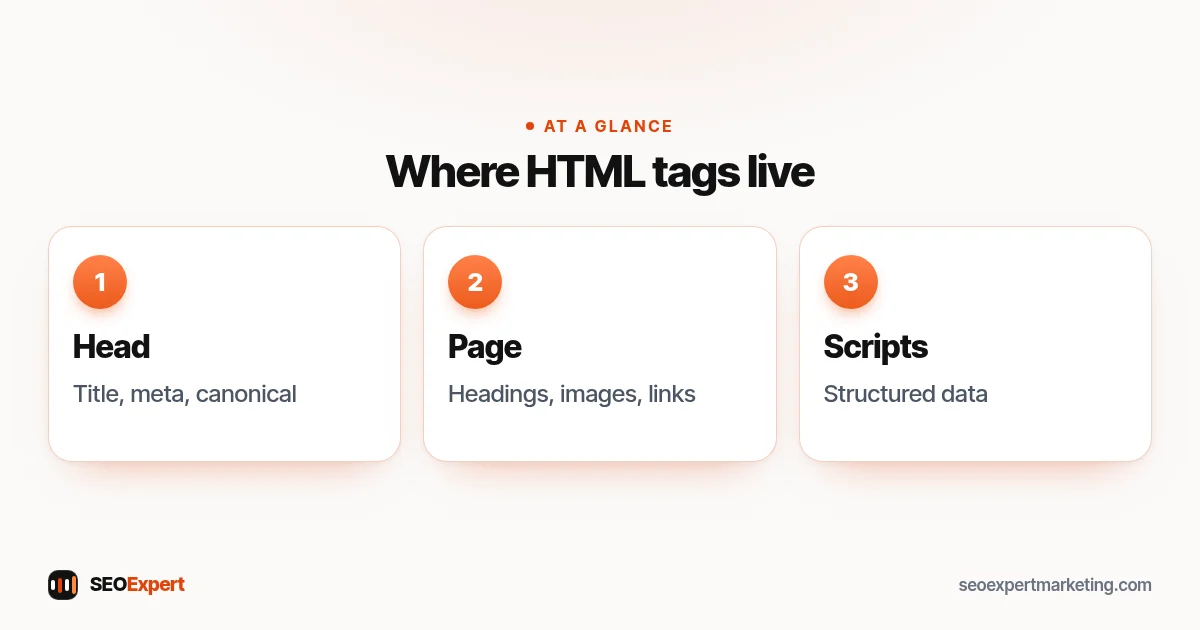
| # | Tag | Where it goes | What it does |
|---|---|---|---|
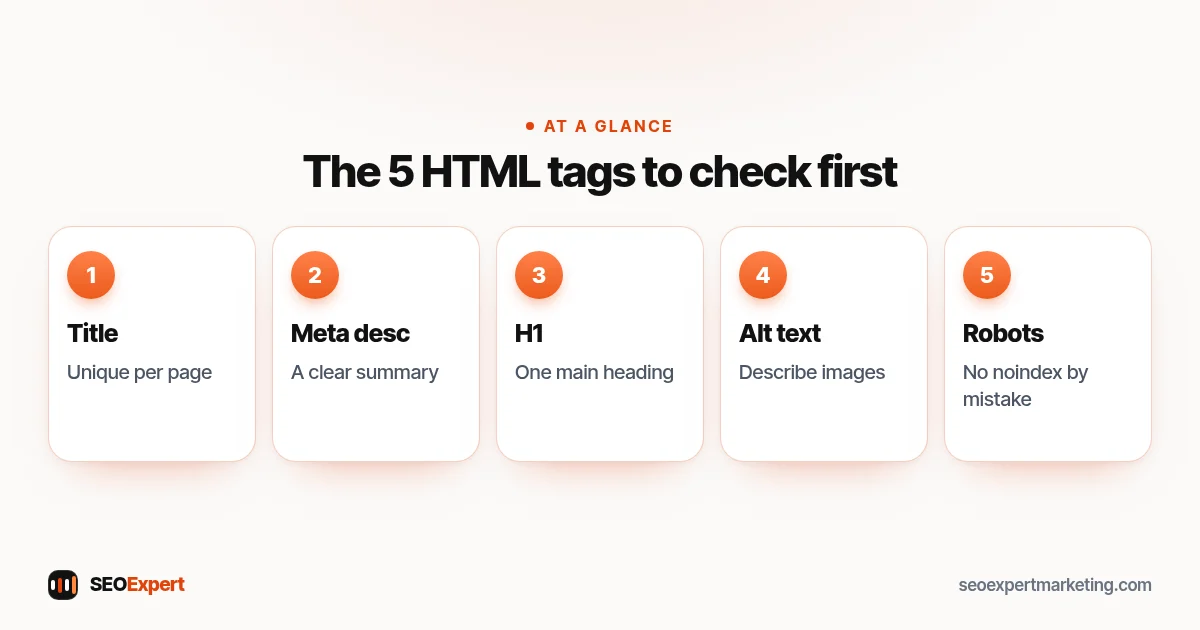
| 1 | <title> | Head | The page title, often used as the headline in search results and shown in browser tabs |
| 2 | Meta description | Head | A summary Google may use as the search snippet |
| 3 | Meta robots | Head | Tells search engines whether to index the page or show snippets |
| 4 | Headings <h1> to <h6> | Page | Structure the content into sections |
| 5 | Image alt attribute | Page | Describes images for search engines and screen readers |
| 6 | Links <a href> | Page | Connect pages; the anchor text describes the target |
| 7 | Link rel values | Page | Mark paid, user-generated or untrusted links |
| 8 | Canonical link | Head | Names the main version of similar pages |
| 9 | Hreflang | Head | Links language or country versions of a page |
| 10 | Meta viewport | Head | Makes the page display properly on phones |
| 11 | Structured data script | Head or page | Describes the business, article or product in a machine-readable way |
| 12 | Open Graph tags | Head | Control how links look when shared on social media |
1. The title tag
The title tag, written as <title>Boiler Repair in Leeds | Smith Heating</title>, is one of the most important HTML tags on any page. Google often uses it as the clickable headline in search results. Keep it unique for every page, put the main words near the start and write it for people. Google says there's no limit on title length, but long titles are cut short to fit the screen. Our guide to writing SEO titles covers this in detail.
2. The meta description
Written as <meta name="description" content="...">, this is a one or two sentence summary of the page. It isn't a ranking factor, but Google may show it under your title when it describes the page better than other text, and a good one can earn more clicks. Google says there's no limit on its length, though snippets are shortened to fit the screen. See our guide to writing meta descriptions.
3. The meta robots tag
<meta name="robots" content="noindex"> tells search engines not to show a page in results. Other values include nofollow (don't follow the links on this page) and nosnippet (don't show a text snippet). Use noindex for thank-you pages, internal search results and test pages. One warning: if you also block the page in robots.txt, Google can't crawl it to see the noindex tag. Our guide to robots.txt explains the difference.
4. Heading tags: H1 to H6
Heading tags break a page into sections, like a table of contents. Most pages have one <h1> for the main heading, <h2> tags for the main sections and <h3> tags for sub-points. Good headings help readers scan and help search engines understand the topic of each section.
Two myths to drop: Google's SEO Starter Guide says that from a Google Search point of view it doesn't matter if headings are used out of order, and that there's no magical, ideal number of headings for a page. Use them to make the page clear for readers; keeping them in order is still good for screen readers.
5. The image alt attribute
The alt attribute, as in <img src="roof-repair.webp" alt="Roofer replacing slate tiles on a terraced house">, describes an image for people who can't see it and for search engines. Google's image SEO guidance calls alt text the most important attribute for image metadata. Google uses it together with computer vision and the page content to understand an image. Write a short, accurate description. Don't stuff it with keywords: Google warns that this harms the user experience and can make a site look like spam. More in our image SEO guide.
6. Links and anchor text
A link is written as <a href="/boiler-repair/">boiler repair</a>. The words inside, the anchor text, tell people and search engines what the linked page is about. "Our boiler repair service" is far more useful than "click here". Use real HTML links rather than buttons that only work with scripts, so search engines can follow them. Our guide to internal linking explains how to link your own pages well.
7. Link rel values: nofollow, sponsored and ugc
You can add a rel value to a link to describe it. rel="sponsored" marks paid or advert links, rel="ugc" marks links in comments and forum posts, and rel="nofollow" marks other links you don't want to vouch for. Any paid link should carry sponsored or nofollow. Our guide to what a backlink is covers these in more detail.
8. The canonical link
<link rel="canonical" href="https://yoursite.com/boiler-repair/"> tells Google which URL you prefer as the main version when several URLs show the same or very similar content, for example with tracking parameters or print versions. Google treats it as a strong signal, not a command, so it can still pick a different URL; the URL Inspection tool in Search Console shows which one it chose. Most SEO plugins add a self-referencing canonical to every page automatically. See our guide to duplicate content.
9. Hreflang for language and country versions
If your site has versions for different languages or countries, <link rel="alternate" hreflang="en-gb" href="https://yoursite.com/uk/boiler-repair/"> tells Google that the pages are localised versions of the same content. Each version must list itself and all the others, using full addresses that include https://. Note that Google says it doesn't use hreflang or the HTML lang attribute to detect a page's language; it works that out from the content. Most small local businesses with one language don't need hreflang at all.
10. The meta viewport tag
<meta name="viewport" content="width=device-width, initial-scale=1"> tells phones to display the page at the right width instead of a zoomed-out desktop view. Google's tag documentation says the presence of this tag indicates to Google that the page is mobile friendly. Almost every modern theme includes it, but it's worth checking on older sites. More in our mobile SEO guide.
11. Structured data
Structured data is usually added as a script in JSON-LD format that describes the page in a way machines can read: a LocalBusiness with its address and opening hours, an Article with its author and date, or a Product with its price. It can make pages eligible for richer search results. Only describe what is visible on the page and keep it accurate. Our guide to local business schema shows a worked example.
12. Open Graph tags
Open Graph tags, such as <meta property="og:title" content="..."> and og:image, control the title, description and picture shown when someone shares your page on Facebook, LinkedIn, WhatsApp and similar apps. Their main job is the share preview, but Google reads some of them too: it lists og:title as one of the sources it can use for a page's title link, and og:image as a way to suggest which picture to show for the page. Keep og:title close to your title tag and choose a relevant photo for og:image, not your logo.
HTML tags to ignore or replace
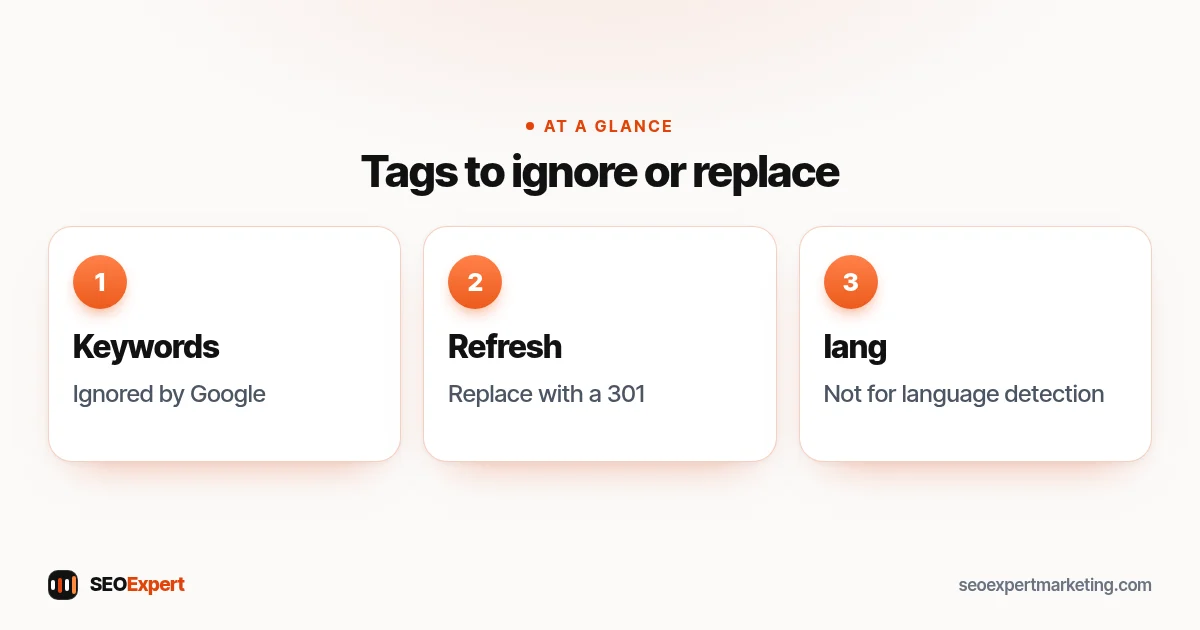
Some HTML tags still get recommended in old guides but either don't help with Google today or have a better alternative:
- Meta keywords: Google says the keywords meta tag is not used by Google Search and has no effect on indexing and ranking at all.
- Meta refresh redirects: Google supports them, but says they aren't supported by all browsers and can confuse visitors, so it recommends a server-side 301 redirect instead. See our guide to 301 redirects.
- The lang attribute for language detection: still good practice for browsers and screen readers, but Google detects language from the text itself.
- Bold and strong tags as an SEO trick: use them to help readers spot key points, not to repeat keywords.
How to check the HTML tags on your pages
You can check the HTML tags on any page in a few minutes, without changing anything:
- View the page source. In most browsers, right-click and choose "View page source", then search for <title, description, canonical or robots.
- Use Search Console's URL Inspection tool. It shows how Google sees the page, including whether it's indexed and which canonical Google chose. Our Google Search Console guide shows where it is.
- Check your SEO plugin. In WordPress, plugins such as Rank Math or Yoast set the title, description, robots and canonical tags for each page. Use only one SEO plugin: two running together can add the same tags twice.
- Run a crawl. A site crawler lists missing titles, duplicate descriptions, missing alt text and pages set to noindex by mistake.
Example: checking the tags on a service page
A heating engineer checks the HTML tags on their boiler repair page. The title tag says only "Services", the same as four other pages. There are three H1 tags because the theme uses H1 for the logo and the menu too. The photos have no alt text, and a test copy of the page from last year is still live without a noindex tag.
The fixes: a unique title starting with "Boiler Repair in Leeds", short alt text for each photo and a noindex tag (or deletion with a redirect) for the old test page. The extra H1 tags come from the theme, so they ask their web developer or the theme's support team to change them rather than editing theme files themselves.
Common HTML tag mistakes
- The same title tag on many pages, usually left over from a theme or template.
- Missing or copied meta descriptions.
- Important pages accidentally set to noindex, often after a site redesign. In WordPress, check Settings → Reading: if "Discourage search engines from indexing this site" is ticked, untick it once the site is ready.
- Images with no alt text, or alt text stuffed with keywords.
- Canonical tags pointing to the wrong page or to a page that redirects.
- Links built with scripts that search engines can't follow.
Most of these HTML tag mistakes are quick to fix once you know where to look. Our one-page SEO cheat sheet lists these checks alongside the other basics.
Want us to check your HTML tags?
Our technical SEO services check and fix the HTML tags on every important page: titles, descriptions, headings, robots, canonical and structured data. To start, ask for a free website analysis.
HTML tags: quick answers
What are HTML tags in SEO?
HTML tags are the labels in a page's code that describe its parts. For SEO, the most important are the title tag, meta description, meta robots, headings, image alt text, links and the canonical link.
What does hypertext markup language mean?
HTML stands for HyperText Markup Language, the language web pages are written in. Hypertext markup language tags wrap content to describe what each part is.
Which HTML tag is most important for SEO?
The title tag is usually the most important, because Google often uses it as the headline in search results. Headings, alt text and links matter too.
Does Google use the meta keywords tag?
No. Google says the keywords meta tag isn't used by Google Search and has no effect on indexing or ranking.
Do I need only one H1 tag?
One clear H1 per page is a good habit, but Google says heading order doesn't matter for Google Search and there's no ideal number of headings. Use headings to make the page easy to read.
Do I need to know code to fix HTML tags?
Usually not. Website builders and SEO plugins such as Rank Math or Yoast let you set titles, descriptions, alt text, noindex and canonical tags without writing code.