
Your WordPress SEO title is the title tag that search engines read and usually show as the clickable headline in results. It's often different from the page title you see at the top of the page, and many WordPress sites get it wrong: every page using the same pattern, titles cut off in results, or the site name repeated twice. This guide explains where the WordPress SEO title comes from, how to change it with the main SEO plugins, how to write titles that earn clicks and how to fix sitewide title problems.
Page title vs SEO title in WordPress
- Page title (or post title): the name you type at the top of the editor. Most themes show it as the H1 heading on the page.
- SEO title: the <title> tag in the page's code. Search engines use it as a main source for the headline in results, and browsers show it in tabs.
Without an SEO plugin, WordPress builds the SEO title automatically from the page title and site name. With a plugin, you can set a different WordPress SEO title for each page, which lets you keep a short, friendly H1 while writing a title designed for search results.
How to change the WordPress SEO title
With Rank Math
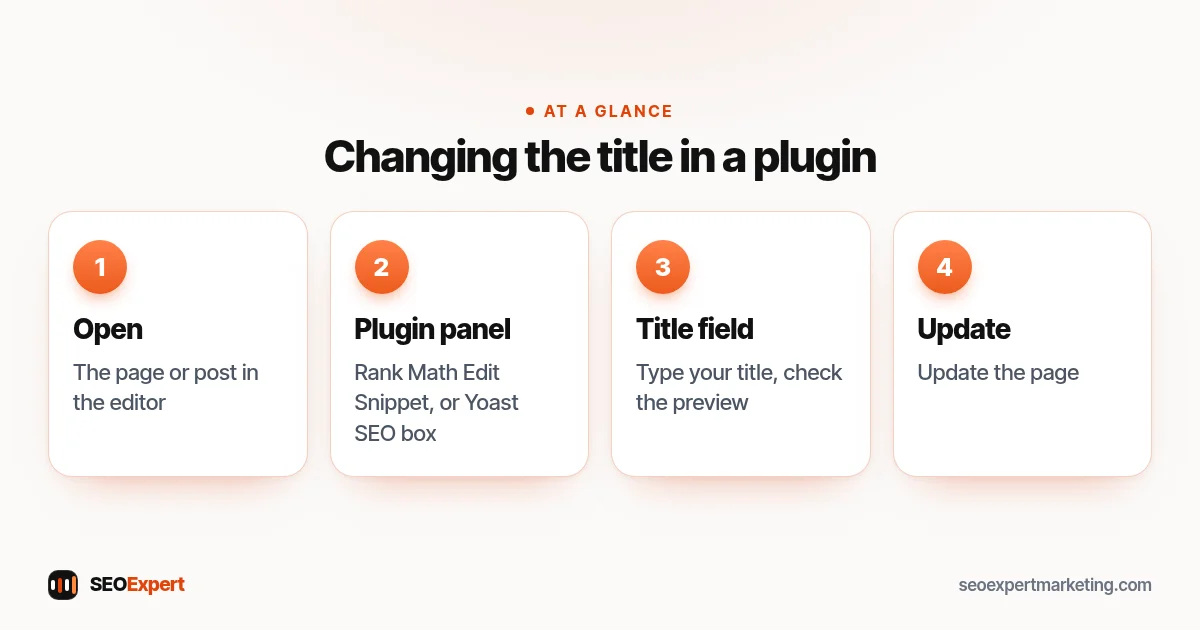
- Open the page or post in the editor.
- Open the Rank Math panel and click "Edit Snippet".
- Type your title in the Title field. The preview shows how it may look in results.
- Update the page.
Rank Math's default pattern uses variables such as %title% %sep% %sitename%, which you can change under Titles & Meta for each content type.
With Yoast SEO
- Open the page or post.
- Scroll to the Yoast SEO box, or open it in the sidebar.
- Edit the "SEO title" field in the Google preview section.
- Update the page.
Yoast's default patterns use variables like %%title%% %%sep%% %%sitename%%, set under Settings for each content type.
Without a plugin
Your theme generates the title, usually as "Page title – Site name". You can change the site name under Settings, General, but to set individual titles you'll need an SEO plugin.
How to change the WordPress SEO title with Rank Math or Yoast, in four steps:
The SEO title is the page's title tag. Our guide to HTML tags for SEO explains it alongside the other tags search engines read.
How to write a good WordPress SEO title
Google's guide to influencing title links asks for titles that are descriptive and concise, and warns against keyword stuffing and repeated boilerplate text. In practice:
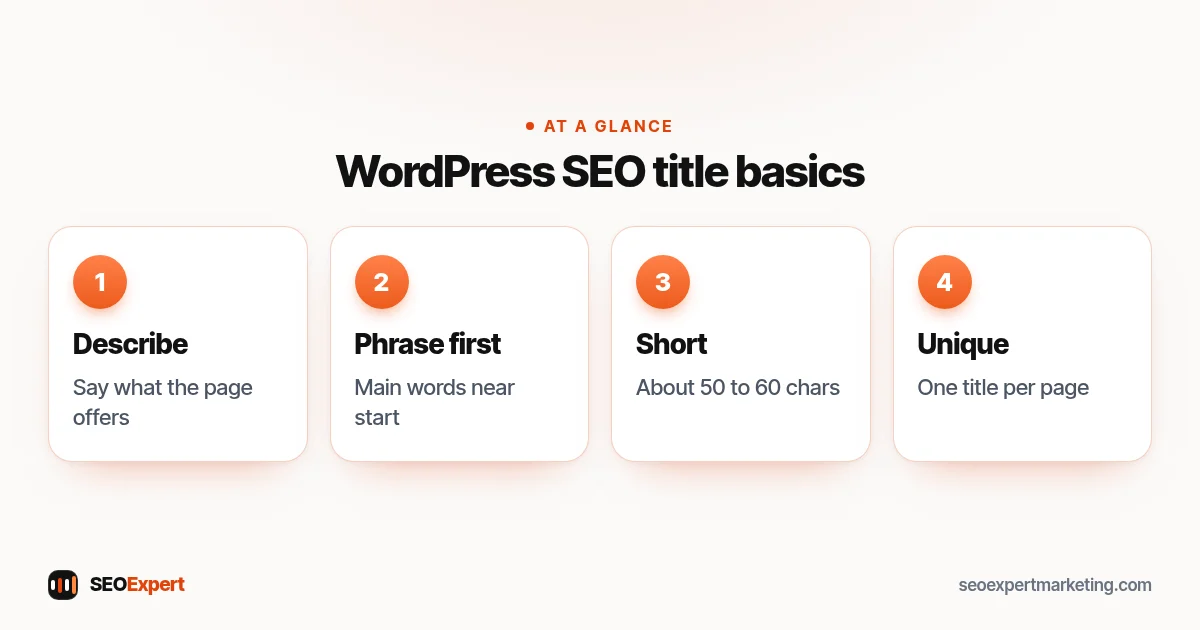
- Describe the page clearly. "Boiler Repair in Leeds: Same-Week Visits" says exactly what the page offers.
- Put the main phrase near the start, where it's noticed and less likely to be cut off.
- Keep it reasonably short. Google truncates long titles to fit the screen; around 50 to 60 characters usually shows in full.
- Make each title unique. No two pages should share a WordPress SEO title.
- Give a reason to click: a number, a price, a year for time-sensitive content or a clear benefit, if it's true.
- Keep the brand short, at the end, or leave it off long titles.
- Match the page. A title that promises something the page doesn't deliver loses visitors and may be rewritten by Google.
WordPress SEO title examples
| Page | Weak title | Better title |
|---|---|---|
| Home | Home - Smith & Co | Smith & Co: Chartered Accountants in Bristol |
| Service | Services - Smith & Co | Small Business Bookkeeping from £120/Month |
| Blog post | Blog post 14 | Self-Assessment Deadlines 2026: A Simple Guide |
| Contact | Contact | Contact Smith & Co Accountants, Bristol |
These are illustrative examples for a fictional firm.
Why Google rewrites some titles
Google doesn't always use your title tag. Its documentation explains that it may generate a title link from other text on the page, such as headings, when the title tag is missing, too long, stuffed with keywords, repeated across many pages or doesn't describe the page well. If Search Console or a quick search shows Google using a different headline, check your WordPress SEO title for those problems first.
Fixing sitewide title problems
- Site name appearing twice: often the theme and the SEO plugin both add it. Check the plugin's title pattern and the theme's settings.
- Every page titled "Home" or the site name: the theme may be overriding the plugin, or the page builder template has a fixed title. Test with the plugin's preview and the page source.
- Category and tag pages with weak titles: set patterns for archives in the plugin, or noindex archives that add no value.
- Paginated pages with duplicate titles: add the page number variable to the pattern.
Titles for different types of WordPress page
- Home page: your business name plus what you do and where, for example "GreenEdge Landscaping: Garden Design in Bath".
- Service pages: the service and the place or main benefit; these usually earn the most valuable clicks.
- Blog posts: the question or topic the article answers, with a number or year only where it's true and useful.
- Category and archive pages: often best set to noindex unless they're genuinely useful landing pages.
- Online store pages: product type, brand and key attribute for products; the category name for categories.
If you run a local business, our guide to local SEO for WordPress explains how titles fit with location pages and your Google profile. Good titles are also one part of on-page SEO more broadly, alongside headings, content and internal links, which our article on on-page SEO vs technical SEO explains.
What a WordPress SEO title should say on each type of page:

How to check your titles
Crawl your site with a free crawler and export the list of titles; sort it to spot duplicates, missing and overly long titles. In Search Console, the Performance report shows click-through rates by page: pages with many impressions but few clicks are good candidates for a better WordPress SEO title and meta description. Google's guide to snippets explains how descriptions are chosen.
Example: fixing titles on a small site
Here's an illustrative example, not a client result. A landscaping company's WordPress site shows "Home | GreenEdge | GreenEdge" for every page in search results. The theme adds the site name and Rank Math adds it again, and the page builder template overrides the individual titles. The fix: remove the duplicate from the theme setting, set the template to use the plugin's title, then write a unique title for each of the ten service pages. A few weeks later, Search Console shows the service pages appearing with their own headlines.
Our WordPress SEO checklist covers titles alongside the rest of your setup, and our WordPress SEO services include fixing titles and templates across your site. Ask for a free website review on WhatsApp.
WordPress SEO title: quick answers
What's the difference between the post title and SEO title?
The post title is the heading on the page; the SEO title is the title tag search engines read. An SEO plugin lets you set them separately.
How long should a WordPress SEO title be?
Short enough to show in full, usually around 50 to 60 characters. Google truncates longer titles based on screen width rather than a fixed count.
Why isn't Google showing my SEO title?
Google may rewrite titles that are missing, too long, stuffed with keywords, repeated across pages or don't describe the page. Fix those and it usually uses yours.
Do I need a plugin to change SEO titles?
To set individual titles, yes. Rank Math, Yoast and similar plugins all let you edit the title for each page.