
On-page SEO vs technical SEO is one of the first distinctions people meet when they start looking into search optimization, and the terms are often used loosely. In short: technical SEO makes sure search engines can find, crawl, render and index your pages, while on-page SEO makes each page clear, relevant and useful for the searches it targets. One is the foundation, the other is what you build on it. This guide explains on-page SEO vs technical SEO in plain language, with examples of the tasks in each and advice on which to fix first.
The quick definitions
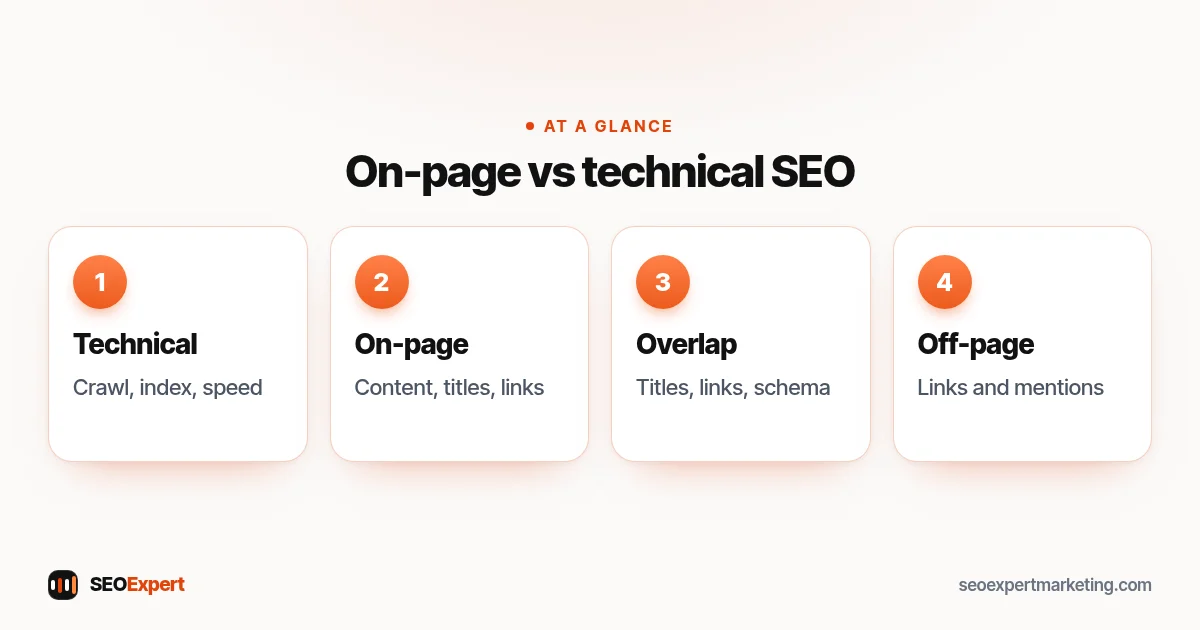
- Technical SEO covers the site as a whole: crawling, indexing, site speed, mobile usability, HTTPS, redirects, canonical tags, sitemaps, robots.txt and structured data setup.
- On-page SEO covers individual pages: the content, title tag, meta description, headings, internal links, images and how well the page answers the search.
- Off-page SEO, the third part, covers signals from outside your site, mainly links, mentions and reviews.
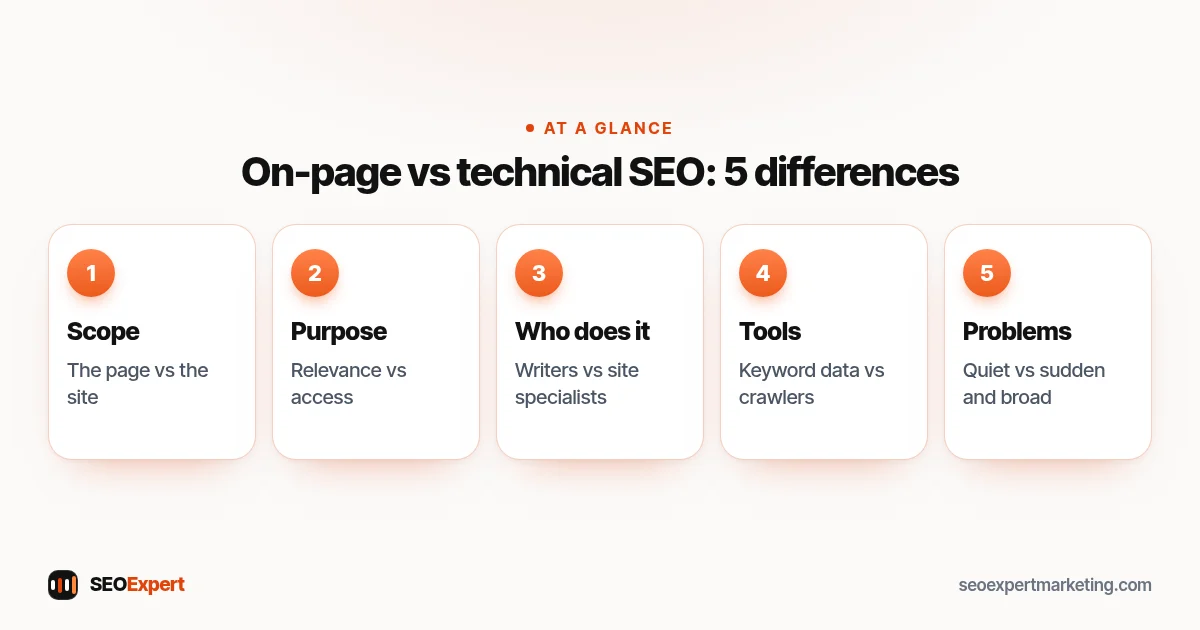
On-page SEO vs technical SEO: 5 differences
1. Scope: the page vs the site
On-page work happens one page at a time: rewrite this title, improve that introduction. Technical work usually affects many pages at once: a template change, a redirect rule or a speed fix that applies site-wide.
2. Purpose: relevance vs access
On-page SEO answers "is this the best page for the search?". Technical SEO answers "can Google reach and understand this page at all?". Google's Search Essentials reflect this split: technical requirements first, then key best practices for content.
3. Who does it
On-page SEO suits writers, marketers and business owners who know the customers. Technical SEO often needs someone comfortable with site settings, code, server configuration or the platform's limits.
4. Tools
On-page work uses keyword research, Search Console performance data and a good editor. Technical work uses crawlers, the page indexing and Core Web Vitals reports in Search Console, and speed testing tools.
5. How problems show up
Technical problems tend to be sudden and broad: a whole section disappears, or the site slows after an update. On-page problems are quieter: pages that appear for searches but sit on page 2 or 3 because they don't answer the question as well as competitors.
On-page SEO vs technical SEO, the five differences at a glance:
Examples of tasks in each
| Technical SEO | On-page SEO |
|---|---|
| Fix pages blocked by robots.txt or noindex | Write a clear, unique title tag for each page |
| Redirect old URLs after a redesign | Rewrite the introduction to answer the search quickly |
| Improve Core Web Vitals | Add headings that match what readers look for |
| Set canonical tags for duplicate pages | Link to related pages with descriptive anchor text |
| Submit and maintain XML sitemaps | Add images with descriptive alt text |
| Add structured data templates | Answer common questions in an FAQ |
Many of these tasks come down to a few HTML tags. Our guide to HTML tags for SEO explains the 12 that matter.
Where they overlap
The on-page SEO vs technical SEO split isn't always neat. Some tasks sit in both camps. Title tags are on-page content, but a theme that outputs the same title on every page is a technical problem. Internal links are on-page decisions, but a menu that hides links from crawlers is technical. Structured data is set up technically but filled with on-page information. In practice, the line matters less than making sure someone owns each task. Google's guide to title links is a good example: it covers both the content of titles and the technical reasons Google might rewrite them.
Which should you fix first?
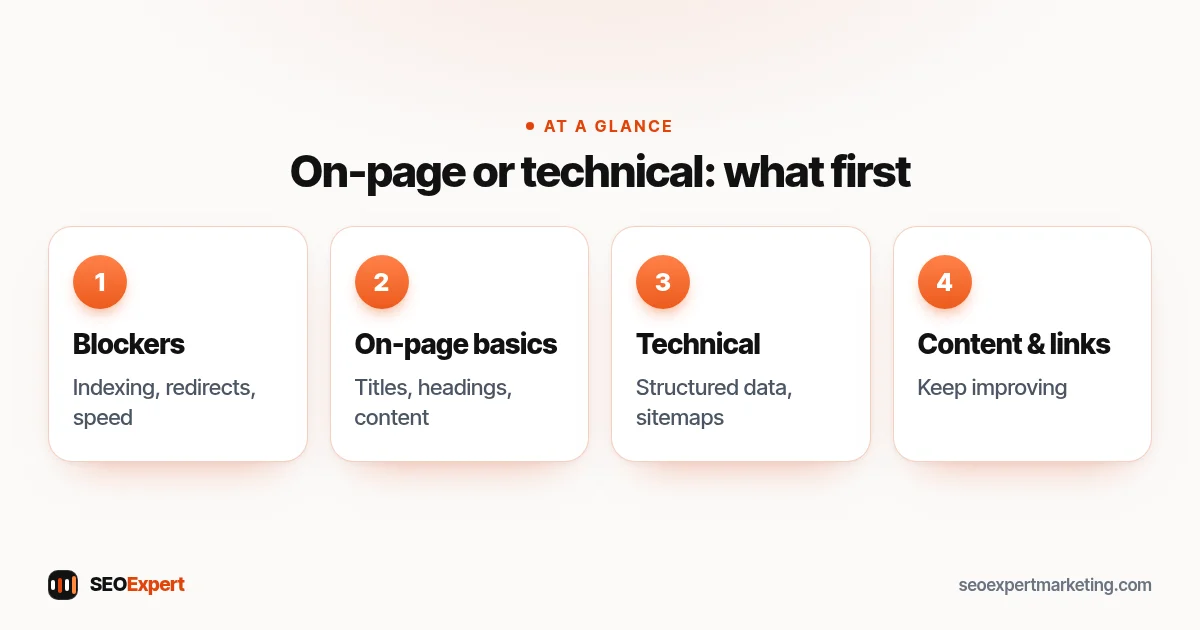
When people weigh on-page SEO vs technical SEO, the answer is usually technical first, but only the problems that block access. If important pages aren't indexed, are blocked or are painfully slow, on-page improvements can't help them. Once Google can crawl and index your key pages, most small business sites gain more from on-page work: clearer pages, better titles, stronger content and internal links. A sensible order:
- Fix technical blockers: indexing, redirects, broken templates, serious speed problems.
- Improve on-page basics on your most important pages: titles, headings, content, internal links.
- Return to technical improvements that help at scale: structured data, speed refinements, sitemaps.
- Keep improving content and earning links.
Which to fix first in on-page SEO vs technical SEO:
On-page SEO vs technical SEO for small sites
On a ten-page business site built with a modern theme, technical SEO may take a few hours to check and fix, while on-page SEO is where most of the ongoing work lies. On a large online store, the balance shifts: technical issues such as filters, duplicates and crawling can affect thousands of URLs, so technical work takes a much bigger share. Knowing which kind of site you have helps you settle the on-page SEO vs technical SEO question for your own budget.
On-page SEO vs technical SEO in an audit
A good audit covers both and keeps them separate in the findings, so you know who should do each fix. The technical section lists issues that affect access and the whole site, usually with the number of pages affected. The on-page section reviews key pages one by one: what each targets, how well it answers the search and what to improve. When you read an audit, check that both halves are there; an audit that's only an automated technical crawl will miss the on-page work that often matters most. Our guide what is an SEO audit explains what a complete audit includes.
Signs you need to focus on one side
- Technical: pages missing from Google, sudden drops after site changes, slow mobile pages, many "excluded" pages in Search Console.
- On-page: pages indexed and appearing for searches but stuck on page 2 or 3, low click-through rates, visitors leaving quickly.
Thinking about on-page SEO vs technical SEO this way, by symptom, is often easier than memorizing definitions.
Example: a dental practice site
Here's an illustrative example, not a client result. A dental practice's site has a staging copy that's been indexed, the live treatment pages load slowly because of uncompressed photos, and every page has the title "Home | Practice Name". The technical fixes: block and remove the staging site, compress images and fix the theme so each page can have its own title. The on-page fixes: write unique titles for each treatment page, add price ranges and recovery times, and link treatment pages to each other. The technical work took a day; the on-page work continued for weeks, page by page.
How we handle both
Our technical SEO services cover crawling, indexing, speed and structure, and our on-page SEO services cover titles, content and internal links. Off-page work is covered by our off-page SEO services. If you'd like to see the technical side yourself, our technical SEO audit checklist is a good start. Or ask for a free website review on WhatsApp and we'll tell you which side needs attention first.
On-page SEO vs technical SEO: quick answers
Is on-page SEO more important than technical SEO?
Neither works without the other. Technical SEO lets Google reach your pages; on-page SEO makes them worth ranking. Fix technical blockers first, then focus on on-page improvements.
Can I do on-page SEO without technical knowledge?
Yes. Writing better titles, headings and content and adding internal links needs knowledge of your customers more than technical skill.
Is structured data on-page or technical?
Both. It's set up technically, often in templates, but it describes on-page information such as prices, reviews or FAQs.
Where does off-page SEO fit in?
Off-page SEO covers signals from other sites, mainly links and mentions. It works best once your technical foundation and on-page content are in good shape.
