
Internal linking means linking from one page of your website to another. It's one of the simplest SEO jobs a small business can do itself, and one of the most often neglected. Good internal linking helps Google find your pages and understand what each one is about, and it helps visitors reach the pages that bring enquiries. This guide explains why internal links matter, seven simple rules for internal linking, and the mistakes to avoid.
Why internal linking matters
Google finds most pages by following links. Its guide to link best practices explains that crawlable links help Google find other pages on your site, and that paying attention to the anchor text of internal links can help both people and Google make sense of your site. A page with no internal links pointing to it is hard for Google to find and looks unimportant. Internal links also pass visitors from articles and guides to your service pages, where they can become customers.
Links from other websites work differently. Our guide to what a backlink is explains the types and how to manage them.
Rule 1: Use real, crawlable links
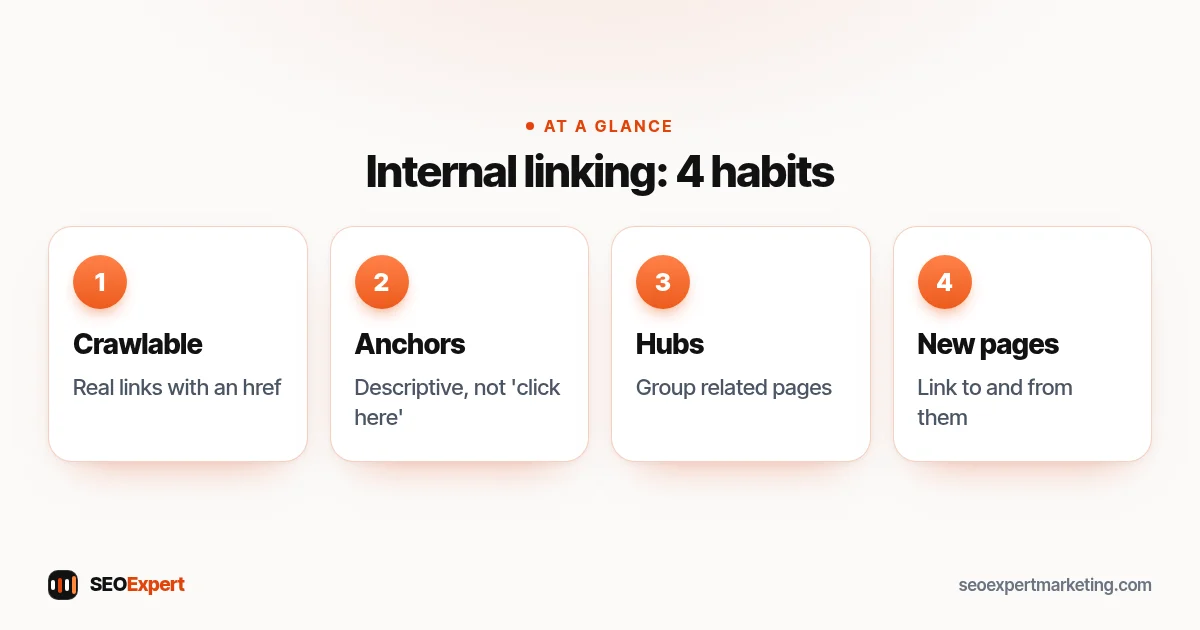
Use standard HTML links with an href, the kind every website builder and CMS creates by default. Links hidden in scripts, buttons without an address or images without alt text are harder for Google to follow and understand.
Rule 2: Write descriptive anchor text
Anchor text is the clickable words of a link. Google's guide says good anchor text is descriptive, reasonably concise and relevant to both pages. "Our boiler repair service" tells people and Google much more than "click here". Google's tip: read the anchor text on its own and check that it still makes sense.
Rule 3: Link from strong pages to important pages
Your home page and popular articles usually get the most visits and links. Use them to link to your most important service pages, so visitors and Google reach them easily. Our guide to the benefits of SEO for small businesses explains why service pages matter most for enquiries.
Rule 4: Build topic hubs
Group related pages around a hub. A plumber's "boiler services" page might link to boiler repair, boiler servicing and new boiler installation, and each of those links back to the hub and to each other where it's helpful. This structure makes the topic clear and keeps visitors moving to the right page.
Rule 5: Link from every new article
Every time you publish an article, link from it to at least one relevant service page and one or two related articles, and add a link to it from an older related page. This simple internal linking habit stops new content from becoming an orphan and spreads visitors across your site.
Rule 6: Keep it natural
Add links where they help the reader take the next step. A few relevant internal links in a page are better than dozens squeezed into every paragraph. Don't repeat the same exact anchor text everywhere; vary it naturally as you would in conversation.
Rule 7: Fix broken and redirected links
When you change a page address, set a 301 redirect and update internal links to point straight at the new address. Broken internal links waste visitors' time and Google's crawling. A crawler such as Screaming Frog, or a review in an SEO plugin, can list them.
Internal linking for small business sites: an example
| From | To | Anchor text |
|---|---|---|
| Home page | Boiler repair | boiler repair |
| Boiler repair | Boiler servicing | annual boiler service |
| Article: low boiler pressure | Boiler repair | book a boiler repair |
| Boiler servicing | Contact | ask for a service date |
This is an illustrative example. Each link has a clear reason to exist.
Internal linking and navigation
Your main menu, footer and breadcrumbs are internal links too. Put your most important service pages in the menu, keep the footer simple, and use breadcrumbs if your site has several levels. Contextual links inside your content add meaning that menus can't, because the words around them explain why the pages are related.
How to find internal linking opportunities
- Search your own site on Google with site:yourdomain.com topic to find pages that mention a topic.
- In Search Console's Links report, look at the most internally linked pages; important service pages missing from the top need more links.
- When you publish something new, list three older pages that should link to it.
- Check that every service page is reachable within a couple of clicks from the home page.
Keep important pages a few clicks from home
As a rule of thumb, your main service pages should be reachable within two or three clicks of the home page. Pages buried deep in the site, reachable only through old blog archives or page 7 of a category, get fewer visitors and are found less often by Google. Clear menus and hub pages fix most depth problems. Our guide to URL SEO explains how a clear structure also helps your page addresses.
A 30-minute internal linking check
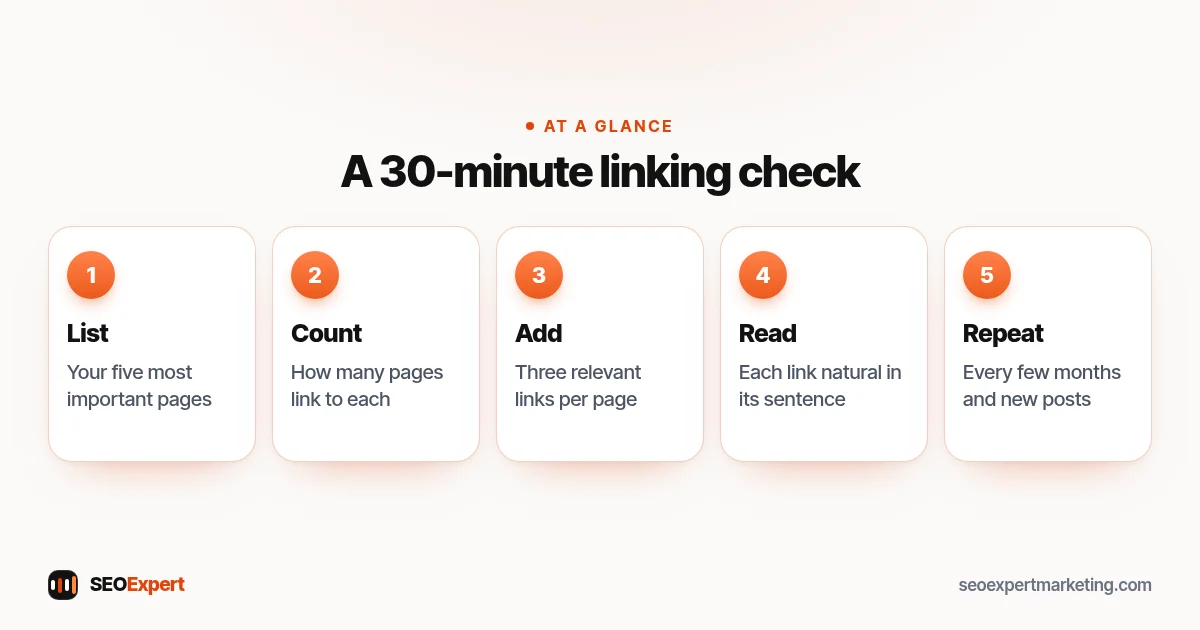
- List your five most important pages, usually your main services.
- For each, count how many other pages link to it, using your SEO plugin or a crawler.
- Find three relevant articles or pages that mention each topic but don't link to it, and add a link with descriptive anchor text.
- Check that each new link reads naturally in its sentence.
- Repeat every few months, and every time you publish something new.
For a small site, this simple check often does more than any tool. It's also a good habit to build into your SEO content strategy, so every new article strengthens the pages that bring enquiries.
The 30-minute check in five steps:
Varying anchor text naturally
When several pages link to the same service page, the words don't need to be identical. For a boiler repair page, "boiler repair", "fix a broken boiler", "our boiler engineers" and "book a repair" are all natural, descriptive anchors. Variety reads better and reflects the different ways people describe the same need.
Common internal linking mistakes
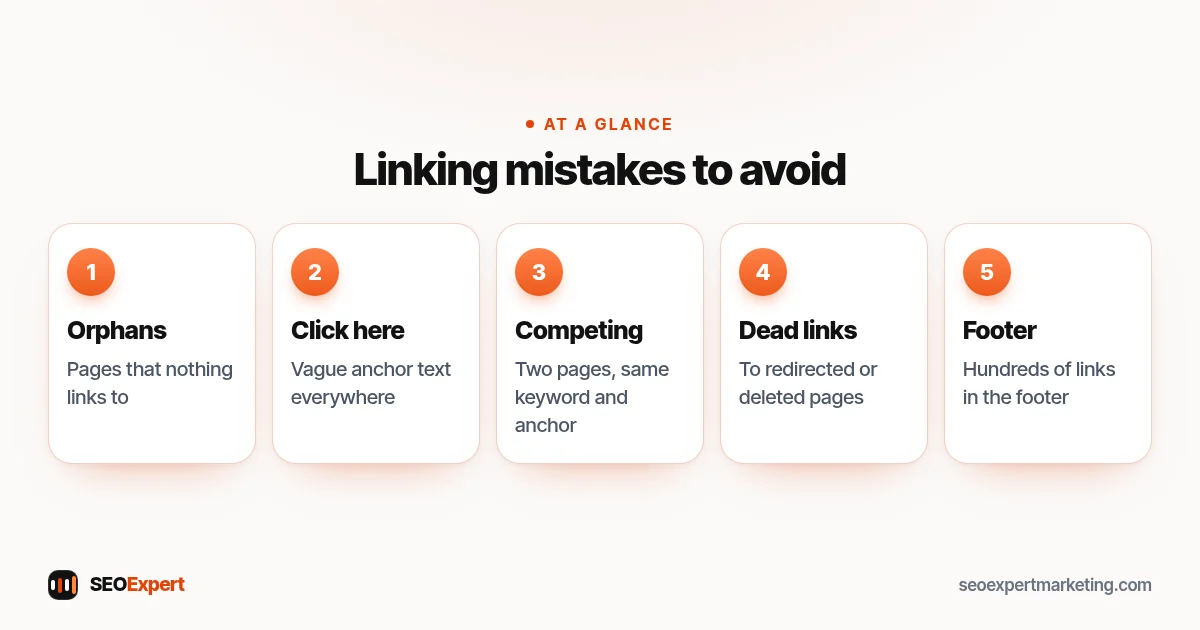
- Orphan pages that nothing links to.
- "Click here" and "read more" as anchor text everywhere.
- Two pages competing for the same keyword and linked with the same anchor.
- Links pointing to redirected or deleted pages.
- Hundreds of links in the footer.
Common internal linking mistakes at a glance:
Internal linking on WordPress and Shopify
Both platforms make internal linking easy: select text in the editor and add a link to another page or product. On WordPress, SEO plugins can suggest related pages; on Shopify, collections and navigation menus create many links automatically. Our WordPress SEO checklist includes internal linking checks.
Need help?
Internal linking is part of our on page SEO services. We map your pages, find orphans and weak links, and add helpful links that guide visitors to your services. Send your website on WhatsApp for a free review.
Internal linking: quick answers
How many internal links should a page have?
There's no fixed number. Add links where they help the reader take a next step; a few relevant links usually beat dozens of weak ones.
What's the best anchor text for internal links?
Descriptive words that tell people and Google what the linked page is about, such as 'boiler repair service', rather than 'click here'.
What is an orphan page?
A page that no other page on your site links to. Google may struggle to find it and visitors rarely reach it.
Do internal links help rankings?
They help Google find and understand your pages and show which pages matter most, which supports rankings alongside good content and links from other sites.
