URL SEO is about giving each page a web address that's clear to people and easy for search engines to understand. A good URL won't push a weak page to the top of Google on its own, but a messy one can cause real problems: duplicate pages, wasted crawling, confusing links and, when URLs change carelessly, lost rankings. This guide covers what Google says about URLs, eight simple URL SEO rules and how to change URLs safely when you need to.
What Google says about URLs
Google's guide to URL structure recommends a simple, logical structure with words that make sense to people, rather than long ID numbers. It specifically recommends using hyphens instead of underscores to separate words, because hyphens help users and search engines identify the concepts in a URL. It also warns that overly complex URLs, especially with many parameters, can create large numbers of URLs that point to the same or similar content.
8 URL SEO rules
1. Use descriptive words
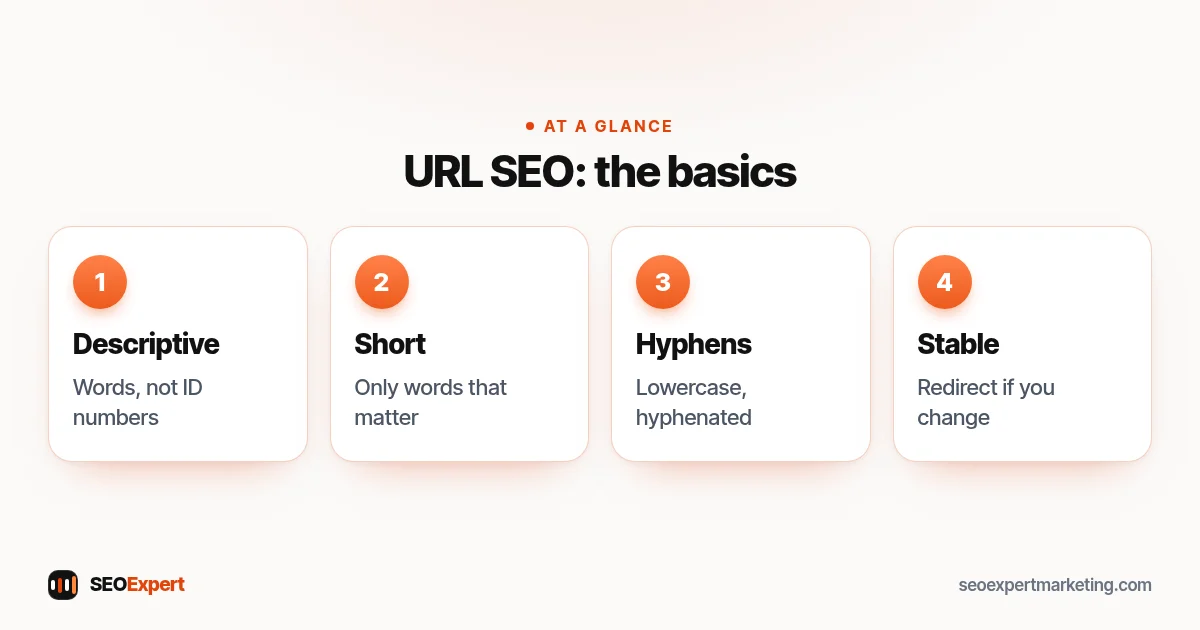
Compare example.com/services/boiler-repair/ with example.com/page?id=4821. The first tells everyone what the page is about before they click. Use the main words people search for, naturally.
2. Keep it short
Remove words that add nothing, such as "the", "and" or dates that will go out of date. /local-seo-checklist/ is better than /the-complete-local-seo-checklist-for-small-businesses-in-2026/. Short URLs are easier to read, share and remember.
3. Use hyphens between words
Follow Google's advice: boiler-repair, not boiler_repair or boilerrepair.
4. Use lowercase letters
Some servers treat uppercase and lowercase URLs as different pages, which can create duplicates. Stick to lowercase everywhere.
5. Build a logical structure
Group related pages in a way that makes sense: /services/boiler-repair/, /services/boiler-installation/. Don't nest too deeply; three or four levels is plenty for most small business sites. Folder structure won't rank a page by itself, but it helps visitors and keeps the site organized.
6. Avoid unnecessary parameters
Tracking codes, session IDs and sort or filter parameters can create many URLs for the same content. Keep internal links pointing to clean URLs, and use canonical tags so Google knows the main version. Google's guide to consolidating duplicate URLs explains the options.
7. Choose one version of your domain
Your site should load on one version only, for example https://example.com/, with http:// and www versions redirecting to it. Pick a trailing-slash style and use it consistently.
8. Don't stuff keywords
One clear phrase is enough. /plumber-leeds-emergency-plumber-leeds-cheap/ looks spammy to people and helps nothing.
URL SEO examples
| Weak URL | Better URL | Why |
|---|---|---|
| /index.php?page_id=57 | /kitchen-fitting/ | Descriptive words |
| /Services/Kitchen_Fitting | /services/kitchen-fitting/ | Lowercase, hyphens |
| /2019/03/our-new-blog-post-about-how-to-choose-a-kitchen | /blog/choose-a-kitchen/ | Short, no dates |
| /kitchen?utm_source=newsletter | /kitchen/ (in internal links) | No tracking in internal links |
How to check your URLs
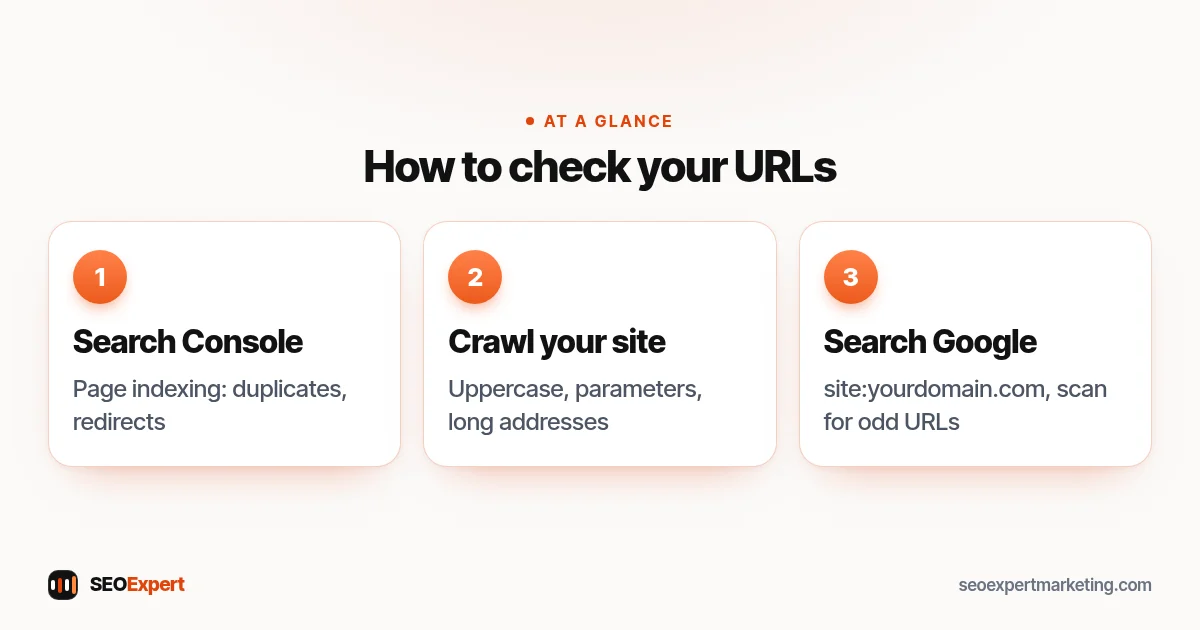
Start with a quick review. Open Search Console's page indexing report and look for duplicates, alternate pages and pages with redirects; these often point to URL problems. Then crawl your site with a free crawler and sort the list of URLs: look for uppercase letters, parameters, very long addresses and pages reachable at more than one address. Finally, search Google for site:yourdomain.com and scan the results for odd URLs you didn't expect to see. Most small sites have only a handful of URL SEO issues, and they're usually quick to fix once found.
Three quick checks to find URL SEO issues on your site:
Should you change existing URLs?
Usually not, if the page already ranks or has links. A URL that's slightly long or not perfectly worded is rarely worth the risk of changing. Change URLs only when there's a real problem, such as duplicates, ID-only addresses or a site restructure. When you do:
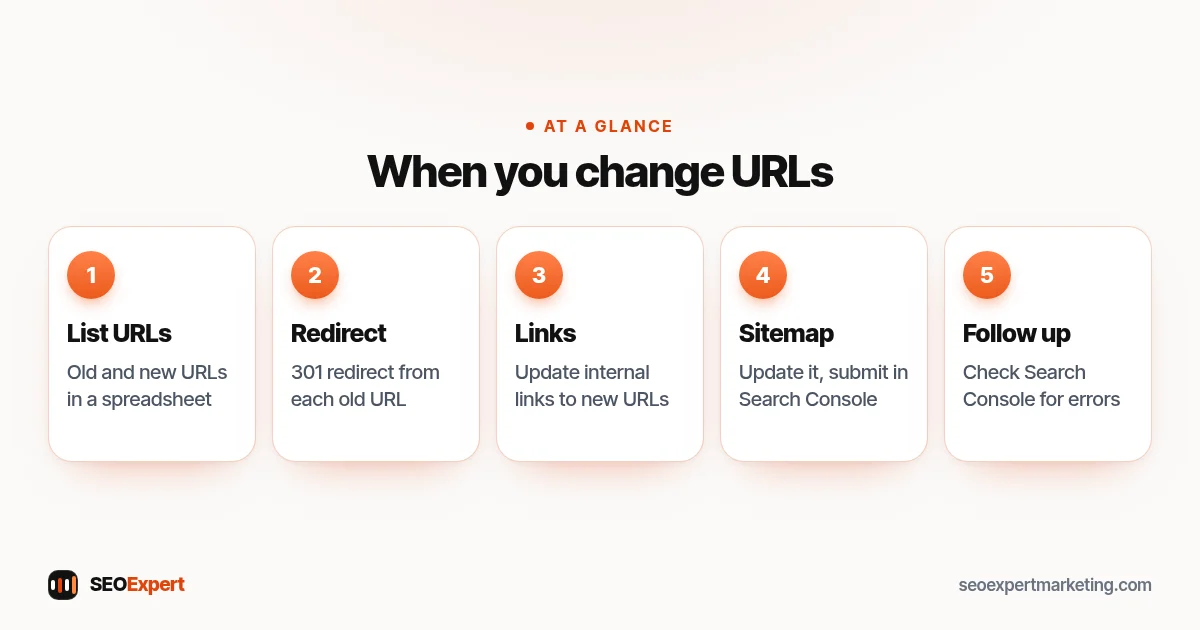
- List every old URL and its new URL in a spreadsheet.
- Set up a permanent (301) redirect from each old URL to its new one.
- Update internal links to point straight to the new URLs.
- Update your sitemap and submit it in Search Console.
- Check Search Console over the following weeks for errors.
Expect some movement in rankings while Google processes the change. Done properly, pages usually settle at their previous level.
When you do change a URL, follow these five URL SEO steps:
URL SEO on WordPress and Shopify
In WordPress, set the permalink structure to "Post name" under Settings, then edit each page's slug in the editor. Changing the permalink structure on an established site changes every URL, so plan redirects first. Our WordPress SEO checklist covers this. In Shopify, you can edit each URL handle and Shopify can create a redirect automatically when you change one, but the path prefixes such as /products/ and /collections/ are fixed. Our Shopify SEO services page has more detail.
Example: cleaning up a small site's URLs
Here's an illustrative example, not a client result. A cleaning company's site has URLs such as /page-2/, /Services-Oven_Cleaning and a blog with dates in every address. The URL SEO plan: keep the blog URLs as they are, because they already get visits and changing them brings little; rename the two ID-style service URLs to /oven-cleaning/ and /carpet-cleaning/ with 301 redirects; and make the server redirect uppercase versions to lowercase. A small, careful change, not a rebuild.
URL SEO for blogs and articles
Blog URLs follow the same rules, with one extra decision: whether to include a category or date. Dates make content look old as soon as the year changes, and categories can force URL changes if you reorganize later. For most small business blogs, a simple structure such as /blog/post-name/ or just /post-name/ works best. Keep article slugs to the core topic, for example /how-long-does-seo-take/, rather than the full headline, so you can update the title later without touching the URL.
URL SEO for local and multi-location sites
If you serve several towns, a clear structure helps visitors and keeps things tidy, for example /areas/leeds/ and /areas/york/, or /locations/leeds/ for a business with branches. Only create these pages where you have something genuinely local to say; the URL structure is the easy part, and thin copy-paste location pages can cause problems under Google's spam policies. For businesses in several countries, separate country folders such as /uk/ and /au/ are a common, simple approach, combined with the right language and region settings.
Common URL SEO mistakes
- Changing URLs without redirects, losing links and rankings.
- Including dates or years that make content look old.
- Tracking parameters in internal links.
- Multiple versions of the same page with and without a trailing slash.
- Very deep folder structures that bury important pages.
Clean URLs are one of the many details we check in on-page SEO services and technical SEO services. Send us your site on WhatsApp for a free review.
URL SEO: quick answers
Do URLs affect SEO?
A little. Descriptive URLs help people and search engines understand a page, but the bigger risks are duplicates from parameters and lost rankings from changing URLs without redirects.
Should I put keywords in my URLs?
Yes, naturally: use the main words that describe the page. Don't repeat phrases or stuff in extra keywords.
Hyphens or underscores in URLs?
Hyphens. Google recommends hyphens to separate words because they help users and search engines identify concepts in the URL.
Is it bad to change a URL?
It's risky if the page ranks or has links. If you must, use a 301 redirect from the old URL, update internal links and the sitemap, and monitor Search Console.
