An ecommerce SEO audit is a structured check of an online store to find out why it isn't getting more visitors from search, and what to fix first. Stores have problems most websites don't: thousands of product pages, filters that create endless URLs, products that sell out and descriptions copied from manufacturers. A general website audit often misses these. This guide walks through the eight checks that matter most in an ecommerce SEO audit, the free tools you need and how to turn what you find into a plan.
Tools for an ecommerce SEO audit
- Google Search Console: indexing, search performance, structured data and Core Web Vitals reports, all free.
- A crawler: a desktop crawler, many of which have a free version for smaller sites, to list every URL, status code, title and canonical tag.
- Your store's admin: product counts, collections or categories, redirects and theme settings.
- A spreadsheet: to record each issue, the pages affected, the impact and the fix.
Google's own ecommerce SEO guide is a useful companion; it covers what Google needs from online stores in plain terms.
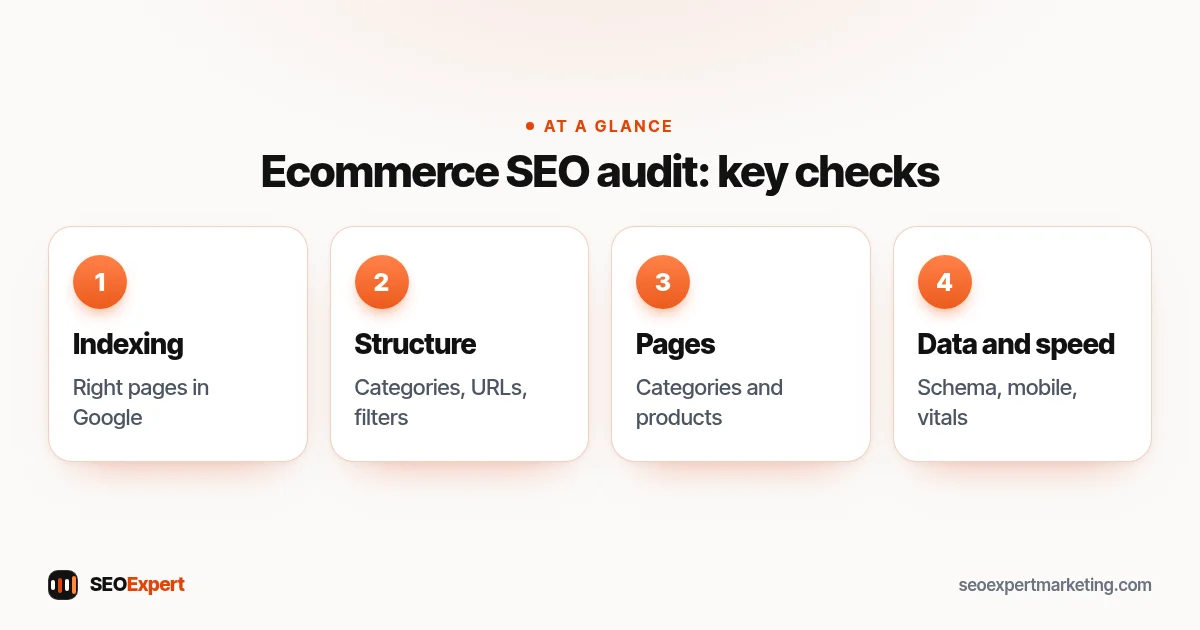
1. Indexing: are the right pages in Google?
Start with Search Console's page indexing report. Compare the number of indexed pages with the number of products and categories you actually sell. Far fewer indexed pages usually means crawl or quality problems; far more usually means filter, sort or tracking URLs are being indexed. Check that your sitemap lists only the pages you want found, and that important categories and best-selling products are indexed.
2. Site structure and internal links
Can a visitor reach every important category within a few clicks from the home page? Are categories linked from the main menu, and products linked from their categories? Look for orphan products that no category links to, and for categories so deep that Google rarely reaches them. A clear structure is one of the strongest signals you control.
3. URLs and duplicates
Many platforms create several URLs for one product, for example one under each collection it belongs to. Check that each product has one canonical URL and that all internal links point to it. Google's guidance on URL structure for ecommerce sites recommends simple, descriptive URLs and avoiding unnecessary parameters. Note any session IDs, tracking parameters or uppercase variants that create duplicates.
4. Filters, sorting and pagination
Filters for size, color, price and brand can create thousands of URL combinations. Google's guide to faceted navigation explains how these can waste crawling, and suggests options such as disallowing filter URLs in robots.txt when you don't need them in search. During your ecommerce SEO audit, list which filters create crawlable URLs, decide which (if any) deserve to be indexed as landing pages, and check that paginated category pages each have their own URL and normal links between them.
5. Category pages
Category pages often target the most valuable searches, such as "women's running shoes". Check each important category for a unique title and H1, a short helpful introduction, enough products, filters that work for shoppers and links to related categories. Thin or empty categories should be improved, merged or removed with a redirect.
6. Product pages
Look at your top products first. Do they have unique descriptions, or text copied from the manufacturer that appears on hundreds of other sites? Clear photos with descriptive alt text? Price, availability, delivery and returns information? Reviews? Check what happens to sold-out and discontinued products: pages for items coming back should stay live, and permanently discontinued items usually need a redirect to the closest alternative or category.
7. Structured data
Product structured data helps Google show price, availability and review information in results. Check a sample of product pages with the Rich Results Test, and look at the structured data reports in Search Console for errors and warnings. Google's product structured data documentation lists the required and recommended properties.
8. Speed, mobile and links
Most shoppers browse on phones. Check Core Web Vitals in Search Console, test key templates (home, category, product, cart) on a phone and look for heavy apps or scripts slowing them down. Finally, review which sites link to your store, and note any spammy links built in the past.
Turning your ecommerce SEO audit into a plan
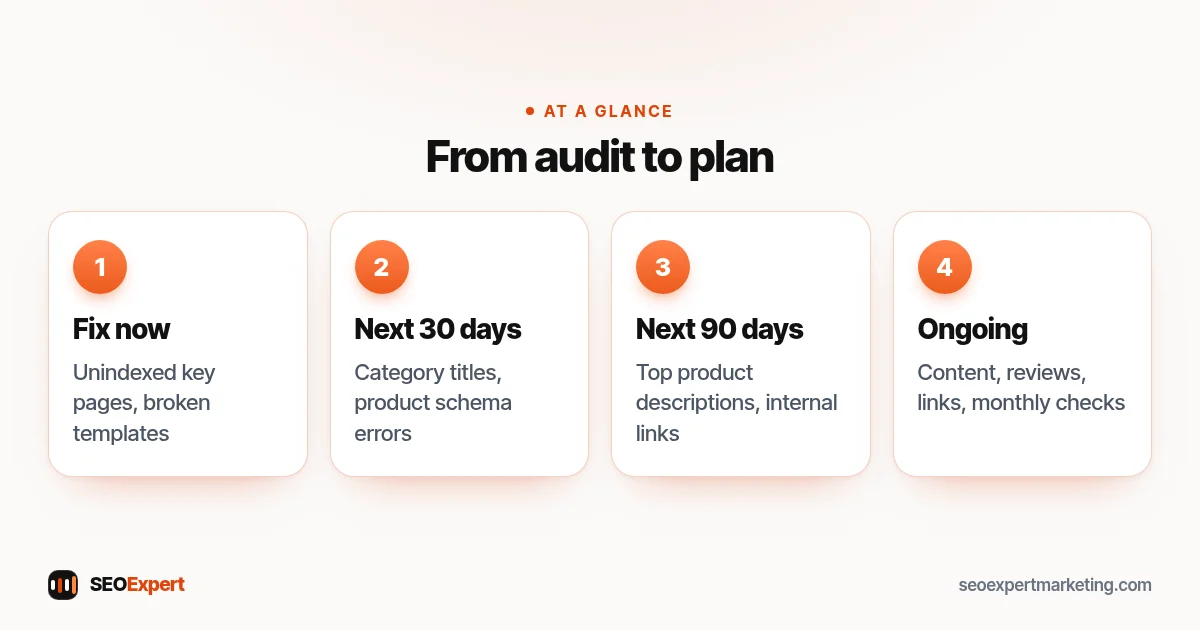
An audit is only useful if it leads to action. Score each issue by impact and effort, then group the fixes:
| Priority | Examples |
|---|---|
| Fix now | Important pages not indexed, broken templates, site-wide duplicate problems |
| Next 30 days | Category titles and intros, product structured data errors, filter crawling |
| Next 90 days | Rewriting top product descriptions, new categories, internal links |
| Ongoing | New content, reviews, links, monthly checks |
Our ecommerce SEO checklist turns many of these checks into a list you can repeat every month.
How to order the fixes from an ecommerce SEO audit:
Example: findings from a typical store audit
Here's an illustrative example, not a client result. A store selling kitchenware has 600 products but Search Console shows about 2,400 indexed URLs. The ecommerce SEO audit finds that color and price filters create crawlable URLs, and each product is reachable under three collection URLs. Category pages have no introductions and identical titles. Two hundred product descriptions are copied from suppliers. The fix plan: block filter URLs in robots.txt, make sure every link points to the canonical product URL, write category intros and titles for the top twenty categories, then rewrite descriptions for the best sellers first.
Mistakes to avoid during an ecommerce SEO audit
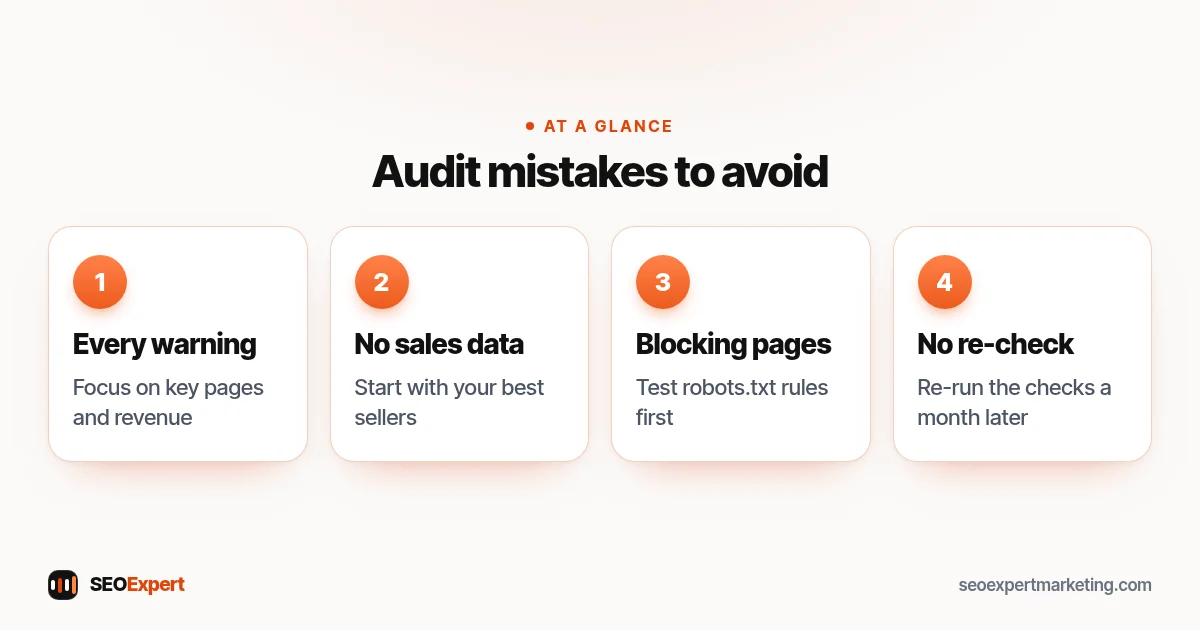
- Treating every warning as urgent. Crawlers flag hundreds of minor issues. Focus on what affects important pages and revenue.
- Auditing without sales data. Bring in your best sellers and margins, so fixes start where they earn the most.
- Blocking pages you need. Before changing robots.txt, test which URLs the rules match, or you may block categories by accident.
- Not re-checking. Run the same checks a month after fixes go live to confirm they worked.
Four ecommerce SEO audit mistakes and how to avoid them:
Platform notes
On Shopify, product URLs sit under fixed paths, and you can change the robots.txt file through a theme template, as Shopify's help center explains. On WooCommerce you have full control through WordPress and an SEO plugin. Either way, the same audit checks apply. See our Shopify SEO services and WordPress SEO services pages for platform-specific help.
Need an ecommerce SEO audit done for you?
Our ecommerce SEO services start with a review of your store, and our $59 SEO audit covers your home page and up to ten key pages. Send us your store address on WhatsApp for a free first look.
Ecommerce SEO audit: quick answers
How often should I do an ecommerce SEO audit?
A full audit once or twice a year, plus a quick monthly check of indexing, structured data and Core Web Vitals in Search Console. Audit again after any redesign or platform move.
What's the most common problem in an ecommerce SEO audit?
Duplicate and filter URLs being crawled and indexed, closely followed by thin category pages and product descriptions copied from manufacturers.
Can I do an ecommerce SEO audit myself?
Yes, with Search Console, a crawler and a spreadsheet. Expert help is most useful for large catalogs, technical fixes and deciding priorities.
How long does an ecommerce SEO audit take?
For a small store, a few days. Larger catalogs with complex filters and many templates take longer, mainly because of the time needed to analyze crawl data.