
SEO for new website launches is mostly about getting the foundations right before and just after launch: making sure Google can find and crawl the site, giving every important page a clear purpose, choosing searches a new site can actually win and earning the first few signals of trust. A brand-new domain has no history, so it won't rank for competitive terms straight away. But the choices you make in the first weeks decide how quickly it can, and whether you'll have to rebuild later. This guide covers what to do before launch, on launch day and in the first three months.
What's different about SEO for new website projects
Google's page on how to get your website on Google says Google usually finds new sites automatically, but it can take a few weeks to notice a new site, and some get missed, often because no other sites link to them. A new website also has:
- No history: Google knows little about it yet.
- No links: nothing on the web points to it.
- No data: Search Console has nothing to show until the site starts appearing in searches.
That's why SEO for new website owners focuses on specific, less competitive searches first, and builds from there.
Before launch: the SEO for new website checklist
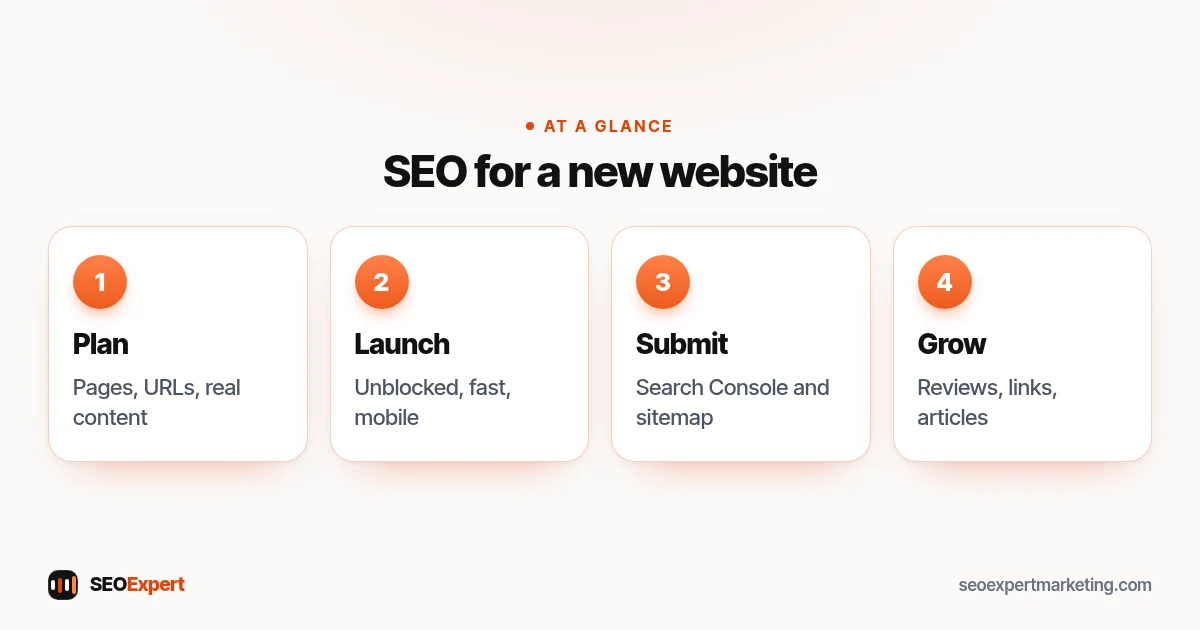
1. Choose a domain you'll keep
Pick a short, memorable domain based on your brand rather than stuffed with keywords. Changing domains later means redirects and a period of disruption, so choose one you're happy to keep for years.
2. Plan your pages around customers
List the services or products you sell and the questions customers ask before buying. Plan one page for each main service, plus a home, about and contact page. If you serve several areas, add area pages only where you have something genuinely local to say.
3. Set a clean URL structure
Use short, readable addresses such as /emergency-plumber/ or /wedding-cakes/. Decide them before launch; changing URLs later needs redirects.
4. Write real content, not placeholders
Launch with finished pages: what you offer, who it's for, prices or price guidance, the areas you cover and how to get in touch. Remove all template text, dummy pages and placeholder copy before launch.
5. Make sure the live site isn't blocked
Development sites are often blocked from search. When you go live, check that the block is removed: in WordPress, untick "Discourage search engines" under Settings, Reading, and check that robots.txt doesn't block the whole site.
6. Speed and mobile
Choose a lightweight theme, compress images and test the main pages on a phone. It's easier to start fast than to fix a slow site later.
Launch day: get found
Launch day is when SEO for new website launches becomes practical: Google needs to know the site exists and be able to reach every page.
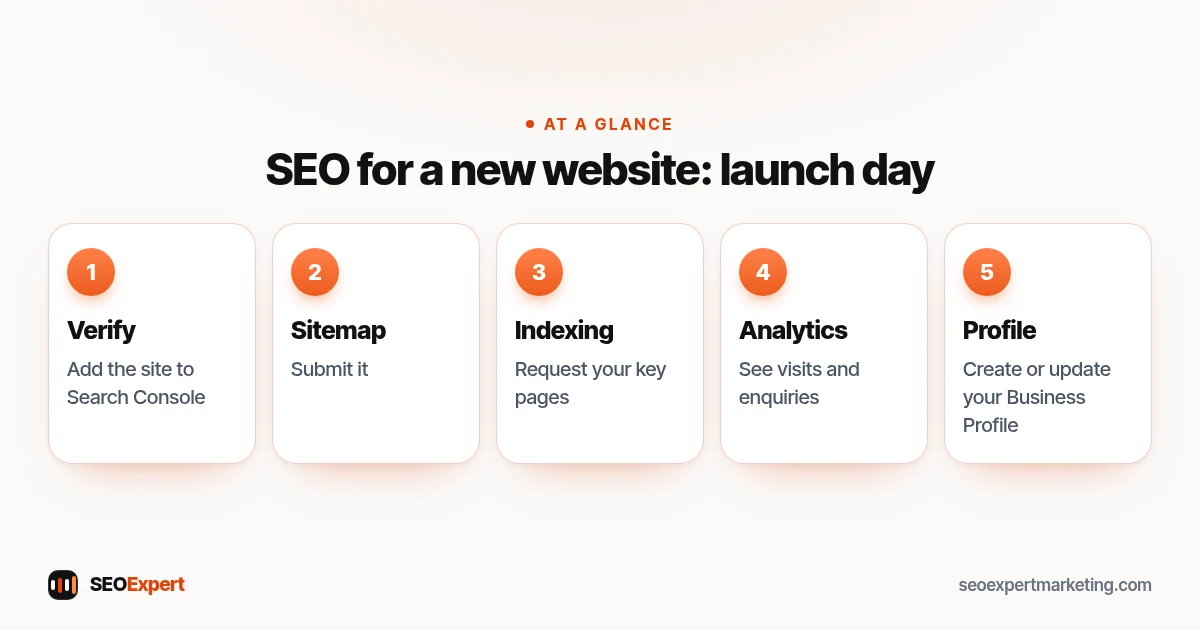
- Add the site to Google Search Console and verify it.
- Submit your sitemap. Most platforms and SEO plugins create one automatically; Google's guide on how to build and submit a sitemap explains the options.
- Request indexing for your most important pages using the URL Inspection tool.
- Set up Google Analytics so you can see visits and enquiries from day one.
- Create or update your Google Business Profile if you serve local customers, and link it to the new site.
Launch day in SEO for new website projects:
If you're replacing an old website
SEO for new website projects that replace an old site needs extra care. A redesign is the riskiest moment for SEO, because changed addresses can lose the rankings the old site earned. Before launch, list every old URL, map each one to its closest new page and set up permanent redirects. Google's guide to site moves with URL changes walks through the process. Keep the old titles and content of pages that ranked well unless there's a reason to change them.
To turn these steps into dates and owners, use our simple SEO plan template.
The first three months
After launch, SEO for new website owners becomes a short routine.
| When | Focus |
|---|---|
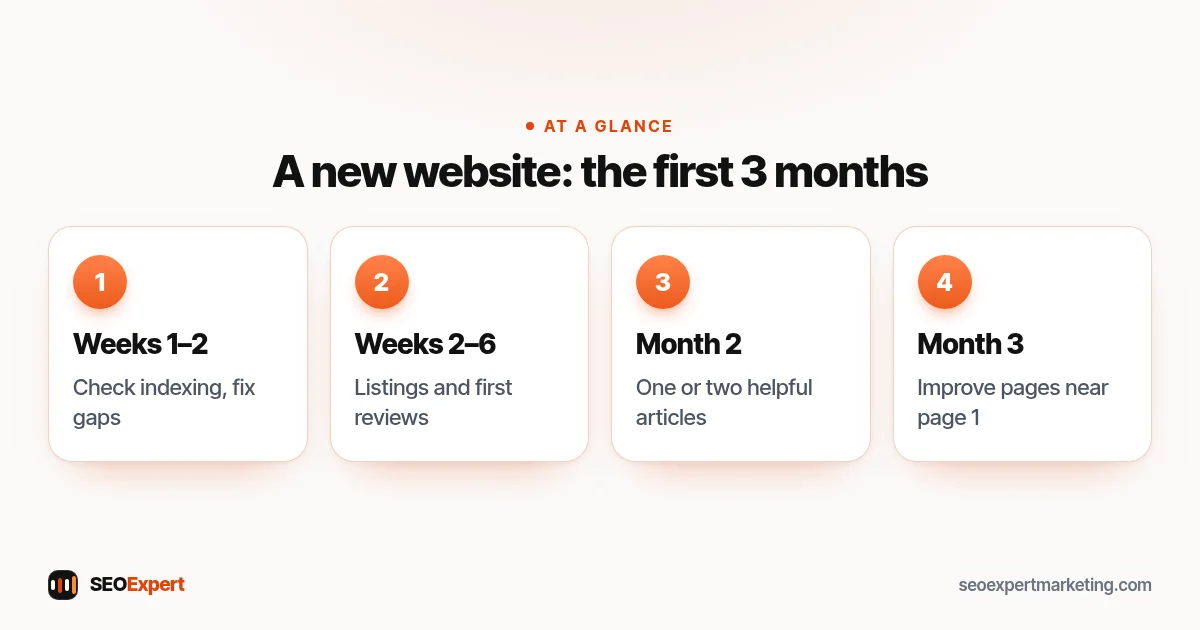
| Weeks 1 to 2 | Check indexing in Search Console; fix anything not indexed |
| Weeks 2 to 6 | Get listed on the main business platforms; ask first customers for reviews |
| Month 2 | Publish one or two helpful articles answering customer questions |
| Month 3 | Look at the first searches in Search Console; improve pages that appear on pages 2 and 3 |
Earn the first links
Google notes that sites with no links pointing to them are more likely to be missed. Start with the easy, legitimate ones: suppliers and partners, trade associations, your local chamber of commerce, business directories you'd use yourself and anyone who has covered your launch. Never pay for links.
The first three months of SEO for new website owners:
Common mistakes in SEO for new website launches
- Launching with the site still blocked from search.
- Thin pages with one line of text and a contact form.
- Targeting only broad, highly competitive keywords.
- Copy-paste pages for dozens of towns.
- Changing the URL structure every few months.
- Expecting rankings in the first week.
A worked example: a new bakery website
To show how this fits together, here's a plan for a hypothetical new bakery website. It's an example, not a client result.
Before launch, the owner plans pages for wedding cakes, birthday cakes, the café and catering, each with real photos and price guidance. On launch day, the site goes into Search Console, the sitemap is submitted and the Google Business Profile links to the new site. In the first month, the bakery asks its regular customers for reviews and gets listed by the local market where it sells on weekends. In month two, it publishes a guide to wedding cake prices, the question customers ask most. That's SEO for new website owners in practice: a few solid steps, done in order.
How long until a new website ranks?
Specific searches with little competition can start to appear within weeks of indexing; broader, competitive searches usually take months. Our guide to how long SEO takes explains the timeline and the early signs to watch for.
We're building this website's search visibility from zero ourselves, so the steps above are the ones we follow. If you're a startup, our SEO for startups page covers the extra challenges of a young company. For a small business launching its first proper site, our small business SEO page explains how we help, and a $59 SEO audit can check a new site before or just after launch.
SEO for a new website: quick answers
What is the first step in SEO for new website launches?
Make sure Google can reach the site: remove any block left over from development, add the site to Search Console and submit the sitemap. Everything else depends on that.
How do I get a new website on Google quickly?
Add it to Search Console, submit your sitemap, request indexing for your key pages and get a few legitimate links from other sites. Google's own guidance says it can take a few weeks to notice a new site.
Should I start SEO before the website launches?
Yes. Planning pages, URLs and content before launch avoids costly changes later. The technical setup, such as making sure the live site isn't blocked, should be checked on launch day.
Is an old domain better than a new one?
An established domain with a clean history can rank faster, but buying an expired domain just to use its reputation for unrelated content breaks Google's spam policies. For most businesses, a new domain built properly is the right choice.
How many pages should a new website have?
Enough to cover each main service or product properly, plus home, about and contact. Quality matters more than number: ten useful pages beat fifty thin ones.
