
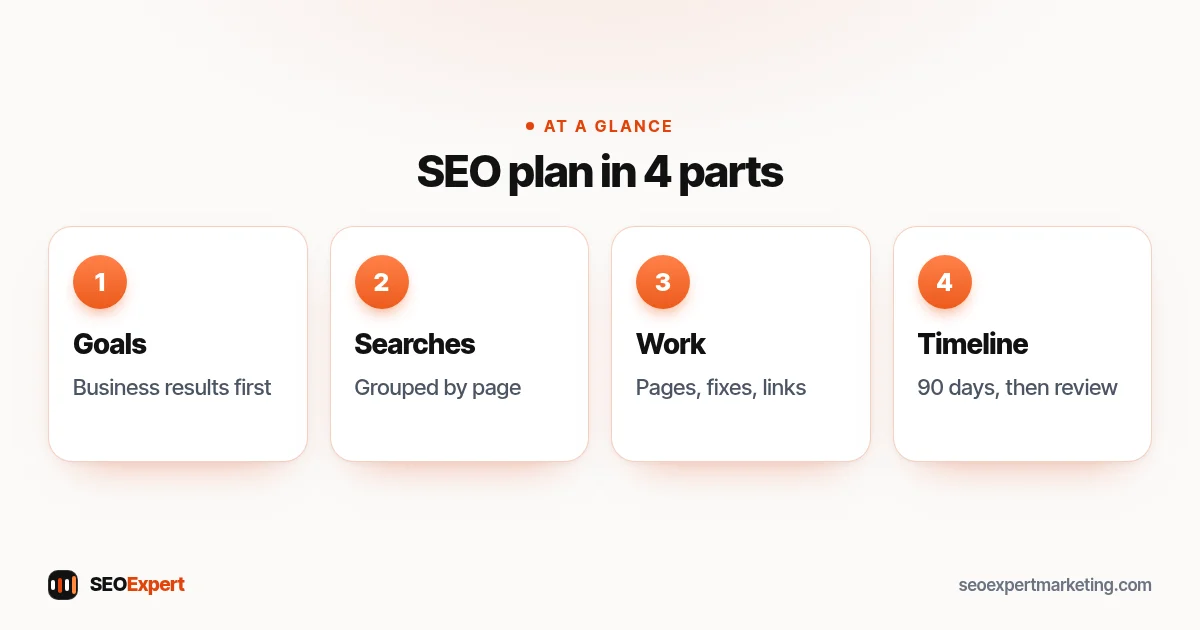
An SEO plan is a short written document that says what you want search to achieve for your business, what you'll do to get there and in what order. Without one, SEO tends to become a string of random tasks: a blog post here, a plugin there, a burst of activity after a slow month. With one, every task has a reason and you can see whether it's working. This guide gives you a seven-step SEO plan template for a small business, with a 90-day action plan you can copy.
What a good SEO plan includes
- Clear business goals, not just "rank higher".
- The searches that matter, grouped by page.
- The pages to create or improve.
- Technical and local fixes.
- How you'll earn links and reviews.
- A timeline with owners and dates.
- How you'll measure progress.
Keep the whole document to two or three pages. A plan nobody reads is no better than no plan.
Step 1: Set business goals
Start with what the business needs: more enquiries for a particular service, more bookings in a quiet season, more online sales of a product range. Write goals in business terms, such as "ten more enquiries a month for kitchen fitting within a year", then decide which search numbers would show you're on the way, such as impressions and clicks for kitchen searches in Search Console.
Step 2: Understand your starting point
Record where you are now: clicks, impressions and average position from Search Console's Performance report, enquiries from search, the number of indexed pages and the state of your Google Business Profile. A quick audit helps here; our SEO audit template gives you a structure.
Step 3: Choose your target searches
List the searches your customers use, grouped by topic. For each group, note the page that should rank: an existing page to improve or a new one to create. Avoid having two pages chasing the same search. Our guide on how many keywords for SEO explains how to group them.
Step 4: Plan your pages
Make a list of pages: service pages, location pages where genuinely needed, and helpful articles answering customer questions. Prioritize the pages closest to revenue first. Google's guidance on creating helpful, reliable content is a good test for each one: would someone find it genuinely useful, and does it show real experience?
For the content side in more depth, read our guide to an SEO content strategy.
Step 5: List technical and local fixes
From your audit, list the fixes that block visibility (pages not indexed, slow mobile pages, broken redirects) and the local improvements (profile categories, services, review process, citations). Put blockers first.
Step 6: Plan links and reputation
Write down realistic ways to earn links and mentions: suppliers, partners, trade associations, local press, sponsorships and content worth referencing. Add a review routine. No bought links; they break Google's spam policies.
Step 7: Set the timeline and measurement
Turn everything into a 90-day action plan with owners and dates, then review it monthly. Decide which numbers you'll check each month and keep them the same, so you can compare. Our SEO report guide covers what to track.
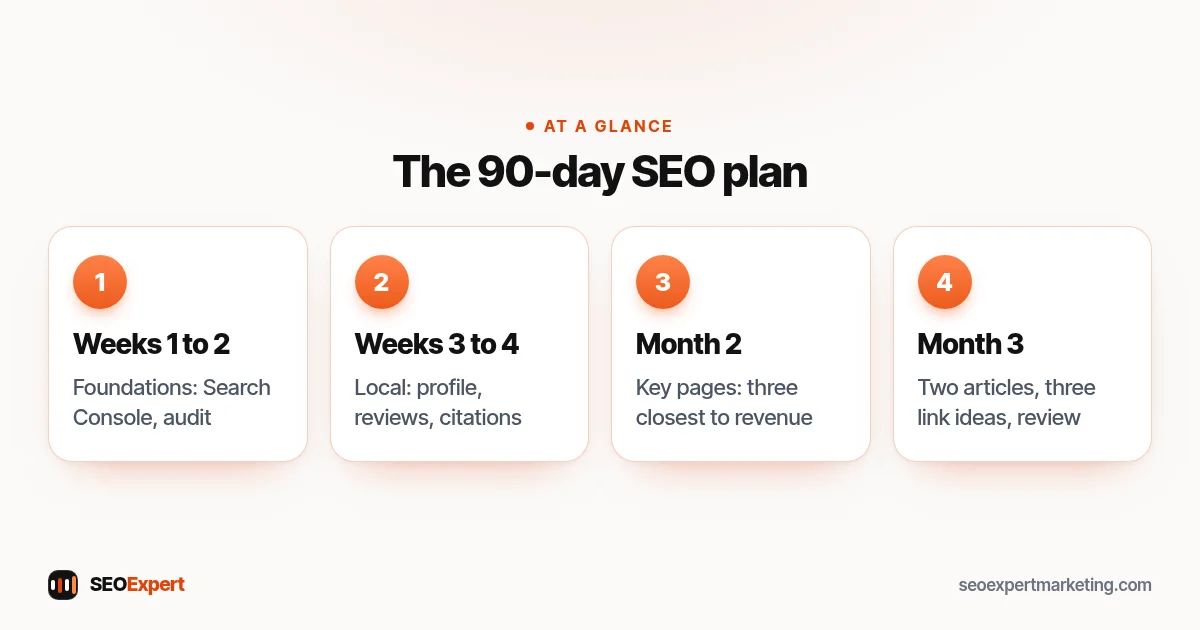
SEO plan template: 90 days
| When | Focus | Example tasks |
|---|---|---|
| Weeks 1 to 2 | Foundations | Search Console, analytics goals, audit, fix indexing blockers |
| Weeks 3 to 4 | Local | Business Profile categories and services, review routine, top citations |
| Month 2 | Key pages | Improve or create the three pages closest to revenue |
| Month 3 | Content and links | Two helpful articles, three link ideas started, first monthly review |
After 90 days, review what moved, keep what worked and write the next quarter's version.
The 90-day SEO plan template in four stages:
Example: an SEO plan for a kitchen fitter
Here's an illustrative example, not a client result. Goal: ten more kitchen fitting enquiries a month within a year. Starting point: 40 clicks a month from search, mostly for the business name; one services page; 15 reviews. Target searches: kitchen fitting, kitchen installation cost, worktop replacement, plus the main towns covered. Pages: a kitchen fitting page with prices and a gallery, a worktop page, a cost guide and a page for the main town. Fixes: compress gallery images, fix the profile category, start asking every customer for a review. Links: the two kitchen suppliers they buy from and the local business association. Measurement: monthly clicks for non-brand searches and enquiries from the contact form.
Who should own each part
Small businesses rarely have a dedicated marketing team, so be realistic about who does what. The owner usually knows the customers best and should approve goals and review pages for accuracy. Someone comfortable with the website, a staff member, a freelancer or an agency, handles technical fixes and page building. Writing can be shared: the owner supplies knowledge and examples in a short call or voice notes, and a writer turns them into pages. Review requests work best when they're part of the normal job process, done by whoever finishes the job.
How to review progress each month
Set a fixed time each month, thirty minutes is enough, to look at the same numbers: clicks and impressions for non-brand searches, enquiries from search, new reviews and tasks completed. Ask three questions. What moved? What didn't happen, and why? What should change next month? Write the answers at the bottom of the document so you build a record over time. If nothing has moved after three months and the work was done, look again at the target searches and the quality of the pages before adding more tasks.
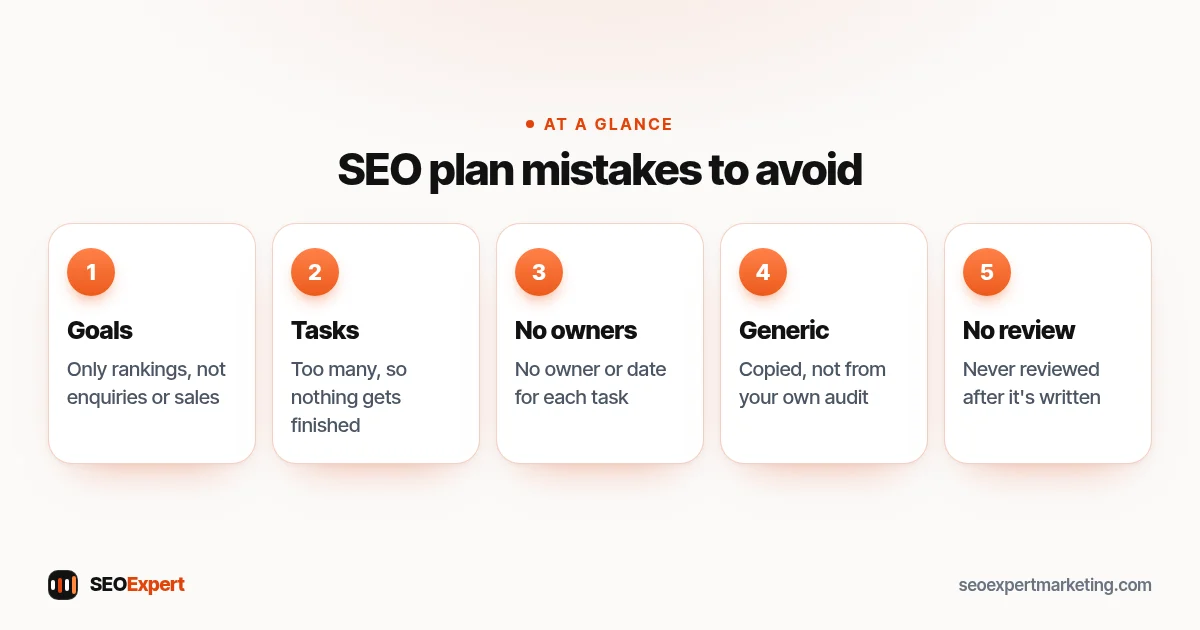
Common SEO plan mistakes
- Goals that are only rankings, with no link to enquiries or sales.
- Too many tasks, so nothing gets finished.
- No owner or date for each task.
- Copying a generic plan instead of starting from your own audit.
- Never reviewing the plan after writing it.
Five common SEO plan mistakes to avoid:
Tools you need
You don't need expensive software to write or follow the plan. Google Search Console shows searches, clicks and indexing; Google Analytics shows enquiries and sales; your Google Business Profile shows calls and direction requests. A spreadsheet or shared document holds the plan itself. Paid keyword and link tools can help with research, but they're optional for most small businesses starting out.
Do you need help with your SEO plan?
Many business owners write their own SEO plan and do much of the work, with occasional expert input. Our SEO consulting service can write the plan with you or review the one you have, and our DIY SEO guide covers the tasks you can handle yourself. Ask for a free website review on WhatsApp to get started.
SEO plan: quick answers
How long should an SEO plan be?
Two or three pages is enough for most small businesses: goals, target searches, pages, fixes, links and a 90-day timeline. Longer plans rarely get used.
How often should I update my SEO plan?
Review it monthly against your numbers and rewrite it every quarter, or sooner if something big changes, such as a new service or a redesign.
What's the difference between an SEO plan and an SEO strategy?
People use the terms loosely. A strategy is usually the overall direction and priorities; a plan turns it into tasks, owners and dates.
Can I write an SEO plan without an audit?
You can start one, but an audit shows what's actually holding your site back, so the plan focuses on the right fixes first.
