
Featured snippets are the highlighted boxes Google sometimes shows near the top of the results, with a short answer taken from a web page and a link to it. They appear for many questions, from "how long does a boiler service take" to "what is a root canal". You can't mark a page as a featured snippet or pay for one, but you can make your content a much stronger candidate. This guide explains how featured snippets work and six practical ways to improve your chances.
What are featured snippets?
Google's guide to featured snippets describes them as special boxes where the format of a regular result is reversed, showing the descriptive snippet first. Google's systems determine whether a page would make a good featured snippet for a search and, if so, elevate it. There's no special markup to add; Google picks the text from the page itself.
Types of featured snippets
- Paragraph: a short definition or answer, often for "what is" and "why" questions.
- List: numbered or bulleted steps or items, often for "how to" and "best" searches.
- Table: rows of data, often for prices, comparisons or specifications.
Why featured snippets matter for small businesses
A featured snippet puts your answer and your brand at the top of the results for a question your customers ask. Even when some people read the answer without clicking, others click for more detail, and they arrive already seeing you as helpful. For local businesses, snippets often appear for the research questions people ask before they hire someone.
6 ways to improve your chances
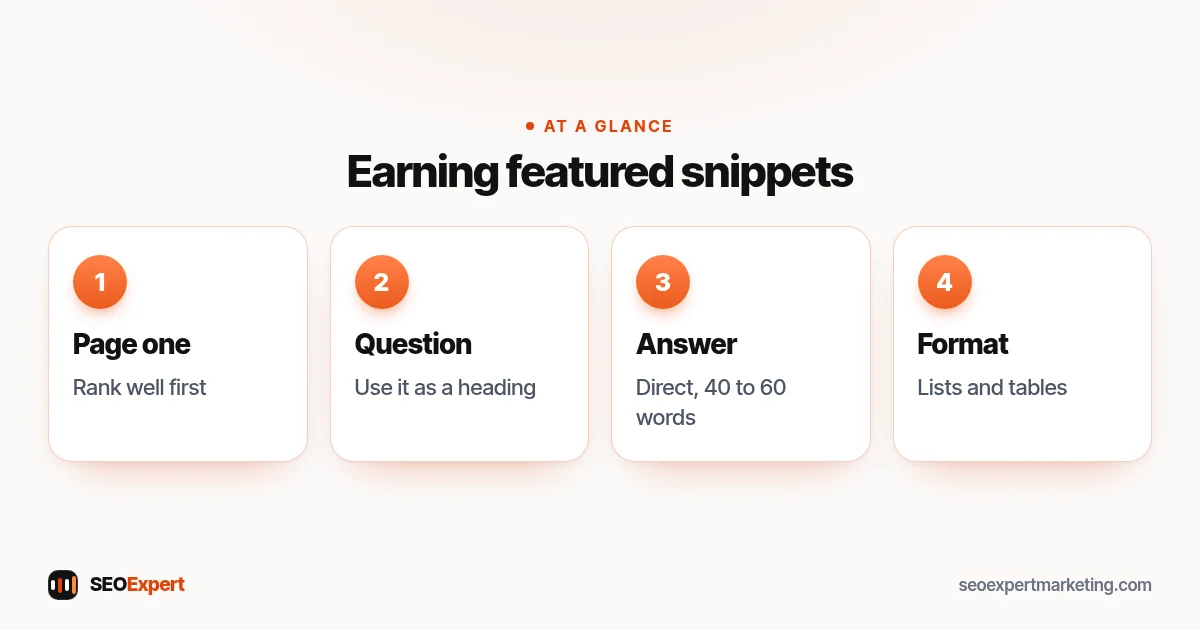
1. Rank on page one first
Featured snippets are usually taken from pages that already rank well for the search. If you're on page three, focus on the page's overall quality, relevance and links first. Our guide to SEO ranking factors explains what matters.
2. Ask the question in a heading
Use the exact question people search as a heading, such as "How long does a boiler service take?". It tells readers and Google exactly what the section answers.
3. Answer directly in the first sentences
Immediately below the heading, give a direct answer in one or two sentences, around 40 to 60 words, then add detail. "A standard boiler service usually takes 30 to 60 minutes, depending on the boiler and its condition" is a snippet-ready answer.
4. Use lists for steps and tables for comparisons
If the answer is a process, use a numbered list with one clear step per item. If it's a comparison or price range, use a simple HTML table. Clean structure makes it easier to lift the answer.
5. Cover the follow-up questions
Look at the "People also ask" box for your main search and answer the most relevant questions on the same page, each under its own heading. That makes the page more useful and gives Google more answers to choose from.
6. Keep it accurate and up to date
Google aims to show reliable answers. Check prices, rules and figures regularly, and update the page when something changes. An out-of-date answer is a reason to choose another source.
Featured snippet examples for small businesses
| Business | Question | Format |
|---|---|---|
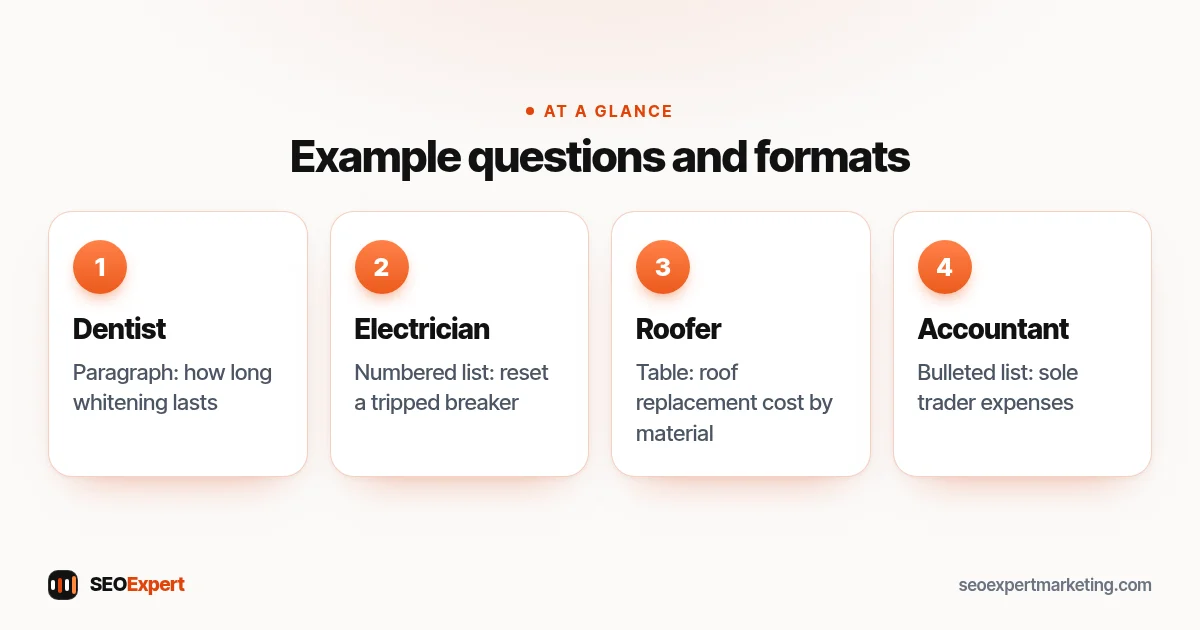
| Dentist | How long does teeth whitening last? | Paragraph |
| Electrician | How to reset a tripped breaker | Numbered list |
| Roofer | Roof replacement cost by material | Table |
| Accountant | What expenses can a sole trader claim? | Bulleted list |
These are illustrative examples of questions where a clear answer can earn a snippet.
Four example questions for featured snippets, by business:
Featured snippets and AI Overviews
Google now also shows AI Overviews for many questions. The same habits help with both: clear questions as headings, direct answers, original detail and accurate facts. Our guide to AI Overviews explains what Google says about them.
Featured snippets for local service pages
Service pages can earn snippets too, especially for cost and process questions. A short "How much does it cost?" section with a clear price range, a "How long does it take?" answer and a numbered "What happens on the day" list turn a standard service page into one that answers the questions people search before they call. Keep the answers honest and specific to your business; a range with the factors that change it is more useful than a single headline price.
Can you stop a featured snippet?
Yes. Google's documentation explains that the nosnippet rule blocks all snippets for a page, including featured snippets, and that text marked with data-nosnippet won't appear in snippets either. Most businesses won't want to do this, because it also removes the normal description under your listing.
Writing a snippet-ready section: a walkthrough
Say a dental practice wants to answer "how long does teeth whitening last". The section would start with the question as a heading, then a two-sentence answer: typical results last from several months to a few years, depending on the method and on habits such as smoking, coffee and red wine. Next comes a short list of what makes results last longer, then a small table comparing in-clinic and take-home whitening, and finally a link to the practice's whitening page with prices. Every part of that section is useful to a reader, and each part could be lifted as a paragraph, list or table answer.
Which questions to target
Start with questions you already rank for in the top ten, shown in Search Console's Performance report when you filter queries for words such as how, what, why, cost and best. These are the quickest wins, because Google already sees your page as relevant. Then add common customer questions from calls and emails. Skip questions that don't relate to what you sell; a snippet that brings the wrong visitors isn't worth the effort.
Common mistakes
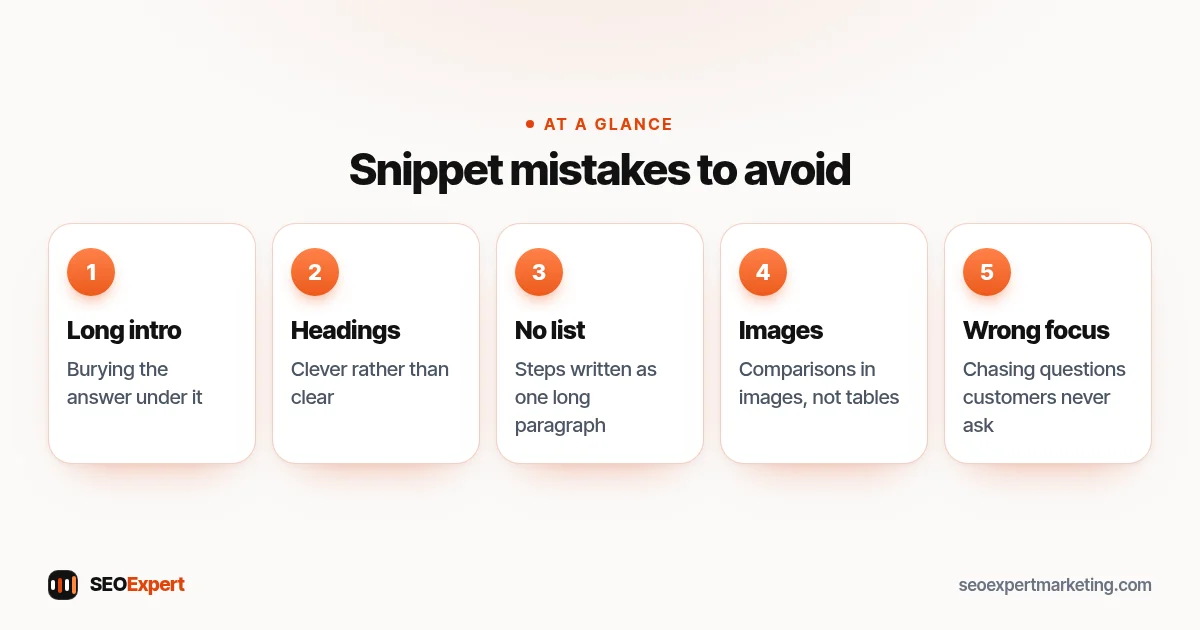
- Burying the answer under a long introduction.
- Headings that are clever rather than clear.
- Steps written as one long paragraph instead of a list.
- Comparisons in images, which Google can't easily lift, instead of tables.
- Chasing snippets for questions your customers never ask.
Five common mistakes when aiming for featured snippets:
How to check if you have featured snippets
Search your important questions on Google and look at the top of the page. In Search Console, the Performance report shows your queries and positions; questions where you rank in the top few positions are good candidates to improve. Rewrite the answer section and check again after a few weeks. Change one page at a time and note the date, so you can see which edits made a difference and repeat what works on other pages.
Need help?
Structuring pages to answer questions clearly is part of our on page SEO services and our SEO content writing. Send your website on WhatsApp for a free review.
Featured snippets: quick answers
How do I get a featured snippet?
You can't request one. Rank well for the search, ask the question in a heading and answer it directly and accurately, using lists or tables where they fit.
Is there markup for featured snippets?
No. Google chooses the text from your page. Clear structure helps, but there's no special code.
How long should a featured snippet answer be?
A direct answer of one or two sentences, often around 40 to 60 words, followed by more detail, works well.
Do featured snippets reduce clicks?
Some people read the answer without clicking, but others click for detail, and your brand is shown at the top either way.
