
Squarespace vs WordPress SEO is a common question for small businesses that want a good-looking site and customers from Google. Both platforms can rank. Google ranks pages, not platforms, and the fundamentals in its SEO Starter Guide apply to both: crawlable pages, helpful content, descriptive titles and good links. The real differences are control, flexibility and who does the maintenance. This guide sets out six differences in the Squarespace vs WordPress SEO comparison and helps you decide.
The short version
- Squarespace is an all-in-one hosted builder known for polished design templates. It handles hosting, security and updates and includes built-in SEO settings. You get less technical control.
- WordPress (self-hosted) gives you nearly complete control, thousands of plugins and excellent content tools, but you're responsible for hosting, updates and speed.
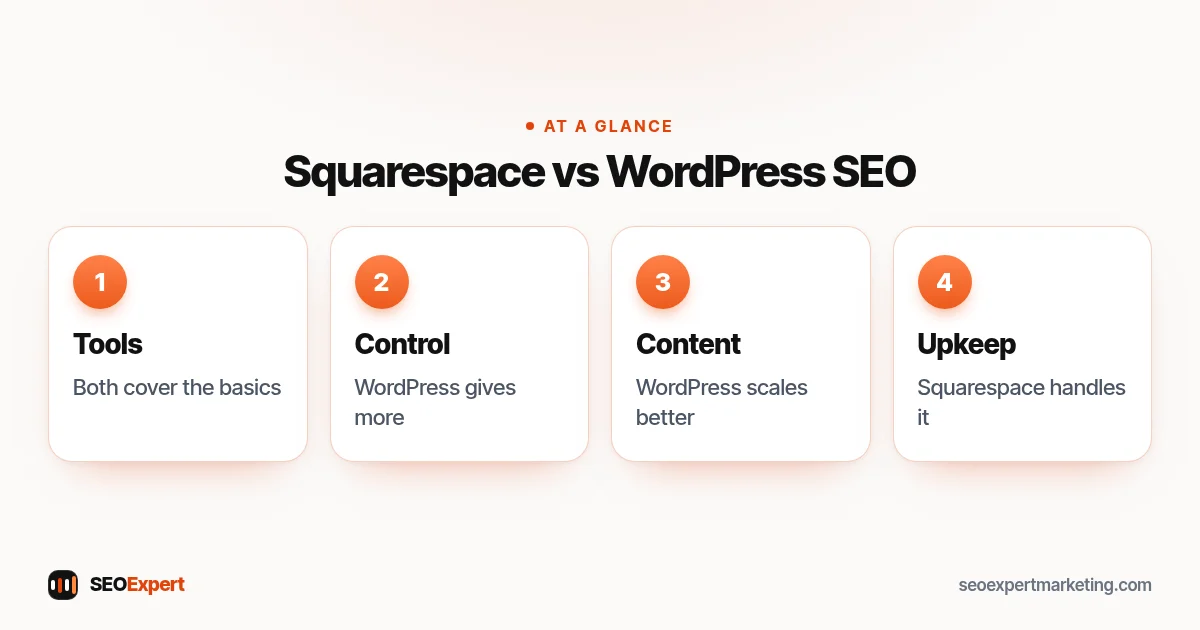
Squarespace vs WordPress SEO: 6 differences
1. Built-in SEO tools
Squarespace includes settings for page titles, descriptions and URL slugs, generates a sitemap automatically and provides SSL. Its SEO checklist walks through the main steps. WordPress gets these features through an SEO plugin, which usually adds more options, such as detailed structured data and per-page indexing settings.
2. Technical control
WordPress lets you edit templates, add custom structured data, manage redirects in detail and change server settings. Squarespace handles more for you and offers URL mappings for redirects, but you can't change the platform's underlying code. For a small service site that's rarely a problem; for a large or unusual site it can be.
3. Design and speed
Squarespace templates are designed to look good out of the box, and the platform manages hosting. Large images and heavy design elements can still slow pages, so compress images and keep layouts simple. WordPress speed depends on hosting, theme and plugins: it can be very fast or quite slow. Both are measured against the same Core Web Vitals.
4. Content
Both have blogs. WordPress offers more flexibility for categories, tags, custom layouts and large content libraries. If you plan to publish regularly over years, WordPress usually scales better.
5. Extensions
WordPress has a huge plugin library; Squarespace has a smaller set of built-in features and extensions. More options mean more possibilities on WordPress, but also more updates and more ways for things to go wrong.
6. Maintenance
Squarespace handles updates and security. WordPress needs someone to update the core, theme and plugins, take backups and watch security. A neglected WordPress site can break or be hacked, which damages SEO far more than any limit on Squarespace.
Squarespace vs WordPress SEO at a glance
| Factor | Squarespace | WordPress |
|---|---|---|
| SEO basics | Built in | Via SEO plugin |
| Technical control | Limited | Nearly complete |
| Design | Polished templates | Any design, varying quality |
| Content scale | Good for smaller sites | Excellent for large libraries |
| Maintenance | Handled | Your responsibility |
Which should you choose?
- Squarespace suits small businesses, creatives, restaurants and consultants who want a beautiful site they can update themselves, with SEO focused on a few service pages and a Google Business Profile.
- WordPress suits businesses that plan to publish a lot, need custom features, want full control or expect the site to grow significantly, and have someone to maintain it.
Either way, the work that moves rankings is the same: a clear page for each service, helpful content, a complete Google Business Profile, genuine reviews and honest links. Our local SEO checklist applies on any platform.
Who maintains the site?
Ask this before anything else. If the answer is "the owner, in spare moments", a hosted builder like Squarespace removes a whole category of risk: no plugin updates, no server problems, no security patches. If the answer is "a developer or agency on a retainer", WordPress's flexibility becomes an advantage you can actually use. Many sites that perform badly in search do so because nobody looks after them, whichever platform they're on. Be honest about the time and skills available before you commit, and plan for who will handle updates in a year's time, not just at launch.
Moving between Squarespace and WordPress
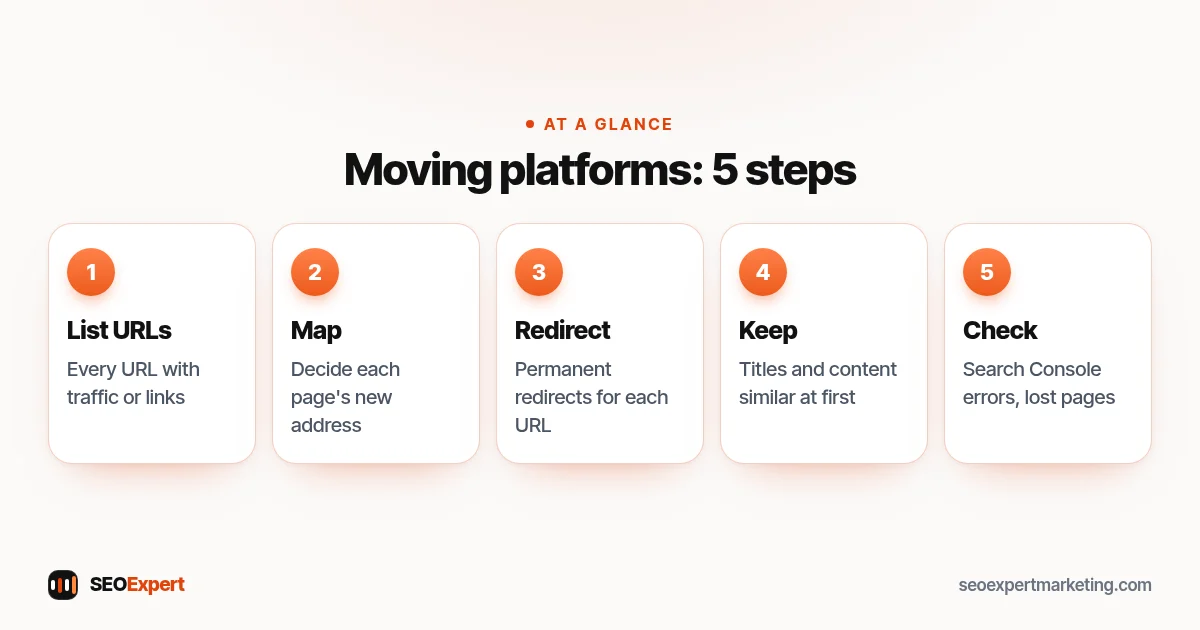
Platform moves are where most SEO damage happens. Before you switch, list every URL that gets traffic or has links, decide its new address and set up permanent redirects. Keep titles and content similar at first, launch, then check Search Console for errors and lost pages over the following weeks. Our SEO for a new website guide covers the launch steps.
Moving platforms after weighing Squarespace vs WordPress SEO? Follow these five steps:
Example: a photographer and a law firm
Here's an illustrative example. A wedding photographer wants a portfolio, a few service pages and a contact form, and updates the site herself. Squarespace's templates suit the work, and her SEO depends mostly on location pages for the areas she really covers, reviews and a Google Business Profile. A law firm planning dozens of practice-area pages, a regular legal-updates blog and custom intake forms is likely better served by WordPress, with a developer to maintain it. Same goal, different tools, and the Squarespace vs WordPress SEO choice follows the business, not the other way round.
Squarespace vs WordPress SEO: costs to consider
Squarespace charges a single subscription that includes hosting, security and the builder. WordPress software is free, but you pay for hosting, often a premium theme and some plugins, plus someone's time for updates. For a small site, total costs can end up similar; the real difference is whether you prefer paying a platform to handle maintenance or paying for control. Include the cost of SEO work in either case: a platform doesn't create content or earn links.
SEO tasks that work the same on both
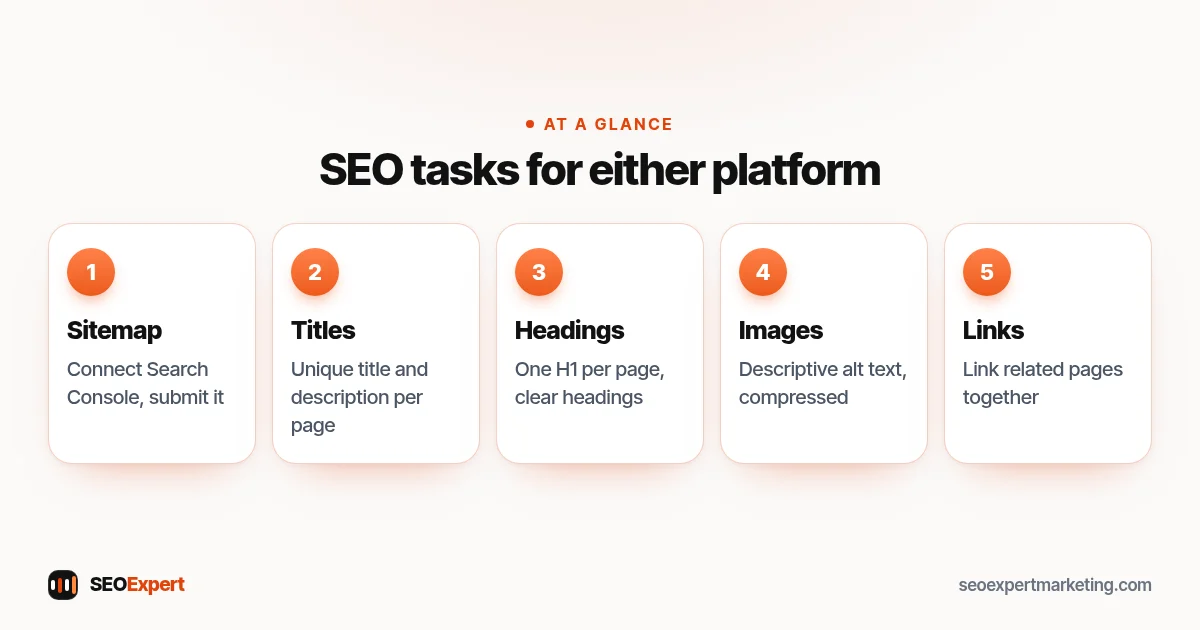
- Connect Google Search Console and submit the sitemap.
- Set a unique title and description for every page.
- Use one H1 per page and clear headings.
- Add descriptive alt text to images and compress them.
- Link related pages together.
- Keep your business name, address and phone number consistent.
Whatever you decide on Squarespace vs WordPress SEO, these steps come first. Our DIY SEO guide explains each one.
Five tasks that come first in Squarespace vs WordPress SEO, whichever you pick:
Squarespace vs WordPress SEO myths
- "Squarespace is bad for SEO." It covers the essentials well for small sites.
- "WordPress is automatically better." Only if you use its control well and keep it maintained.
- "A new platform will fix rankings." Rankings depend on content, links and technical health, not the logo on the dashboard.
We work only with WordPress and Shopify sites. If you're on WordPress or moving to it, our WordPress SEO services cover setup, speed and content, and our WordPress SEO checklist lists what to set up first. Ask for a free website review on WhatsApp to start.
Squarespace vs WordPress SEO: quick answers
Is Squarespace good for SEO?
Yes, for most small sites. It includes titles, descriptions, URL slugs, sitemaps, SSL and redirects. It offers less technical control than WordPress, which matters more as a site grows.
Is WordPress better than Squarespace for SEO?
WordPress offers more control and scales better for content, but needs maintenance. For a small site run by its owner, Squarespace can be the more practical choice.
Will switching to WordPress improve my rankings?
Not by itself. It can help if you use the extra control well, but a move without careful redirects can lose rankings.
Can I do local SEO on Squarespace?
Yes. Local SEO depends mostly on your Google Business Profile, reviews, clear service pages and consistent business details, all of which work on Squarespace.