
The Wix vs WordPress SEO question comes up whenever a small business builds or rebuilds a website. The honest answer is that both can rank well. Google ranks pages, not platforms, and its SEO Starter Guide applies equally to both: make content easy to crawl, write helpful pages, use descriptive titles and links. The differences are in control, flexibility and maintenance. This guide sets out seven differences that matter in the Wix vs WordPress SEO comparison and helps you decide which suits your business.
Quick summary
- Wix is a hosted website builder. It's quick to set up, handles hosting and security, and includes built-in SEO settings. You have less control over code and advanced features.
- WordPress (self-hosted) gives you nearly complete control and a huge range of plugins and themes. You're responsible for hosting, updates and performance.
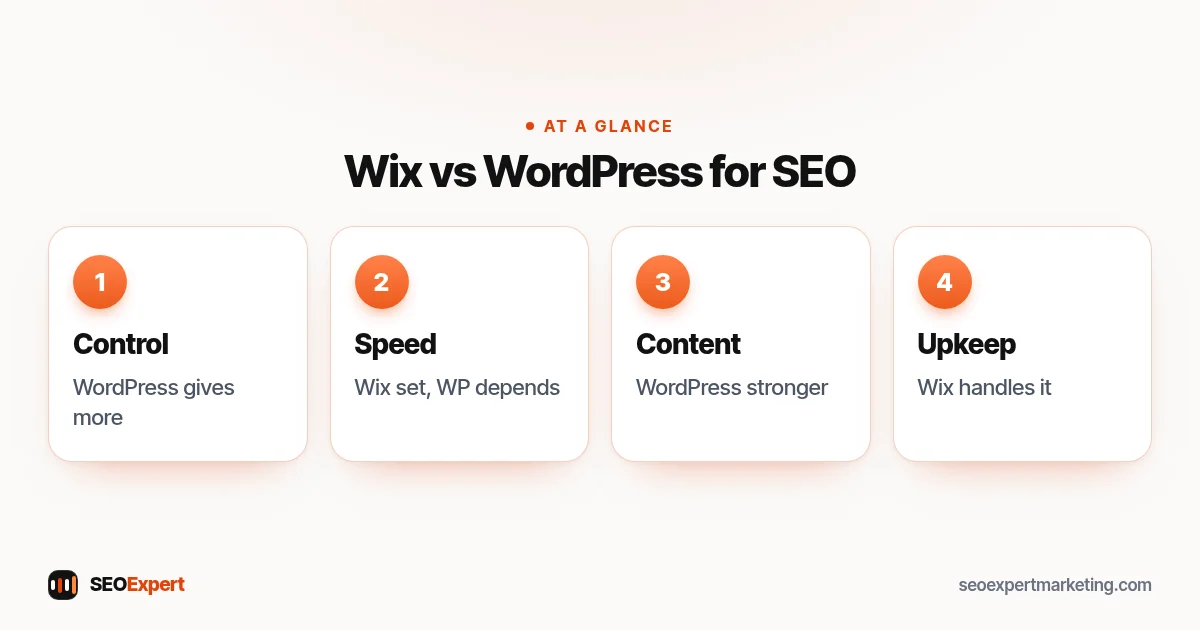
Wix vs WordPress SEO: 7 differences
1. Control over the basics
Both let you set page titles, meta descriptions, headings, image alt text and URL slugs. Wix puts these in its SEO settings; WordPress usually adds them through an SEO plugin. For most small business sites, both cover the essentials.
2. Technical control
WordPress lets you change almost anything: templates, structured data, redirects, robots.txt and server settings. Wix handles much of this for you and gives access to key settings, such as a redirect manager and an editable robots.txt file, but you can't change the underlying code the way you can on WordPress. For large or complex sites, that difference grows.
3. Speed
Wix's speed is largely set by the platform, so you can't make it much faster or much slower, beyond images, apps and design choices. WordPress speed depends on your hosting, theme and plugins: well built, it can be very fast; badly built, it can be slow. Google's Core Web Vitals apply to both.
4. Content and blogging
WordPress started as a blogging platform and remains excellent for content: categories, tags, flexible layouts and editorial workflows. Wix has a capable blog too. If content is central to your plan, with many articles over time, WordPress usually gives more room to grow.
5. Plugins and extensions
WordPress has thousands of plugins for SEO, structured data, speed, forms and more. That's powerful but brings risk: every plugin needs updates, and too many slow the site. Wix has an app market with fewer options, but the platform maintains more of the core for you.
6. Maintenance and security
On Wix, hosting, security and updates are handled. On WordPress, someone must keep the core, theme and plugins updated, take backups and watch security. Neglected WordPress sites can break or be hacked, which hurts SEO far more than any platform limit.
7. Ownership and moving
WordPress content is easy to move between hosts. Moving away from Wix usually means rebuilding the site elsewhere and redirecting URLs carefully. If you expect to grow into a large site, that's worth considering early.
Wix vs WordPress SEO for blogs and content
If articles are a big part of your plan, look closely at the editor you'll use every week. A comfortable writing workflow matters more than small technical differences, because content only helps if it actually gets published. This is one area of the Wix vs WordPress SEO comparison where trying both for an afternoon tells you more than any review.
Wix vs WordPress SEO comparison table
| Factor | Wix | WordPress |
|---|---|---|
| SEO basics | Built in | Via SEO plugin |
| Technical control | Key settings only | Nearly complete |
| Speed | Set by platform | Depends on setup |
| Content | Good | Excellent |
| Maintenance | Handled | Your responsibility |
| Best for | Small sites, owners without technical help | Growing, content-heavy or custom sites |
Which should you choose?
- Choose Wix if you want a small site you can manage yourself, with no technical help, and your SEO plan is mainly a handful of service pages and a Google Business Profile.
- Choose WordPress if you plan to publish a lot of content, need custom features or expect the site to grow, and you have someone to maintain it.
In the Wix vs WordPress SEO decision, the platform matters less than what you do with it. A well-maintained Wix site with clear service pages will outrank a neglected WordPress site every time.
Switching from Wix to WordPress (or back)
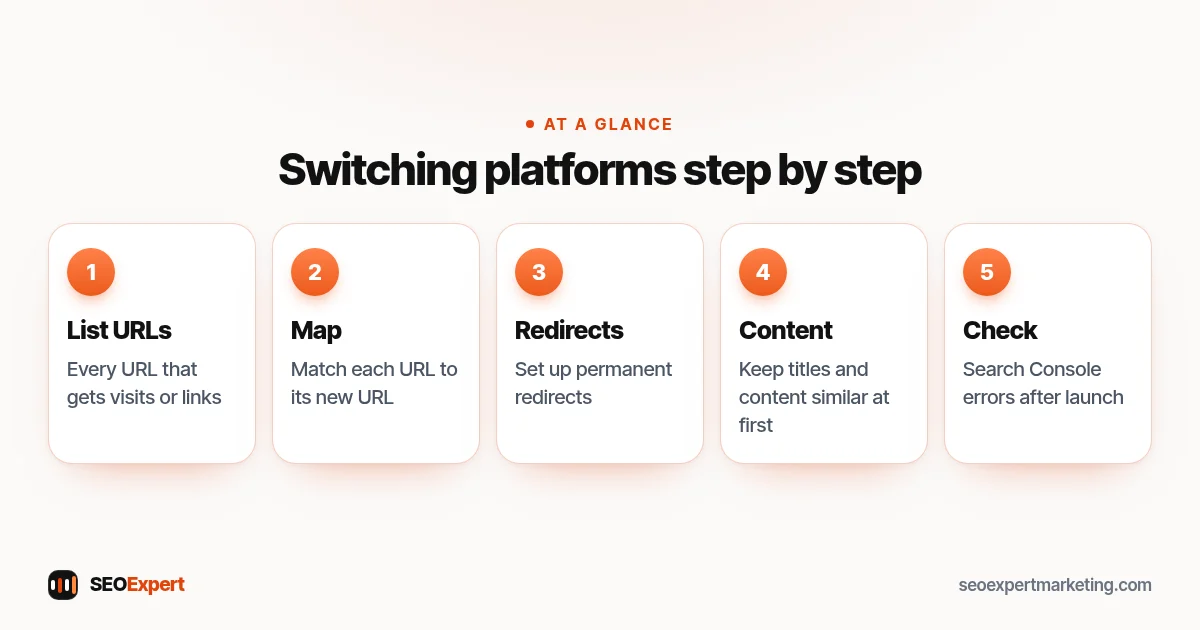
If you switch, protect what you've built. List every URL that gets visits or links, map each to its new URL and set up permanent redirects. Keep page titles and content similar at first, then check Search Console for errors in the weeks after launch. Our SEO for a new website guide covers launch steps, and our WordPress SEO checklist covers setting up WordPress properly.
If your Wix vs WordPress SEO decision means switching, take these five steps:
Example: a café deciding between the two
Here's an illustrative example. A café owner wants a menu page, opening hours, a booking link and occasional news. There's no budget for maintenance and no plan to publish weekly articles. Wix is a sensible choice: the owner can update the menu without help, and SEO depends mostly on the Google Business Profile and a clear site. A catering company with dozens of event menus, a weekly blog and plans for online ordering might reasonably choose WordPress instead, with a developer on hand.
Wix vs WordPress SEO for local businesses
For a local business, the platform question matters even less. Most local visibility comes from your Google Business Profile, reviews, consistent business details and a clear page for each service, all of which work the same on either platform. Our local SEO checklist works on Wix and WordPress alike. Where the Wix vs WordPress SEO choice does matter locally is when you serve many towns and want detailed location pages, or when you plan to publish lots of local guides; WordPress handles large numbers of pages more flexibly. For a single-location business with five to ten service pages, either platform is fine.
What to do first on either platform
- Connect Google Search Console and submit your sitemap.
- Write a unique title and description for every page.
- Give each main service its own page.
- Compress images and check the site on a phone.
- Link your site and Google Business Profile together.
Considering Squarespace instead? See our comparison of Squarespace vs WordPress SEO.
Five first steps for Wix vs WordPress SEO, whichever platform you choose:

Common myths
- "Wix sites can't rank." They can. Older versions had real limits, but today's Wix covers the SEO basics.
- "WordPress ranks automatically." It doesn't. It gives you more control, which only helps if you use it well.
- "Switching platform will boost rankings." Rarely by itself, and a careless move can lose rankings.
We work only with WordPress and Shopify sites. If you're on WordPress, our WordPress SEO services cover setup, speed and content. Not sure where to start? Ask for a free website review on WhatsApp.
Wix vs WordPress SEO: quick answers
Is Wix bad for SEO?
No. Modern Wix covers the SEO basics, including titles, descriptions, URLs, redirects and robots.txt. It gives less technical control than WordPress, which matters more for large or complex sites.
Is WordPress better than Wix for SEO?
WordPress offers more control and is stronger for content, but needs maintenance. For a small site without technical help, Wix can be the more practical choice.
Will moving from Wix to WordPress improve my rankings?
Not by itself. Rankings depend on content, links and technical health. A move only helps if you use WordPress's extra control well, and it needs careful redirects.
Which is faster, Wix or WordPress?
It depends. Wix speed is mostly set by the platform. WordPress speed depends on hosting, theme and plugins, so it can be faster or slower.