
Video marketing for small business doesn't need a film crew. A phone, good light and a clear idea are enough to show customers how you work, answer the questions they keep asking and give them a reason to trust you before they call. This guide covers nine video ideas that suit small businesses, the simple kit you need, where to publish, how to help Google find your videos and how to tell whether your video marketing is working.
Why video marketing works for small businesses
- It shows instead of tells. A thirty-second clip of a finished job says more than a paragraph about quality.
- It builds trust. Customers see your face, your workspace and how you treat their home or their order.
- It answers repeat questions. A short video can explain something you'd otherwise repeat on every call.
- It travels. One video can sit on your website, your Google Business Profile, YouTube, social media and in an email.
Video isn't right for every message. Prices, opening hours and contact details belong in text that's easy to scan. Use video marketing where seeing something makes the difference.
9 video ideas for a small business
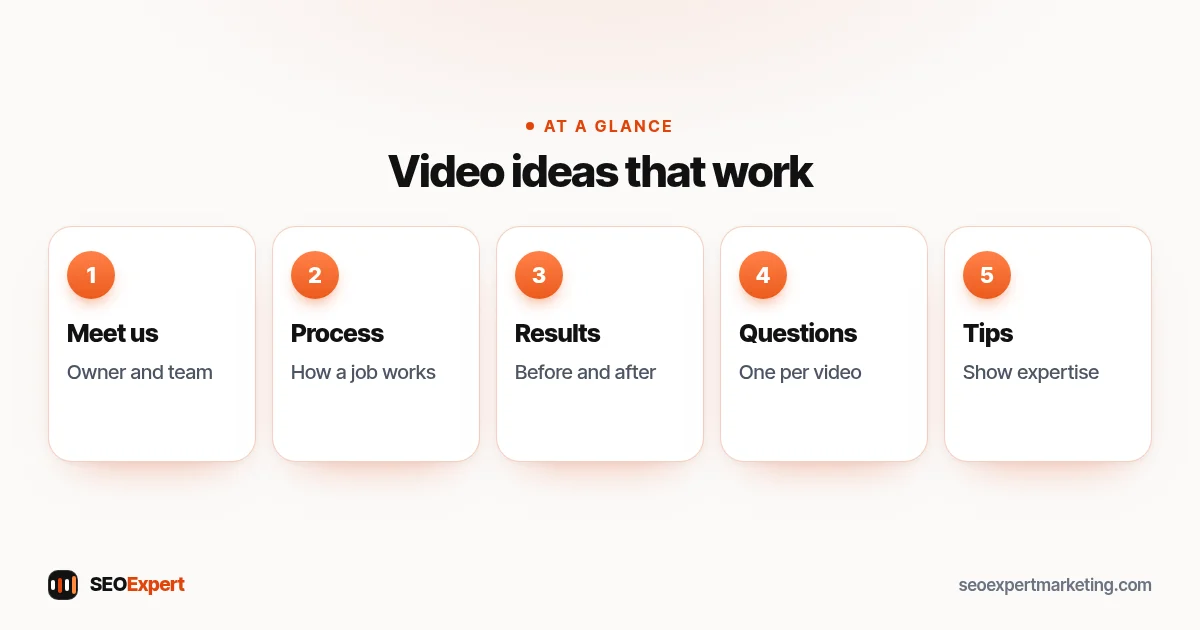
- Meet the owner or team. A short introduction: who you are, what you do and who you help.
- How a job works. Walk through your process from first call to finished work, so customers know what to expect.
- Before and after. Show the change your work makes, with the customer's permission. Film the before shot before you start work, then film the after from the same spot and angle so the change is easy to see, and don't use filters that make the result look better than it is.
- Answers to common questions. One question per video, answered in plain words.
- What affects the price. Explain the factors behind a quote without promising a fixed number.
- Product demonstrations. How to use, fit, clean or choose a product you sell.
- Customer stories. Real customers describing their experience, filmed with their written permission and never scripted to say things that aren't true.
- Behind the scenes. Preparing for a busy day, unpacking new stock or setting up for an event.
- Tips and mistakes to avoid. Useful advice that shows your expertise, even if the viewer never buys.
Video marketing on a small budget
Small business video marketing is mostly time, not money. Film several short videos in one session, reuse each one in two or three places and keep the format simple so you can repeat it. Spend first on sound and light, then on editing help if filming takes too long. If you hire a videographer, ask for a day of short clips you can use all year rather than one long promotional film.
What you need to start
Most recent phones record video that's good enough for small business video marketing. Add three things before spending money on anything else: light (face a window or use a small LED light), clear sound (a clip-on microphone makes a bigger difference than a better camera) and a steady shot (a simple tripod or phone clamp). Before you press record, decide the shape: vertical for social media, horizontal for longer YouTube videos and your website. Switch off any radio or shop music too, because music playing in the background can lead to a copyright claim on YouTube. Free or low-cost editing apps can trim clips, add captions and put your logo at the end.
Plan each video in a few lines: the one point it makes, what you'll show and what viewers should do next. Record a few takes, keep the best one and publish. A clear, honest video filmed on a phone can work as well as a polished advert, because it looks like the real business.
How long should a video be?
There's no single right length. Match the length to the job: a quick tip or a before-and-after clip can be under a minute, while a how-to video or a product guide may need several minutes to be useful. Put the main point first, cut anything that doesn't help the viewer and stop when you've answered the question. Platform limits on length and format change often, so check each platform's own help pages before you film for it.
Where to publish your videos
| Place | Best for | Tip |
|---|---|---|
| Your website | Service pages, guides and product pages | Give important videos their own page with text around them |
| YouTube | How-to and question videos people search for | Use the words customers search in the title and description |
| Google Business Profile | Local customers checking you out on Google | Add clips of up to 30 seconds (Google's current limit) of your work and premises |
| Social media | Staying visible with people who know you | Use vertical clips and add captions |
| Past customers and leads | Use a thumbnail image that links to the video |
Your website should be the home for your most important videos, because you control it and it holds your services and contact details. Our guide to content marketing for small business explains how to reuse one piece across all these places.
Video marketing for local businesses
For a business that serves a local area, video marketing works best close to the moment someone chooses you. Add short clips (Google currently allows videos of up to 30 seconds) of your premises, your team and finished work to your Google Business Profile, where people compare local businesses. Share the same clips as profile updates; our ideas for Google Business Profile posts include several that suit video.
On your website, put a short video on each main service page showing that service in action, with the area you serve mentioned in the text around it. These clips help visitors, but a page where the video only supports the text isn't a watch page in Google's terms, so give your most important videos their own pages as well.
Local video marketing can also show what makes you different in your area: a familiar street, a local event you support or a job in a well-known building, always with permission.
Video on your social media pages
Facebook and LinkedIn both support video on business pages. Short clips with captions suit Facebook, where local customers and past clients follow you; how-to and expertise videos suit LinkedIn if you sell to other businesses. Our guides on how to make a business Facebook page and how to create a LinkedIn business page cover the set-up. Whatever the platform, put the most important videos on your website too, so the work isn't lost if a platform changes its rules.
Helping Google find your videos
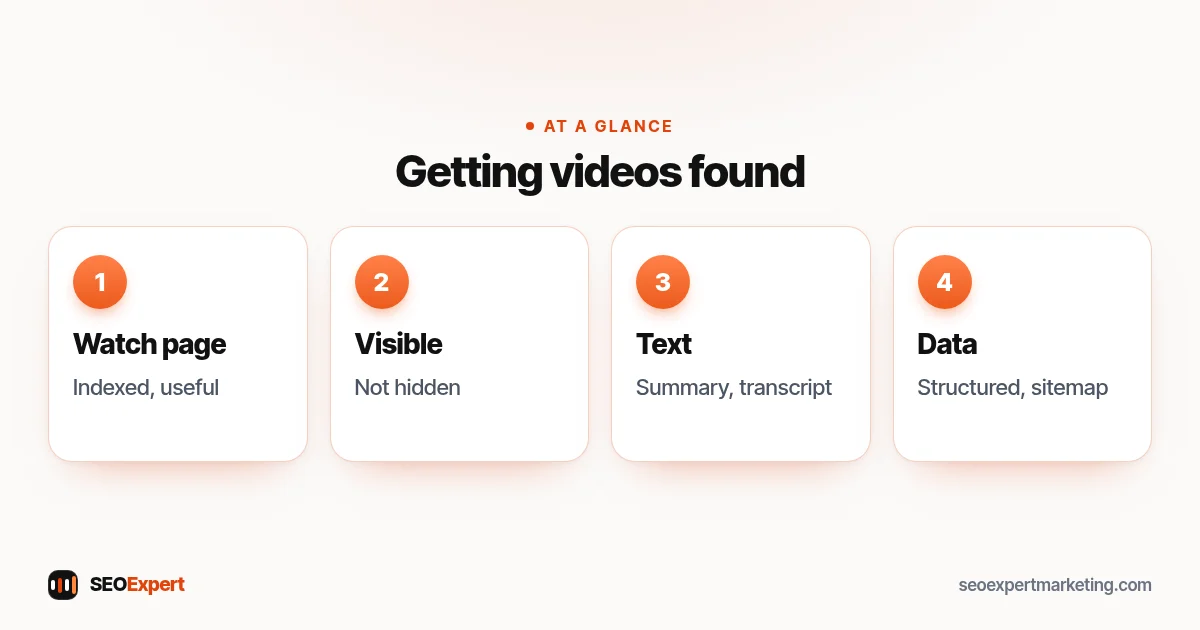
Google's video SEO best practices explain what makes a video eligible for video features in search. The video must be embedded on a watch page (Google's term for a page whose main purpose is to show one video), and that watch page must be indexed. Google adds that the indexed watch page must be performing well in Search before its video can be considered for indexing, and that the video can't be hidden behind other elements.
Google also recommends providing information about the video through structured data, video sitemaps or the Open Graph protocol. In practice, for a small business: give each important video its own page where the video is the main thing, with a clear title, a short written summary and the transcript, keep the video visible near the top and make sure it loads without a click or swipe, and make sure the page itself is useful. Our video SEO services page covers the technical side.
YouTube basics for small businesses
For video marketing, YouTube works well for videos that answer searches, such as "how to bleed a radiator" or "how to choose a wedding cake size". Give each video a title that matches what people type, write a description that explains the video and links to the matching page on your website, add chapters to longer videos (timestamps in the description, starting at 0:00, at least three chapters of 10 seconds or more; Google can also show these as key moments in search) and choose a clear thumbnail. Reply to comments, because questions in comments are ideas for your next video.
Captions and transcripts
Many people watch with the sound off, especially on social media. Captions let them follow along and make your videos usable for people who are deaf or hard of hearing. A transcript on your website page also gives search engines and readers text to work with. Check automatic captions and fix any mistakes, because they can get names, trade terms and place names wrong. On YouTube they may take a while to appear after upload, so check back before you share the video.
A simple monthly video marketing plan
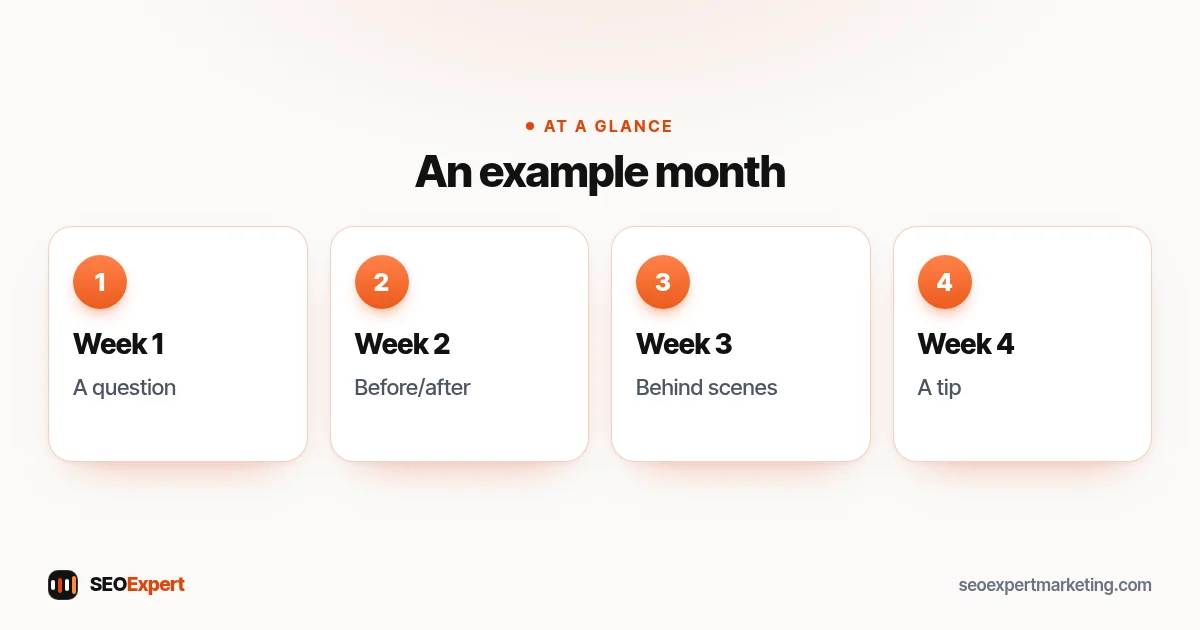
| Week | Video | Where it goes |
|---|---|---|
| Week 1 | Answer one common question | Website guide, YouTube |
| Week 2 | Before and after of a recent job | Business Profile, social media |
| Week 3 | Behind the scenes or meet the team | Social media, email |
| Week 4 | Tip or mistake to avoid | YouTube, social media, website |
That's four short videos a month, each used in two or three places. If four is too many, start with one a month and keep going; consistent video marketing beats a burst of videos followed by silence.
Measuring video marketing
In video marketing, views are the easiest number to see but the least useful on their own. Also look at how long people watch (YouTube Studio shows this), clicks from your videos to your website, and calls, bookings or orders that follow. Add campaign tags (UTM parameters) to links in video descriptions so your analytics show which visits came from video. Ask new customers how they found you; "I saw your video" is the clearest result of all.
Permissions and rules
Good video marketing stays within a few simple rules:
- Customers and their property: get permission before filming people, homes, cars or anything that identifies them, and keep it in writing.
- Health and care businesses: follow your regulator's rules on patient consent and advertising.
- Music: only use music you have the right to use: tracks you've licensed for business videos, or free music whose terms allow that use. "Royalty-free" still comes with a licence, so read its terms.
- Paid partnerships: if you pay someone, or give them free or discounted products or services, to feature you, the connection must be clearly disclosed, for example with "Ad". In the US this comes from the FTC's Endorsement Guides; in the UK, the ASA and CMA require ads to be obviously identifiable.
Common video marketing mistakes
- Waiting for perfect equipment instead of starting with a phone.
- Long introductions before the useful part.
- No captions, so silent viewers scroll past.
- Posting only on social media, with nothing on your own website.
- No next step: every video should point to a page, a phone number or a booking link.
- Filming customers or their homes without asking.
A made-up example: a mobile dog groomer
Imagine a one-person mobile dog grooming business that starts video marketing with a phone. Every month the groomer films a short before-and-after of a groom (with the owner's permission), a one-minute answer to a common question such as how often a double-coated breed needs grooming, and a quick look inside the van. The before-and-after clips go on the Business Profile and social media; the question videos go on YouTube and on matching pages of the website, each with a short summary and transcript. When new customers book, the groomer asks how they found the business and notes which videos they mention.
Want help with video marketing and search?
We can help you make your videos easier for Google to find: watch pages, structured data, YouTube titles and descriptions, and links between videos and service pages. See our video SEO services, or ask for a free website analysis.
Video marketing: quick answers
What is video marketing for small business?
Using short videos to show your work, answer customers' questions and build trust, then sharing them on your website, Google Business Profile, YouTube, social media and email.
Do I need expensive equipment for video marketing?
No. A recent phone, good light, a clip-on microphone and a steady tripod are enough for most small business videos.
How long should small business videos be?
As long as it takes to make one point well. Quick tips can be under a minute; how-to videos may need several minutes. Put the main point first.
Where should I post my videos?
Put the most important ones on your own website with text around them, then share them on YouTube, your Google Business Profile, social media and email.
How do I get my videos to show in Google?
Give each important video its own page whose main job is showing that video, make sure that page is indexed and the video is clearly visible without a click, add a written summary and transcript, and provide video details through structured data or a video sitemap.
How do I measure video marketing?
Look beyond views: watch time, clicks to your website, enquiries and bookings, and what new customers tell you about how they found you.
