
A website redesign is one of the riskiest moments for your search visibility. A new look, a new theme or a move from one platform to another can change page addresses, remove content and break links, and traffic can drop sharply if nobody plans for it. The good news is that a careful redesign usually keeps your rankings and often improves them. This guide gives you an eight-step checklist for a website redesign that protects your SEO.
Why redesigns lose traffic
Most losses come from a few predictable problems: page addresses change without redirects, useful content is cut to make the design cleaner, titles and headings are lost, the new site is accidentally blocked from Google, or the new design is much slower. Each is avoidable with planning. Google's guide to site moves with URL changes sets out the process for larger moves.
Step 1: Record where you are now
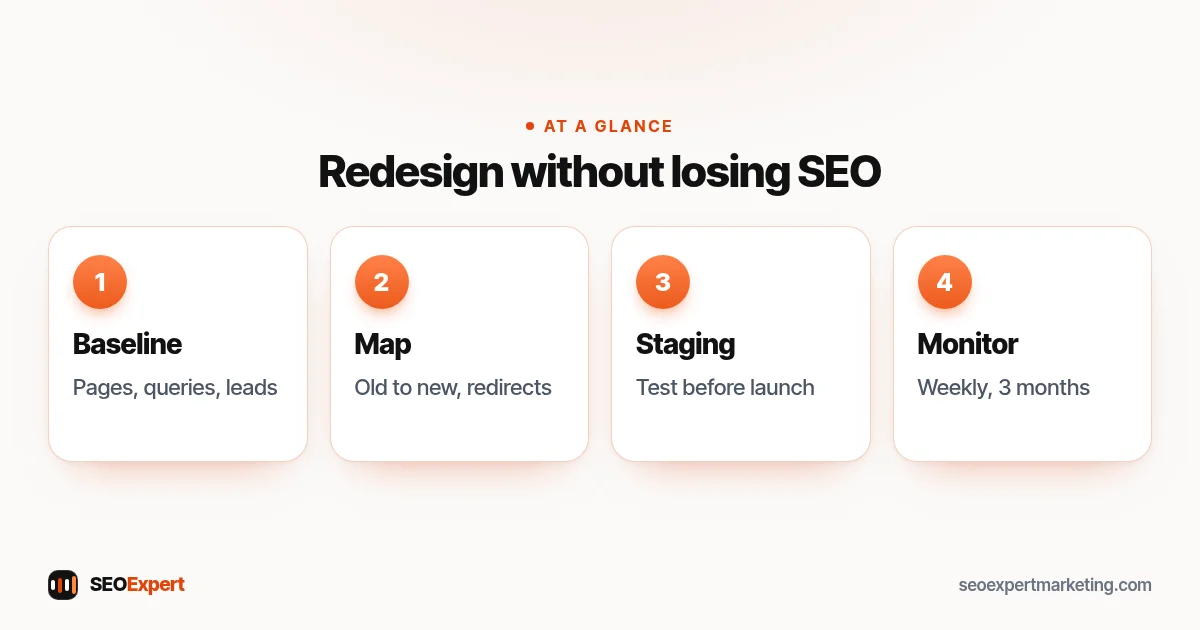
Before any website redesign work starts, export your current pages and their performance. From Search Console, download the pages and queries that bring clicks over the last 12 months. Crawl the current site to list every address, title and heading. Note your key enquiry numbers. This is your baseline for judging the new site.
Step 2: Decide what stays, merges or goes
Mark every page as keep, improve, merge or remove. Pages that bring traffic or enquiries should be kept or improved, not cut for the sake of a cleaner menu. Thin pages can be merged into stronger ones. Removed pages need a sensible destination.
Step 3: Map old addresses to new ones
If any addresses change, build a spreadsheet with each old address and its new equivalent. Keep addresses the same wherever you can; it's the simplest way to protect rankings. Our guide to 301 redirects explains the rules for safe redirects.
Step 4: Keep the content that ranks
Designers often shorten text to make pages look cleaner. If a page ranks because it answers questions in detail, keep that detail; design around it with headings, tabs that still show text in the code, or accordions. Carry over titles, meta descriptions, headings, alt text and structured data.
Step 5: Build and test on a staging site
Build the new site on a password-protected staging copy. Check that every important page exists, internal links work, forms send, pages are fast on mobile and structured data passes Google's tests. Make sure staging is blocked from search, and that the block won't be copied to the live site.
Step 6: Launch carefully
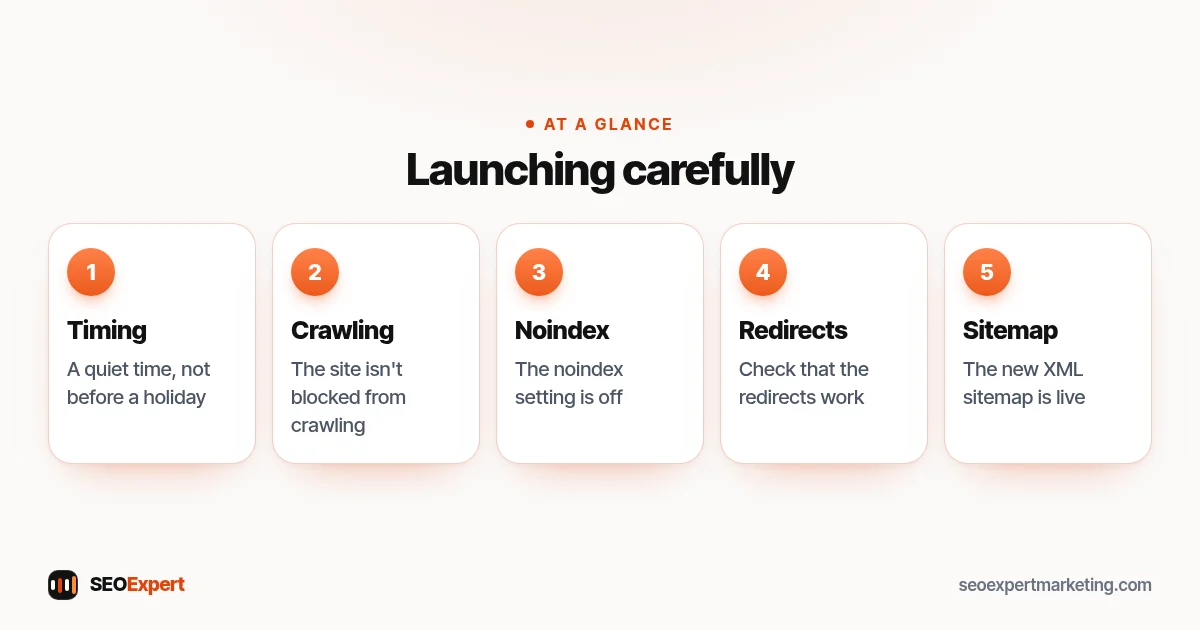
Launch at a quiet time for your business, not before a holiday when nobody can fix problems. Immediately after launch, check that the site isn't blocked from crawling, the noindex setting is off, redirects work and the new XML sitemap is live. Our guides to robots.txt and the XML sitemap cover these checks.
How to launch a website redesign carefully, in five points:
Step 7: Tell Google
Submit the new sitemap in Search Console and inspect your most important pages with the URL Inspection tool, requesting indexing where helpful. If you've moved to a new domain, use Search Console's Change of Address tool as Google's site move guide describes.
Step 8: Monitor for at least three months
Watch Search Console weekly for 404 errors, indexing problems and changes in clicks. Compare enquiries with your baseline. Some fluctuation in the first weeks is normal as Google processes the changes; steady declines on particular pages point to something missing. Fix and re-check.
Working with your designer or developer
Most web designers focus on looks and usability, which is exactly their job. SEO needs to be part of the brief from the start. Share your baseline and the list of pages that bring enquiries, agree that page addresses will stay the same unless there's a good reason to change them, and ask who will set up and test redirects. Ask to review the staging site before launch with a short checklist rather than seeing it for the first time on launch day. A short call between your SEO provider and your designer early on saves a lot of rework later.
A realistic timeline
For a small business site, the SEO side of a website redesign typically needs a few hours at the start for the baseline and page decisions, a day or two for the redirect map and content checks, a few hours of testing on staging, and launch-day checks. After launch, plan short weekly reviews for the first month and monthly reviews for the next two. Rushing any of these stages is where most problems start.
When to postpone a launch
If the redirect map isn't finished, key pages are missing from staging or forms don't send enquiries, postpone. A delayed launch costs a few days; a broken launch can cost months of lost visibility and enquiries.
Platform moves: WordPress and Shopify
Moving between platforms almost always changes addresses. Shopify uses fixed paths such as /products/ and /collections/, so a move to or from Shopify needs a full redirect map. Moving between WordPress themes usually keeps addresses, but page builders can change headings and content structure. Our WordPress SEO checklist lists the settings to check.
Design choices that affect SEO
Some design decisions in a website redesign quietly hurt search visibility: hiding most text behind "read more" buttons that load content later, replacing text headings with images, sliders at the top of every page that slow loading, and menus that only appear after scripts run. None of these is forbidden, but each needs checking. Ask your designer to keep real headings, keep important text visible in the page code and keep the main image light, so the new site is both attractive and easy for Google to read.
Website redesign SEO checklist
- Baseline exported from Search Console and a crawl.
- Every page marked keep, improve, merge or remove.
- Redirect map for every changed address.
- Titles, descriptions, headings and alt text carried over.
- Staging site tested and blocked from search.
- Launch checks: crawling allowed, noindex off, redirects working.
- New sitemap submitted; key pages inspected.
- Weekly monitoring for three months.
Common website redesign mistakes
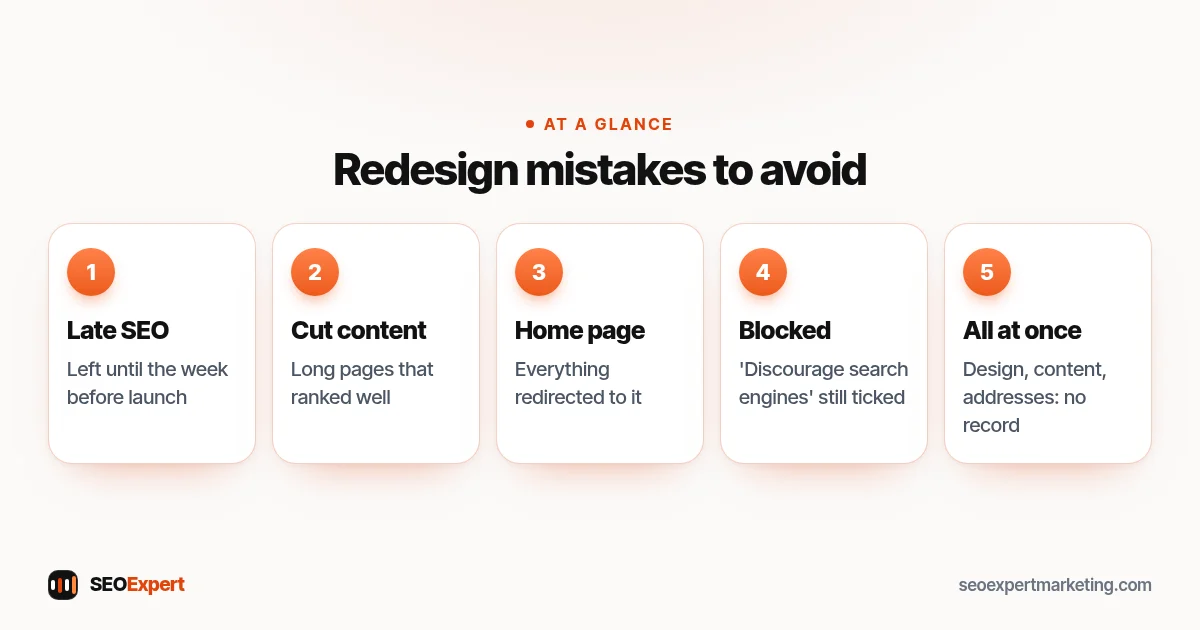
- Leaving SEO until the week before launch.
- Cutting long pages that ranked well.
- Redirecting everything to the home page.
- Launching with "discourage search engines" still ticked.
- Changing design, content and addresses all at once with no record of what changed.
Five common website redesign mistakes to avoid:
Need help with a redesign?
We help clients plan a website redesign from the SEO side: baseline, page decisions, redirect map and launch checks. It's part of our technical SEO services. Send us your current site and your plans on WhatsApp for a free review.
Website redesign SEO: quick answers
Will a website redesign hurt my SEO?
Not if it's planned. Losses usually come from missing redirects, removed content or a new site blocked from Google, all avoidable.
Should I keep the same URLs?
Wherever possible, yes. Unchanged addresses are the simplest way to protect rankings. Where they must change, use 301 redirects.
How long does it take Google to settle after a redesign?
Small sites often settle within a few weeks; larger moves can take longer. Monitor Search Console for at least three months.
When should SEO be involved in a redesign?
At the start, before designs are approved, so content and page addresses are planned rather than fixed afterwards.