Negative SEO means deliberate attempts by someone else to harm your website's rankings, usually by pointing large numbers of spammy links at it, copying its content or attacking the site itself. It sounds alarming, and some providers use the fear to sell protection packages. The reality is calmer. Google says it can usually tell which links to trust, and most ranking drops blamed on negative SEO have other causes. This guide explains what negative SEO looks like, what Google says, when you need to act and seven practical steps to protect your site.
Types of negative SEO
- Spammy links: thousands of low-quality or irrelevant links pointed at your site, often with odd anchor text.
- Scraped content: your pages copied onto other sites.
- Fake reviews: negative reviews posted on your Google Business Profile by people who aren't customers.
- Hacking: someone gains access to your site and adds spam pages, hidden links or redirects.
- Fake removal requests: attempts to get your genuine links removed by pretending to be you.
New to links? Our guide to what a backlink is explains the types and a simple monthly routine for checking them.
What Google says about spammy links
Google's help page on the disavow links tool says that in most cases Google can assess which links to trust without additional guidance, so most sites will not need to use the tool. It recommends disavowing only if you have a considerable number of spammy, artificial or low-quality links pointing to your site and they have caused, or are likely to cause, a manual action. It also warns that using the tool incorrectly can harm your site's performance.
In other words: a few hundred junk links from scraper sites, which almost every site collects, are normally ignored. Link attacks are a much smaller risk than many sales pitches suggest.
Since 2016 Google mostly ignores spammy links instead of punishing whole sites. Our guide to the Google Penguin update explains how that changed.
Is it really an attack?
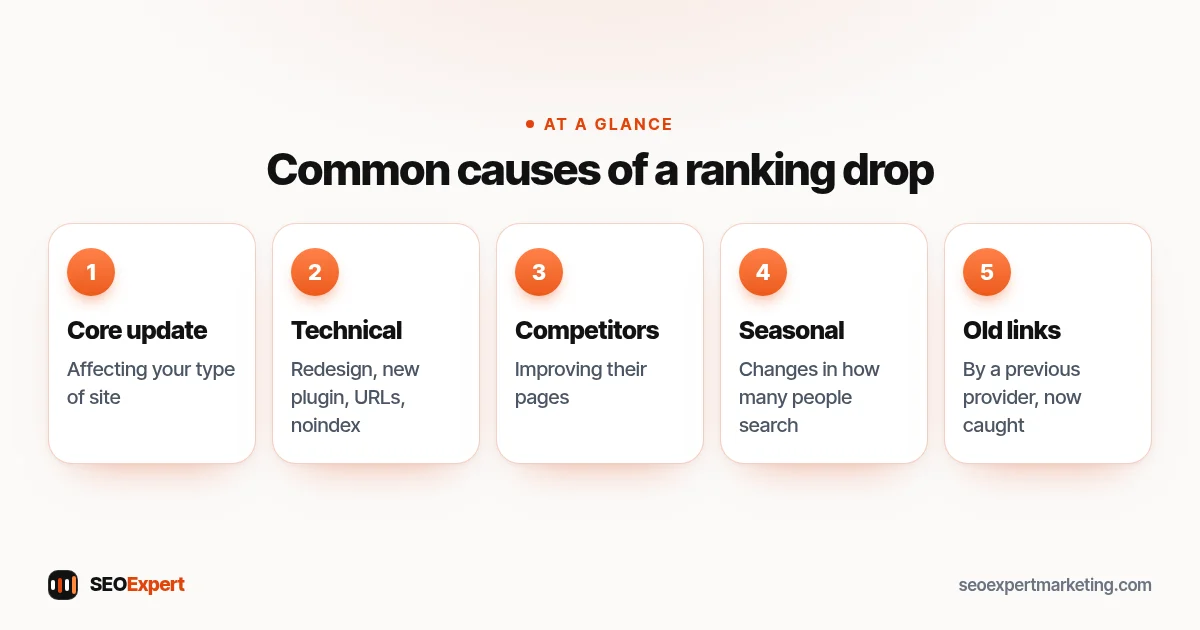
Before assuming an attack, check the common causes of a ranking drop:
- A Google core update affecting your type of site.
- Technical changes: a redesign, new plugin, changed URLs or an accidental noindex.
- Competitors improving their pages.
- Seasonal changes in how many people search.
- Old link building by a previous provider, now being caught by Google's systems.
In our experience these explain most drops. Genuine negative SEO attacks that cause lasting harm are uncommon.
Before assuming negative SEO, check these five common causes of a ranking drop:
7 steps to check and protect your site
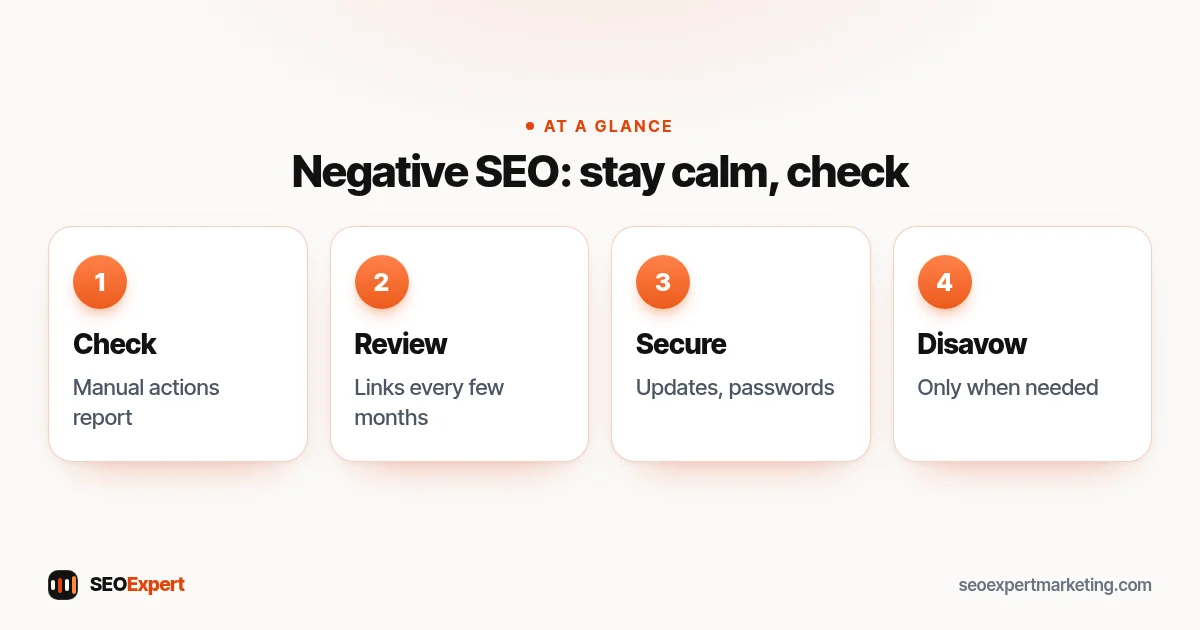
1. Check for manual actions
In Search Console, open the Manual actions report. If it says no issues detected, Google hasn't taken manual action against your site, and you almost certainly don't need to disavow anything.
2. Review your links occasionally
Search Console's Links report shows the sites linking to you. Look every few months for sudden spikes from unrelated or foreign-language sites. A spike alone isn't a problem; it's information.
3. Secure your website
Hacking is the most damaging kind of attack, and the easiest to prevent. Keep your CMS, theme and plugins updated, use strong unique passwords with two-factor authentication, limit admin accounts and take regular backups. Search Console's Security issues report will flag known problems.
4. Watch for copied content
If another site copies your content, Google usually identifies the original. For serious cases, such as a site copying your whole site, you can file a copyright removal request with Google.
5. Monitor your reviews
Reply calmly and professionally to every review. If a review breaks Google's policies, for example it's fake or off-topic, you can report it through your Business Profile for review.
6. Keep your own link building clean
The links you build yourself, or that a provider builds for you, are a far bigger risk than anything a competitor does. Never buy links or join link schemes; our guide to white hat SEO explains why.
7. Use disavow only when needed
If you have a manual action for unnatural links, or a large volume of artificial links you or a previous provider built, try to remove them first, then disavow what you can't remove. Don't disavow just because a tool labels links as "toxic"; those scores are estimates from tool companies, not Google measurements.
What to do if you think you've been attacked
- Note the date the problem started and what changed.
- Check the Manual actions and Security issues reports in Search Console.
- Check for hacked pages by searching site:yourdomain.com and looking for pages you didn't create.
- Rule out technical causes and Google updates.
- If there's a manual action for links, follow Google's process to remove or disavow, then request a review.
Example: a scare that wasn't negative SEO
Here's an illustrative example, not a client result. A garden center's owner notices hundreds of new links from strange foreign sites and a drop in visits in the same month. A provider offers a "negative SEO protection" package. Checking Search Console shows no manual action. The drop matches a sitewide redesign two weeks earlier, after which the plant care guides had moved to new URLs without redirects. Adding the redirects brings the guides back over the following weeks. The strange links are ignored, as Google says they usually are, and no disavow file is needed.
How to prepare a disavow file, if you really need one
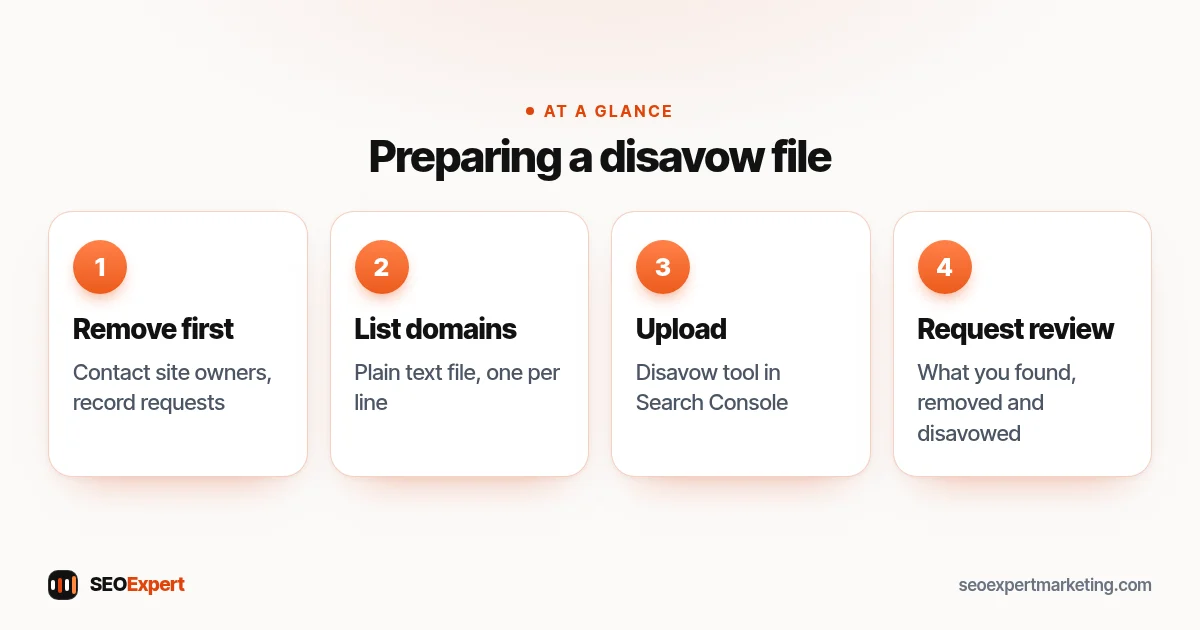
If you do have a manual action for unnatural links, start by trying to get the worst links removed: contact the site owners, or ask the provider who built them to take them down. Keep a record of each request. Then list the remaining domains in a plain text file, one per line, using the domain: prefix to cover a whole site, and upload it through the disavow tool in Search Console. Finally, submit a reconsideration request explaining what you found, what you removed and what you disavowed. Be thorough but careful; disavowing good links can hurt.
If you really need a disavow file after negative SEO, follow these four steps:
If genuine reviews disappear, it's usually not an attack. Our guide on how to see deleted Google reviews lists Google's own reasons.
Protecting your Google Business Profile
Local businesses face a different risk: unwanted edits to their profile, such as a changed phone number, website or category, suggested by other users. Check your profile regularly, keep owner access limited to people you trust and respond quickly to any edit notifications from Google. Make sure the details match your website, which helps Google decide what's correct.
Negative SEO services: a warning
Some providers sell monthly "negative SEO protection" or large disavow projects based on automated toxicity scores. For most small businesses, that's money better spent elsewhere. A quick quarterly check of Search Console, good security and clean link building are the protection you need.
Worried about your links? Our off-page SEO services include link reviews, and our link building services only use white hat outreach. If you've seen a sudden drop, our SEO audit services can find the real cause. Ask for a free review on WhatsApp.
Negative SEO: quick answers
Can a competitor hurt my rankings with bad links?
It's possible in theory but uncommon in practice. Google says it can usually assess which links to trust, so most sites never need to act on spammy links.
Should I disavow toxic backlinks?
Only if you have a manual action for unnatural links, or many artificial links you or a previous provider built. Google warns that misusing the tool can harm your site.
How do I know if I've been hit by negative SEO?
Check Search Console's Manual actions and Security issues reports first, then rule out technical changes, Google updates and competitors before assuming an attack.
What's the best protection against negative SEO?
Keep your site secure and updated, build links honestly, monitor Search Console every few months and reply to reviews calmly.
