This SEO checklist brings the essentials together in one place for small business websites. It's organized into six groups: setup, technical health, pages and content, local SEO, links and reporting. Work through it once to find the gaps, fix the biggest ones first, then return to it every few months. Each group links to a more detailed guide if you want to go deeper. It suits WordPress and Shopify sites alike.
How to use this SEO checklist
Mark each item as done, needs work or not relevant. Don't try to fix everything at once. Start with anything that stops Google finding or indexing your pages, then your most important service or product pages, then everything else. Google's SEO Starter Guide is a good companion if you want Google's own explanation of the basics.
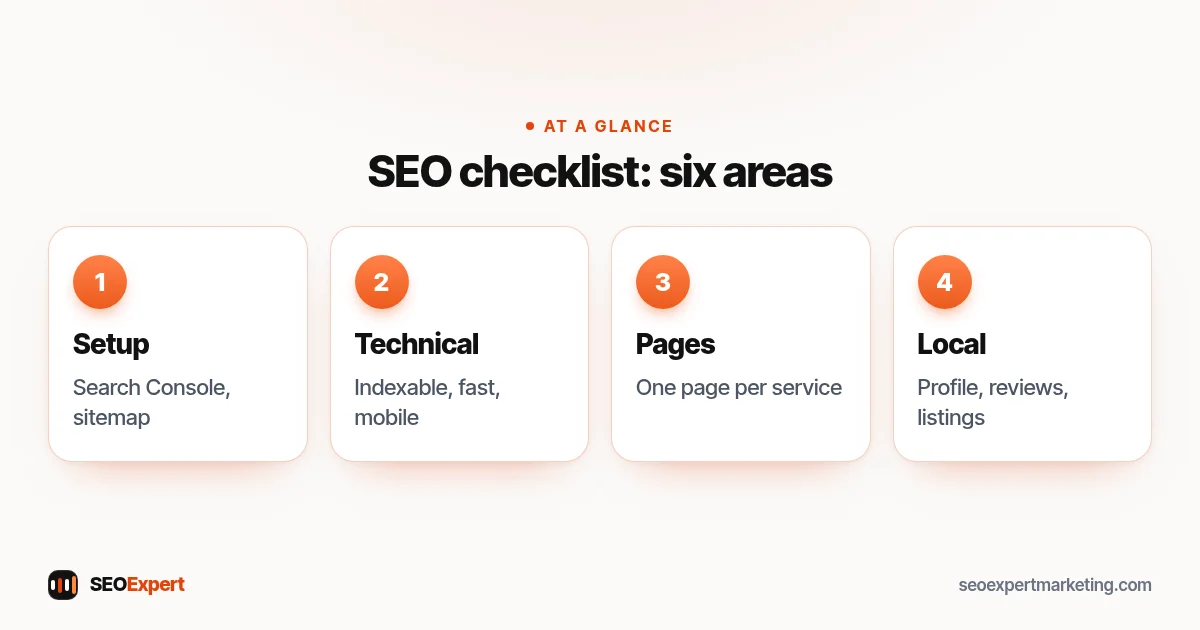
1. Setup (5 checks)
- Google Search Console is verified, ideally as a Domain property.
- Your XML sitemap is submitted in Search Console.
- An analytics tool records visits and enquiries.
- Your Google Business Profile is claimed and verified, if you serve customers locally.
- You've written down your main services, areas and target customers.
Our Google Search Console guide explains the setup.
2. Technical health (6 checks)
- The site loads over https, with one version (www or not) redirecting the others.
- No important pages are blocked by robots.txt or set to noindex by mistake.
- Pages work well on phones: readable text, tappable buttons, no sideways scrolling.
- Main pages load quickly; images are resized and compressed.
- No broken internal links or 404 errors on important pages.
- Search Console's Pages report shows your key pages as indexed.
Our technical SEO audit checklist goes deeper.
3. Pages and content (7 checks)
- One dedicated page for each main service or product.
- Each page has one main keyword that no other page targets.
- Unique, descriptive title and meta description on every important page.
- One clear main heading and descriptive subheadings.
- Pages answer real questions: what, how, how much, how long, where.
- Real photos with descriptive alt text.
- A clear call to action on every page.
See our guides to meta descriptions and SEO copywriting.
4. Local SEO (6 checks)
- Business Profile complete: categories, hours, services, description, photos.
- Name, address and phone number identical on your site, profile and directories.
- Pages show the areas you serve.
- A steady flow of genuine reviews, each with a reply.
- Listings on the main directories for your country and trade.
- LocalBusiness structured data on your home or contact page.
Our local SEO checklist covers each item in detail.
5. Links (3 checks)
- Important pages are linked from your menu, home page or related pages.
- You've asked suppliers, associations and partners for listings with links.
- No bought links or link schemes in your history.
Our guide on how to get backlinks lists honest sources.
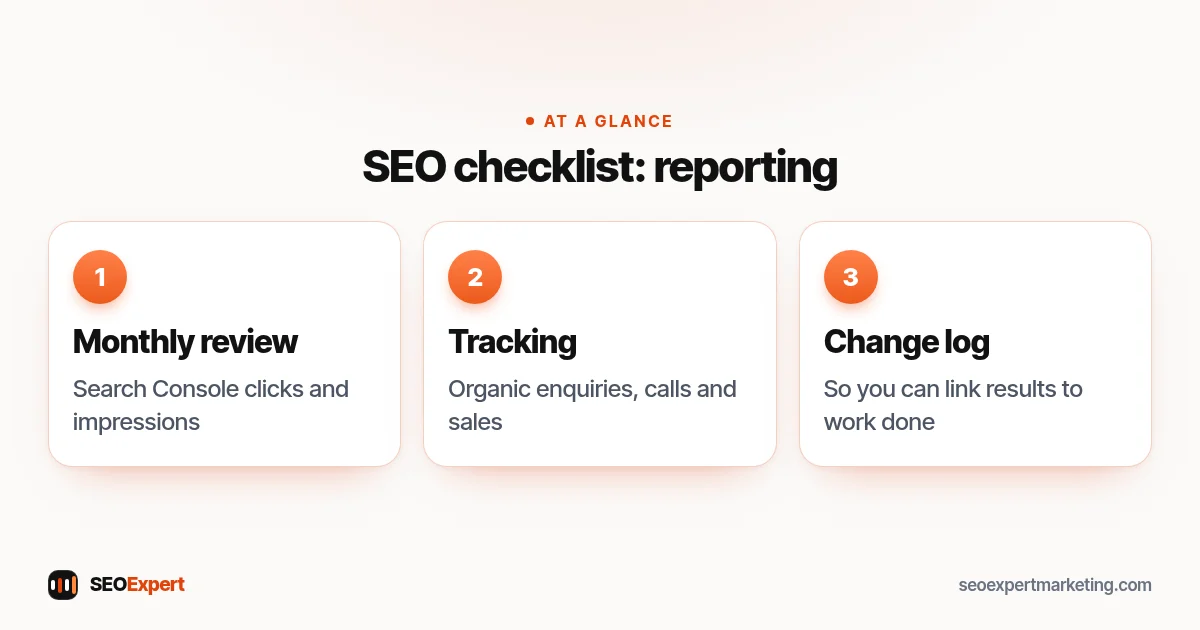
6. Reporting (3 checks)
- You review Search Console clicks and impressions monthly.
- You track enquiries, calls and sales from organic search.
- You keep a simple log of changes, so you can link results to work done.
The three reporting checks:
A worked example
A small landscaping firm works through this SEO checklist in an afternoon. Setup is fine: Search Console and the Business Profile exist. The technical section shows the site is slow because of huge photos, and the old "www" version doesn't redirect. In pages and content, it finds one page for all services and duplicate titles on every page.
The local section shows twelve reviews, the newest from last year, and an old phone number on two directories. The links section shows no listings from the suppliers it uses. That gives a clear plan: fix the redirect and compress photos this week, write separate pages for patios, fencing and garden design over the next month, update the directories, start asking every customer for a review and contact two suppliers about their installer lists.
Tools you'll need
Almost everything on this list can be checked with free tools: Google Search Console, your Business Profile dashboard, PageSpeed Insights for speed, your browser for checking pages on a phone, and your CMS or SEO plugin settings. A free crawler can list titles, headings and broken links on small sites. Paid SEO tools are useful for larger sites and competitive markets, but they aren't required to make real progress.
Turning the results into a plan
When you've finished, copy every "needs work" item into a simple list and sort it into three groups: urgent problems that stop pages being found or indexed, high-value improvements to your main service pages and profile, and nice-to-have tidying. Put dates against the first two groups. A short list you actually work through beats a long report nobody reads. Tick items off as you go and note the date, so the next review starts from a clear record. Our guide to an SEO plan shows how to turn the list into a month-by-month schedule.
Common questions about this SEO checklist
Do I need to tick every box? No. Some items won't apply, such as local SEO for an online-only store. Is a perfect score the goal? Also no: the goal is a site that Google can read easily and customers find useful. If you're short of time, focus on the items that affect your most important pages and your Business Profile. And if a check confuses you, skip it for now and come back once the basics are done; progress on the clear items is worth more than being stuck on an obscure one.
What to fix first
If you only have a few hours, focus on three things: make sure Google can index your key pages, make your main service pages clearly better than the competition, and complete your Google Business Profile. These usually make the biggest difference for small businesses, long before advanced tactics.
How often to run this SEO checklist
Run the full list once now, then every three to six months. Re-run the technical section after any redesign, theme change, platform move or major plugin update, because that's when problems most often appear.
Specialized checklists
Some businesses need extra checks. Online stores should also work through our ecommerce SEO checklist; WordPress site owners can add our WordPress SEO checklist. New websites should start with our guide to SEO for a new website.
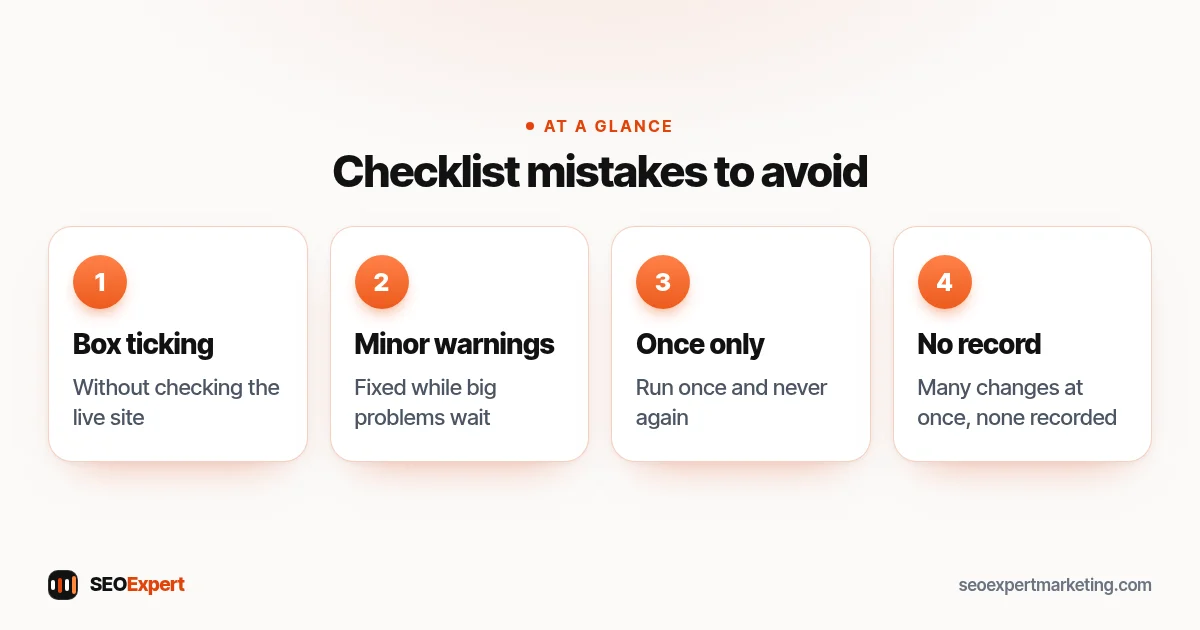
Common checklist mistakes
- Ticking boxes without checking the live site.
- Fixing minor warnings while big problems wait.
- Running the checklist once and never again.
- Changing many things at once without recording what changed.
Four common mistakes to avoid:
Want us to run it for you?
Our one-time SEO audit costs $59 and covers your home page and up to 10 key pages, delivered as a PDF within 2 days. It's also part of our SEO audit services. Or send your website on WhatsApp for a free review.
SEO checklist: quick answers
What should be on an SEO checklist?
Setup (Search Console, sitemap, Business Profile), technical health, page content, local SEO, links and regular reporting.
How often should I review my SEO checklist?
Every three to six months, and after any redesign, platform move or major update.
What's the most important item?
Making sure Google can find and index your key pages. Nothing else works if pages aren't indexed.
Can I do this SEO checklist myself?
Yes. Most items need no special tools. Help is most useful for technical fixes and deciding priorities.
