
A target keyword is the main search phrase you want a specific page to rank for. A plumber's emergency page might have the target keyword "emergency plumber Leeds"; a guide might target "how to bleed a radiator". Choosing the right target keyword for each page is one of the simplest ways to make SEO work: it tells you what to write, what to call the page and how to measure whether it's working. This guide explains what a target keyword is, how to choose one in five steps and where to use it on the page.
What is a target keyword?
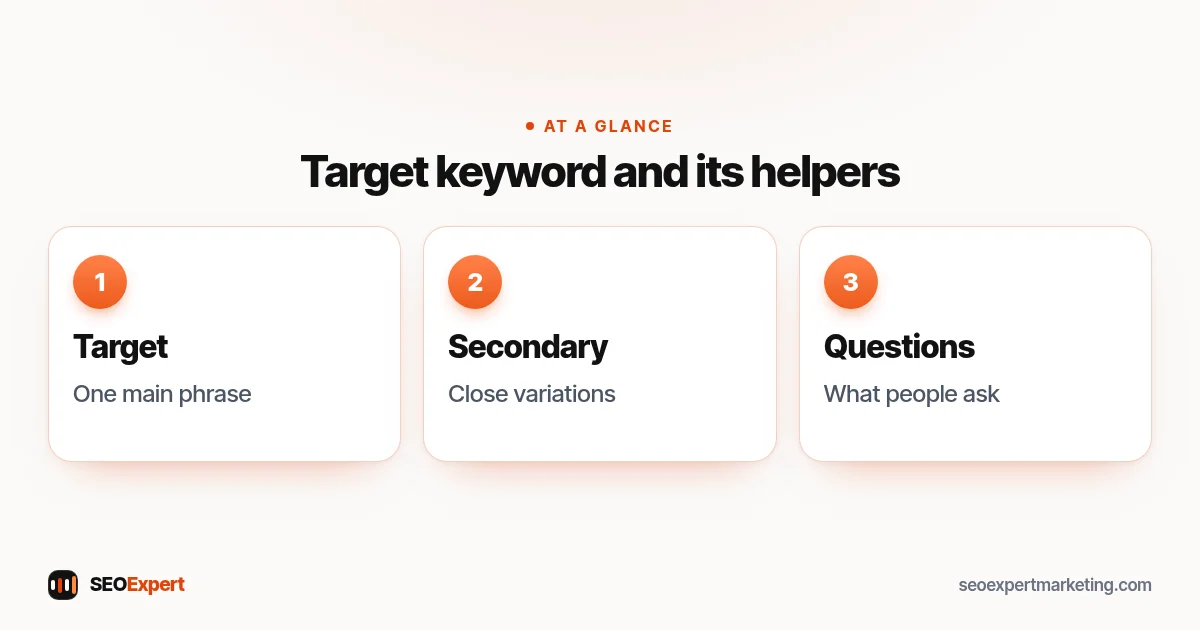
A target keyword (also called a focus keyword or primary keyword) is the one search phrase a page is built around. It sums up the page's topic in the words customers actually use. Every important page on your site should have its own main phrase, and no two pages should share the same one.
A page also ranks for many other searches: close variations, longer phrases and related questions. Those are secondary keywords. The main phrase is the anchor; the secondary ones come naturally when you cover the topic well.
| Type | What it is | Example for a dentist |
|---|---|---|
| Target keyword | The one main phrase for the page | teeth whitening Bristol |
| Secondary keywords | Close variations with the same intent | professional teeth whitening, whitening dentist Bristol |
| Related questions | Things people ask about the topic | how long does teeth whitening last |
You may also hear about "LSI keywords" as supporting terms. Our guide to LSI keywords explains what the label means and why complete content matters more.
Why every page needs a target keyword
- Focus. A page about one clear topic is easier for people and search engines to understand than a page about everything.
- No competing pages. If two pages chase the same phrase, Google has to pick one, and often neither ranks well. Our guide to how many keywords to use explains this.
- Better writing. Knowing the main phrase tells you what the reader wants and what to answer first.
- Clear tracking. You can check one phrase per page in Search Console and see whether it is moving.
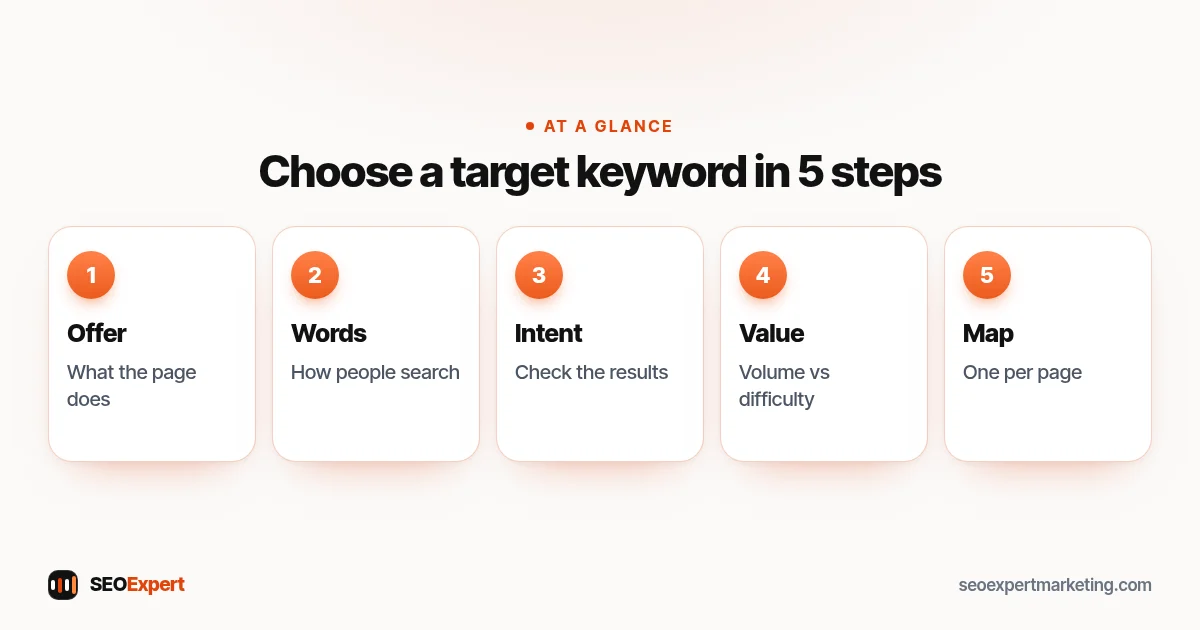
How to choose a target keyword in 5 steps
Step 1: Start with what the page offers
Write down, in plain words, what the page is for: "we repair boilers in Leeds" or "a guide to bleeding radiators". The phrase must describe what the page really delivers. A great phrase that doesn't match the page will bring the wrong visitors.
Step 2: List the words customers use
Think about how customers describe the problem on the phone. Then check Google's autocomplete, the "People also ask" box, related searches and your own Search Console queries. Our guide to what a search query is shows how to read those.
Step 3: Check the intent
Search each candidate and look at the first page. If it's full of guides, the phrase suits a guide. If it shows a map and business websites, it suits a service page. Choose phrases whose results look like the page you're building. For service pages, buyer phrases matter most; see our guide to high intent keywords.
Step 4: Weigh volume, difficulty and value
Keyword tools estimate monthly searches (volume) and how hard a phrase is to rank for (difficulty). For a small business, a phrase with fewer searches but clear buying intent and realistic competition is often a better choice than a big, vague one. Ask: would someone searching this become a customer?
Step 5: Pick one and map it
Choose one target keyword per page and write it in a simple keyword map: a spreadsheet with each page, its main keyword and its secondary keywords. Before you create a new page, check the map so you don't target the same phrase twice. Our step-by-step guide to keyword research covers the full process.
Free tools for finding keyword ideas
- Google autocomplete: start typing your service and note the suggestions. They reflect what people commonly search.
- "People also ask" and related searches: the questions and phrases at the bottom of the results page are ready-made ideas for sections and FAQs.
- Google Search Console: the Queries tab shows the phrases your site already appears for. These are often the easiest wins.
- Google Keyword Planner: free inside a Google Ads account. It gives rough search ranges and more ideas.
- Bing Webmaster Tools: includes a keyword research tool with data from Bing searches.
Paid tools such as Semrush and Ahrefs add difficulty scores and competitor data. Their numbers are estimates, so use them to compare phrases, not as exact counts.
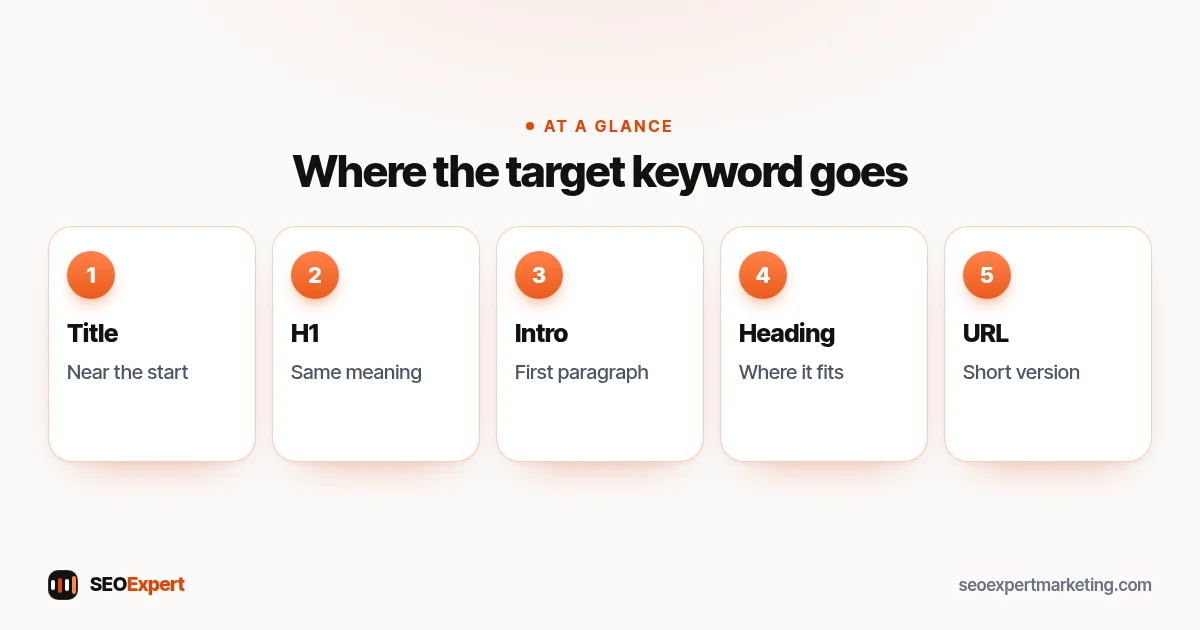
Where to use your target keyword on the page
| Place | How to use it |
|---|---|
| Title tag | Near the start, written naturally |
| H1 heading | Same meaning as the title |
| First paragraph | Answer the search straight away |
| One or two subheadings | Where it fits the section |
| URL | Short version, such as /teeth-whitening-bristol/ |
| Meta description | Once, in a clear summary |
| Image alt text | Only if it really describes the image |
After that, write naturally. Google's SEO Starter Guide warns that excessively repeating the same words, even in variations, is tiring for users, and that keyword stuffing is against Google's spam policies. It also says keywords in a domain name or URL path alone have hardly any effect on ranking. So there's no need for an exact count: use the target keyword where it helps the reader and use natural variations everywhere else.
What not to do with target keywords
- Don't stuff. Google's spam policies list keyword stuffing, such as blocks of city names or repeated phrases, as spam.
- Don't rely on the meta keywords tag. Google's list of meta tags it supports says the keywords meta tag is not used by Google Search and has no effect on indexing or ranking.
- Don't give two pages the same main phrase. Merge them or give each a distinct angle.
- Don't build a page per tiny variation. "Plumber Leeds" and "Leeds plumber" belong on the same page.
- Don't pick a phrase only for its volume. Relevance and intent come first.
Target keywords for different types of page
- Home page: usually your main service plus your area, or your business type, such as "electrician in Norwich". It also ranks for your brand name.
- Service pages: one service each, with the area if you work locally. These are your most valuable pages.
- Area pages: only for places you really serve, each with genuinely local details, not the same text with a new town name.
- Blog posts and guides: questions and problems, such as "why is my boiler losing pressure". They bring people earlier in their search and link on to your service pages.
- Product pages: the product name as people search it, with model, size or type where that matters.
A small business site with ten to twenty pages often needs only ten to twenty main phrases. The work is in choosing them well and keeping the map up to date as you add services.
When to change a page's main keyword
Choices aren't permanent. Review them every few months. Signs that a page needs a different main phrase: it gets impressions for a related search much more than the one you chose; the search results for your phrase have changed type, for example from guides to product pages; or you've added a new page that overlaps. Change the title, H1 and first paragraph carefully, keep the URL the same where possible and, if you must change the URL, add a 301 redirect.
Target keyword examples for small businesses
| Page | Target keyword | Why it works |
|---|---|---|
| Roofer's repair page | roof repair Sheffield | Service plus town: clear buying intent |
| Accountant's guide | self assessment deadline | A common question that brings the right audience |
| Bakery product page | custom birthday cakes Croydon | Specific product, local area |
| Physio's condition page | physio for sciatica | Problem-based search with treatment intent |
| Web designer's service page | small business website design | Matches what buyers type |
These are examples of how to think, not data. Always check real search volumes and results for your own area before you commit.
Keywords for marketing beyond SEO
People who search "keywords for marketing" often mean more than SEO. The same research helps everywhere: the words customers use are the words to use in ads, social posts, emails and leaflets. If "emergency boiler repair" is what people search, that is also the phrase to put on your van and in your Google Ads. One shared list of target keywords keeps your marketing consistent and makes it easier to see which messages bring enquiries. Our comparison of SEO vs PPC explains how search ads and SEO can share the same keyword list.
How to check if your target keyword is working
- Open Search Console and go to Performance.
- Filter by the page, then look at the Queries tab.
- Find your target keyword and note its impressions, clicks and average position.
- Check again each month. If the page ranks better for a different phrase, consider whether that phrase is a better target keyword.
- If impressions grow but clicks don't, improve the title and meta description.
Our Google Search Console guide walks through each report.
Worked example: choosing a target keyword for a new page
A garden landscaper wants a page about artificial grass. The first idea is "artificial grass", but searching it shows big national shops and product pages: wrong intent and very hard competition. Search Console shows the site already appears for "artificial grass installation" plus the town name, and Google's suggestions include "artificial grass installation cost". The landscaper picks "artificial grass installation" plus the town as the main keyword, uses "cost" and "how long it lasts" as secondary topics and adds a price range section. One clear page with one clear focus, matching what local buyers actually search.
Target keyword vs focus keyword in SEO plugins
SEO plugins such as Rank Math and Yoast ask for a "focus keyword". That is the same idea: the plugin then checks whether the phrase appears in the title, URL, first paragraph and headings. Treat the plugin's score as a reminder, not a goal. A page written for people that uses its main phrase in the right places will usually score well anyway, and a high score on a page that doesn't help readers won't rank on its own.
Want help choosing your target keywords?
Our keyword research services pick the right main phrase for each of your important pages, based on real search data and your services. To start, ask for a free website analysis and we'll show you which phrases your site already appears for.
Target keywords: quick answers
What is a target keyword?
A target keyword is the main search phrase a page is built and optimized around, such as "emergency plumber Leeds". Each important page should have its own.
Is a target keyword the same as a focus keyword?
Yes. Target keyword, focus keyword and primary keyword all mean the one main phrase a page is meant to rank for.
How many target keywords should a page have?
One main phrase, plus a few close variations and related questions that share the same intent.
How do I choose a target keyword?
Start with what the page offers, list the words customers use, check the search intent, weigh volume, difficulty and value, then pick one and add it to a keyword map.
How often should the main keyword appear?
There's no magic number. Use it in the title, H1, first paragraph and where it fits naturally; Google says excessive repetition is keyword stuffing.
Does Google use the meta keywords tag?
No. Google says the keywords meta tag isn't used by Google Search and has no effect on indexing or ranking.
